- Name Top Speed: Drag & Fast Racing
- Category Racing & flying
- Developer T-Bull
- Available on PC
- OS Windows 8.1 or higher
- languages Arabic, Chinese (Simplified), Chinese (Traditional), Chinese (Traditional, Hong Kong SAR), Danish, Dutch, English, French, German, Indonesian, Italian, Japanese, Korean, Korean , Polish, Portuguese, Russian, Spanish, Spanish (Spain), Thai, Turkish
Introduction: Fast-Paced Drag Racing on Your Windows Device
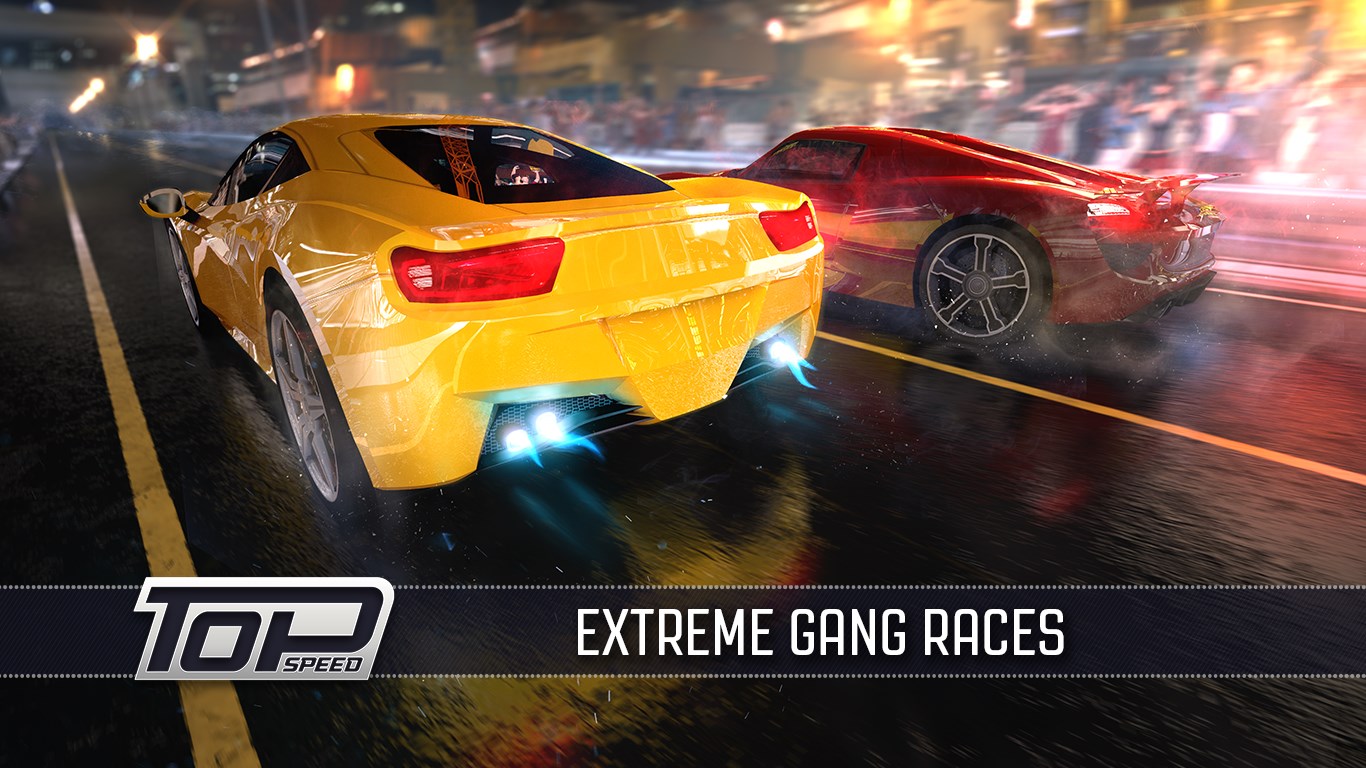
Top Speed: Drag & Fast Racing for Windows delivers an exhilarating drag racing experience that captures the thrill of high-stakes street competitions. With its crisp graphics, intuitive controls, and diverse vehicle options, it aims to bring the adrenaline rush of racing directly to your desktop or laptop. Designed by T-Bull, a developer known for mobile racing titles, this game seeks to carve out its niche among the crowded racing genre by emphasizing speed, customization, and competitive gameplay.
Core Features That Accelerate Your Racing Experience
1. Intuitive Drag Racing Mechanics
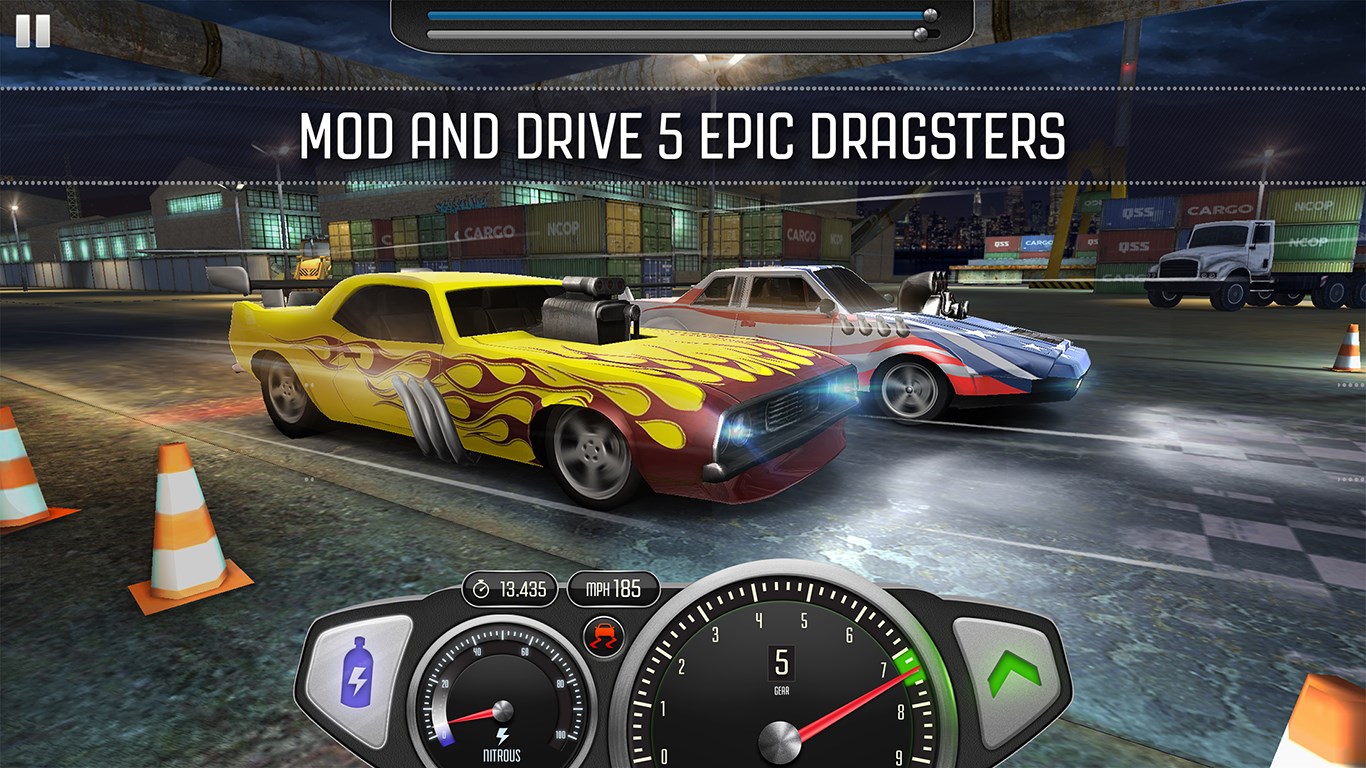
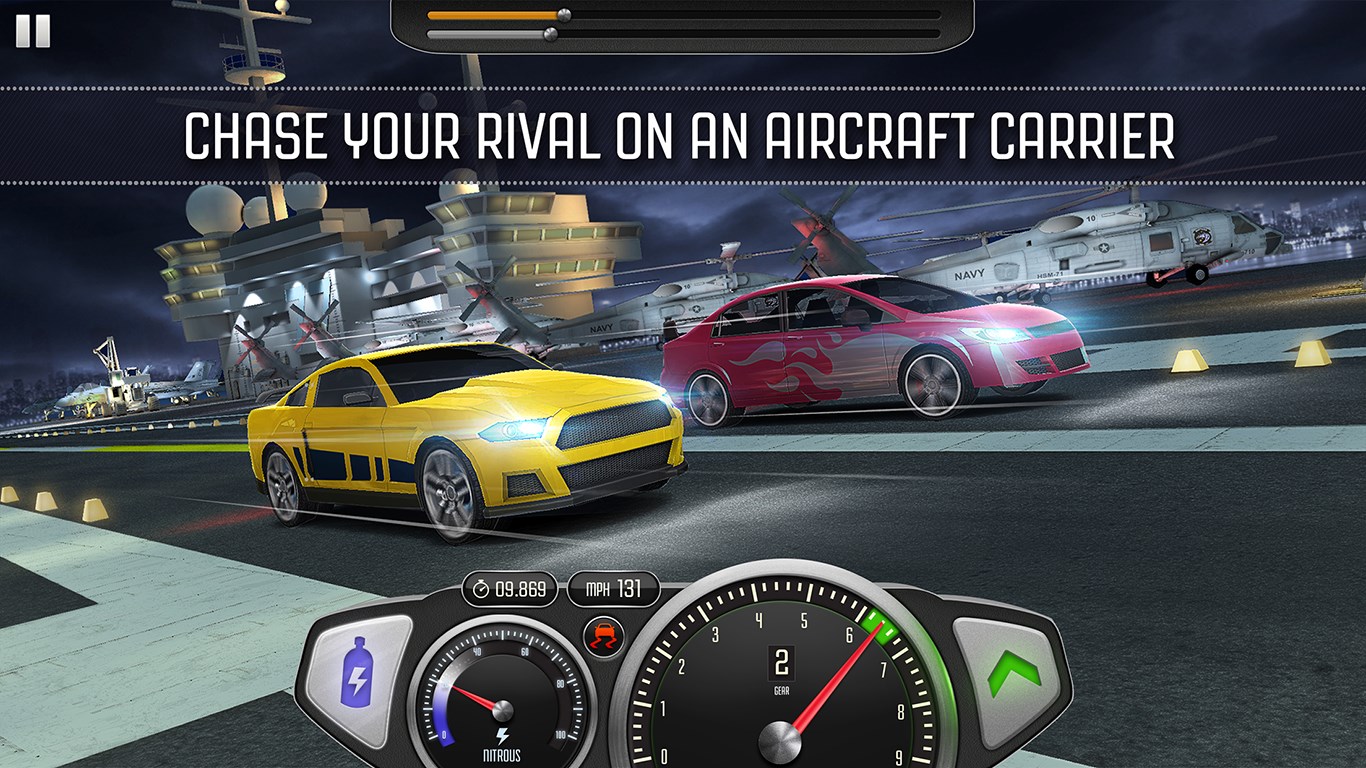
The game simplifies the traditional racing controls into a straightforward tap-based system, making it accessible for newcomers while still offering depth for seasoned players. The core mechanic revolves around precise timing during gear shifts and acceleration, mimicking the real-world skill required in drag racing. This system ensures a smooth learning curve—you're quickly immersed into the thrill of rapid acceleration without complex button mashing.
2. Extensive Car Customization and Tuning
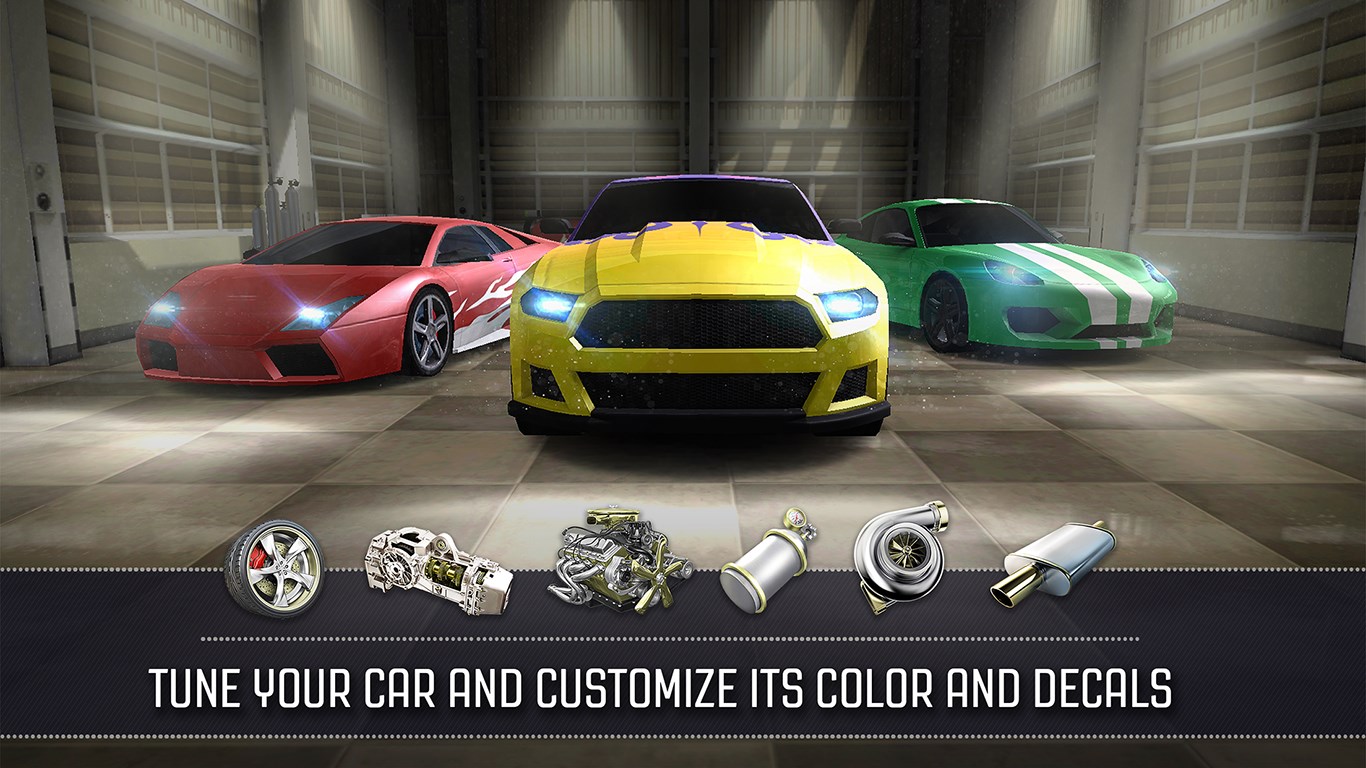
One of the standout features is the ability to customize and upgrade vehicles. From modifying engine parts to adjusting aerodynamics and applying aesthetic skins, players can personalize their ride to match their racing style. This layer of tuning adds depth beyond simple racing, inviting players to experiment and optimize their cars for top speed and acceleration.
3. Diverse Tracks and Competitive Modes
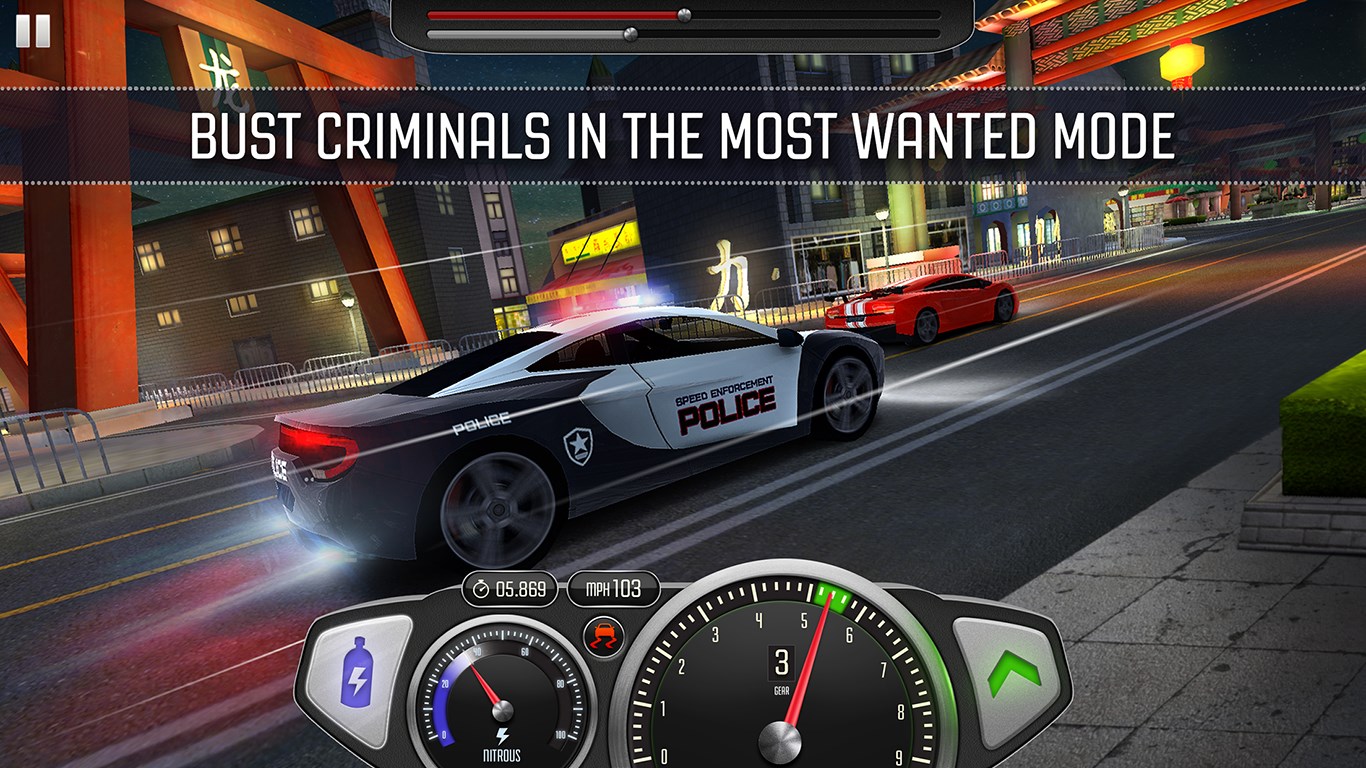
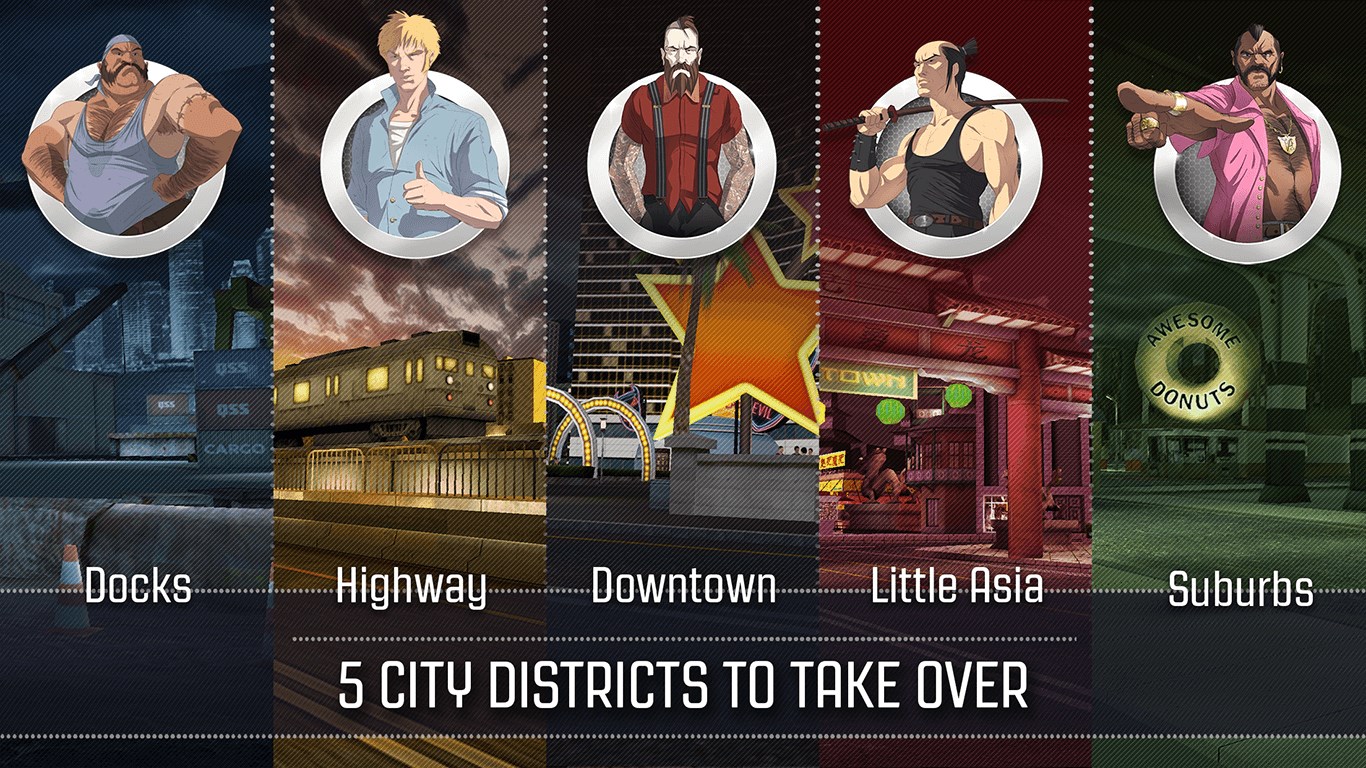
The app offers a variety of tracks set in different environments, from bustling city streets to deserted highways. These settings not only provide visual diversity but also introduce unique challenges like curves, obstacles, and lane variations. The game supports multiple modes, including single-player championships and online head-to-head races, fostering a competitive atmosphere that keeps players engaged and striving for faster times.
User Interface and Overall User Experience
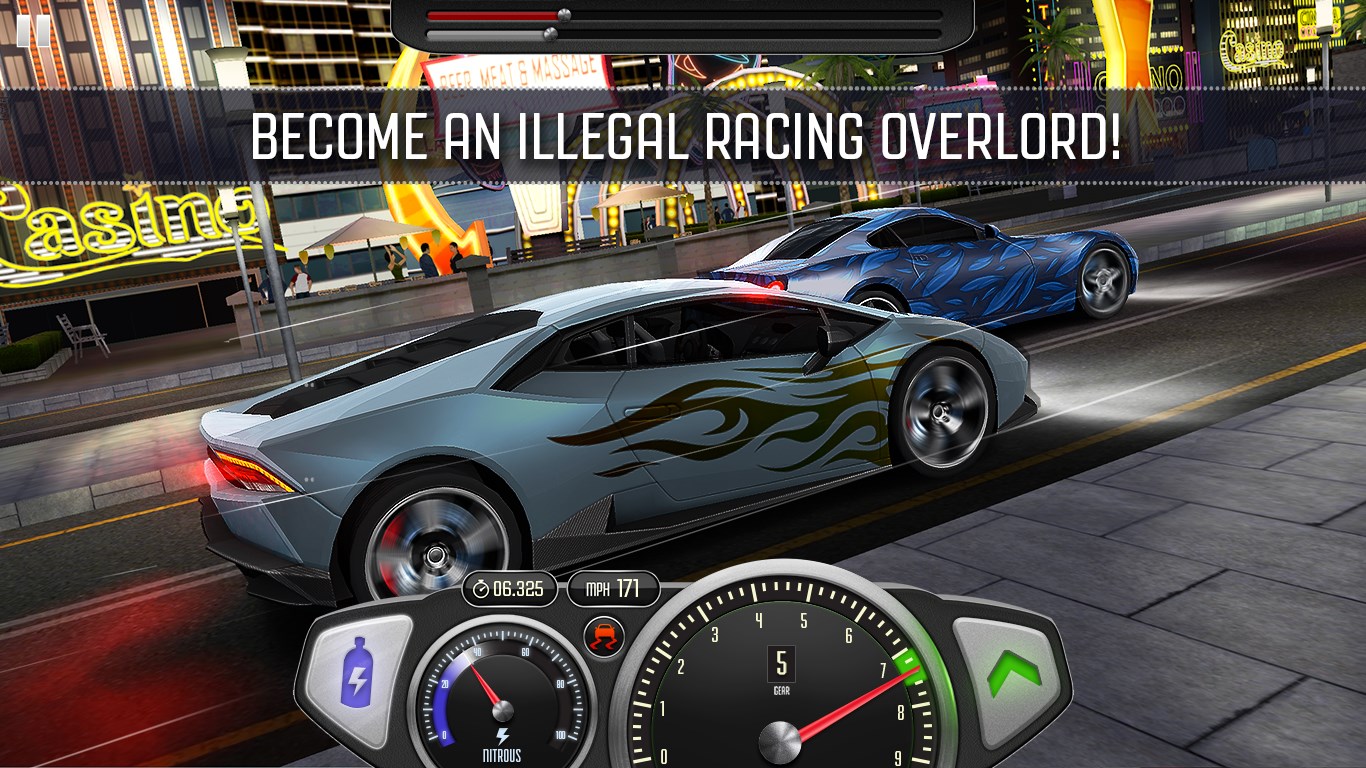
The interface design of Top Speed is clean and organized, with clear menus and accessible controls. The visual aesthetic balances vibrant neon accents with realistic vehicle models, creating an immersive racing environment. The gameplay runs smoothly on most Windows devices, thanks to optimized performance that minimizes lag and loading times. The learning curve is gentle, enabling new players to pick it up quickly while providing enough depth for enthusiasts to master the mechanics.
Unique Selling Points and Differentiators
Compared to other racing and flying applications, Top Speed emphasizes the authenticity of drag racing by focusing on a single-lane, power-oriented experience. Its core mechanic—timing gear shifts and managing acceleration—is akin to practicing a precision sport, setting it apart from more arcade-style or flying simulators. The extensive customization options and track variety also add layers of personalization, giving players a sense of ownership over their racing journey. Additionally, its streamlined control system makes it easy to pick up yet challenging to master, appealing to both casual and hardcore racers alike.
Final Verdict: A Solid Pick for Speed Enthusiasts
All in all, Top Speed: Drag & Fast Racing offers a compelling drag racing experience that balances realism with accessible gameplay. If you enjoy core mechanics centered around precision timing, vehicle customization, and competitive online modes, this game is certainly worth a try. Its smooth performance, engaging visuals, and focus on the authentic drag racing experience make it a noteworthy addition to the Windows racing scene. I recommend it for players looking for a racing game that emphasizes skill and personalization without overly complicated controls or cluttered interfaces. Give it a shot, and feel the rush of every perfect gear shift!
Pros
- Smooth Graphics and Fast-paced Gameplay
- Wide Range of Customizable Vehicles
- Multiple Race Modes
- Intuitive User Interface
- Engaging Sound Effects and Background Music
Cons
- Occasional App Crashes
- Limited in-App Rewards
- In-App Purchases Can Be Expensive
- Battery Consumption is High
- Limited Offline Functionality