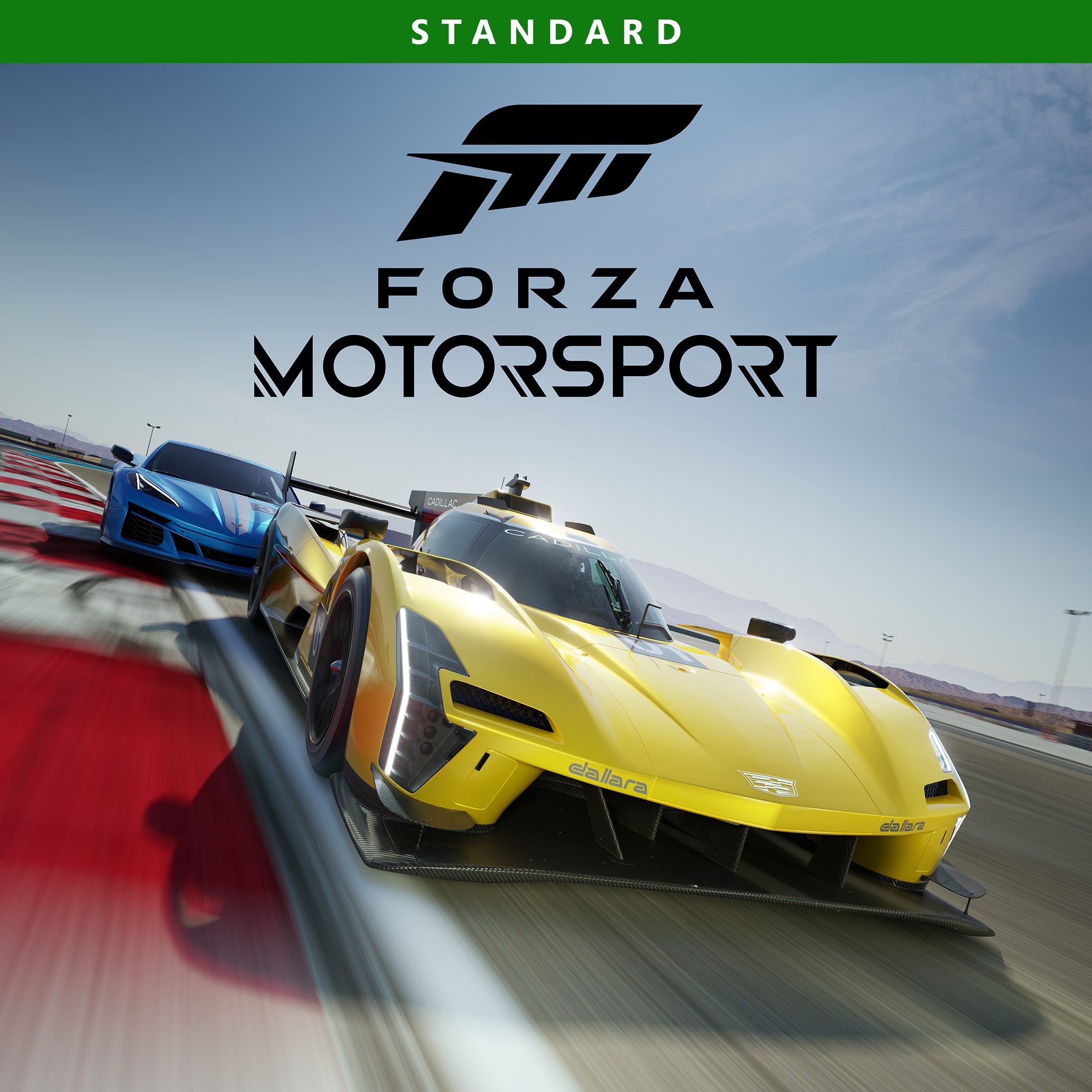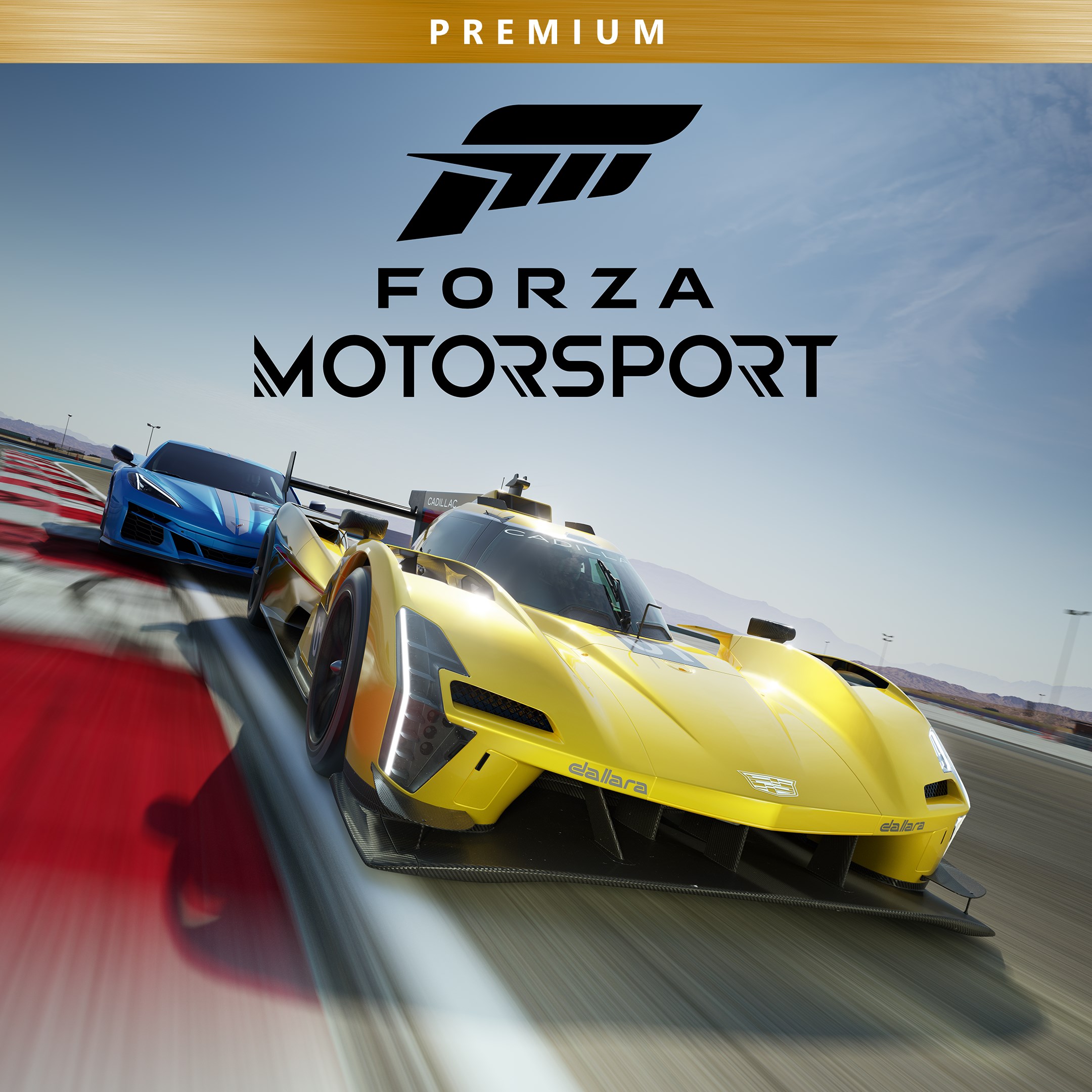
- Name Forza Motorsport Premium Edition
- Category Racing & flying
Introducing Forza Motorsport Premium Edition: A Real Racing Enthusiast's Dream
Forza Motorsport Premium Edition for Windows, developed by Xbox Game Studios, stands out as a sophisticated and immersive racing simulation that aims to deliver a true-to-life racing experience. Whether you're a seasoned driver or a newcomer eager to burn some virtual rubber, this game promises to satisfy with its detailed mechanics and cutting-edge visuals.
Core Features That Race Ahead
Unmatched Realism and Stunning Graphics
The game boasts an impressive lineup of meticulously detailed cars and tracks, combined with photorealistic graphics that bring racing environments alive. From sun-drenched circuits in Europe to misty mountain roads, every scene feels authentic. Dynamic weather effects and day-night cycles further elevate the racing authenticity, making each race a unique visual spectacle.
Advanced Driving Physics and Handling
At the heart of Forza Motorsport is its sophisticated physics engine, which accurately simulates vehicle dynamics. Tires grip the asphalt like glue, and cars respond naturally to steering inputs, acceleration, and braking—whether you're drifting through a curve or pushing for that perfect lap time. This depth ensures that both casual players and dedicated racers find satisfying handling mechanics.
Built-in Content and Customization
The Premium Edition offers a generous selection of cars and tracks right out of the box, with ongoing updates and expansions to keep the experience fresh. Players can fine-tune vehicle settings, customize liveries, and set up their rides to match their driving style, making each race personal and rewarding.
Seamless User Experience & Unique Selling Points
Intuitive Interface and Smooth Gameplay
The interface is clean and logically organized, enabling quick navigation through menus and race options. With optimized performance, the game runs smoothly on a broad range of Windows PCs, minimizing hitches and lag. Even beginners can quickly learn the controls thanks to well-designed tutorials and an accessible learning curve, while veterans can dive into complex setup options and racing tactics.
What Sets It Apart
While many racing games focus solely on fast-paced action, Forza Motorsport excels in delivering a balanced experience—it combines realistic physics with approachable gameplay. Its standout feature is the detailed car tuning and customization system, allowing players to create precisely calibrated vehicles tailored for specific circuits. Additionally, the game's dynamic weather system and variable lighting conditions make every race feel unpredictable and engaging, setting it apart from more static racing titles.
Final Thoughts: Is It Worth Your Garage?
If you're searching for a racing simulation that combines realism, stunning visuals, and depth of customization, Forza Motorsport Premium Edition is a compelling choice. Its easy-to-navigate interface and refined physics make it accessible to newcomers, yet its depth ensures veteran racers will find plenty to master. I'd recommend it to both casual players wanting to enjoy high-fidelity racing and serious enthusiasts eager to push their limits. Whether you're chasing records or just enjoying the thrill of the ride, this game is well-equipped to take your Windows racing experience to the next level.
Pros
- Realistic Graphics and Vehicle Detail
- Extensive Car Collection
- Accurate Physics and Handling
- Multiple Game Modes
- Regular Updates and Improvements
Cons
- Large Download Size
- High System Requirements
- Occasional Server Connectivity Issues
- In-Game Purchases and DLCs
- Steep Learning Curve for Beginners