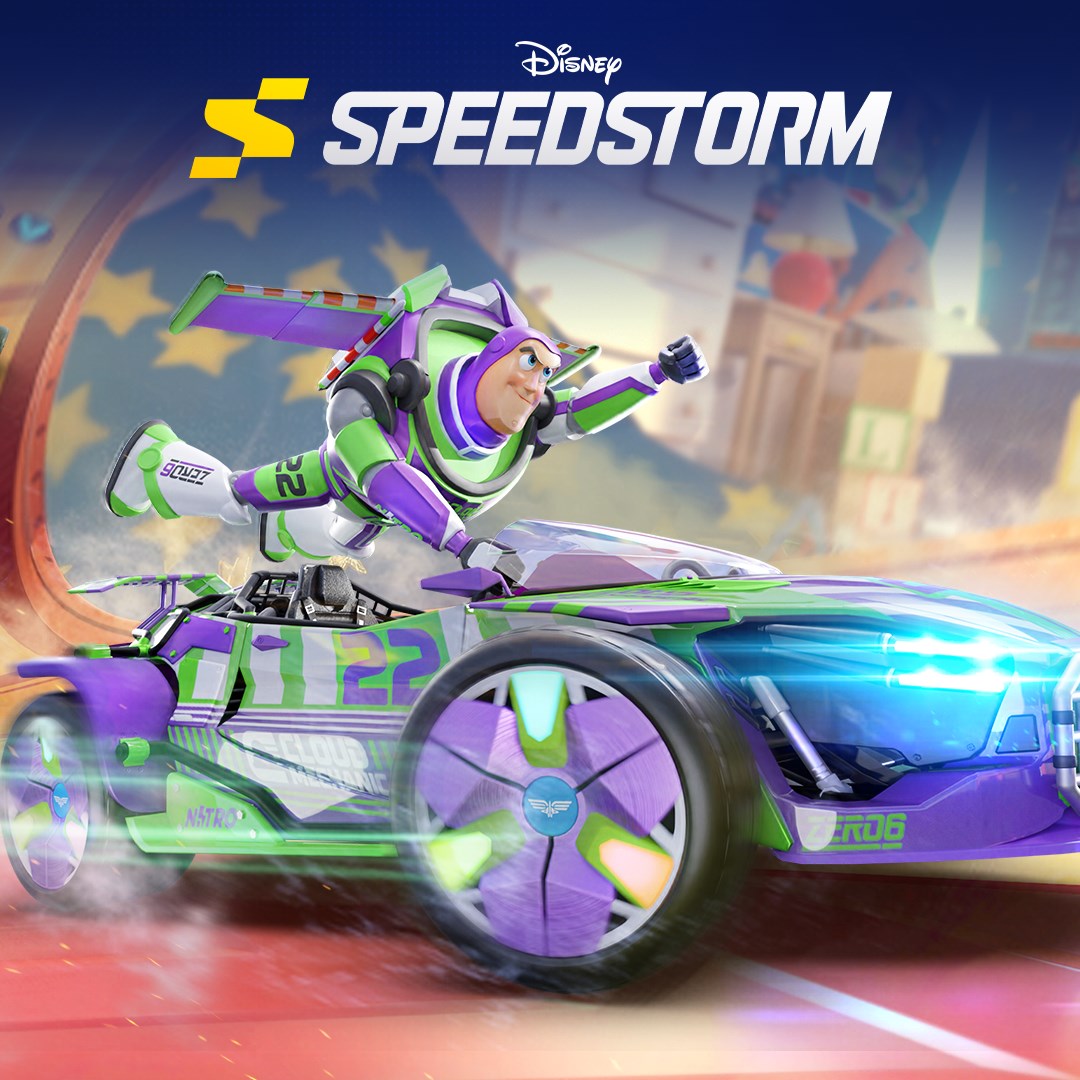
- Name Disney Speedstorm
- Category Racing & flying
Overview of Disney Speedstorm for Windows
Disney Speedstorm is an engaging free-to-play racing game that brings beloved Disney and Pixar characters into fast-paced, competitive action. Developed by Gameloft SE, this title aims to combine charming visuals with exciting gameplay mechanics, creating a fresh take on the racing genre tailored for fans of all ages.
Core Features and Highlights
The game features a variety of standout elements, including a roster of iconic characters with unique abilities, dynamic race tracks inspired by popular Disney franchises, and a strategic upgrade system that allows players to customize their vehicles and racers. Additionally, Disney Speedstorm emphasizes multiplayer modes, offering both competitive races and team-based events to heighten the excitement and replay value.
Design, User Experience, and Gameplay Flow
Vivid Visuals and Intuitive Interface
From the moment you launch Disney Speedstorm, you're greeted with a vibrant, cartoon-inspired aesthetic that feels like stepping into a living Disney animated movie. The interface design is clean, with logically organized menus and easy access to characters, upgrades, and race options. The graphical fidelity strikes a good balance between eye-catching visuals and smooth performance, even on lower-end systems.
Responsive Control and Seamless Gameplay
The game offers touch and keyboard controls that are surprisingly responsive, allowing for precise steering and quick reactions. The racing experience flows smoothly, with minimal lag, making it accessible to both casual players and competitive gamers. The gameplay's learning curve is gentle, with tutorials that progressively introduce complex mechanics, ensuring players can jump right in without feeling overwhelmed.
What Makes Disney Speedstorm Unique in the Racing Genre
One of its most compelling differentiators is the integration of beloved Disney characters with a strategic edge—each racer possesses unique special abilities that can turn the tide of a race, adding a layer of tactical choice absent in many traditional racing games. For example, Mickey Mouse might deploy a speed boost, while Buzz Lightyear uses a shield to deflect obstacles, making races feel truly dynamic and character-driven. The game's tracks, themed around Disney worlds, offer immersive environments that evoke nostalgia and adventure simultaneously.
Recommended Use and Final Thoughts
Disney Speedstorm is strongly recommended for fans of Disney, casual gamers seeking a fun and approachable racing game, and those who enjoy strategic gameplay elements. Its combination of charming visuals, smooth mechanics, and character-specific abilities makes it stand out from typical racing titles. Whether you're playing alone to unlock new characters and upgrade vehicles or competing online in head-to-head races, this game provides an engaging experience that can appeal across age groups.
In conclusion, Disney Speedstorm for Windows offers a polished, fun-filled racing experience with enough unique features to justify giving it a try. Its most compelling aspect—character abilities integrated within a beautifully crafted environment—set it apart from more conventional racers. For fans of Disney or racing games alike, this title is worth exploring, especially if you're after a lively, storybook-inspired racing adventure that combines visual appeal with strategic depth.
Pros
- Vivid graphics and detailed character designs
- Diverse roster of Disney and Pixar characters
- Smooth multiplayer racing modes
- Customizable vehicles and tracks
- User-friendly interface and tutorial system
Cons
- High in-app purchase requirements
- Occasional server connectivity issues
- Limited offline gameplay options
- Resource-intensive on some devices
- Occasional minor bugs and UI glitches