

- Name Drift Legends 2
- Category Racing & flying
- Developer Black Fox Entertainment
- Available on PC, Xbox console
- OS Windows 10 version 10240.0 or higher
- DirectX Version 10
- Mouse Integrated Mouse
- languages English (United States)
Drift Legends 2 for Windows: The Ultimate Drift Racing Experience
If you're a car enthusiast craving the thrill of high-speed drifting with authentic handling and stunning visuals, Drift Legends 2 is a title worth exploring. This game brings the intense world of street drifting directly to your Windows device, offering a compelling blend of realism and excitement.
About the App: Fast, Furious, and Fun
Developed and published by Black Fox Entertainment, Drift Legends 2 positions itself as a captivating drifting simulation that immerses players into the art and challenge of controlled skids. The app's key features include realistic physics mechanics, a diverse array of customizable vehicles, and dynamic race environments designed to test your drifting skills.
- Developer/Publisher: Black Fox Entertainment
- Main Features:
- Authentic drift physics that replicate real-world car behavior
- Extensive vehicle customization and upgrade options
- Multiple racing tracks with varied terrains and atmospheric conditions
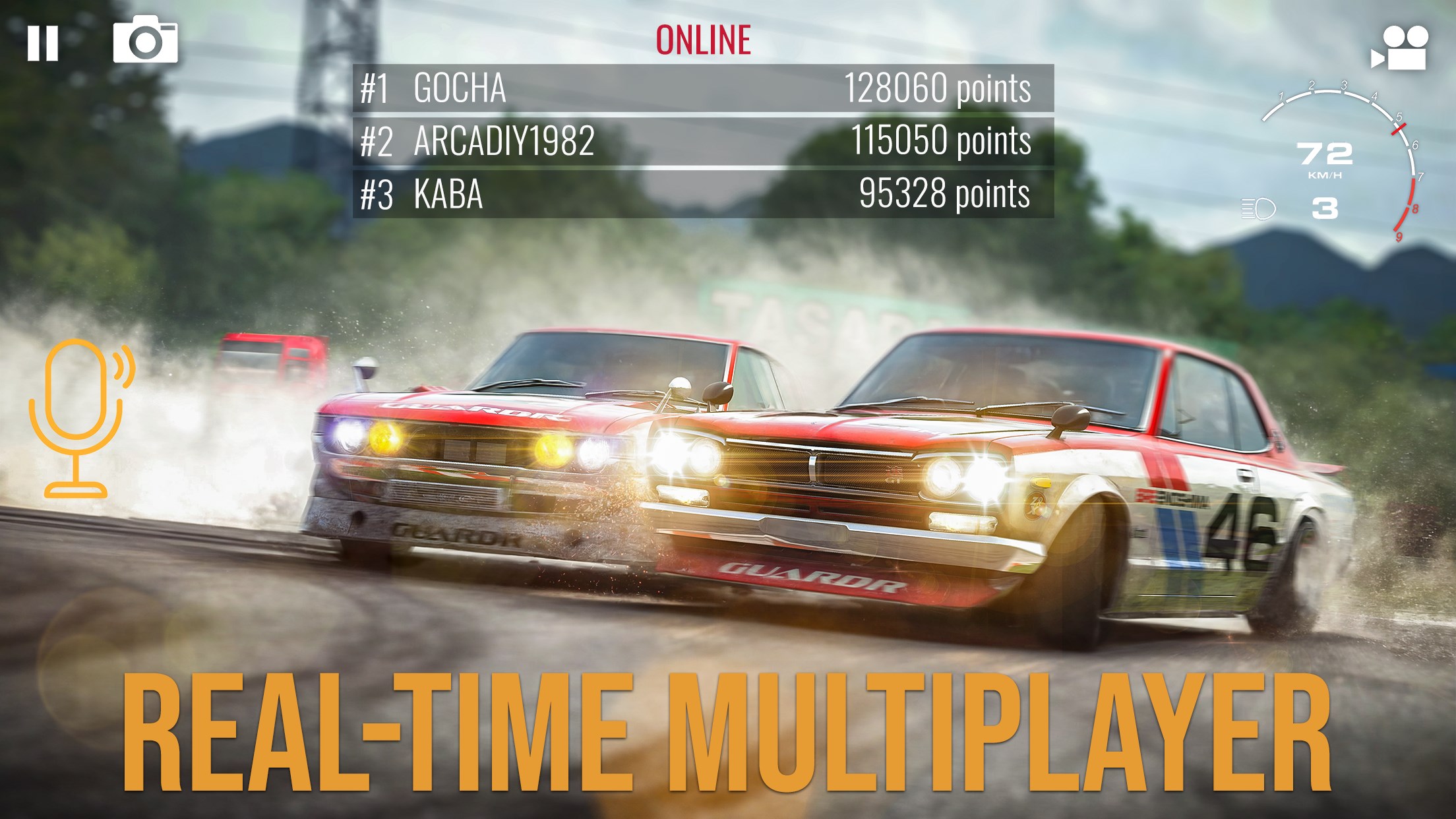
- Leaderboards and achievements to challenge friends and global players
Targeted primarily at racing game enthusiasts, casual gamers seeking fun driving simulations, and fans of car tuning culture, Drift Legends 2 aims to cater to a broad spectrum of players interested in the art of drifting.
A Game of Precision and Style: An Engaging Introduction
Imagine steering a sleek sports car down twisting mountain roads as exhaust fumes form playful clouds behind your wheels—this is the essence of Drift Legends 2. From the moment you launch the game, you're transported into a vibrant world where every turn and skid feels alive and visceral. Whether you're a seasoned drifter or just starting out, the game invites you into a playground of speed, control, and style with a welcoming yet challenging vibe.
Core Features That Make a Difference
Realistic Physics for the True Drift Enthusiast
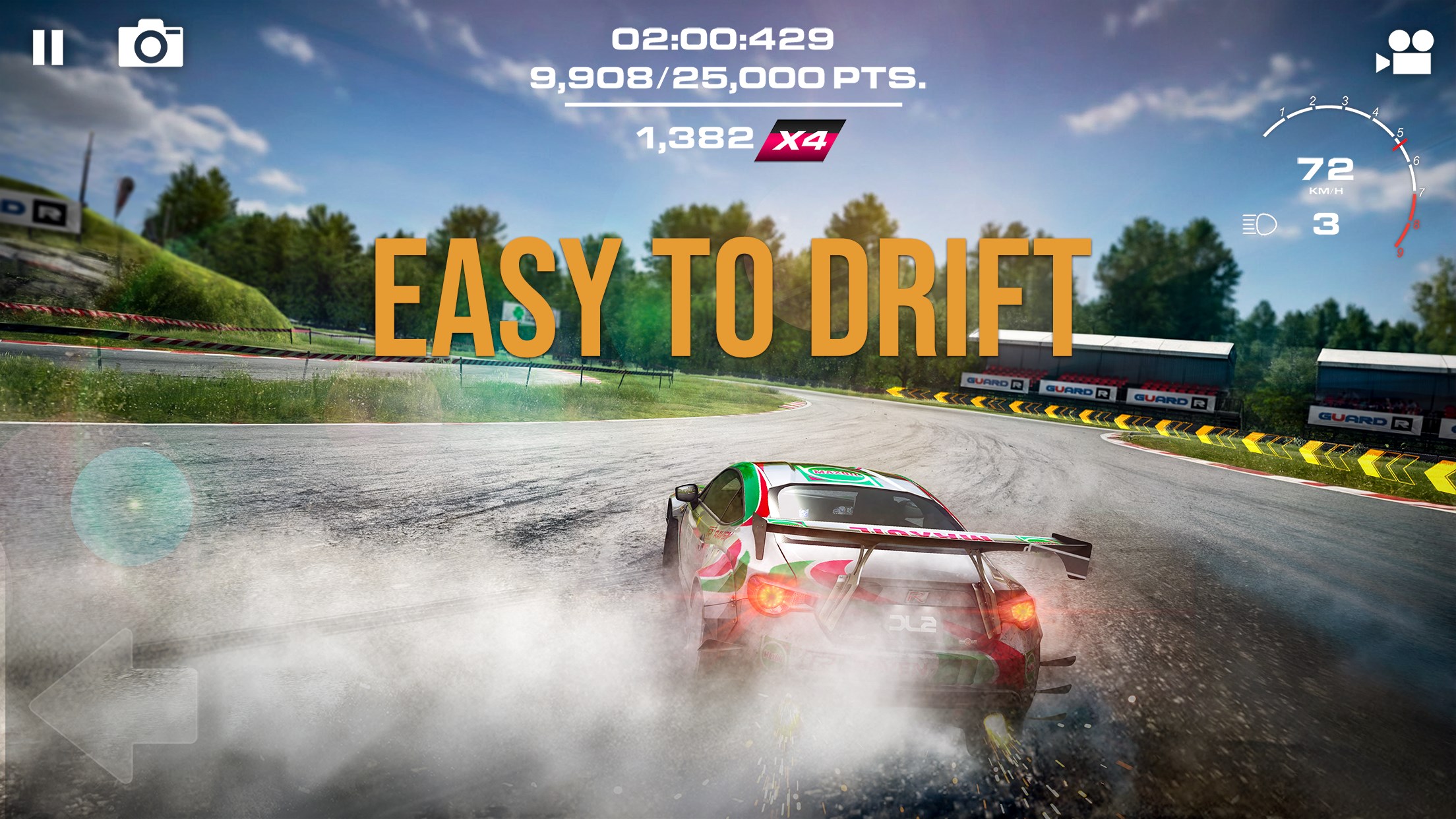
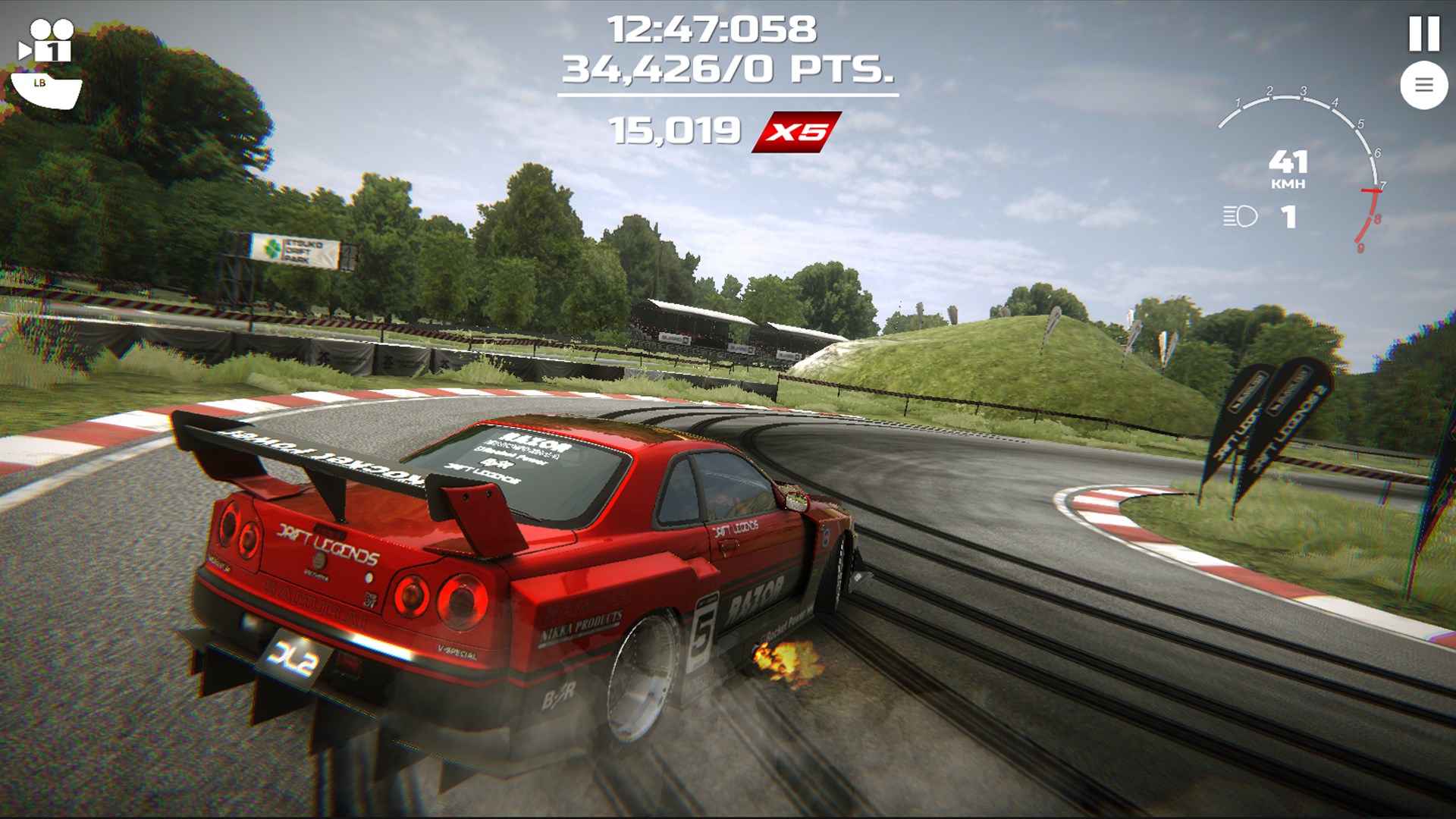
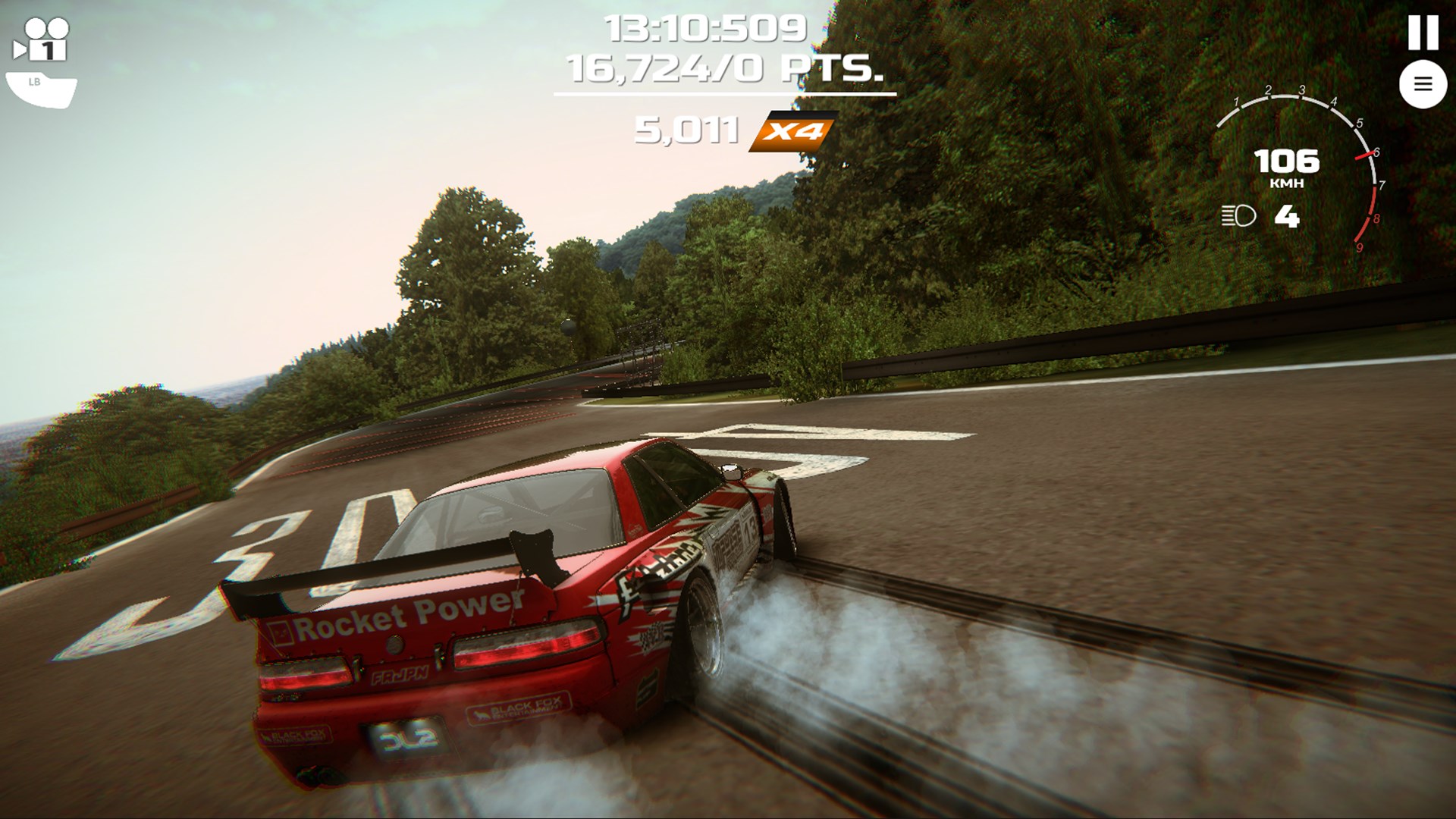
The standout strength of Drift Legends 2 lies in its physics engine. The way cars respond to steering inputs, throttle adjustments, and track conditions mimic real-world drifting mechanics. Unlike more arcade-style racers, this game emphasizes finesse and technique, rewarding skillful control with higher scores and better drift lines. As you initiate drifts, you'll notice a subtle dance between traction and momentum, akin to choreographing a ballet on four wheels.
Customization and Vehicle Tuning
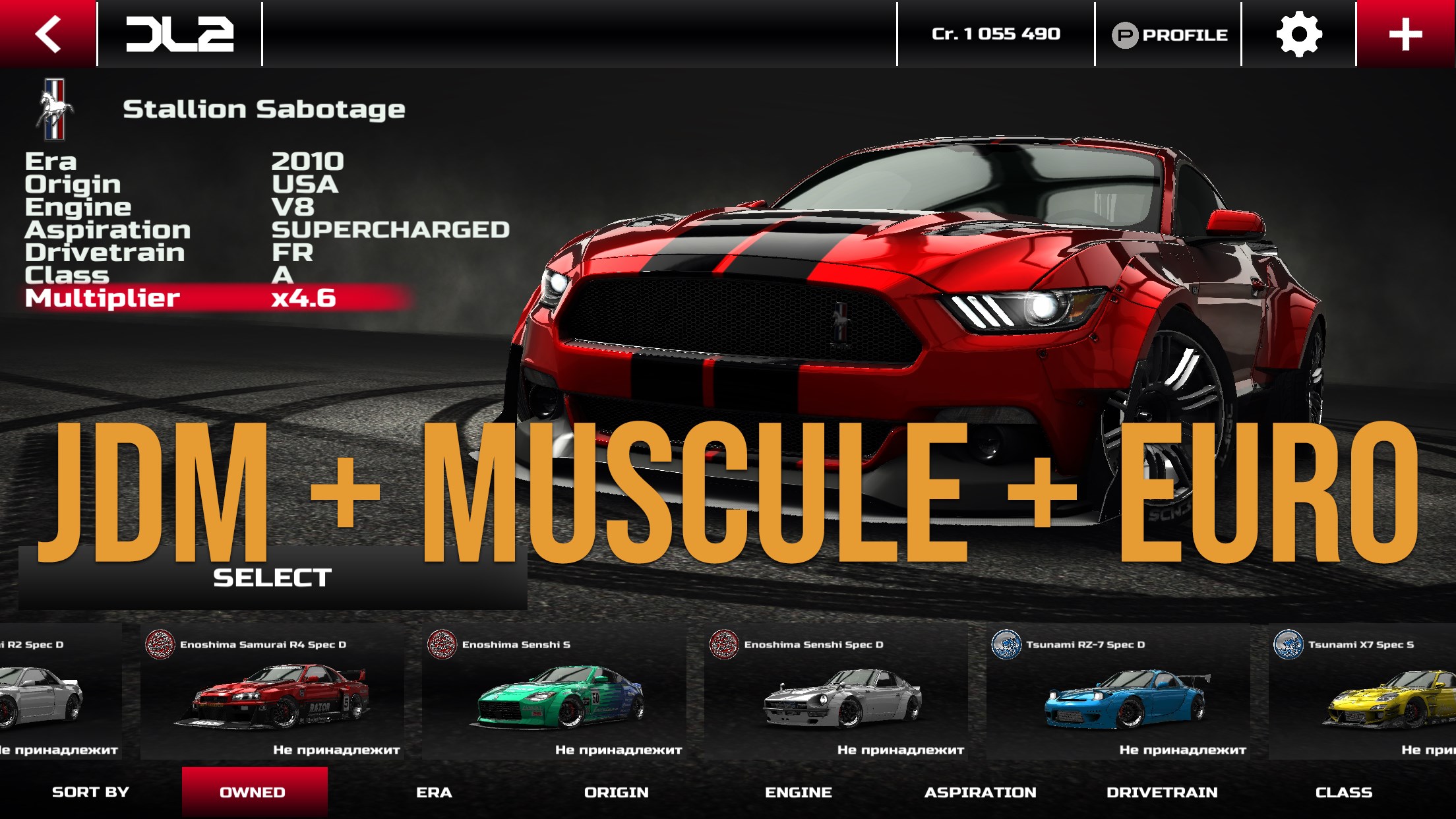
One of the game's most compelling aspects is its detailed vehicle customization options. Imagine walking into a garage where you can fine-tune every aspect of your ride—from engine upgrades and suspension tweaks to aesthetic modifications like paint jobs and decals. This feature not only enhances gameplay depth but also allows players to develop a personal connection with their cars, transforming simple vehicles into personalized drifting machines that reflect their style.
Dynamic Tracks and Environments
Drift Legends 2 offers a variety of visually striking tracks—from neon-lit cityscapes to rugged mountain roads. Each environment presents unique challenges, such as tight corners, varying grip levels, or weather effects like rain or fog, which require adaptive driving strategies. The dynamic nature of these environments keeps gameplay fresh and engaging, encouraging players to master different terrains and conditions.
User Experience: From Interface to Gameplay Flow
The game boasts a clean, intuitive interface that guides new players smoothly into its mechanics. The control scheme is responsive, with steering, acceleration, and braking mapped clearly for keyboard or controller use. The overall performance feels fluid, with minimal lag or stuttering even on less powerful hardware, making the experience enjoyable and accessible. For newcomers, a gentle learning curve exists, with tutorial prompts helping to grasp essential techniques, while advanced players can delve into complex drift lines and vehicle tuning.
What Sets It Apart from Its Rivals?
While many racing titles focus on fast-paced overtaking or scenic drives, Drift Legends 2 hones in on the artistry of drifting. A key differentiator is its commitment to true-to-life physics combined with deep customization options. Unlike titles that merely offer casual arcade fun, this game cultivates a sense of mastery, where every controlled slide is a victory. Additionally, its track diversity and atmospheric effects provide an immersive environment that enhances the skill-based gameplay, making it more than just another racing game—it's a dedicated drifting simulation designed to appeal to purists and casual players alike.
Final Verdict: A Smidge of Perfection for Drift Lovers
I would recommend Drift Legends 2 to anyone passionate about drifting or looking to refine their racing skills with realistic physics. Its engaging mechanics, extensive customization, and varied environments make it a standout among Windows racing applications. Whether you're aiming to climb leaderboards or just enjoy casual drift sessions, this app offers a well-balanced package with a user-friendly interface. For those seeking a dedicated, physics-driven driving experience, Drift Legends 2 is unquestionably a worthwhile addition to your gaming library.
Pros
- Intuitive controls and sleek interface
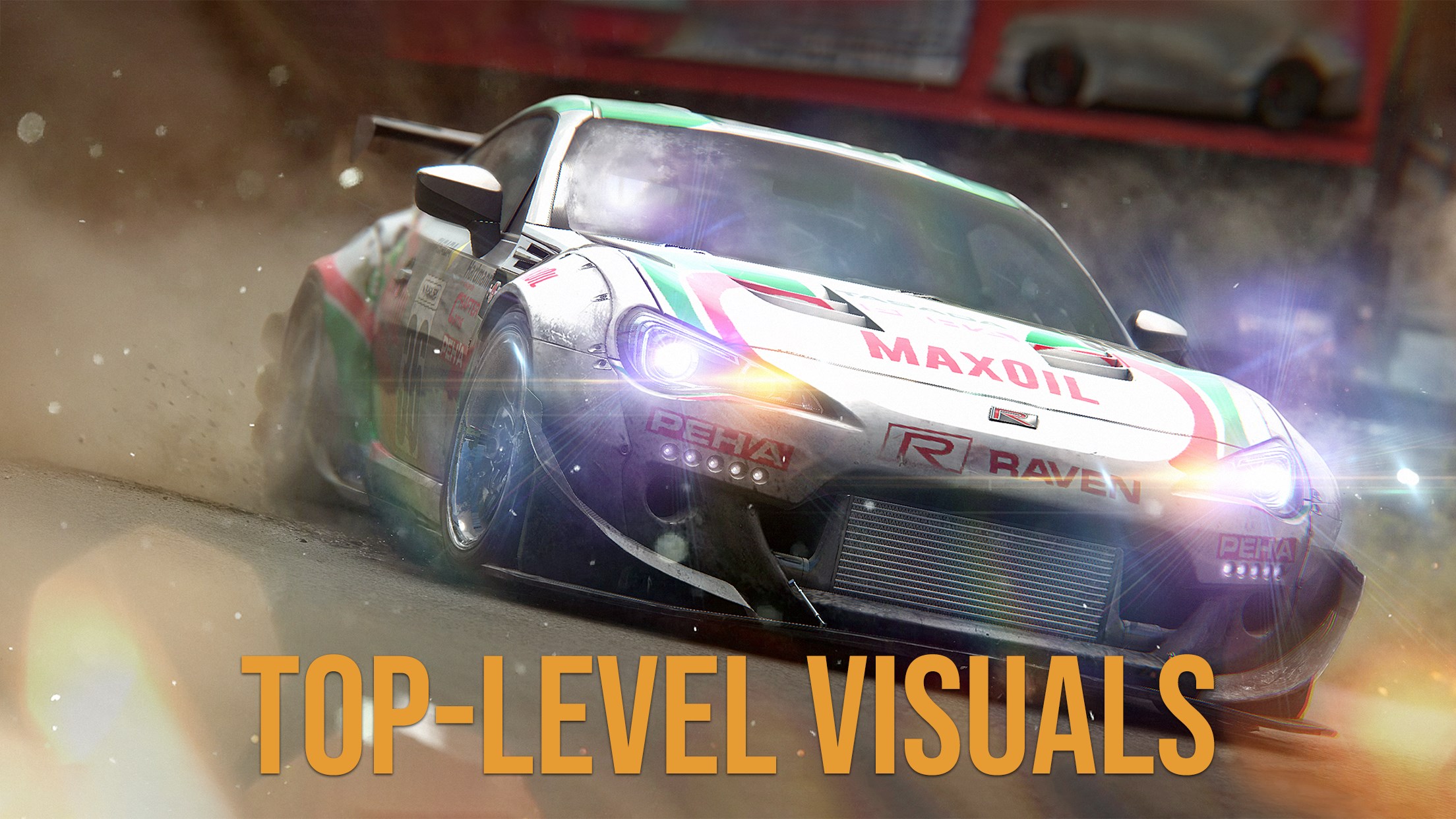
- High-quality graphics and animations
- Engaging multiplayer mode
- Variety of cars and customization options
- Regular updates with new content
Cons
- Occasional lag during intense scenes
- Limited tutorial for new players
- In-app purchases can be expensive
- Battery consumption is relatively high
- Some minor bugs reported in multiplayer connectivity