- Name Pickup Driving
- Category Racing & flying
- Developer Mehedi Hasan MISHU
- Available on Xbox console, PC, Mobile, Surface Hub
- OS Windows 10 version 17763.0 or higher
- DirectX Version 10
- Memory 2 GB
- Keyboard Not specified
- languages English (United States)
Discovering Pickup Driving for Windows: A Realistic Heavy Vehicle Experience
Looking for a driving simulator that offers a grounded, immersive experience driving pickup trucks across varied terrains? Pickup Driving for Windows by Mehedi Hasan MISHU might just be the game that satisfies your trucking craving—combining realistic vehicle handling with engaging missions.
About the App: A Snapshot
Pickup Driving for Windows is a simulation game designed to provide players with the thrill of managing a pickup truck in diverse environments. Developed by Mehedi Hasan MISHU and published under AndroidGameZoneBd, this app aims to deliver an authentic driving experience tailored for mobile and PC users alike.
- Main Features:
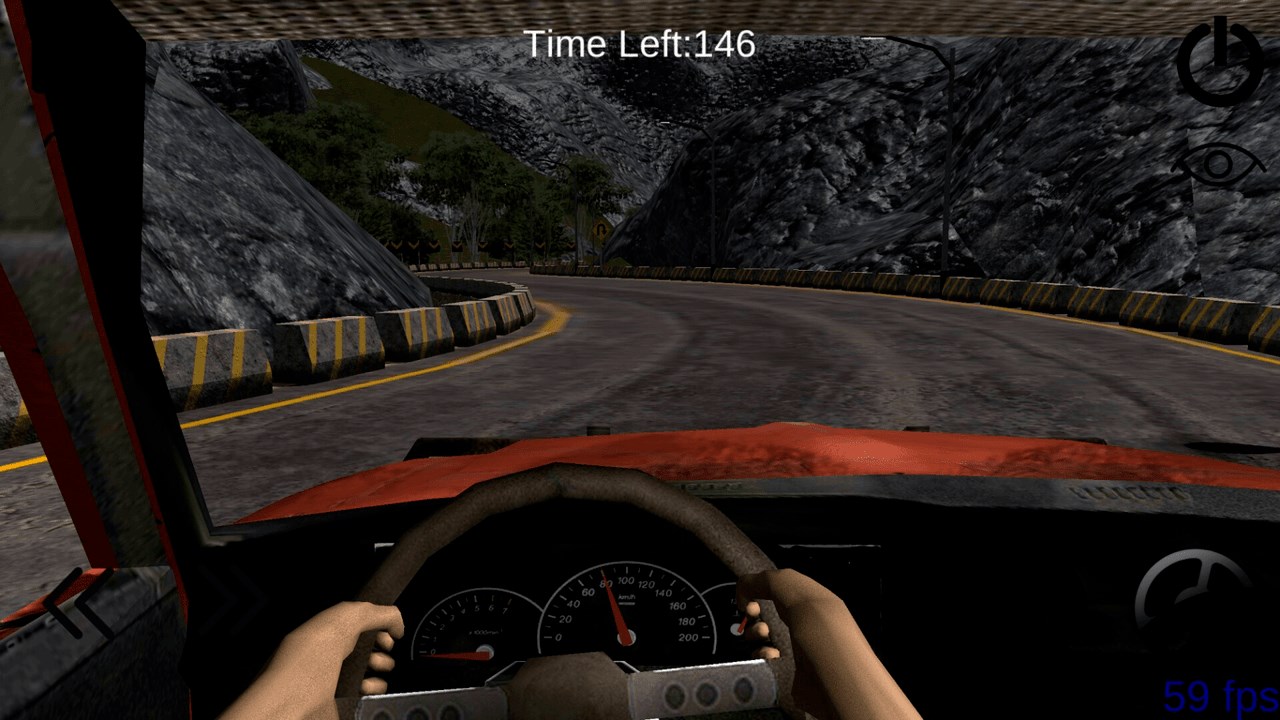
- Realistic pickup truck controls and physics
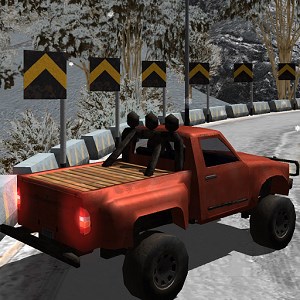
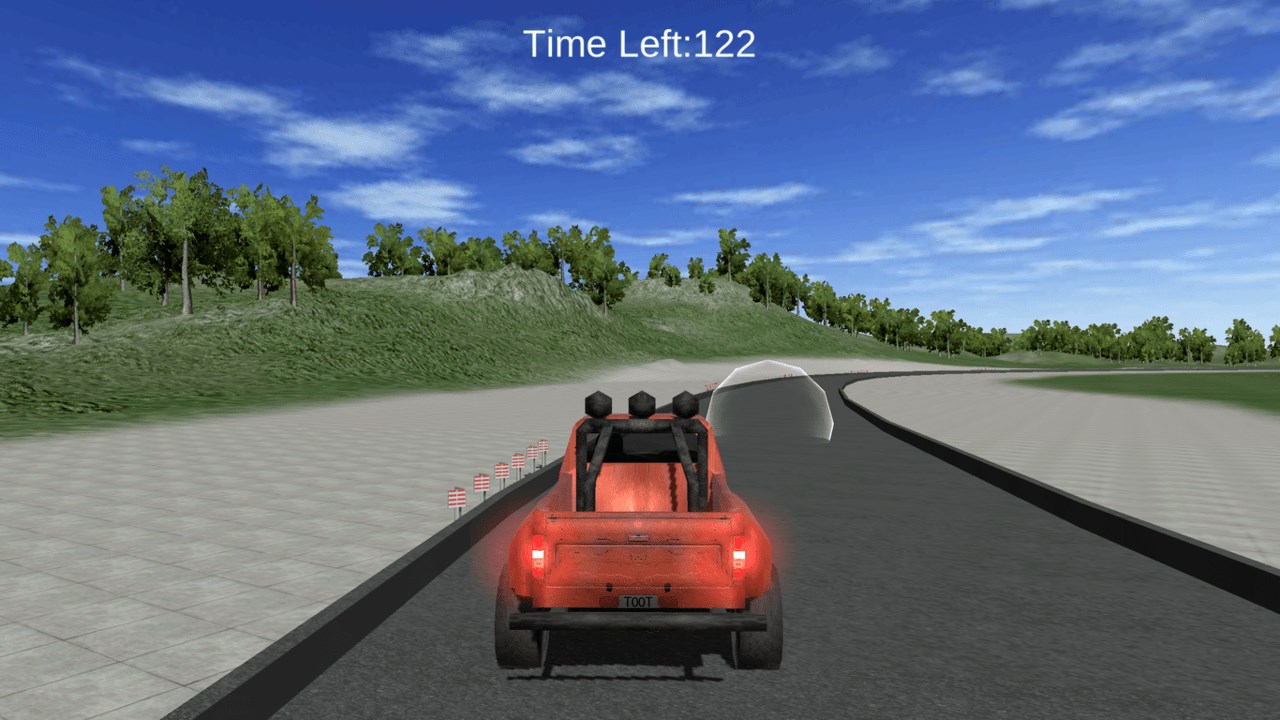
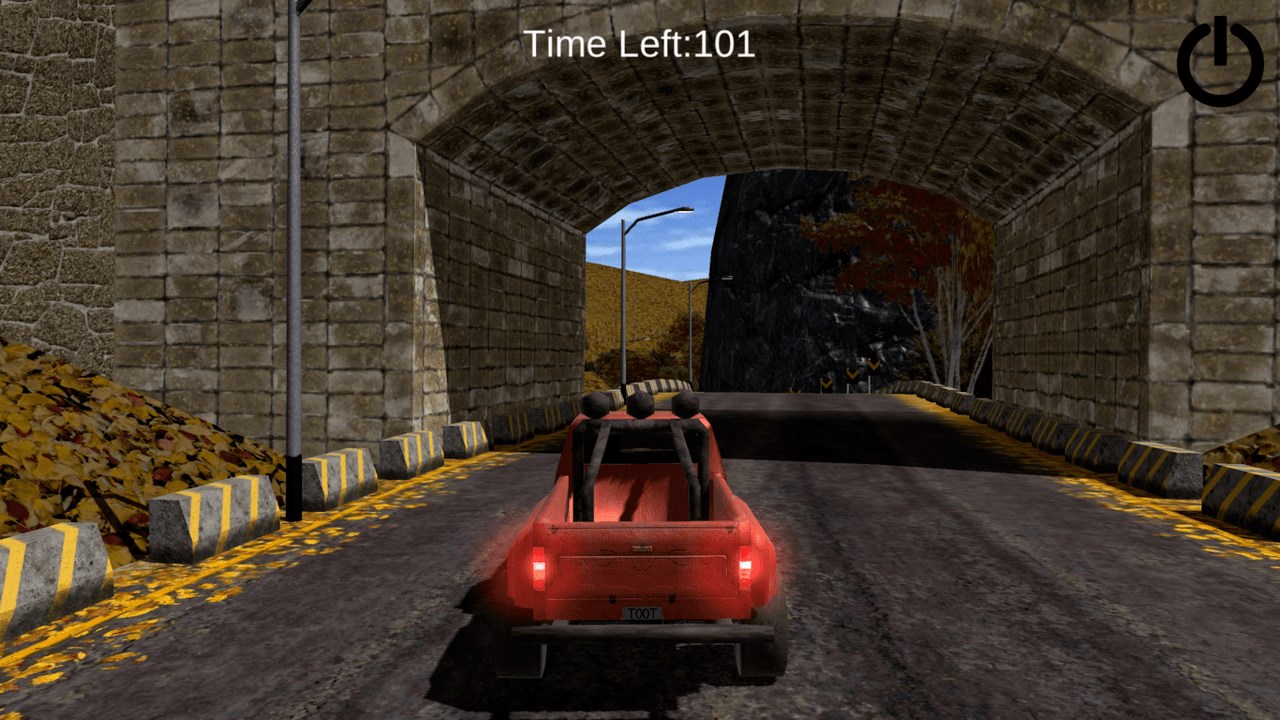
- Multiple diverse terrains including city streets, countryside, and off-road tracks
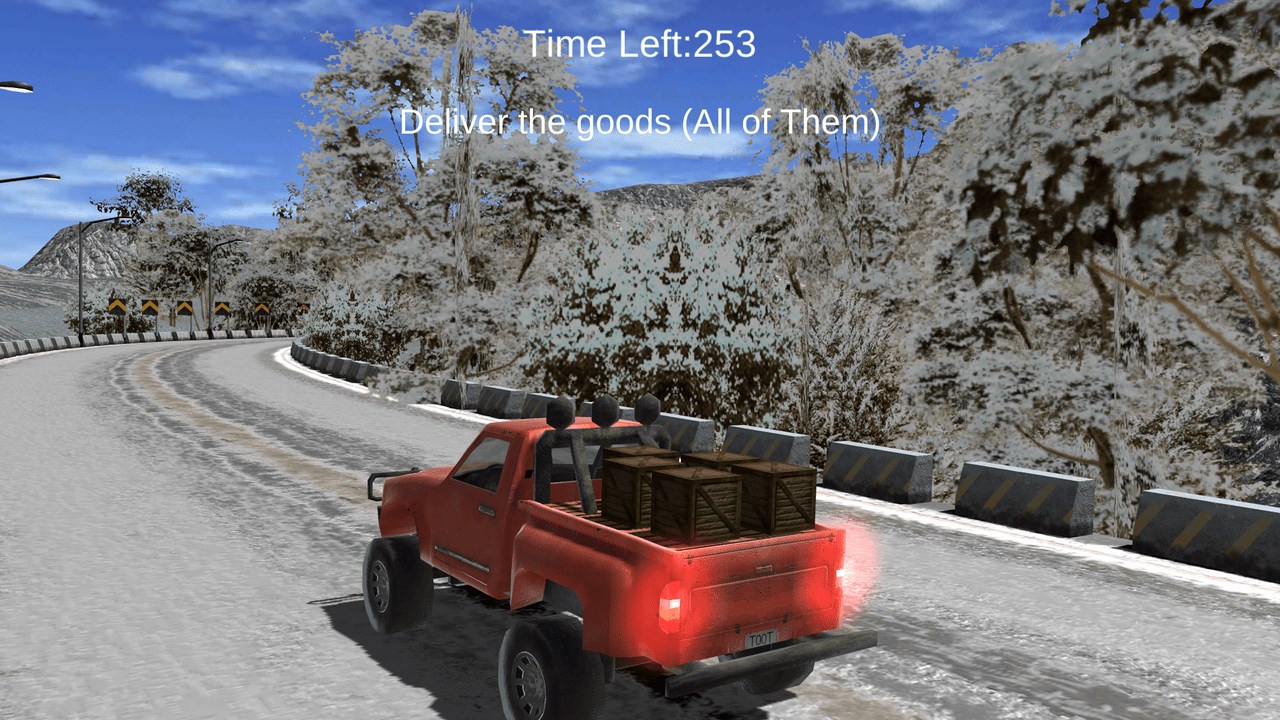
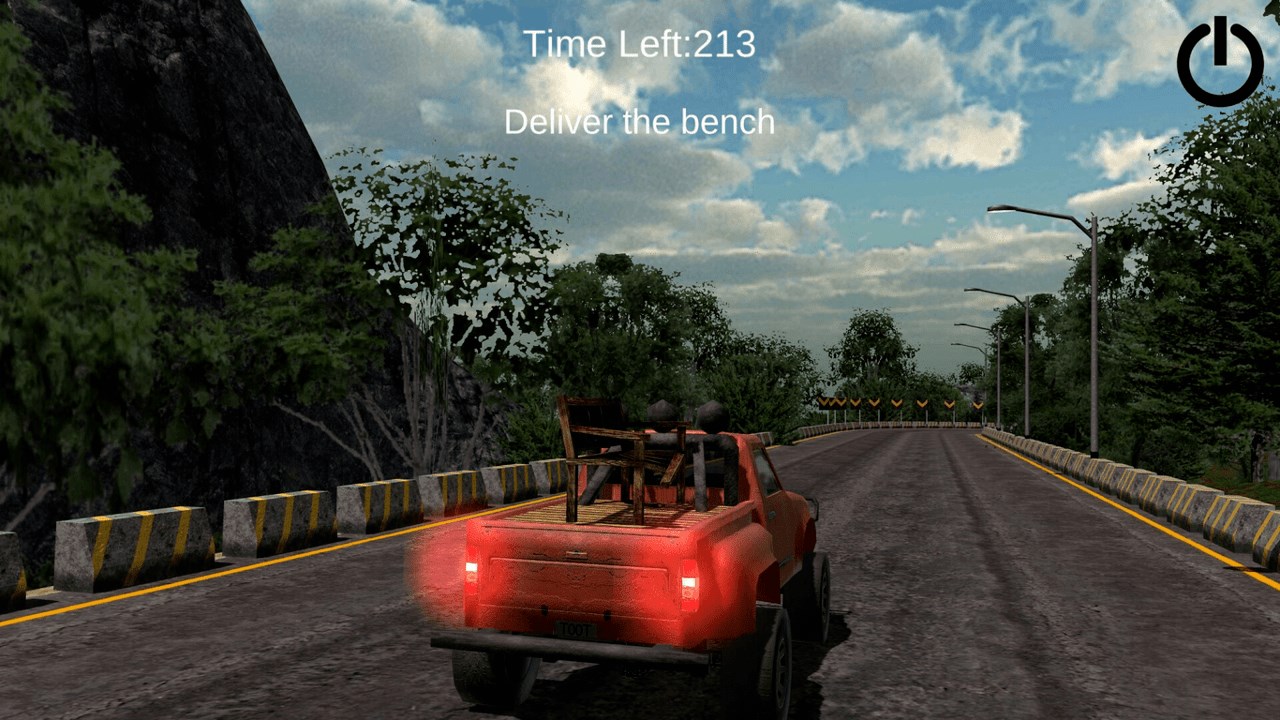
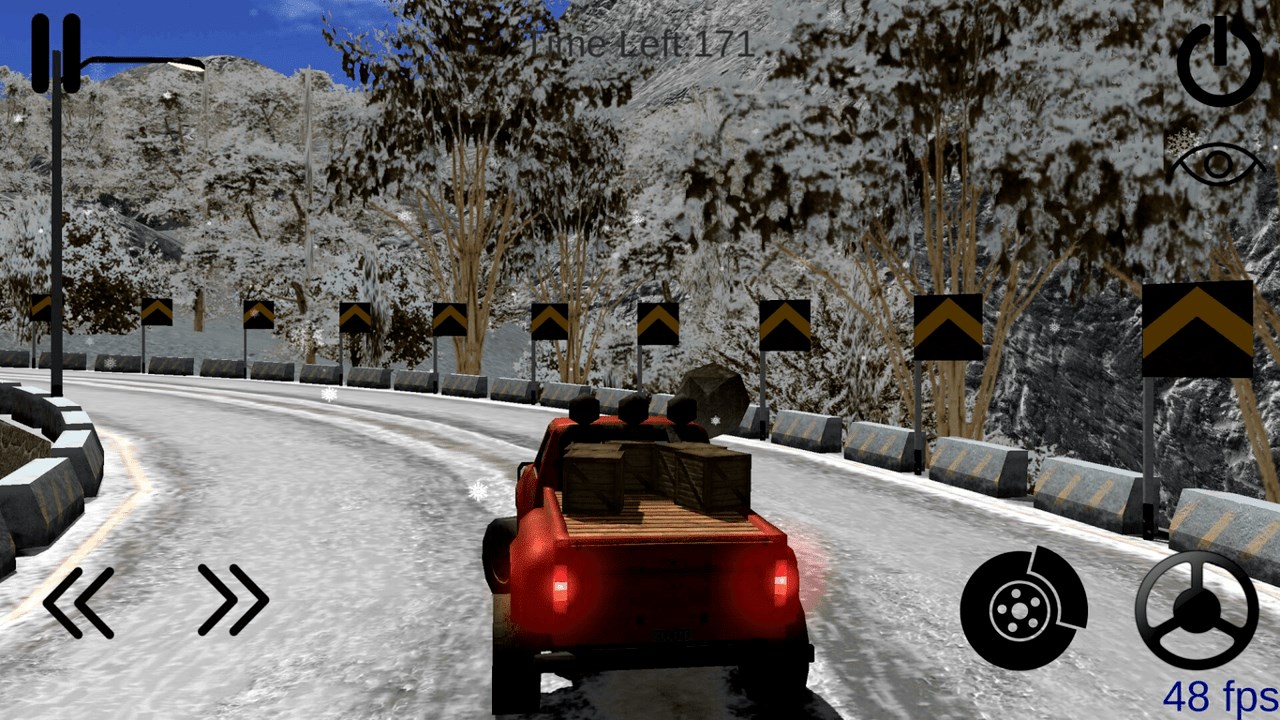
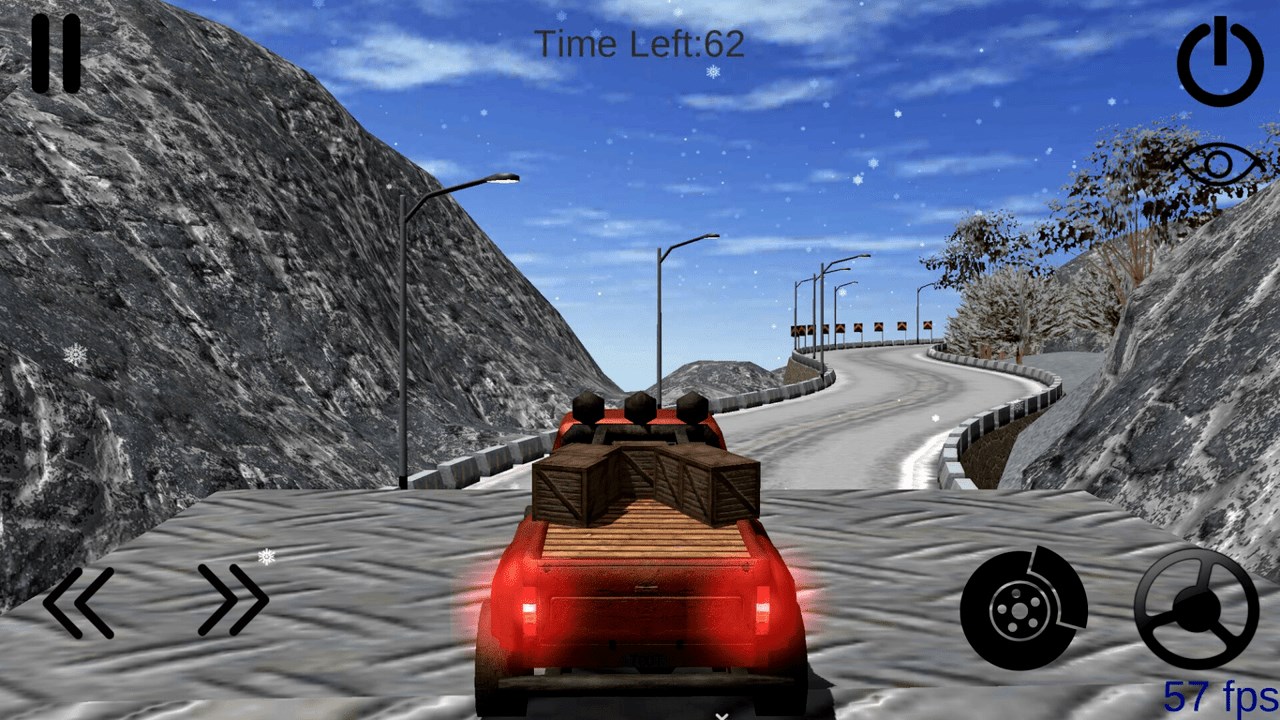
- Mission-based gameplay encouraging cargo transport and delivery challenge
- Simple yet intuitive user interface suitable for all skill levels
- Target Audience: Truck enthusiasts, casual gamers interested in driving simulators, and anyone who enjoys realistic vehicle handling adventures on their Windows device.
Immersive Driving Experience, Delivered
Stepping into Pickup Driving for Windows feels like strapping into a heavy-duty vehicle ready to take on the open road. The game's intuitive design makes you feel like a seasoned driver from the get-go. This isn't just a game—it's more like a virtual drive through your favorite countryside or bustling city streets, where every bump and turn tells a story. The atmosphere is quiet yet engaging, making you feel both relaxed and challenged as you navigate the diverse environments.
Core Functionality 1: Realistic Vehicle Physics and Controls
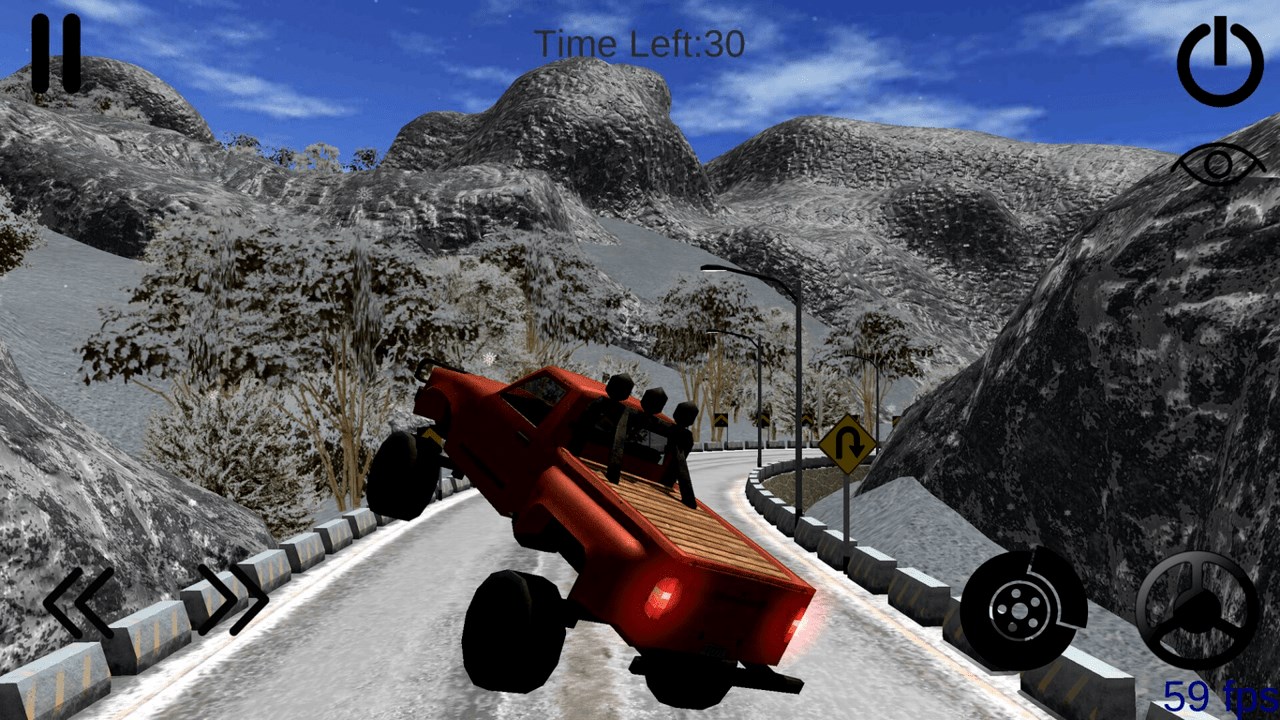
One of the standout features of Pickup Driving for Windows is its commitment to realism. The truck physics are finely tuned, providing a satisfying balance between arcade fun and simulation authenticity. Steering feels weighted just like a real pickup, with subtle feedback and responsive handling. Accelerating, braking, and maneuvering through tight corners require some finesse, making every successful delivery rewarding. This attention to detail is particularly notable considering the game's free-to-play model.
Core Functionality 2: Diverse Environments and Missions
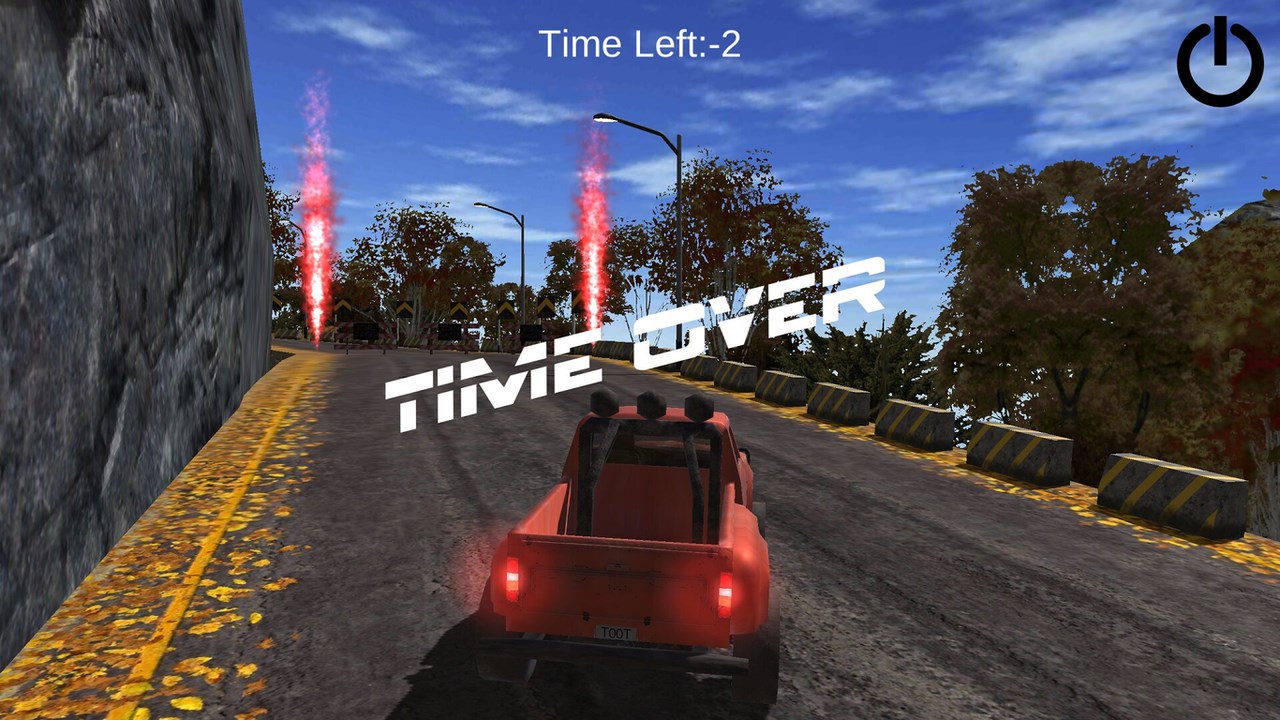
The game excels in offering a variety of terrains—urban roads populate the city levels, dirt paths and off-road tracks serve up more rugged challenges, and scenic countryside routes provide a laid-back driving vibe. The mission system involves transporting cargo, navigating obstacles, and managing time constraints, which adds layers of engagement. The varied environments keep gameplay fresh, encouraging players to adapt their driving style to different situations—after all, no two roads are alike.
Design and User Experience: Seamless and Intuitive
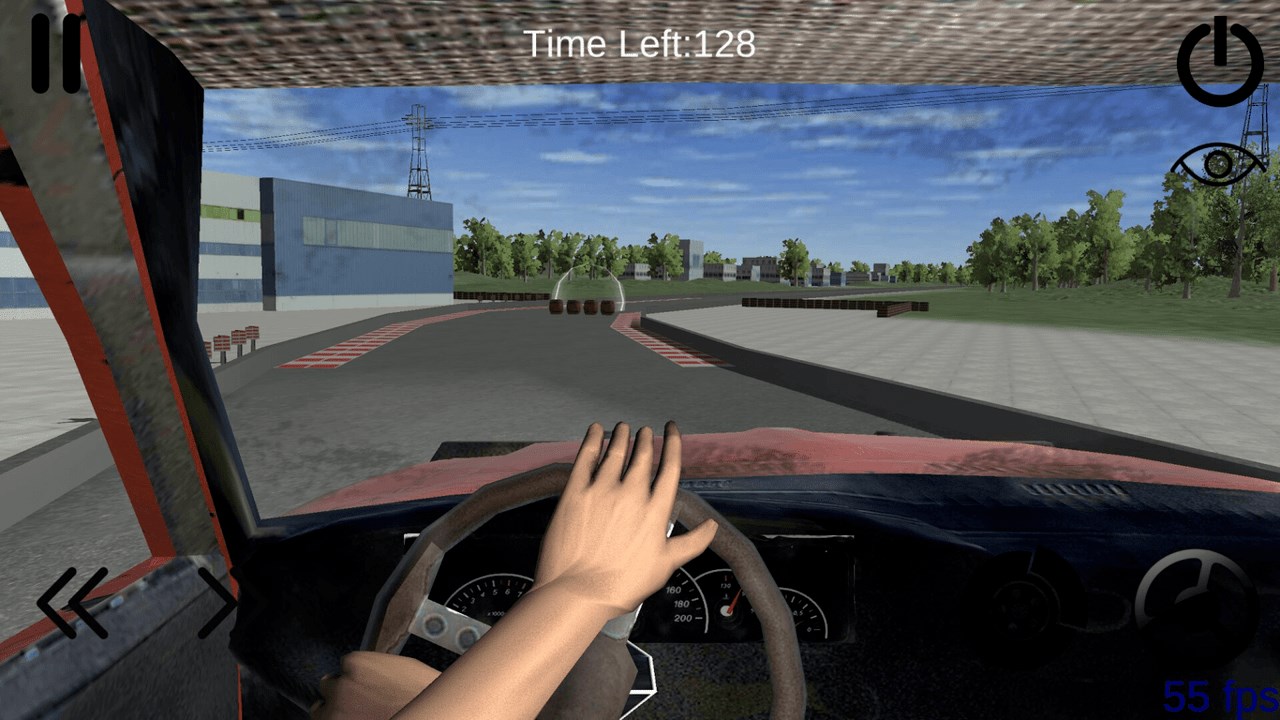
The interface strikes a nice balance—clean, straightforward, but with enough visual cues to prevent confusion. The controls are easy to learn yet rewarding to master, with touch or keyboard inputs providing smooth responsiveness. The learning curve is gentle, making it accessible for newcomers while still offering enough challenge for veteran drivers aiming for perfection. Graphically, the game adopts a modest but polished aesthetic that complements gameplay without overwhelming system resources.
What Sets Pickup Driving Apart?
Compared to other racing or flying simulators, Pickup Driving's focus on realistic truck physics and cargo transport distinguishes it. Unlike high-speed racing games that prioritize rapid reflexes and exaggerated physics, this app emphasizes the subtleties of vehicle control in everyday driving scenarios. Its unique advantage lies in simulating a more grounded, relatable driving experience, appealing to those who enjoy a sense of achievement through careful navigation and cargo safety.
Additionally, the game's environment diversity and mission types create a dynamic experience—it's not just about speed but about strategic driving, cargo management, and resourcefulness. These aspects position Pickup Driving as more than just another racing app; it's a compelling simulation with a focus on realism and variety.
Recommendation and Usage Tips
If you're someone who appreciates meticulous vehicle physics, enjoys exploring different terrains, or simply wants a relaxing yet engaging driving challenge, Pickup Driving for Windows is worth trying. It's especially suitable if you prefer simulation experiences over arcade-style racing games.
For optimal enjoyment, I recommend starting with the basic difficulty settings to familiarize yourself with truck controls, then gradually tackling off-road missions for added challenge. Its uncomplicated interface also makes it a good choice for casual gaming sessions, whether on PC or tablet.
Overall, Pickup Driving for Windows is a well-crafted, realistic simulation that offers a different flavor of driving game—grounded, diverse, and satisfying. It's a commendable choice for fans seeking a more authentic truck-driving experience without the steep learning curve often associated with more complex simulators.
Pros
- Intuitive User Interface
- Accurate Pickup Scheduling
- Real-time Tracking
- Multiple Payment Options
- Reliable Notifications
Cons
- Limited Vehicle Options
- Occasional App Crashes
- Unsophisticated Customer Support
- Limited Geographic Coverage
- Minor UI Lag on Older Devices