

- Name Maps Pro
- Category Navigation & maps
- Available on PC
- OS Windows 8.1 or higher
- languages Chinese (Simplified), Chinese (Traditional Chinese), Danish, Dutch, English (United States), Finnish, French, German, Hindi, Italian, Polish , Portuguese, Russian, Serbian (Cyrillic), Serbian (Latin), Spanish, Swedish
Introducing Maps Pro for Windows: Your Next-Level Navigation Companion
Maps Pro for Windows, developed by Nicollet Fabien, is a robust mapping application designed to elevate your navigation experience. Whether you're an urban explorer, a traveler, or someone who simply loves having reliable maps at your fingertips, this app promises to deliver precise routes and a user-friendly interface to make every journey smoother.
Core Highlights: What Makes Maps Pro Stand Out?
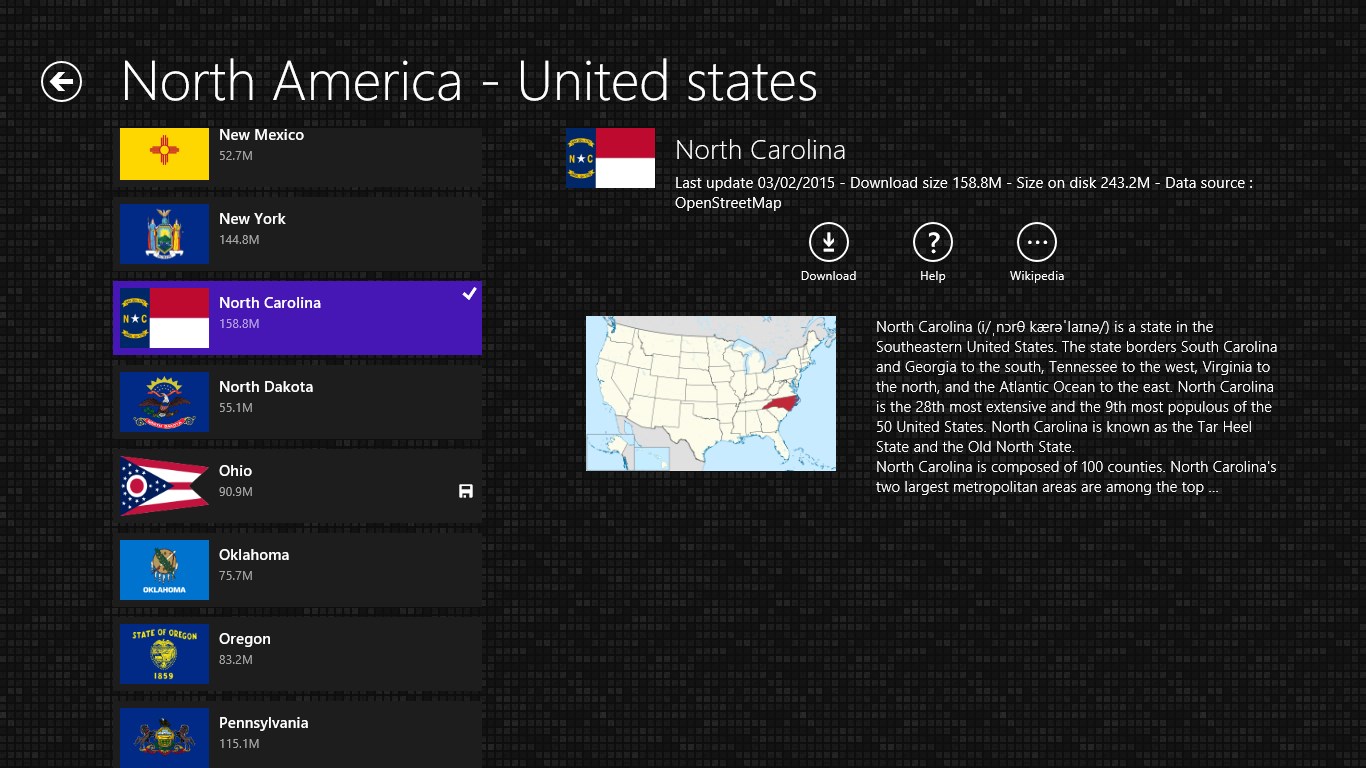
- Offline Map Access: Navigate confidently even without an internet connection, making it perfect for remote areas or saving on data usage.
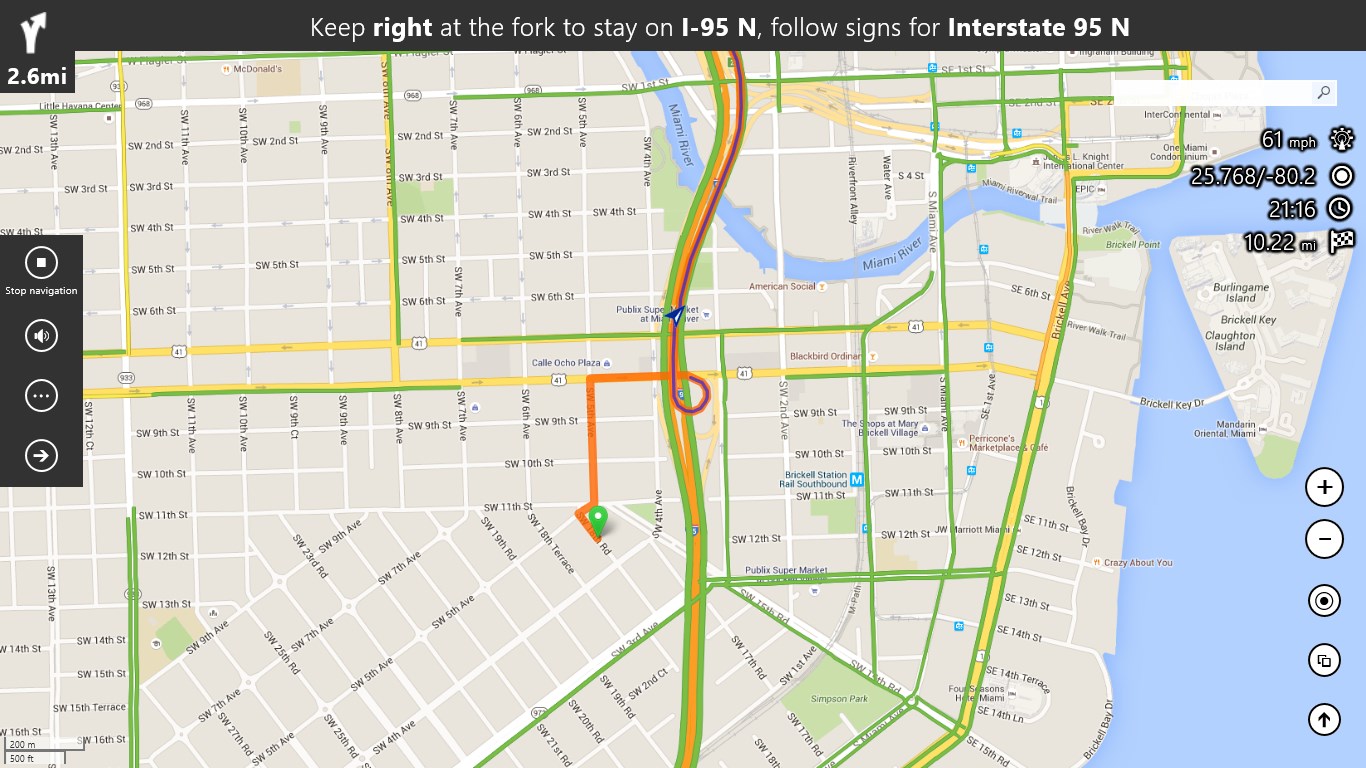
- Detailed Route Planning: Create custom routes with multiple waypoints, ensuring tailored journeys whether for driving, walking, or cycling.
- Real-time Traffic Integration: Stay updated on road conditions and avoid delays with live traffic data integrated seamlessly into your navigation.
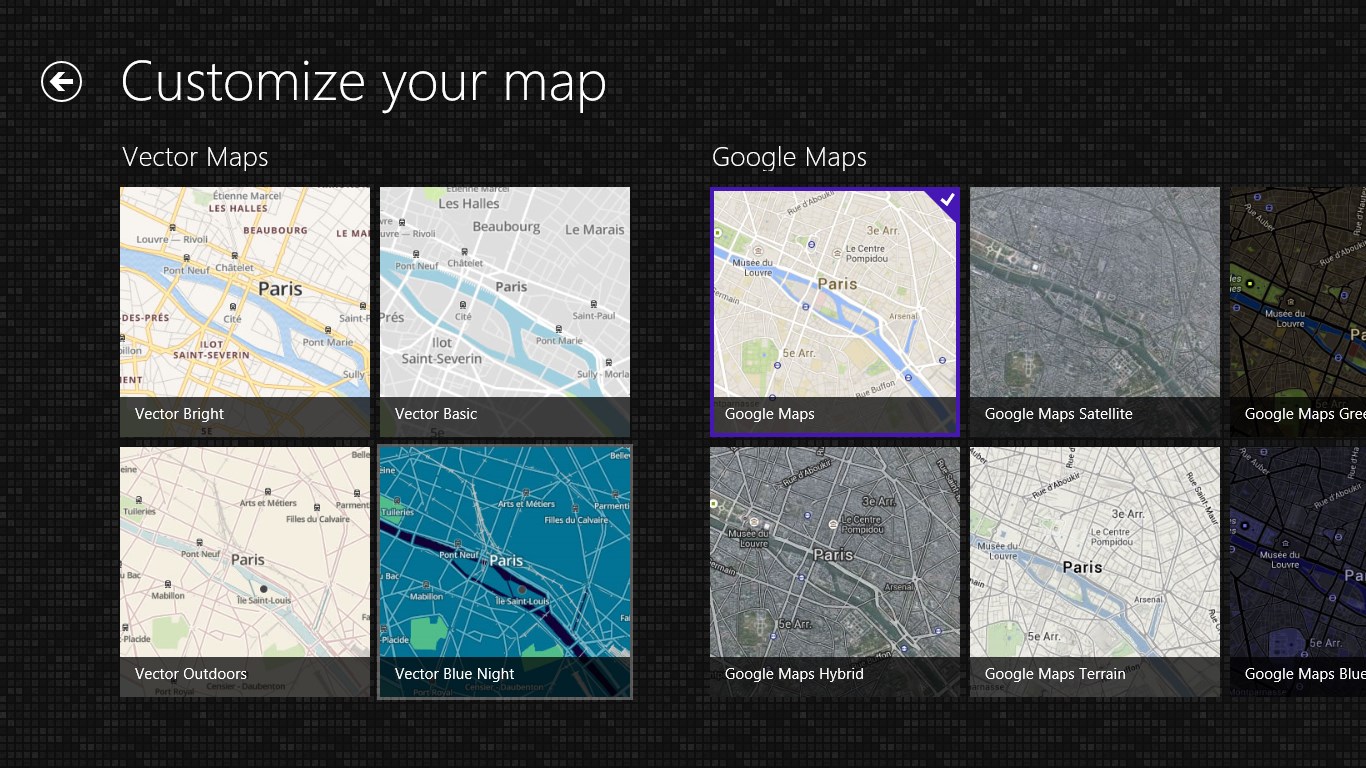
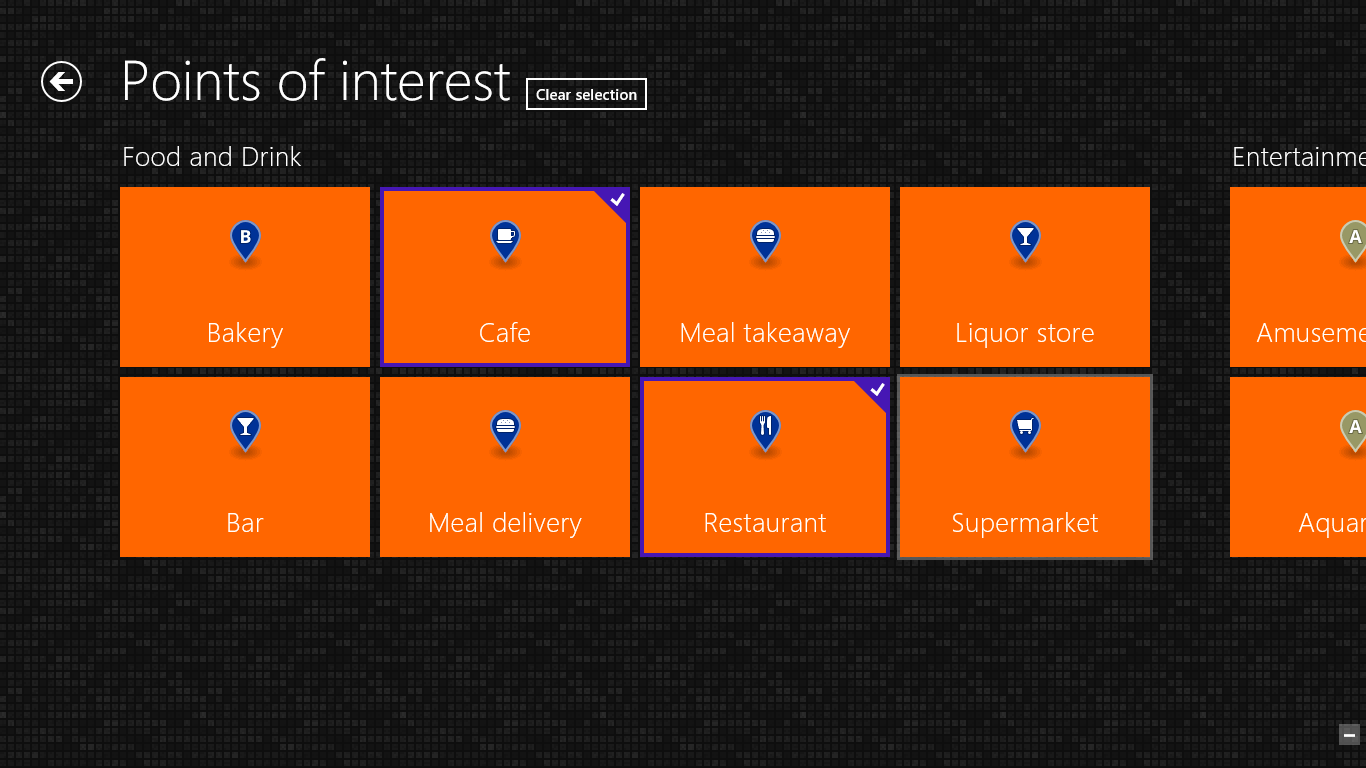
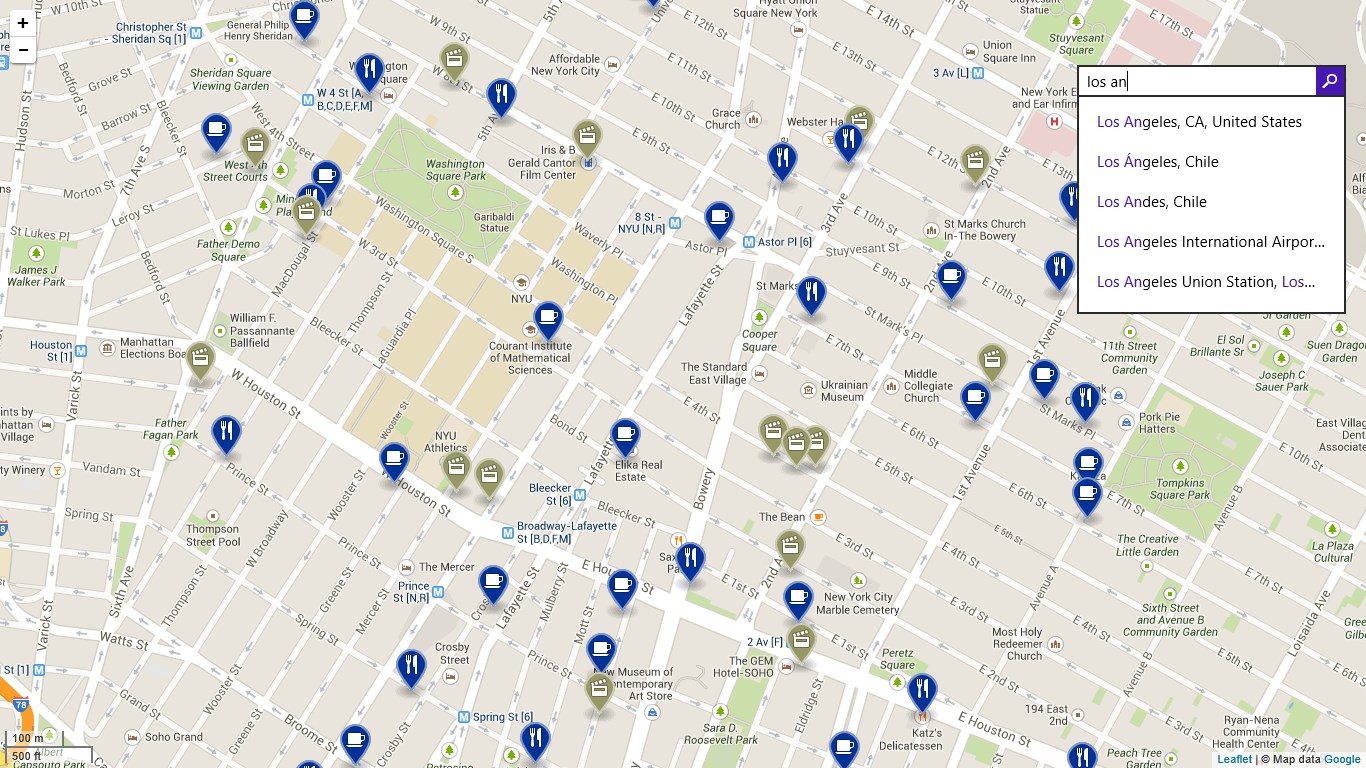
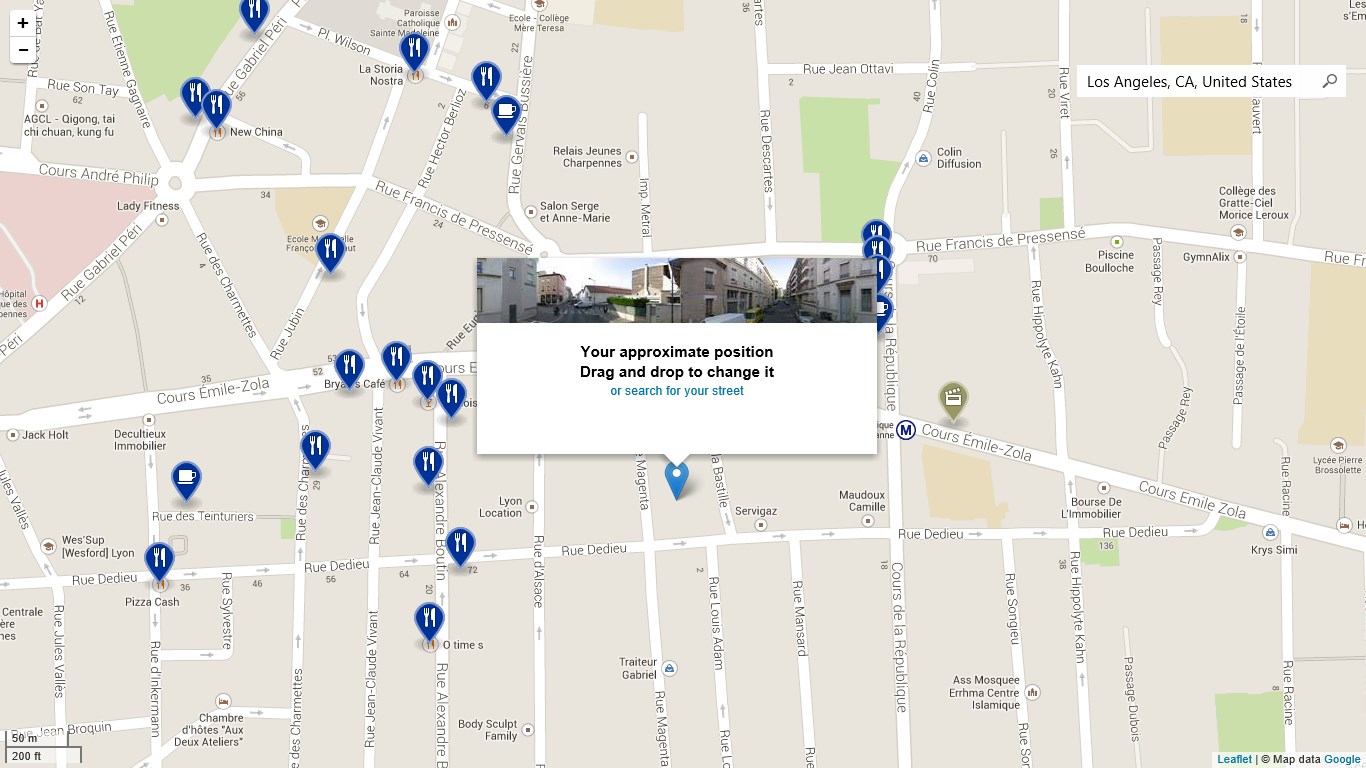
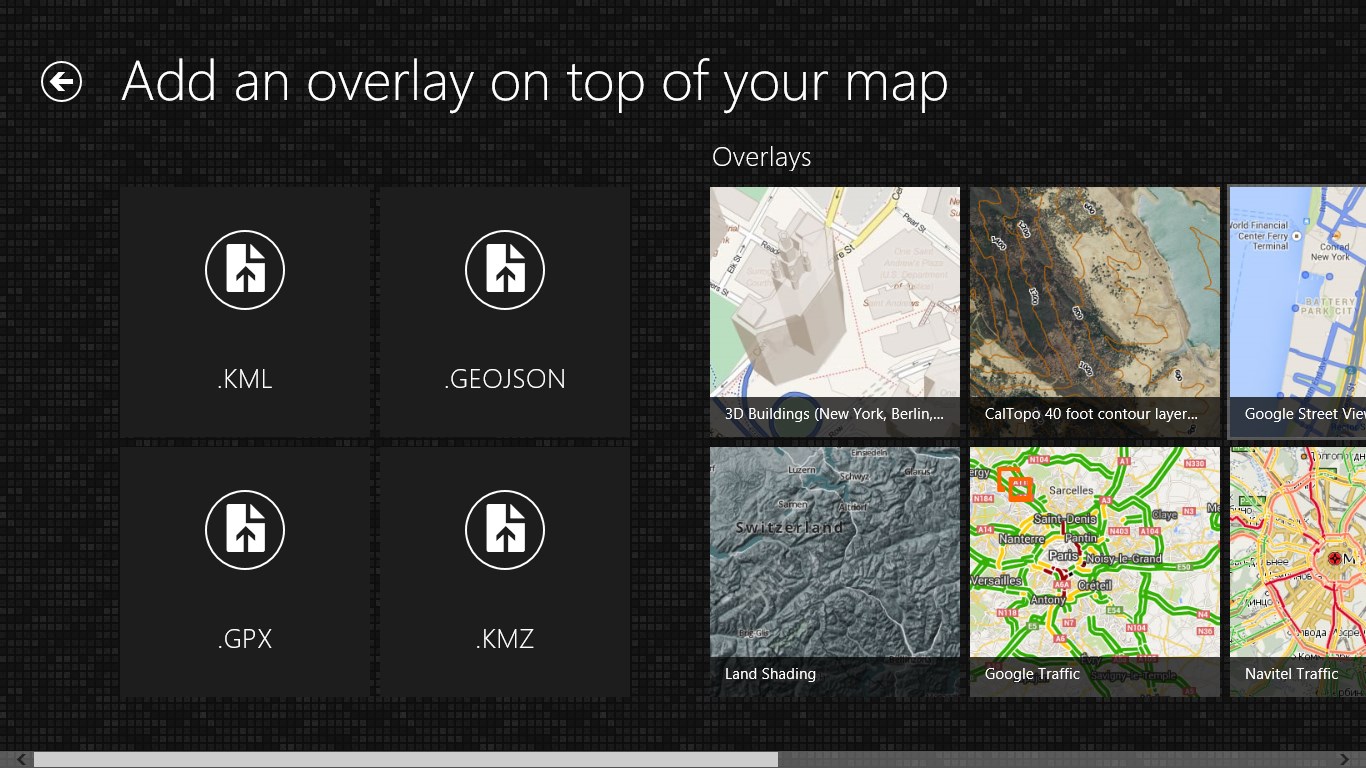
- Custom Map Layers & Landmarks: Visualize different map overlays and discover points of interest with ease, enriching your exploration experience.
Immersive and Intuitive User Experience
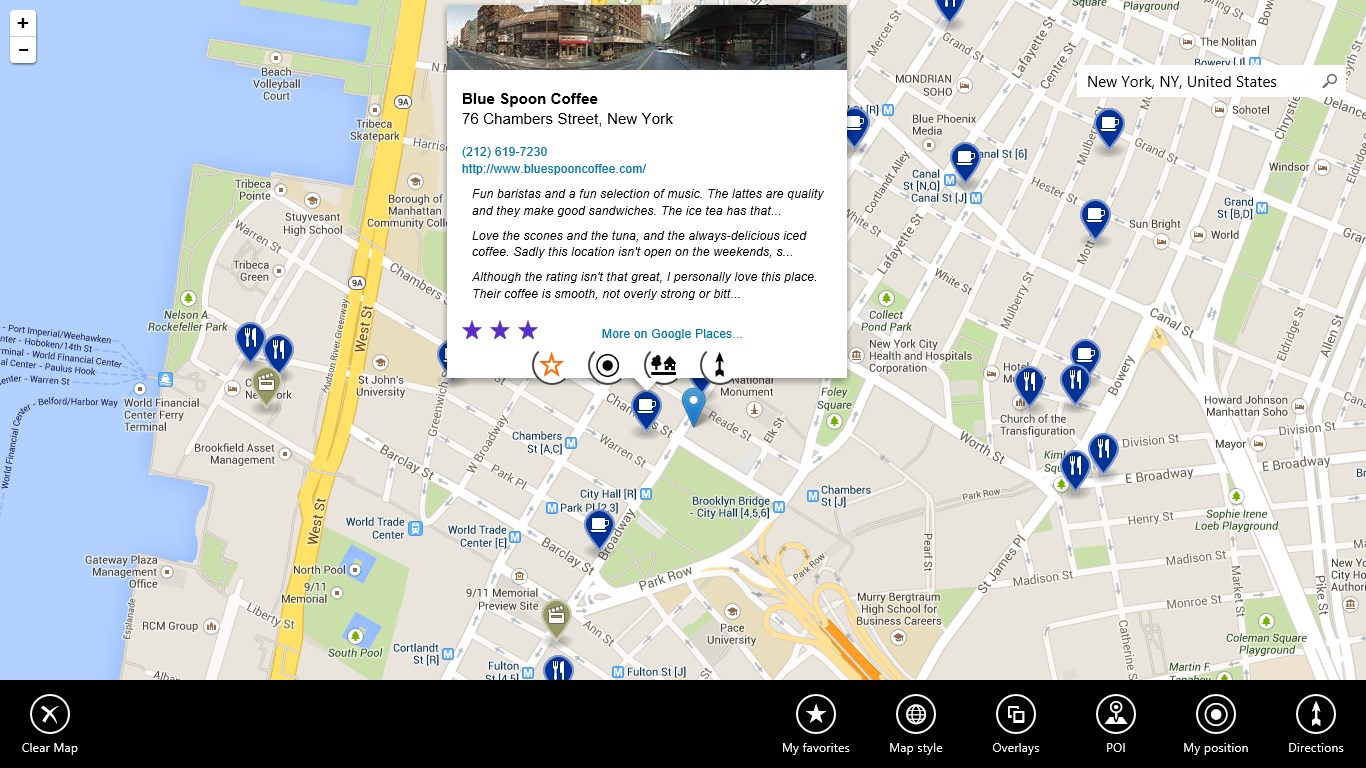
Stepping into Maps Pro, you'll immediately notice its clean, intuitive interface—think of it as stepping into a well-organized control room where everything is at your fingertips. The design balances simplicity with powerful features, making navigation not just functional but also engaging.
The app's responsiveness is admirable; whether zooming in on a city street or swiftly switching between map modes, transitions are smooth and lag-free. This fluidity minimizes frustration and encourages exploration even for those less tech-savvy, thanks to clear icons and straightforward menus that flatten the learning curve. Setting up a trip or exploring nearby landmarks can be accomplished with a few clicks, making the entire experience feel seamless and natural.
Unique Advantages: How Does Maps Pro Differ?
Compared to mainstream navigation apps, Maps Pro shines with its emphasis on offline usability combined with customizable map layers. Unlike others that rely heavily on constant internet access, this app grants you the freedom to download maps for regions of interest and access them anytime. This feature is especially beneficial for travelers venturing into areas with poor connectivity or for users aiming to conserve data.
Another distinguishing aspect is the app's capacity for detailed route planning across multiple modes—driving, biking, or walking. This versatility makes it suitable for a diverse range of users—from daily commuters optimizing their routes to adventure hikers exploring new trails. Its land marker overlays and points of interest layers help users discover hidden gems and plan visits efficiently, adding a personal touch to navigation.
Final Thoughts and Recommendations
Maps Pro for Windows offers a compelling package for anyone seeking reliable, flexible, and feature-rich map navigation. Its standout features—offline access and customizable layers—cater specifically to users who value independence and personalized exploration. For casual users who want quick and straightforward directions, the app delivers without overwhelming choices. Meanwhile, exploration enthusiasts will appreciate its depth and flexibility.
If you often find yourself navigating in areas with spotty internet or enjoy detailed trip planning, this app is highly recommended. For others, it remains a solid alternative to mainstream apps, especially when offline capability is a priority. Overall, Maps Pro is a commendable tool that combines practicality with a user-friendly experience, making your journeys more informed and enjoyable.
Pros
- Detailed offline maps
- Intuitive user interface
- Real-time traffic updates
- Multiple map layers
- Customizable routes
Cons
- Occasional GPS accuracy issues
- Limited pedestrian navigation features
- Battery consumption is high during prolonged use
- Some map data may not be fully up-to-date
- Limited customization options for map themes