
- Name Maps for Gmaps
- Category Navigation & maps
- Developer Rushi
- Available on PC, Mobile, Surface Hub, HoloLens
- OS Windows 10 version 17763.0 or higher
- languages English (United States)
Introduction to Maps for Gmaps for Windows
If you're someone who loves exploring new places or simply navigating through your daily routines with ease, Maps for Gmaps for Windows stands out as a promising tool designed to enhance your mapping experience. Developed by Rushi, this application aims to bring the familiar features of Google Maps directly to your Windows device, potentially making your navigation more seamless and integrated. Whether you're a traveler, a commuting professional, or a casual explorer, understanding what this app offers can help you decide if it fits into your digital toolkit.
Key Features That Shine
What sets Maps for Gmaps apart are its core functionalities designed with user convenience and accuracy in mind. First, it replicates Google Maps' powerful route planning, giving users the ability to find optimal paths whether you're walking, driving, or cycling. Second, it offers real-time traffic updates, enabling you to avoid jams and plan your journey more efficiently. Lastly, the app integrates local business searches, making it easy to discover nearby restaurants, gas stations, or shops without switching to different apps.
Detailed Breakdown of Core Functionalities
Intuitive Navigation and Route Planning
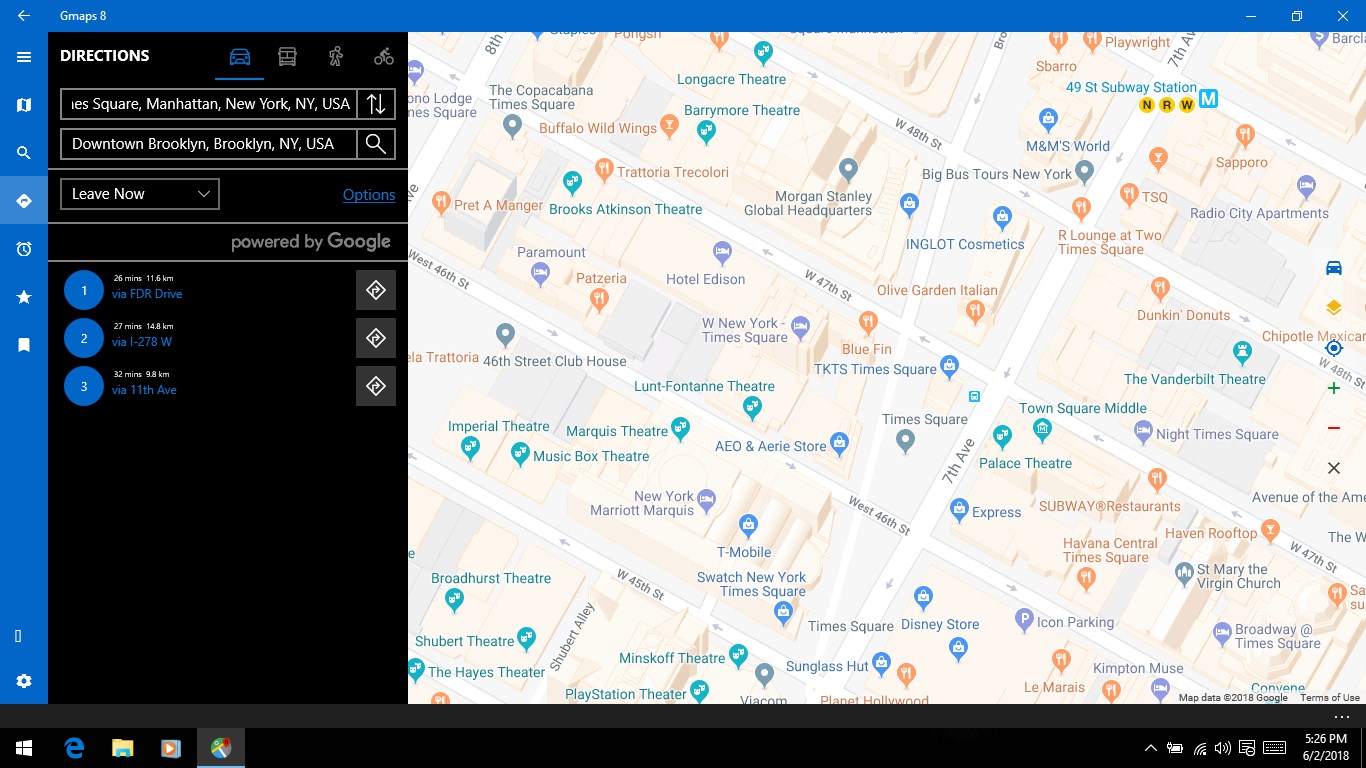
One of the application's standout features is its familiar route planning interface, which mirrors Google Maps closely. You can input your destination with ease, select your preferred mode of transportation, and receive step-by-step directions. The app's accuracy and clarity in guidance help prevent the common frustrations of detours or wrong turns. During testing, the routing was consistently reliable, even in less familiar urban areas, demonstrating its promise as a dependable navigational companion.
Real-Time Traffic and Alerts
Traffic is like the unpredictable guest at your party—sometimes delaying you unexpectedly. Maps for Gmaps for Windows aims to keep this guest in check by providing real-time traffic data. The app displays congestion zones, suggests alternative routes, and delivers timely alerts about accidents or road closures. This dynamic feature can save quite a bit of time, especially during rush hours or in unpredictable traffic conditions, making your journey smoother and less stressful.
Local Business & Landmark Search
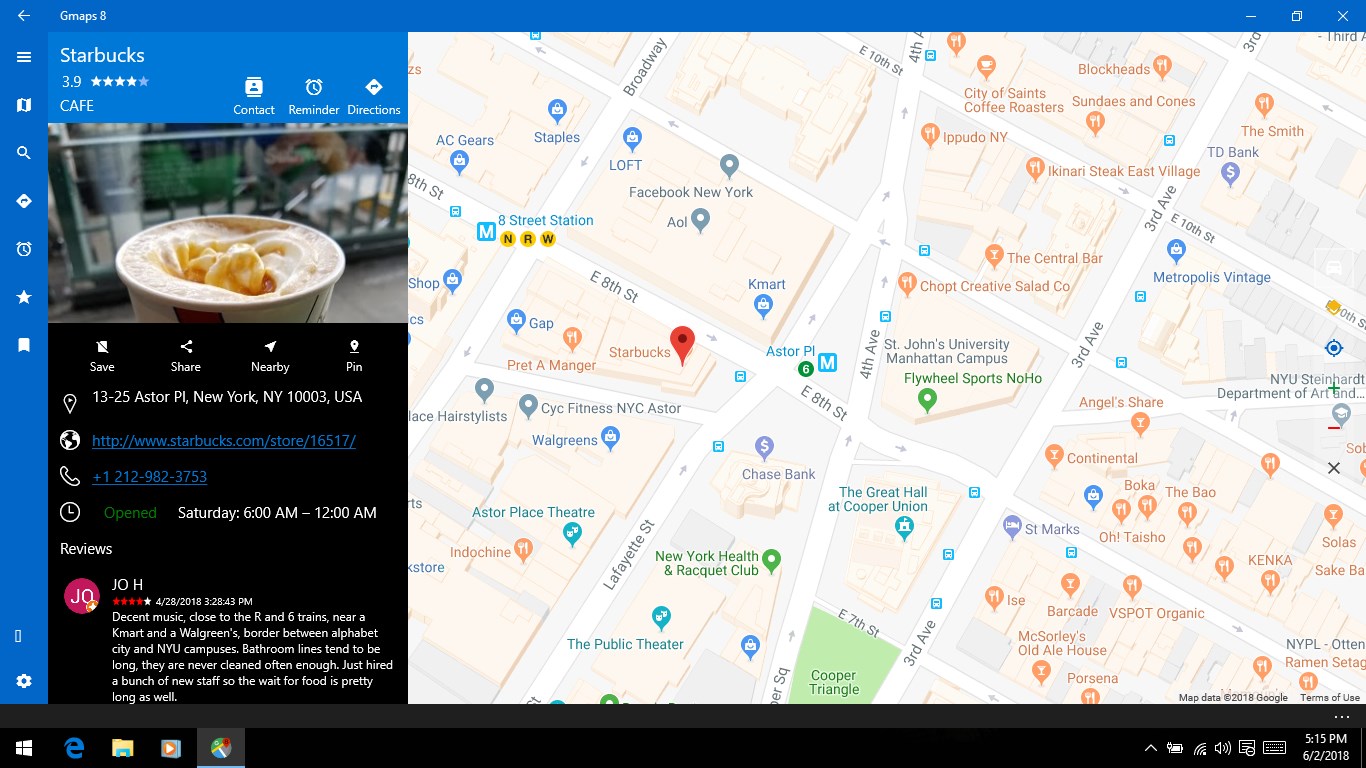
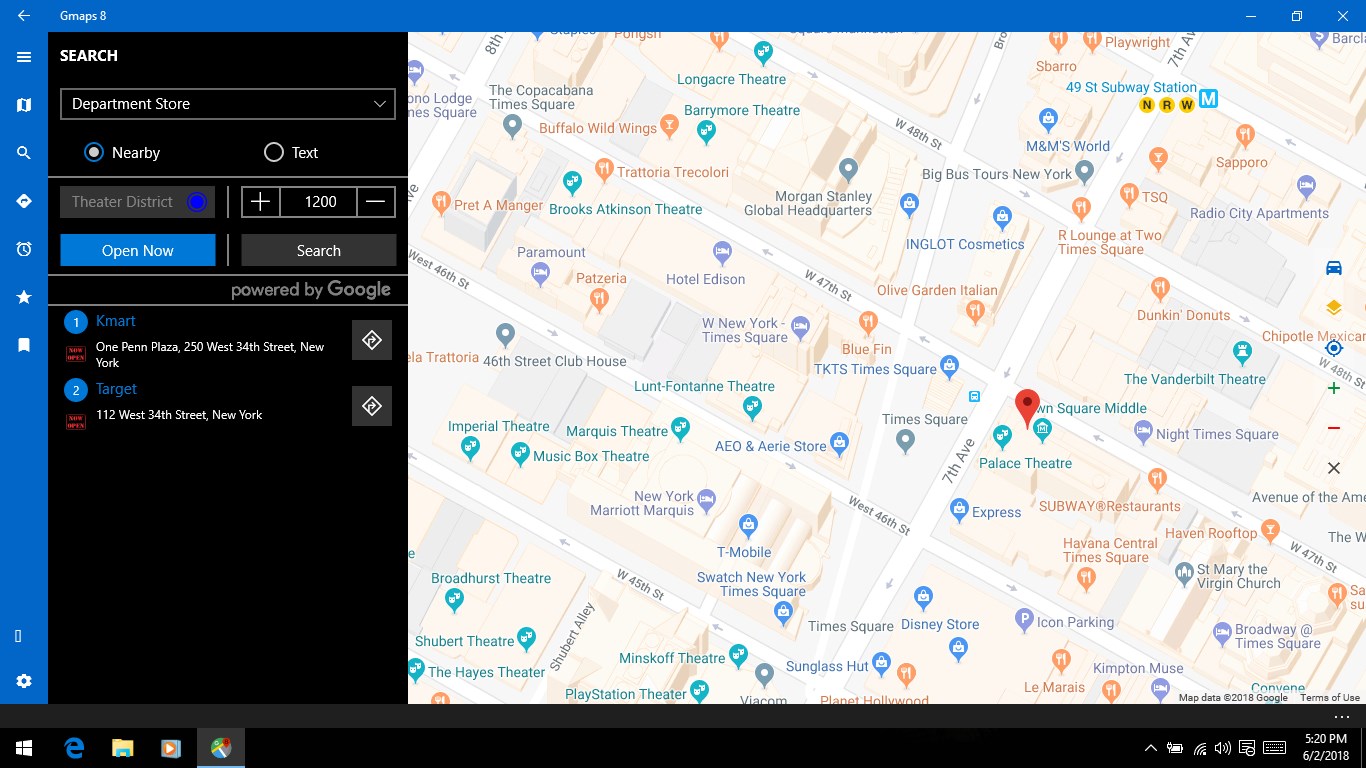
Finding a nearby coffee shop or urgent care clinic is made straightforward with the local search feature. The app pulls data from Google's database, ensuring comprehensive and up-to-date listings. It's as if the app has a built-in 'what's nearby?' feature, which can be particularly handy when you're in unfamiliar territory or planning a quick stop.
User Experience and Interface: Navigating Like a Pro
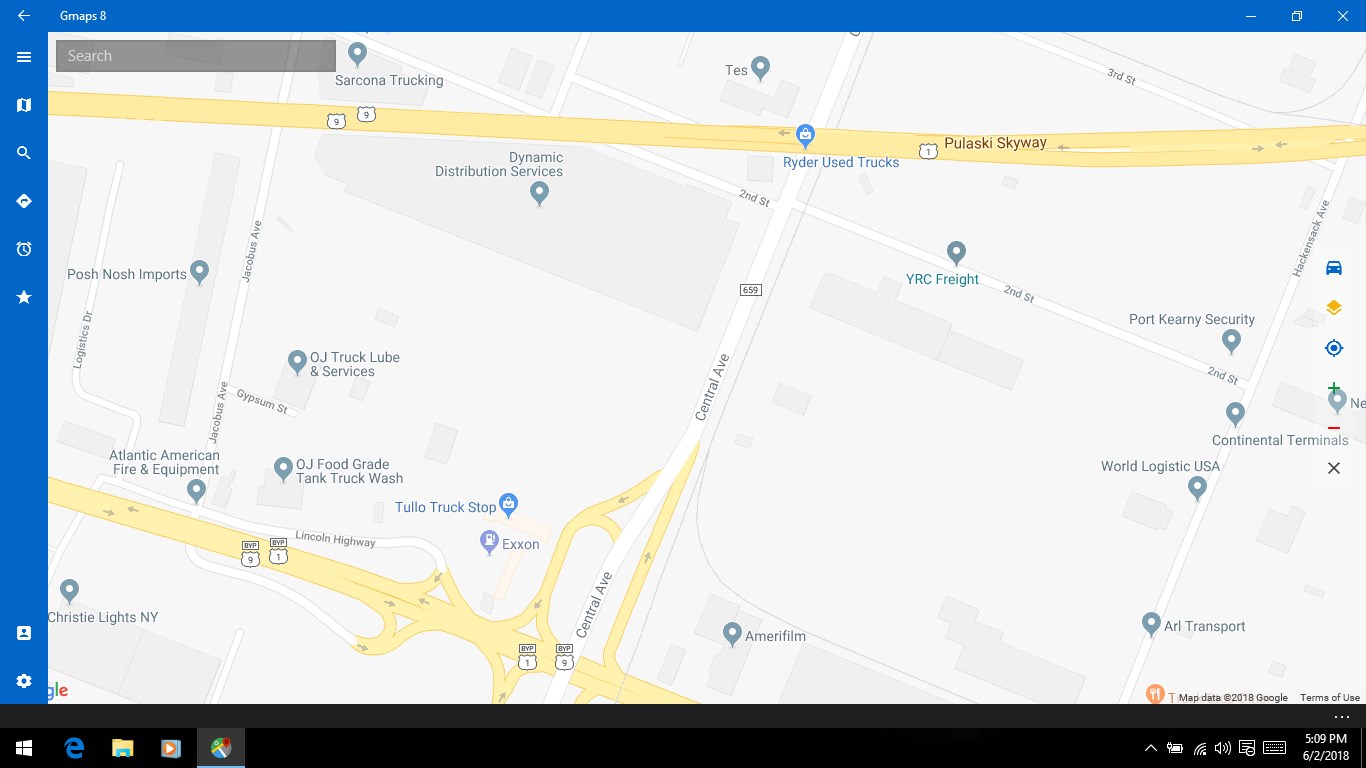
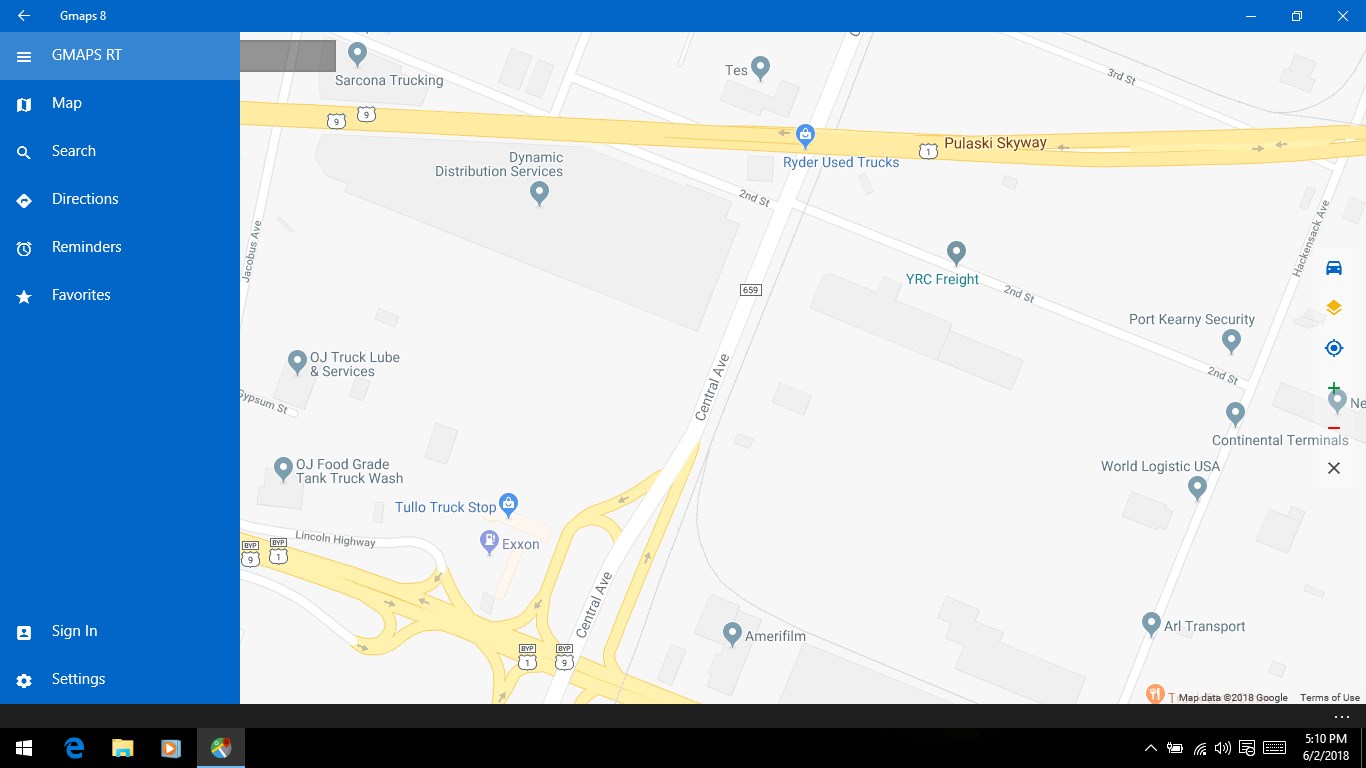
The interface design of Maps for Gmaps for Windows is clean and functional, with a layout that resembles familiar mapping apps—think of it as a well-organized map book that's easy to open and flip through. The responsiveness of the app is notable; transitions between screens are smooth, and there's minimal lag even when handling detailed route data. The learning curve is modest, as most functionalities are intuitive; even first-time users can quickly get the hang of it after a brief exploration.
What Makes It Different from Competitors?
While many navigation apps on the market aim for feature parity, Maps for Gmaps for Windows distinguishes itself mainly through its focus on replicating Google Maps in a seamless Windows environment. Its key advantage is the tight integration with Google's extensive map data, which guarantees high accuracy and currency of information, comparable to the official Google Maps app—but with a possible edge in desktop convenience. Another unique aspect is its developer Rushi's emphasis on lightweight performance, ensuring the app remains unobtrusive while offering robust features, ideal for users who need quick access without cumbersome load times.
Final Thoughts and Recommendations
Overall, I'd say Maps for Gmaps for Windows is a solid contender for anyone seeking a reliable mapping tool on their PC. Its core strengths—accurate route planning, real-time updates, and local business discovery—make it especially useful for daily commuting and spontaneous exploration. While it might not yet match the full suite of features from the official Google Maps mobile app, it offers a compelling and user-friendly experience that can serve as a trustworthy navigation companion. I recommend giving it a try if you frequently navigate via your Windows device and value Google Maps' extensive data. For casual users or those seeking a simple, fast, and effective mapping app, this could be your new go-to tool.
Pros
- User-friendly interface
- Accurate real-time maps
- Offline map support
- Integration with Gmaps
- Frequent updates
Cons
- Limited customization options
- Occasional slow loading times
- Offline feature requires prior download
- Limited information on public transit details
- Battery consumption might be high during navigation