
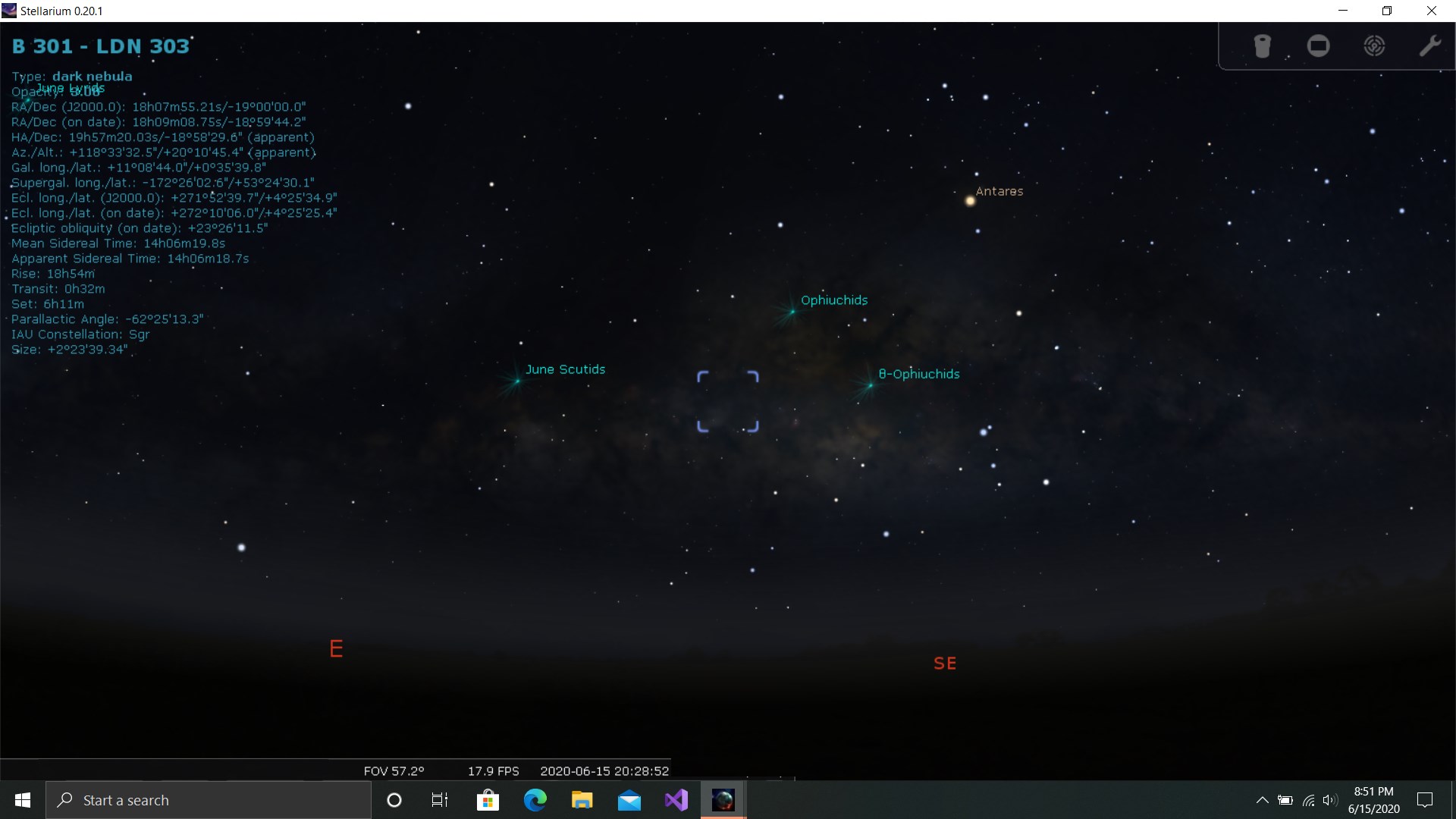
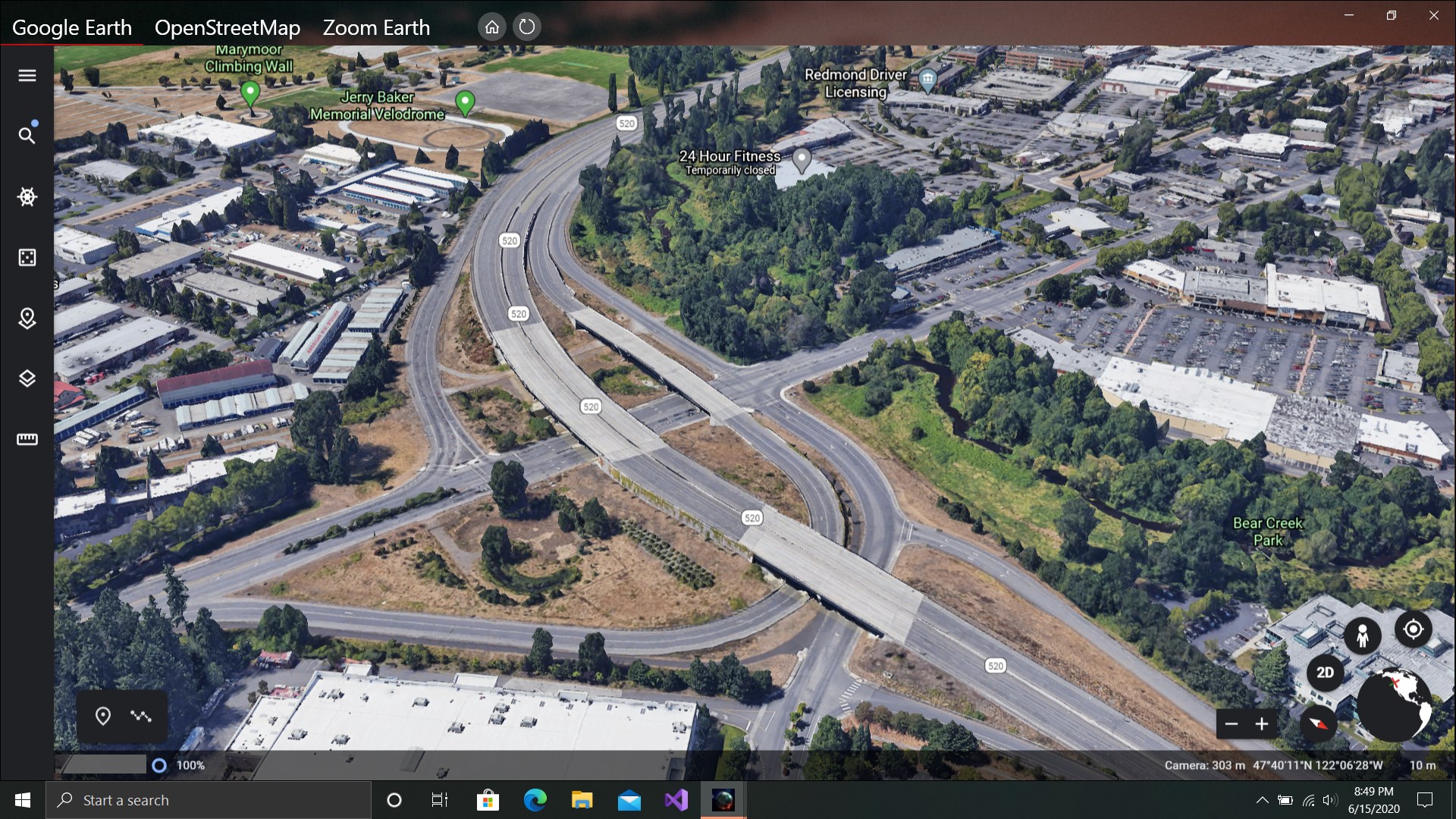
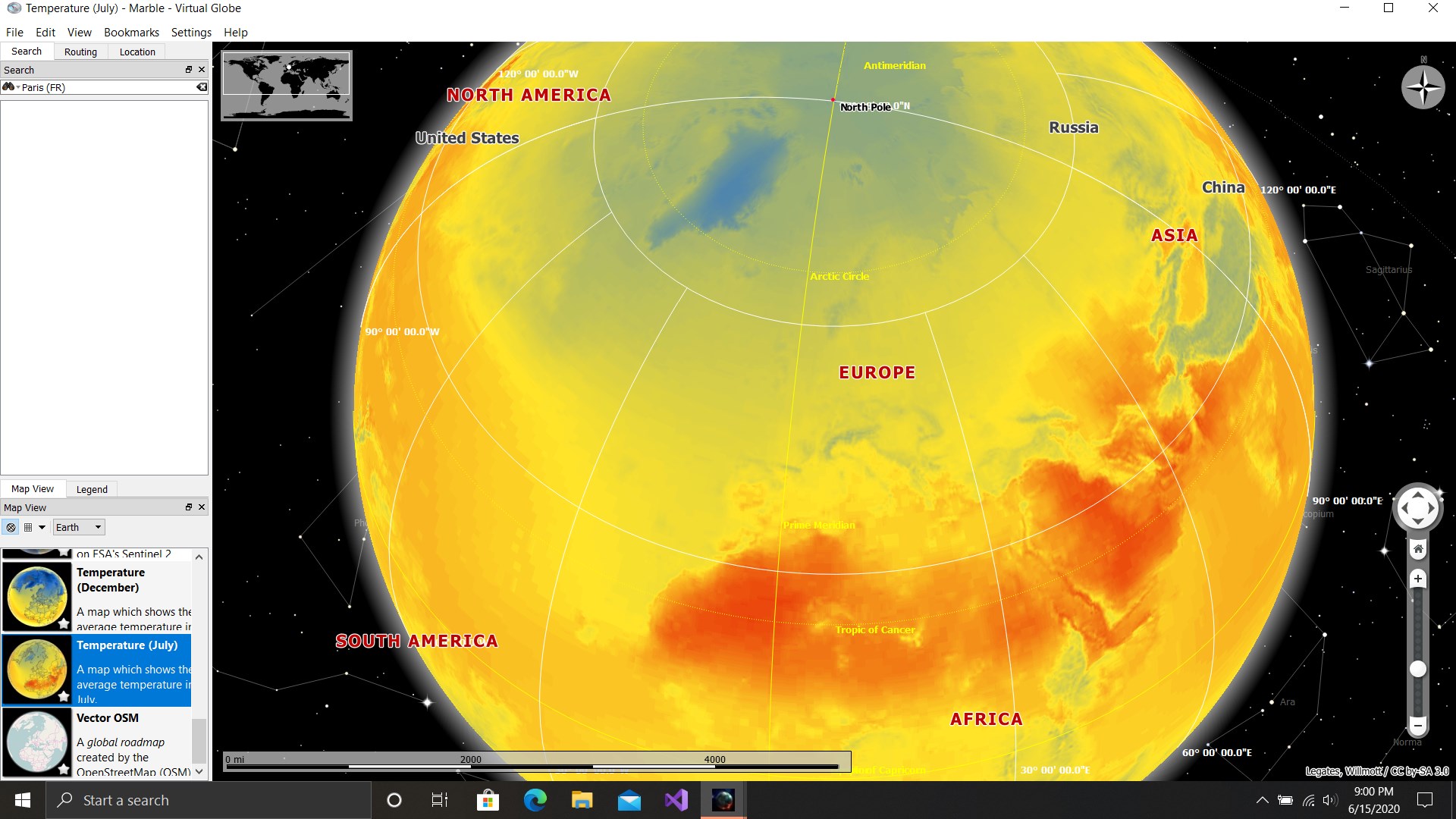
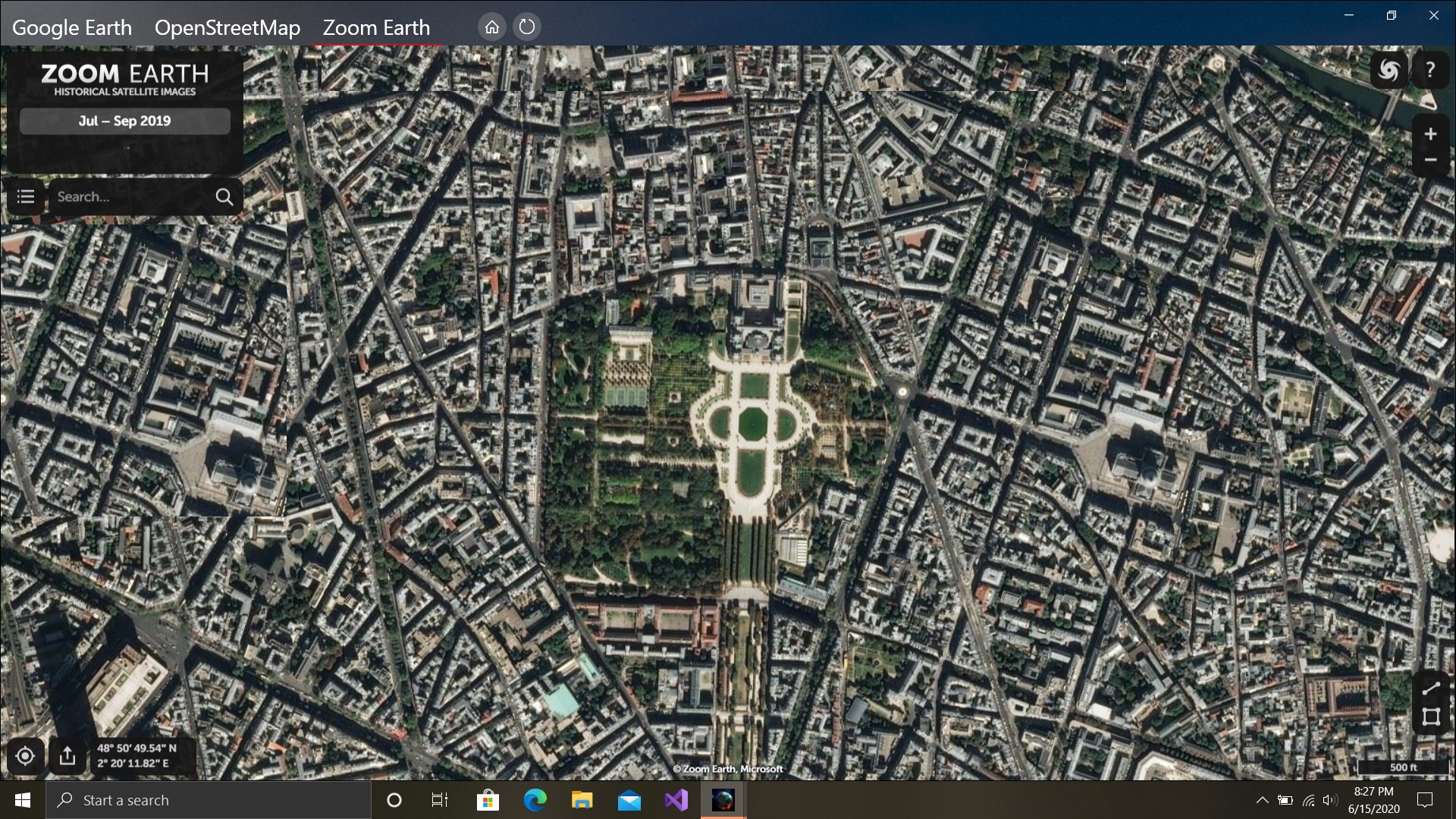
- Name Earth 3D Suite : Earth Pro, Street View
- Category Navigation & maps
- Available on PC, Surface Hub, HoloLens
- OS Windows 10 version 14393.0 or higher
- languages English (United States)
Introducing Earth 3D Suite: Earth Pro & Street View for Windows
Imagine stepping into a vivid, interactive globe right on your desktop — exploring Earth's spectacular landscapes and bustling streets as if you're gliding through them in person. That's exactly what Earth 3D Suite offers: a comprehensive, immersive experience combining realistic earth visualizations with detailed street-level views designed to bring the world closer to you.
Developed by Varapps, this app is a robust tool that caters to explorers, educators, and geography enthusiasts alike. Its primary allure lies in delivering stunning 3D terrestrial visualizations, seamless street views, and user-friendly navigation, all packaged into a sleek Windows application.
Core Features: A World Within Your Reach
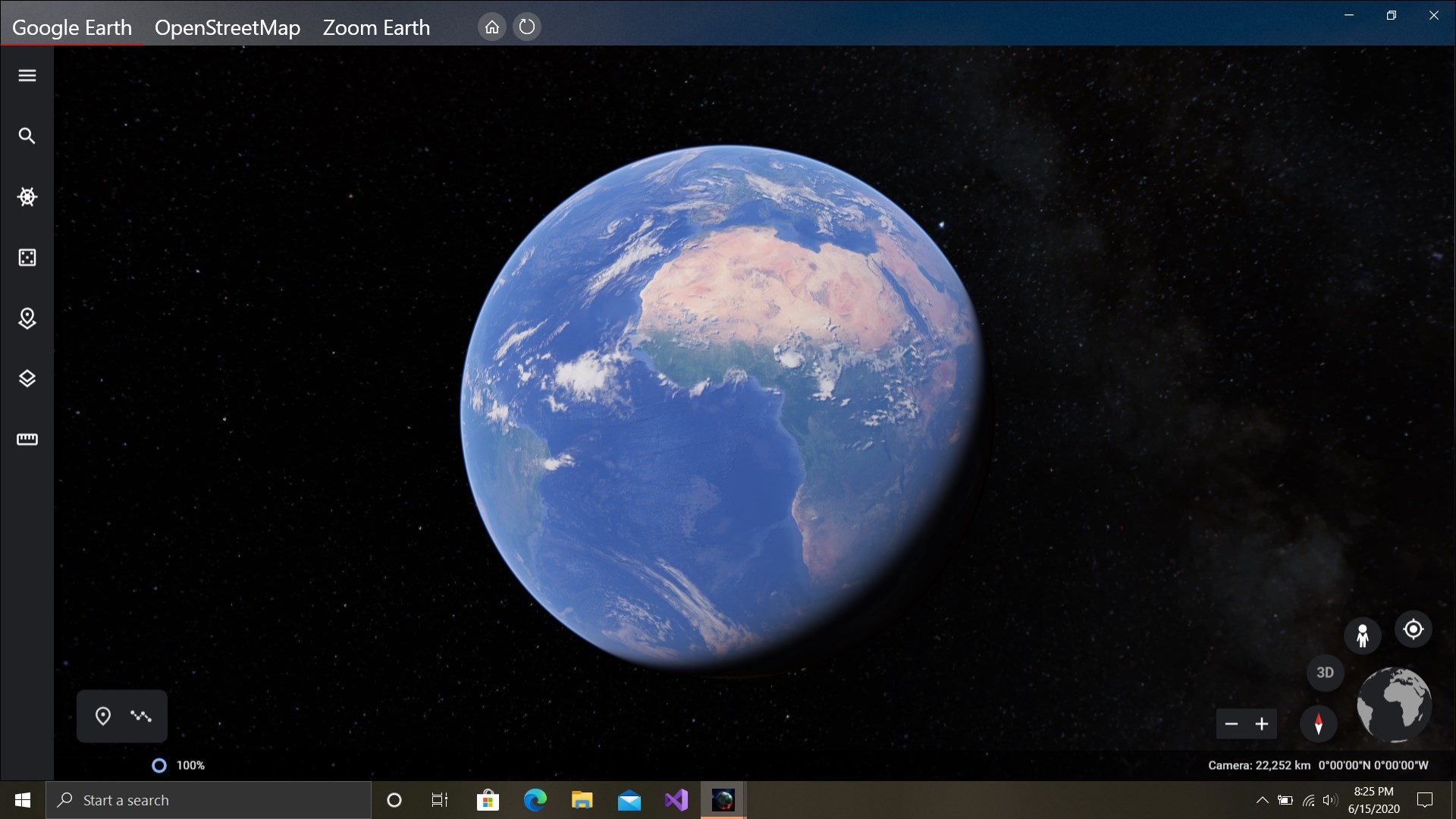
Stunning 3D Earth Visualization
At the heart of Earth 3D Suite is its breathtaking 3D globe, rendered with high-quality textures and dynamic lighting. Whether you're zooming into a tropical island or flying over mountain ranges, the realism makes you feel like a virtual pilot circling the planet. This feature is particularly beneficial for students and educators aiming to present geographic data engagingly or for travel buffs simply craving a global cruise from their desktop.
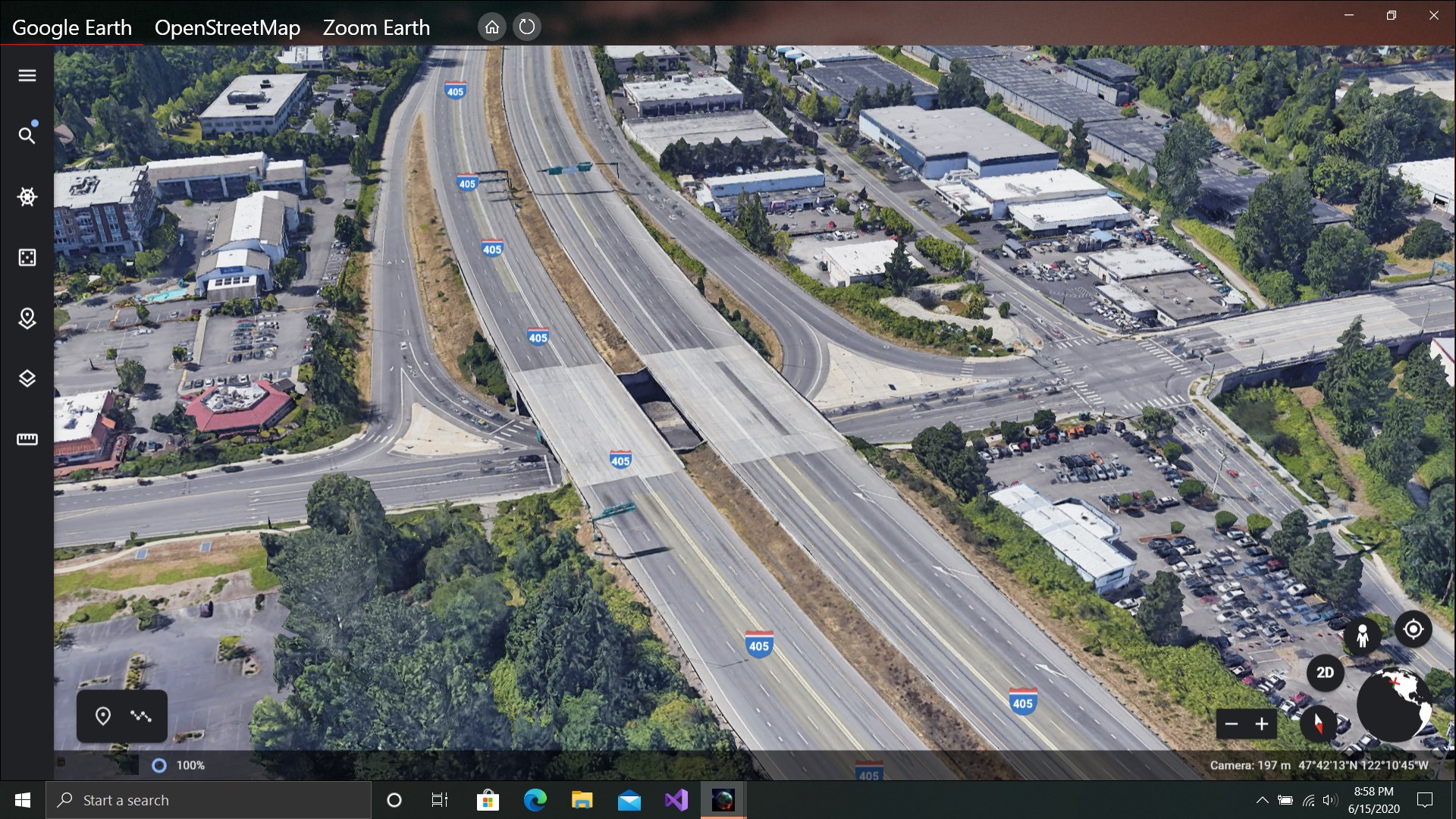
Street View Exploration
The app's Street View feature is akin to having Google Street View's familiar interface but wrapped into a dedicated application that offers smoother navigation with enhanced visual clarity. From peering down a cozy European alley to gliding along the bustling streets of New York, users can delve into precise, street-level imagery. This is especially useful for urban planning, virtual tourism, or planning trips by previewing neighborhoods beforehand.
Interactive Geographic Data
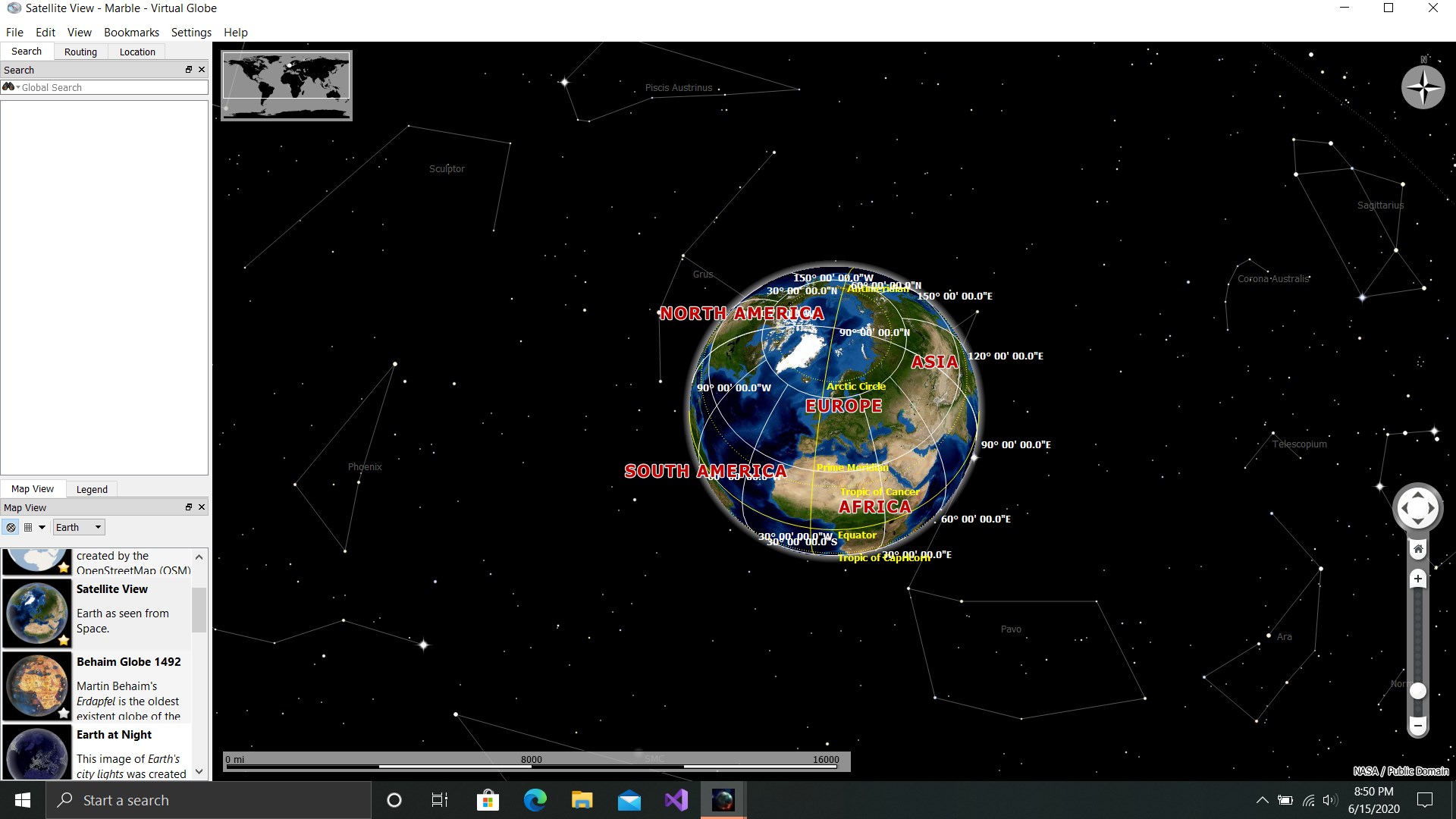
Beyond pretty pictures and street scenes, Earth 3D Suite incorporates interactive tools such as location markers, country boundaries, and topographic overlays. Users can quickly pinpoint specific cities, explore elevation changes, or learn interesting facts about regions, turning the app into an educational powerhouse suitable for classrooms or self-study.
User Experience: How It Feels to Navigate the Globe
The interface strikes a commendable balance between simplicity and functionality. The design adopts a modern, intuitive layout that resembles a polished 3D viewer, making navigation feel natural — akin to spinning a miniature Earth in your hands. Zoom and rotate controls are responsive, providing smooth transitions that keep the immersion lively without frustration. The learning curve is gentle; users unfamiliar with map applications will find themselves exploring the globe comfortably within minutes.
Performance-wise, Earth 3D Suite handles high-detail textures and street-level imagery seamlessly on capable systems. Even on mid-range devices, the app maintains fluidity, demonstrating thoughtful optimization. This ensures that exploration isn't marred by lag or crashes, making it reliable for prolonged use or detailed research.
What Sets It Apart from Other Navigation & Maps Apps?
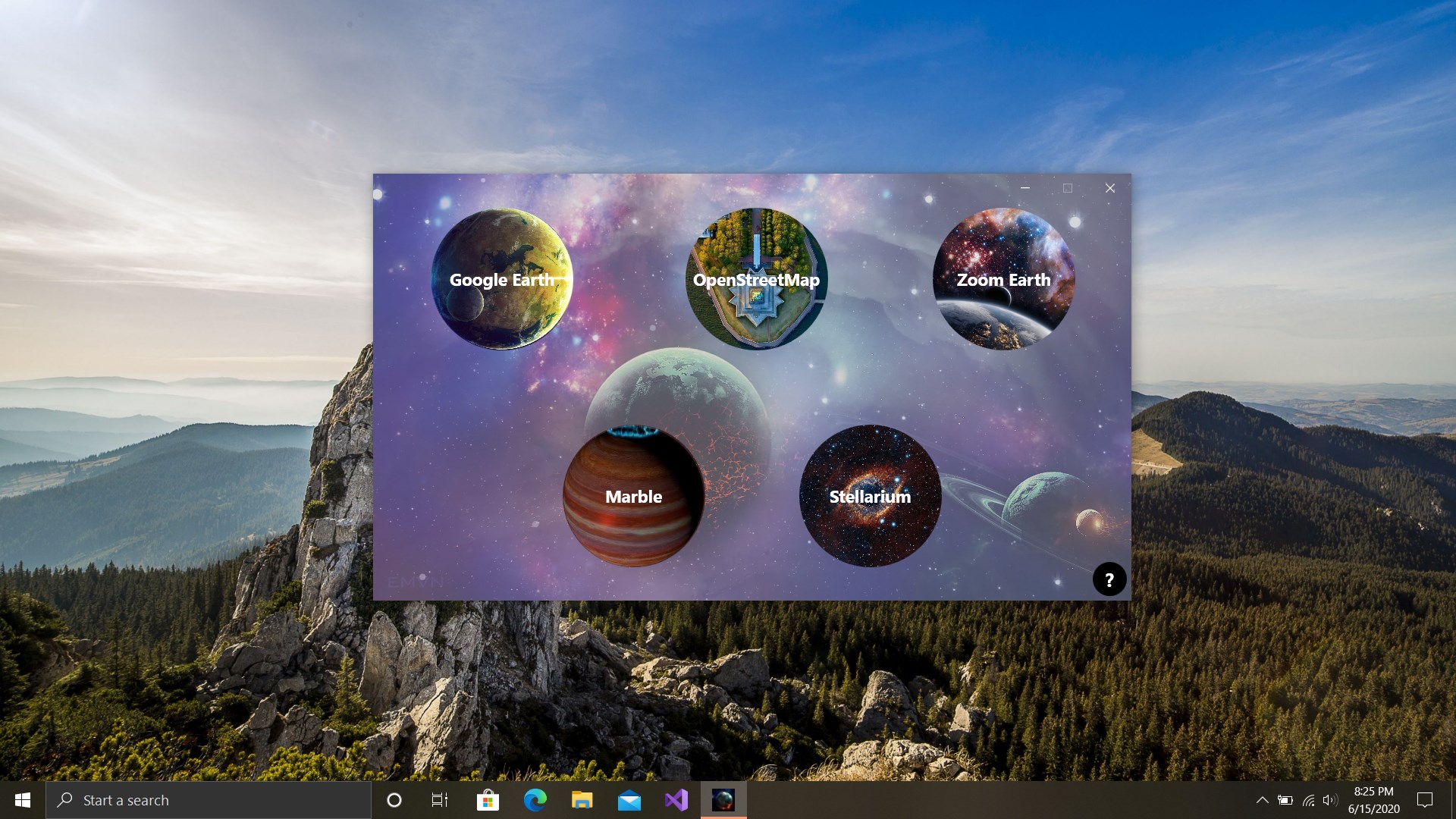
Unlike many generic mapping applications, Earth 3D Suite offers a more holistic, visually immersive experience. Its key differentiator is the combination of a full 3D globe with high-resolution, interactive street views — seamlessly integrated within a single app. While services like Google Earth provide similar features, the standalone nature of this application ensures a smoother experience dedicated entirely to exploration and learning, without ads or dependency on online services.
Furthermore, its focus on detailed geographic overlays and educational tools transforms the app from a simple navigation tool into a virtual classroom or a personal tour guide — making it valuable for educators, students, or travel planners who want a richer, more customizable experience.
Final Verdict and Recommendations
Earth 3D Suite is a thoughtfully crafted application that encapsulates the awe of our planet in a desktop environment. Its standout feature — the combination of a realistic 3D globe with detailed street-level exploration — is both engaging and highly functional. Whether you're a casual explorer, a student, or a professional needing detailed geographic data, this app offers a compelling, immersive experience that's easy to navigate and visually stunning.
I would recommend this app primarily to users who appreciate detailed geographic visualization and enjoy virtual travel. While it might not replace the breadth of online mapping giants for everyday navigation, its immersive qualities make it a unique tool for exploration, education, and planning.
In conclusion, if you're seeking a desktop application that transforms Earth into a living, breathing world you can explore at your leisure, Earth 3D Suite deserves a spot in your software toolkit. It's like holding a miniature universe in your hands, ready to be discovered with every click.
Pros
- High-quality 3D Earth visualization
- Extensive Street View functionality
- User-friendly interface
- Customizable views and layers
- Regular updates and improvements
Cons
- Limited offline capabilities
- High system requirements
- Some geographic areas have less detailed coverage
- Occasional lag or slow loading times
- Limited instructional tutorials or help resources