
Zipper Lock Wallpapers Screen: Personalize and Protect Your Phone with Style
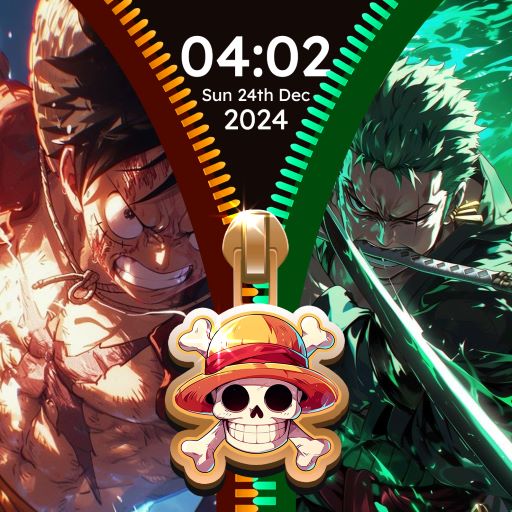
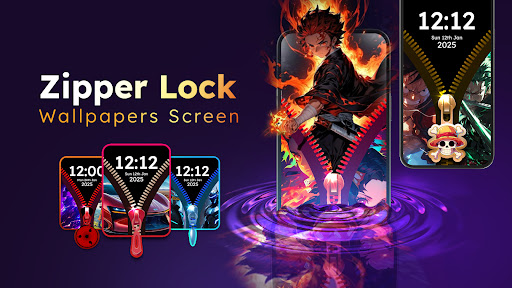
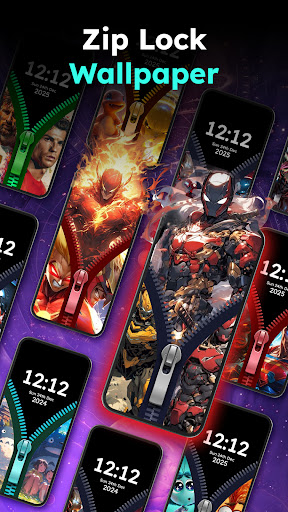
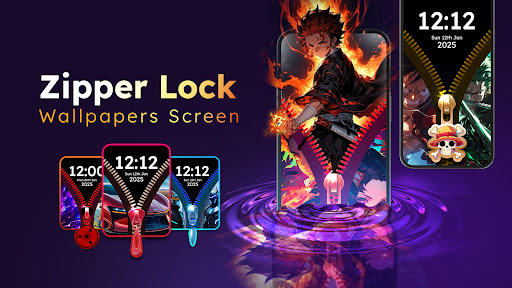
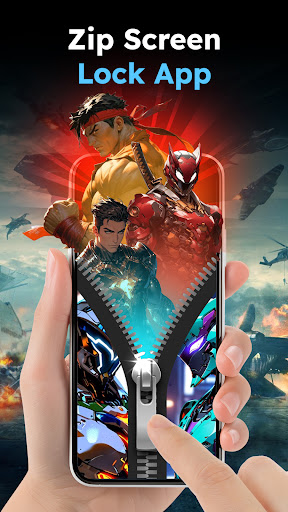
Are you searching for a creative way to personalize your smartphone? Do you want to unlock your phone using unique, cute wallpapers, and breathtaking lock screens? Then the Zipper Lock Wallpapers Screen app is just what you need. This innovative lock screen app provides a fun and secure experience by allowing you to unlock your device with realistic opening effects and stylish zipper-themed wallpapers. With an expansive collection of high-definition (HD) wallpapers and customizable options, you can transform your standard lock screen into a personalized masterpiece that suits your style and mood. Whether you're into anime, animals, cars, or scenery, this app offers endless possibilities for creating a fun and unique lock screen that stands out.
Key Features of Zipper Lock Wallpapers Screen
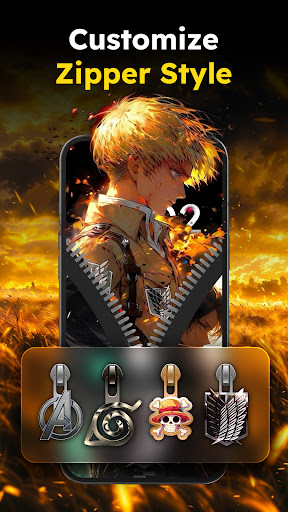
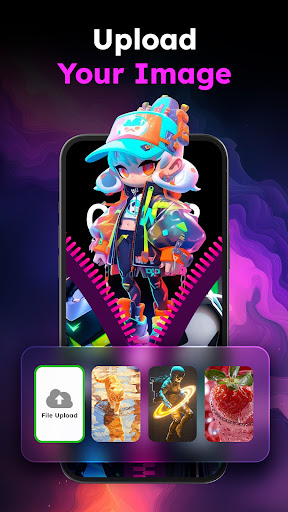
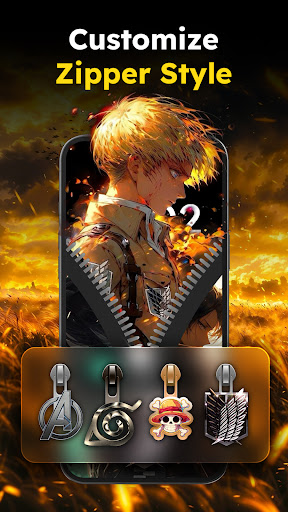
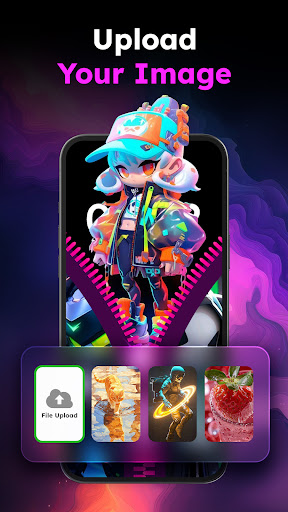
- Customize the zipper screen lock according to your preferences, including selecting different wallpaper themes, zipper styles, and row styles.
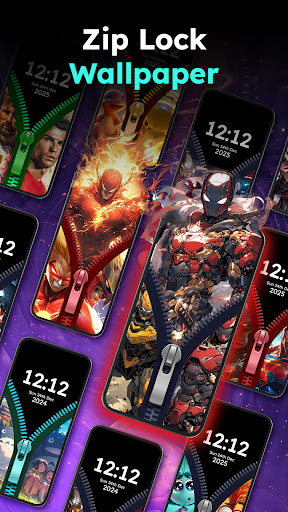
- Extensive collection of HD wallpapers spanning genres like anime, animals, cartoons, cars, and scenic landscapes.
- Smooth & cool security zipper lock that not only secures your device but also adds a stylish touch to the unlocking process.
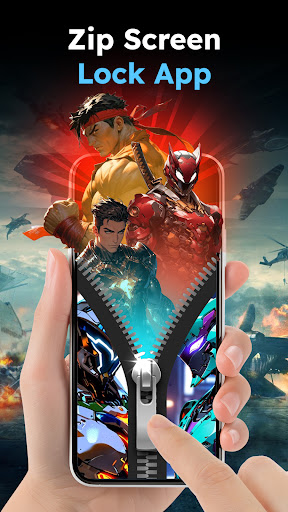
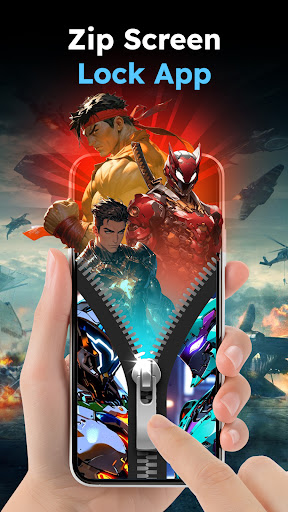
- Realistic unlocking effects that mimic a zipper being opened or closed, making unlocking your phone a visual experience.
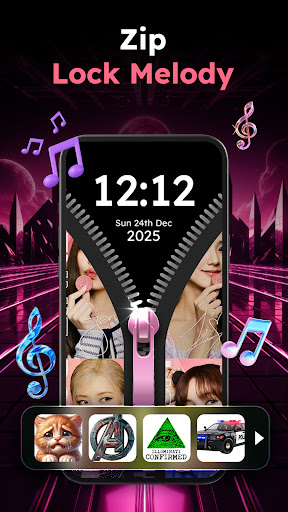
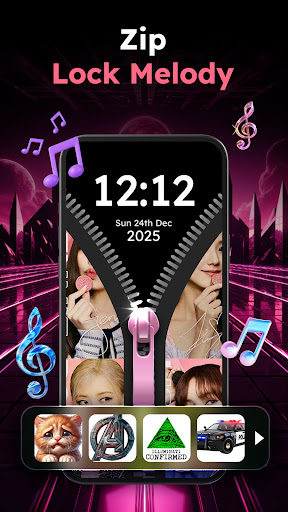
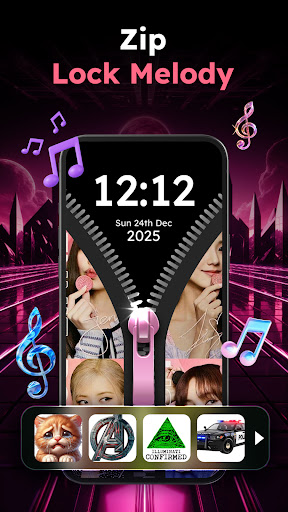
- Catchy zipper melodies to accompany each unlock, with sounds ranging from fun and heroic to creepy. You can turn sound effects on or off based on your preference.
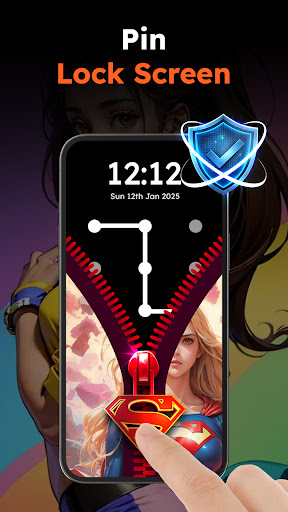
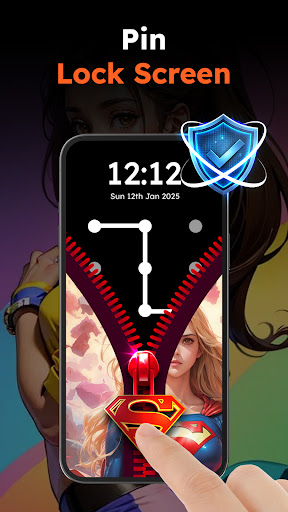
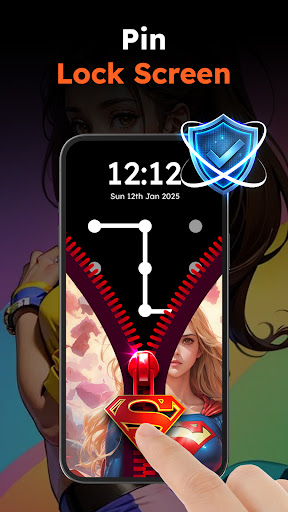
- PIN or pattern lock integration to enhance your device’s security—offering two layers of protection.
Personalize Your Zipper Lock Screen
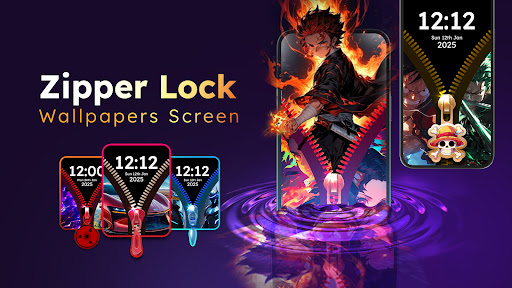
The app features a large library of zipper wallpapers that can be matched with various themes. Choose from themes such as anime, animals, cars, and Marvel to create a lock screen that truly reflects your personality. You can also select from multiple zipper styles such as stars, Spiderman, or hearts. The app provides an interactive preview feature, allowing you to experiment with different combinations before settling on the perfect look. This customization ensures your lock screen is not only secure but also eye-catching.
Stylish Zipper Styles and Sound Effects
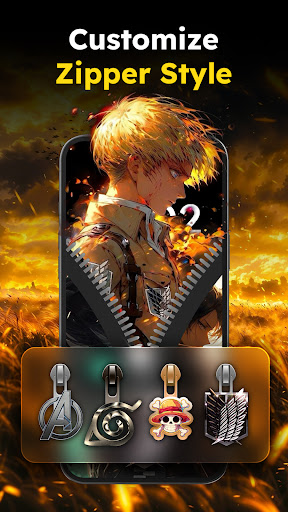
The app offers multiple zipper styles designed with diverse shapes such as stars, Spiderman, and hearts. Customize the zipper and row style to coordinate with your selected wallpaper for a cohesive look. With the interactive preview feature, you can see how different styles will appear on your lock screen before making a final decision. Additionally, every time you unzip your lock screen, you'll hear a satisfying zip sound. The app lets you select from a variety of sound effects, ranging from fun and heroic to creepy. If you prefer a silent experience, you can easily turn off the sound effects.
Enhanced Phone Security with PIN Code
To protect your privacy, the Zipper Lock Wallpapers Screen app includes an option to set a PIN code or pattern lock. The dual-layer security—comprising the zipper lock and PIN or pattern—ensures your device is highly protected from unauthorized access. Unlocking your phone with a zipper sliding combined with a PIN code creates a unique and secure unlocking experience.
How to Set Up and Use the App
- Download the Zipper Lock Wallpaper Screen app from your app store.
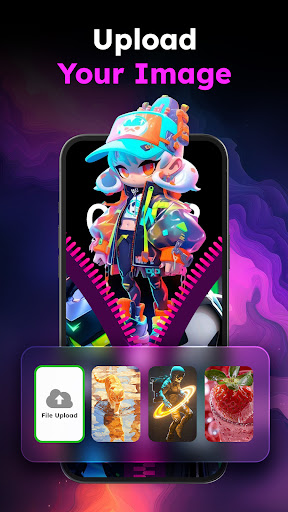
- Customize your zipper lock by selecting a wallpaper, zipper style, and row style.
- Choose your preferred sound effects to enhance the unlocking experience.
- Enable your PIN or pattern lock for added security.
- Enjoy your unique zipper lock screen every time you unlock your phone.
Transform Your Lock Screen and Make Unlocking Fun
With the Zipper Lock Wallpapers Screen, you combine style and security effortlessly, creating a personalized lock screen that is both secure and entertaining. Its simplicity, coupled with customizability and realistic effects, makes unlocking your phone a delightful experience. Whether you want to showcase your passions through thematic wallpapers or enjoy the playful zipper sounds, this app offers a unique way to make your device truly yours. Download the Zipper Lock Wallpapers Screen today and discover how fun and stylish your lock screen can be!
Pros
- Unique screen unlock method
- Entertaining and engaging design
- Multiple wallpaper choices
- User-friendly interface
- Boosts phone customization
Cons
- Potential rapid battery drain
- Limited options for customization
- Advertisements may be disruptive
- Not appropriate for all users
- Could reduce performance on older devices











