

Introducing ThemeKit - Themes & Widgets
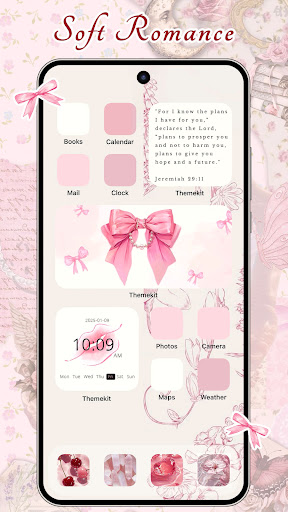
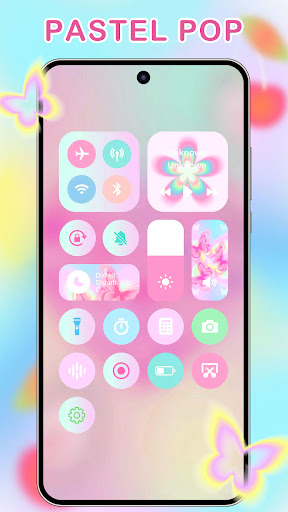
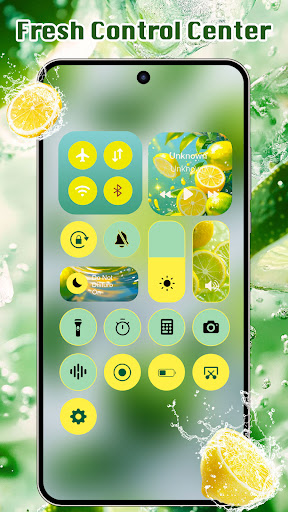
ThemeKit - Themes & Widgets is a professional and versatile theme application designed specifically for Android devices. It empowers users to personalize their smartphones with a wide array of aesthetic icon packs, live widgets, wallpapers, and themes. The app functions as your personal home screen designer, allowing you to craft a unique and stylish interface that reflects your personality and taste. Whether your style is minimalist, vibrant, or somewhere in between, ThemeKit offers the tools to create a truly customized experience.
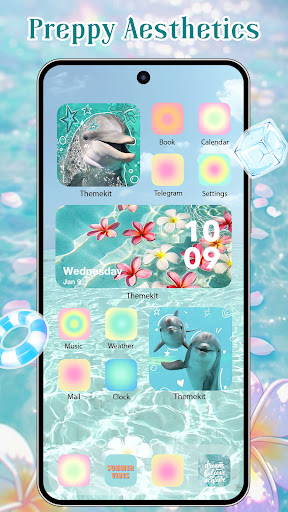
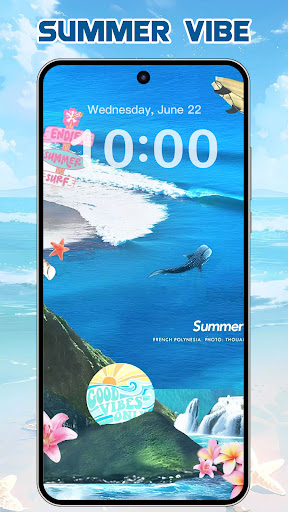
With the spirit of renewal and rebirth, ThemeKit features fresh and trendy themes, including Christmas wallpapers for 2024, bringing a sense of joy and festivity to your device. The app showcases dynamic widgets, seasonal themes such as Christmas Style & Autumn Moments, Summer Vacation, and even dedicated themes for sporting events like Football Carnival. All these themes and widgets are readily available online, ensuring your device stays current and visually appealing.
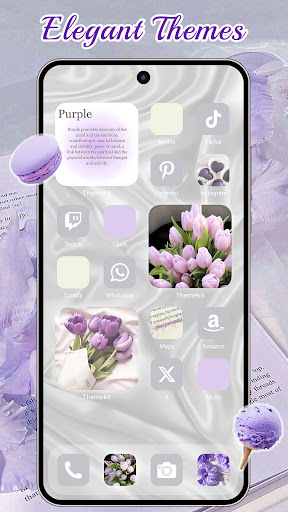
As the top free themify icons, widgets, and themes app, ThemeKit boasts an impressive content library comprising over 5000 icons, 3000 themes, 9000 widgets, and thousands of wallpapers. This extensive collection guarantees that every user can find a style that resonates with their aesthetic preferences. The app's Powerful Style Master feature integrates three core functionalities in one: icon changing, widget packs, and live wallpapers — making it an all-in-one home screen customization tool.
One of the highlights of ThemeKit is its DIY Function, which allows users to create personalized icons and widgets using their own photos and wallpapers. This feature turns your creative ideas into reality, transforming ordinary home screens into beautiful, self-made works of art. Download ThemeKit and explore a world of digital beauty crafted entirely by yourself!
Key Features for Personalization and Creativity
Extensive Customization Options
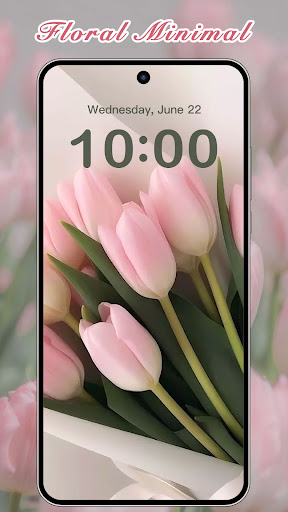
ThemeKit enables users to personalize their phones with aesthetically designed icons, themes, live wallpapers, and widgets. You can turn your device into a piece of gorgeous art with stunning 4K wallpapers. The app supports daily updates, ensuring fresh and trendy content is always available.
DIY and Creative Freedom
The app's DIY feature allows you to customize your lock screen, icons, themes, and widgets using your own images. Whether you prefer a minimalist look or a vibrant Aesthetic style, ThemeKit helps you bring your vision to life with simple, intuitive tools.
Variety of Themed Content
Explore a vast assortment of themes that span numerous styles and occasions, such as Summer Sadness, Pray, Lights, Festival, Dark, Pink, Fantasy, Cartoon, Gothic, Anime, K-pop, European Cup, Copa Cup, Super Bowl, MLB, Neon, Hand Draw, Nature, and more. Each theme reflects the spirit and attitude of positivity, artistic expression, and personal love for life.
User-Friendly Experience and Compatibility
Easy to Use & Compatible
ThemeKit features a user-friendly interface, making home screen customization accessible to everyone, regardless of technical skill. Its compatibility spans popular Android brands like Samsung, Vivo, OPPO, Xiaomi, and others, ensuring a seamless experience across devices.
Advanced Features
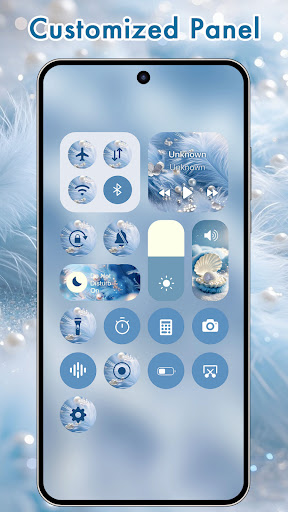
The app includes a variety of widgets, such as countdown, weather, music control, and more. Its search function simplifies finding your favorite themes or widgets, making customization straightforward and enjoyable.
Icon & Wallpaper Management
Without needing a launcher, ThemeKit allows you to create shortcuts with custom icons from your gallery or the app’s icon packs. The 4K & HD wallpapers are updated daily, giving your device a fresh new look every day. You can easily change wallpapers and icons to match your mood and style.
Final Thoughts
In an era where personal expression is highly valued, ThemeKit - Themes & Widgets offers an excellent platform to customize and elevate your Android device's appearance. It enables you to craft a unique visual identity, whether you seek a sleek, elegant aesthetic or a vibrant, energetic vibe. This app is more than just a tool; it’s a creative companion that helps you showcase your personality through your smartphone interface.
With a rich library of themes, customizable widgets, and wallpapers, ThemeKit ensures your phone stays stylish and personalized. Its intuitive design makes it easy for anyone to explore countless customization options without hassle. Whether updating daily with new themes or designing your own icons and widgets, you’ll find endless inspiration to keep your device looking fresh and engaging.
So, dive into the world of digital art and customization with ThemeKit. Make your phone stand out, reflect your lifestyle, and enjoy a truly personalized user experience. Download ThemeKit now and start transforming your device into a stylish, aesthetic masterpiece—because your phone should be as unique as you are!
Pros
- Highly customizable themes.
- Wide variety of widgets available.
- User-friendly interface.
- Regular updates introducing new features.
- Compatible with both Android and iOS.
Cons
- Some features require in-app purchases.
- Users have reported occasional bugs.
- May drain battery faster.
- Limited free themes are available.
- Requires internet connection for updates.










