

Introduction to Launcher OS™
Launcher OS™ sets a new standard for the Android mobile operating system. It enhances your device, making it smarter, more personal, and more powerful than ever before. Designed to open up a world of amazing possibilities for launcher customization, Launcher OS™ transforms your smartphone into a truly customized and efficient device. Once installed, your phone becomes the most capable and personalized device you’ve ever used, with features that seamlessly blend advanced functionality and user-friendly design.
To ensure optimal performance, Launcher OS™ requires users to grant some special permissions, including:
- • CAMERA: Open camera in your phone when the screen is locked.
- • READ_PHONE_STATE: Show ongoing phone calls even when the screen is locked.
- • NOTIFICATION ACCESS: Display notifications on the lock screen.
- • READ/WRITE_EXTERNAL_STORAGE: Support setting wallpapers from your storage or server-saved images.
- • DRAW OVER SCREEN: Show lock screen overlay in all applications.
- • MANAGE_EXTERNAL_STORAGE: Enables a universal file search feature for quick access to files.
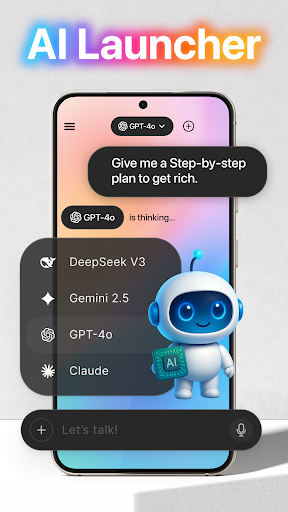
- • RECORD_AUDIO: Use microphone access for voice-to-text AI chat features.
For assistance, users can contact support via email (support@appsgenz.com). We thank you for choosing Launcher OS™ and look forward to enhancing your Android experience!
Revamp Your Phone with Launcher OS™
Have you ever wished your phone could feel brand new without the need to purchase a new device? Launcher OS™ is here to make that possible. This innovative app offers a simple way to give your Android phone a complete makeover with just a few taps. It’s like transforming your device’s look and feel, breathing new life into your everyday usability, and elevating your overall experience.
First Impressions and Interface
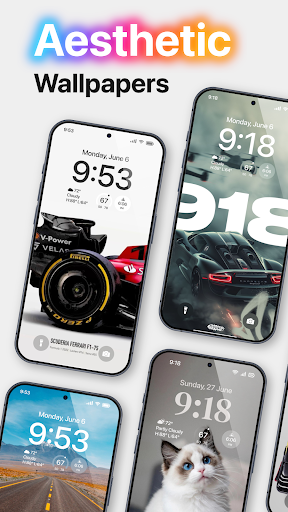
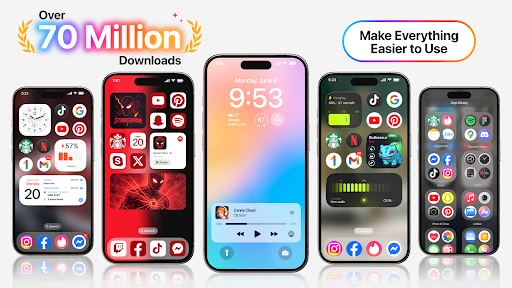
Upon installation, Launcher OS™ greets you with a sleek, intuitive interface inspired by modern operating systems. Designed with ease of use in mind, the app doesn’t just modify superficial elements like wallpapers or icons—though it does improve those as well—it completely reimagines your home screen layout. The result is a fresh, modern look that makes your device feel both new and personalized.
Customization and Personalization
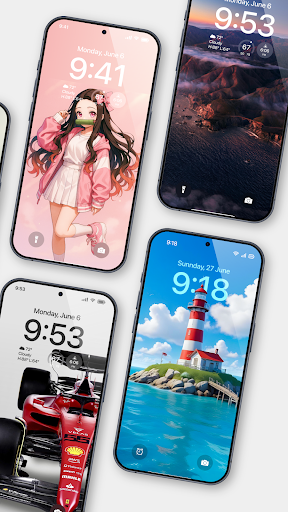
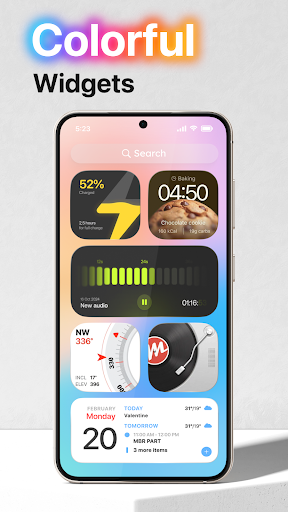
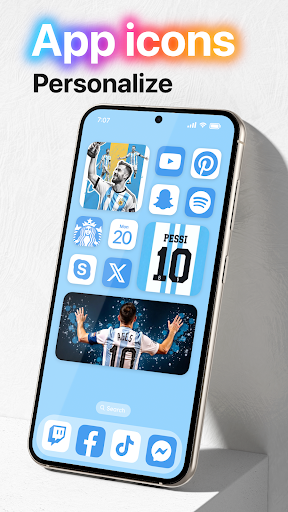
One of the app's standout features is its extensive customization options. You can explore a variety of themes, icon packs, and widgets to create a uniquely tailored interface. The intuitive design ensures that customizing your device is a hassle-free experience—no complicated menus or confusing options. This level of personalization allows you to craft a home screen that truly reflects your style and preferences.
Performance and Efficiency
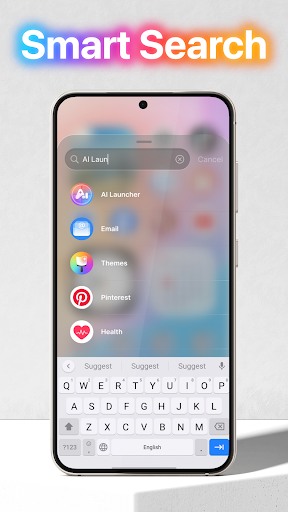
Many users worry that extensive customization might slow their phones down. However, Launcher OS™ is optimized for performance, enabling seamless operation without lag or stuttering. It’s lightweight and efficient, feeling like a natural extension of your device rather than an added burden. Features like smart widgets, which adapt to your usage, and a powerful search function make navigation effortless and quick.
User Experience and Features
The app thoughtfully integrates features that enhance usability. For example, its smart widgets improve productivity by adapting to your habits, while the search functionality helps you find apps or files instantly. The user interface is designed for accessibility and ease of navigation, making customization and daily use straightforward and enjoyable.
Why You Should Try Launcher OS™
If you love experimenting with your device’s look and feel, Launcher OS™ is an excellent choice. It offers a cost-effective way to refresh your Android device without the need for a new phone. With its smooth performance, rich customization options, and user-friendly design, this app is perfect for tech enthusiasts and casual users alike. Whether you want to tweak your home screen, add new widgets, or completely overhaul your interface, Launcher OS™ delivers all these features with ease.
In summary, Launcher OS™ is a powerful application that injects new life into your Android device. It combines the latest in launcher customization technology with practical features that improve daily device interaction. So, if you’re seeking a way to keep your phone feeling new and exciting, give Launcher OS™ a try—you won’t be disappointed!
Pros
- Customizable home screen layout.
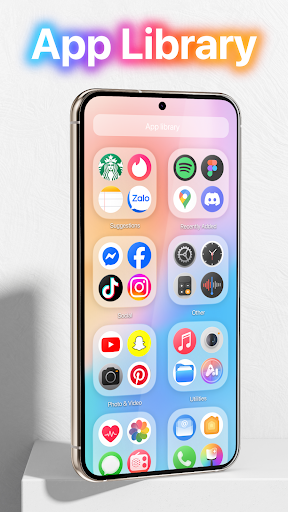
- Efficient app drawer organization.
- Smooth and fast performance.
- Intuitive gesture controls.
- Support for icon packs.
Cons
- Limited widget options.
- Occasional advertisements in the free version.
- Some features require a premium subscription.
- Compatibility issues on older devices.
- Limited customer support.










