

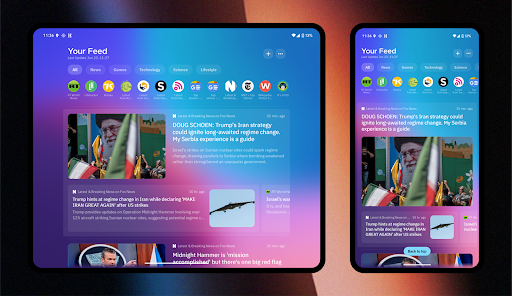
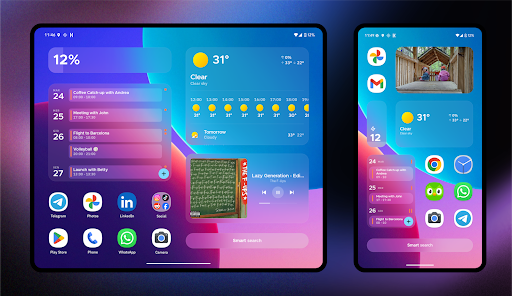
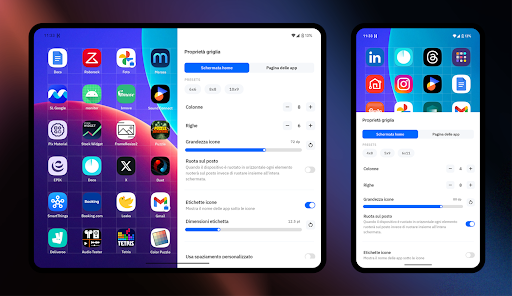
Introduction to Smart Launcher 6 ‧ Home Screen
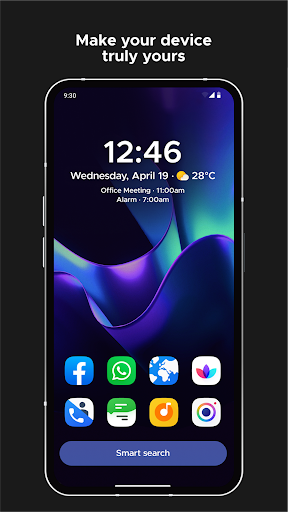
Smart Launcher 6 ‧ Home Screen is an innovative Android launcher designed to revamp the way you interact with your device. If you love customizing your smartphone experience to reflect your personal style and improve usability, this app offers a perfect blend of aesthetics and functionality. Recognized as one of the Best Android Launchers by popular tech outlets, it has gained a reputation for enhancing productivity while allowing extensive customization. The launcher automatically organizes your apps into tidy categories, making navigation effortless. Its responsive search engine lets you find contacts, apps, or perform quick actions in just a few taps. Plus, Smart Launcher dynamically adapts its theme colors to match your wallpaper, creating a seamless visual experience. Whether you're seeking quicker access to your favorite apps or a sleek new look, Smart Launcher 6 provides a comprehensive solution to elevate your Android device's home screen.
Key Features of Smart Launcher 6 ‧ Home Screen
Automatic App Sorting
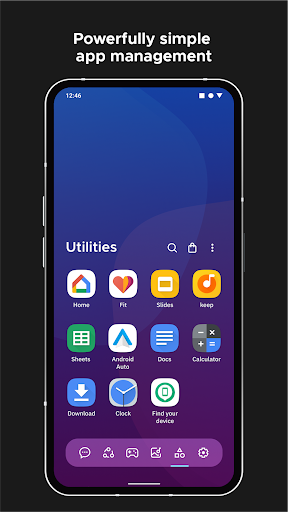
One of the standout features of Smart Launcher 6 is its automatic app sorting system. Gone are the days of manual organization—apps are intelligently grouped into categories such as social, productivity, entertainment, and more. This ensures your home screen remains tidy and navigable, saving you time and effort. Interestingly, Apple adopted a similar approach in their App Library introduced with iOS 14, highlighting the popularity of this convenience feature.
Ambient Theme Matching
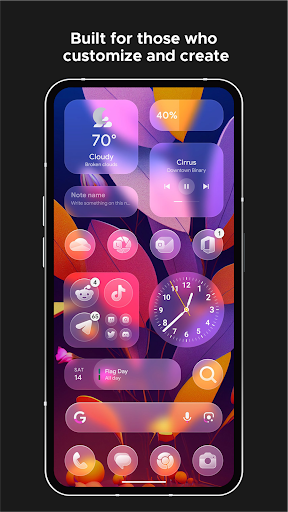
Smart Launcher intelligently adjusts its theme colors to match your current wallpaper. This dynamic adaptation results in a harmonious aesthetic appeal, making your home screen look cohesive and stylish every time you change your background image.
One-Handed Usability
Designed for ease of use, all essential controls and frequently accessed items are positioned within reach of your thumb. The launcher places these elements at the bottom part of the screen, simplifying one-handed operation and enhancing overall usability.
Responsive Widgets and Customization
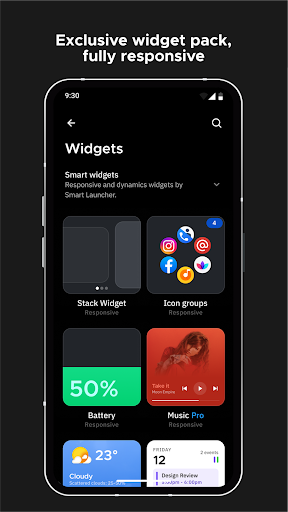
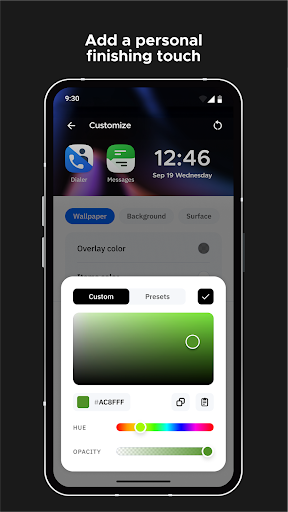
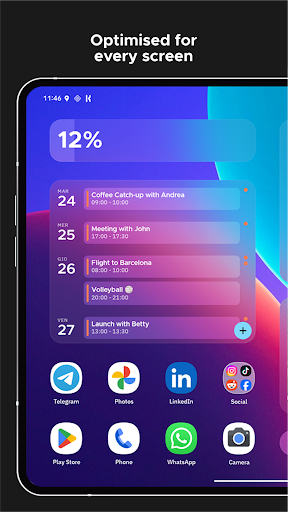
The launcher includes a full set of responsive widgets that are both functional and visually appealing. Additionally, Smart Launcher offers extensive customization options—alter colors, change fonts (with access to thousands via Google Fonts), and modify layout styles. You can even personalize icon shapes and sizes, thanks to full support for adaptive icons introduced with Android 8.0 Oreo.
Smart Search and Gesture Controls
A powerful smart search bar enables quick access to contacts, apps, web searches, or calculations. Users can also configure gestures and hotkeys to perform actions like turning off the screen with a double-tap or opening the notification panel via swipe, making navigation faster and more intuitive.
Notifications and Privacy Features
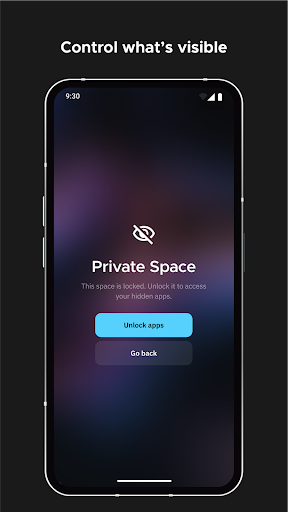
Smart Launcher displays active notifications directly on the home screen, eliminating the need for external plugins. You can also hide sensitive apps and protect them with a PIN to preserve privacy.
Immersive Mode and Wallpaper Management
Maximize your screen space by enabling ultra immersive mode, which hides the navigation bar. The launcher also offers a robust wallpaper picker with multiple sources, along with the option to backup and restore your favorite wallpapers for easy customization.
Performance and Community Support
Smart Launcher 6 is known for its lightweight, optimized design that ensures smooth operation even on devices with limited resources. Regular updates introduce new features and support for the latest Android APIs. The community-driven project invites users to become beta testers through platforms like Reddit, fostering continuous improvement and user feedback integration.
Conclusion: Is Smart Launcher 6 ‧ Home Screen Right for You?
If you're seeking an Android launcher that combines style, speed, and personalization, Smart Launcher 6 is an excellent choice. Its smart app sorting, dynamic theming, and customizable interface help you craft a user experience tailored specifically to your preferences. Whether you prioritize efficiency or aesthetics, this launcher offers the tools you need to make your device uniquely yours. Give your home screen a makeover today and enjoy a smarter, more beautiful Android experience.
Pros
- User-friendly interface improves accessibility.
- Highly customizable themes and widgets.
- Efficient app search saves time.
- Smooth performance with minimal lag.
- Supports gesture controls for quick access.
Cons
- Limited features in the free version.
- Occasional advertisements in the free version.
- Some themes require in-app purchases.
- May cause faster battery drain on older devices.
- Limited integration with third-party applications.










