

Introduction to X Icon Changer - Change Icons
X Icon Changer is a completely free and versatile application designed to help users customize their Android devices by easily changing app icons and names. With an intuitive interface and a rich selection of options, this app allows users to personalize their home screens to reflect their unique style and personality. Whether you prefer minimalist designs, vibrant colors, or quirky icons, X Icon Changer has you covered with a variety of icon packs and customization features.
Main Features of X Icon Changer
Customizable Icons and Names
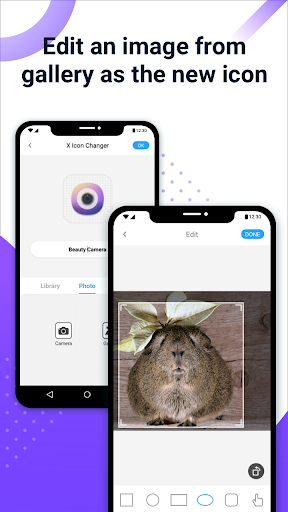
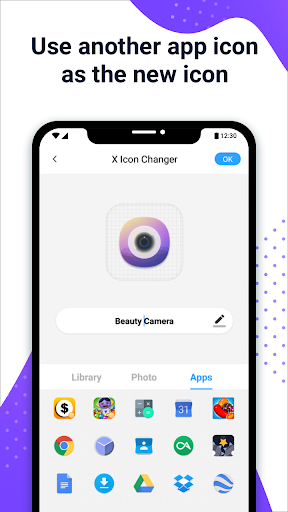
The core feature of X Icon Changer is its ability to replace default app icons with new, personalized ones. Users can select icons from multiple sources including their device gallery, built-in icon packs, or third-party icon collections. Additionally, the app allows you to edit the app name, giving you complete control over how your home screen appears.
Wide Selection of Icon Packs
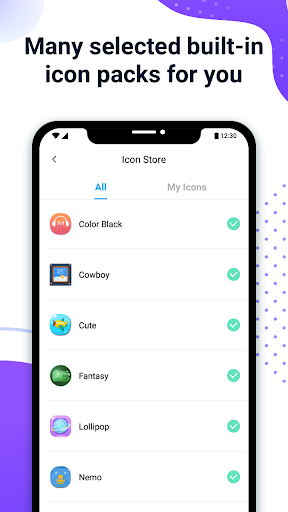
The app provides a vast array of built-in icon packs, enabling users to choose designs that match their aesthetic preferences. Moreover, you can import custom icons or download additional icon packs available online, ensuring that your customization options are virtually limitless.
Easy Shortcut Creation
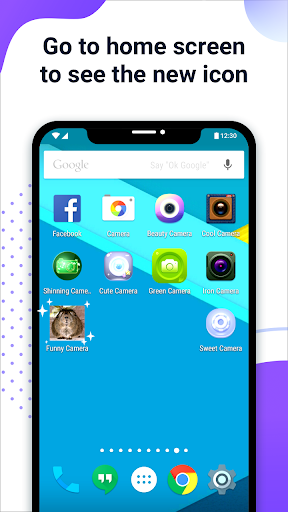
Once you select your preferred icon and optionally edit the app name, X Icon Changer creates a shortcut on your home screen. This process does not replace the original app but instead overlays a new icon, maintaining the original app functionality and performance.
GIF Animation Feature
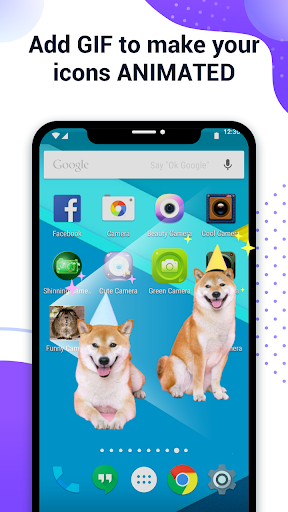
An exciting feature allows users to add a GIF animation to play when launching the app through the customized icon, adding an engaging visual element to your home screen.
Watermark Management
On devices running Android 8.0 and above, a system watermark may appear on shortcuts created by the app. However, users can easily bypass this by using a widget-based approach, which involves adding the X Icon Changer widget to the home screen for a seamless, watermark-free experience.
How to Use X Icon Changer
Step-by-Step Guide
Getting started with X Icon Changer is simple:
- Open the app.
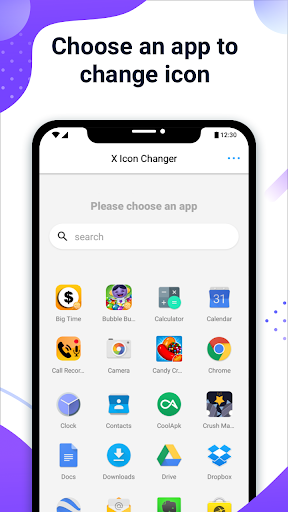
- Choose an application from the list.
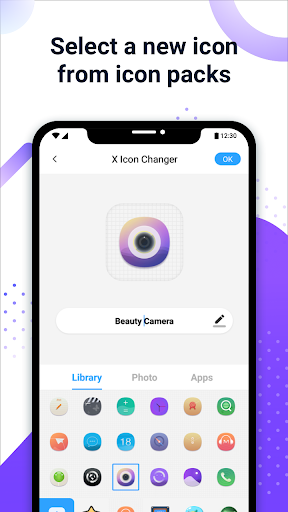
- Select a new icon from the built-in packs, your gallery, or other app icons.
- Optional: Enter a new name for the app (can be left blank).
- Go to your home screen or desktop to see the new shortcut with the customized icon.
- You can also add a GIF animation to enhance the visual appeal when launching the app.
Personalization and Aesthetic Enhancement
If you're tired of the default, mundane app icons cluttering your home screen, X Icon Changer offers a refreshing way to inject style and personality into your device. By enabling you to pick from a variety of icon packs or design your own, the app unlocks your creative potential to craft a truly customized user interface.
Plus, the ability to change app names means you can organize your apps more intuitively or add fun, quirky labels to make your device more playful. The straightforward process ensures even novice users can quickly give their smartphones a new look without technical hassle.
Performance and User Experience
Designed with efficiency in mind, X Icon Changer runs smoothly without draining your device’s resources. It operates in the background seamlessly, allowing users to switch between themes and icons without experiencing lag or slowdown. The app also ensures that your original applications remain unchanged, offering an easy switch back if needed, making it a non-intrusive customization tool.
Final Thoughts
In conclusion, X Icon Changer - Change Icons is a highly recommended app for anyone looking to elevate their Android device’s aesthetics. Its user-friendly interface, extensive icon collection, and flexible customization options make it a top choice for personalizing your home screen effortlessly. Whether you want to match a specific theme, add a splash of color, or just enjoy a cleaner look, this app provides all the tools you need to transform your device into a reflection of your style.
Download X Icon Changer today and start decorating your Android phone in a fun and creative way. Give your home screen a fresh new vibe and enjoy a more personalized mobile experience every day!
Pros
- User-friendly interface allows quick icon customization.
- Offers a large selection of icons to choose from.
- Supports creating custom icons.
- Does not require rooting your device.
- Improves device personalization options.
Cons
- Some icons may clash with system themes.
- Includes occasional advertisements during usage.
- Limited free icon choices available.
- May cause performance issues on older devices.
- Does not support dynamic icons.










