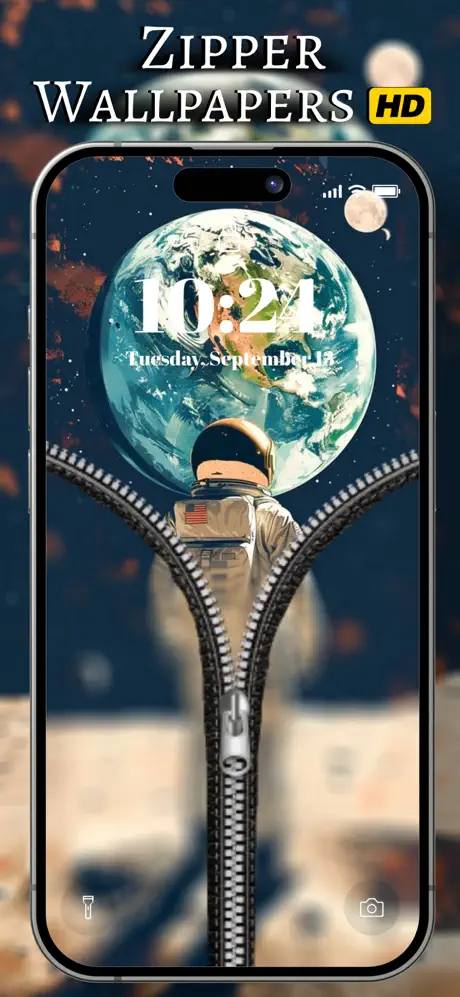
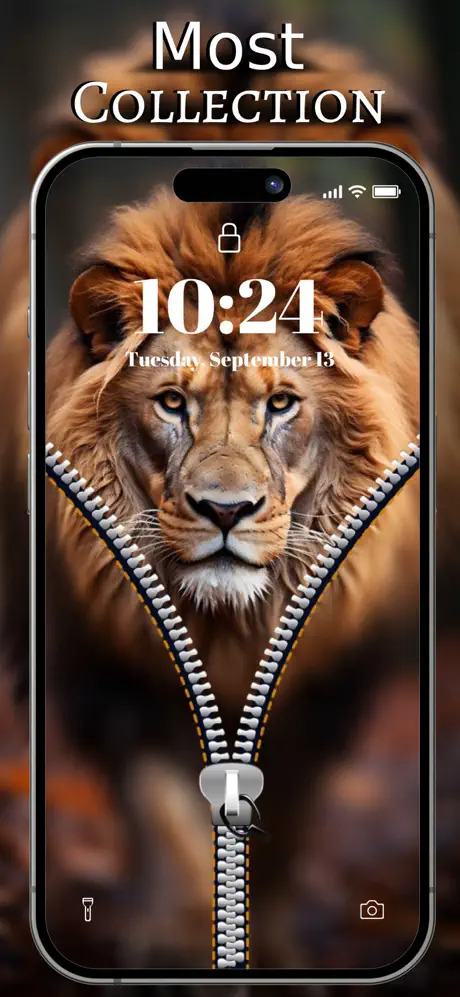
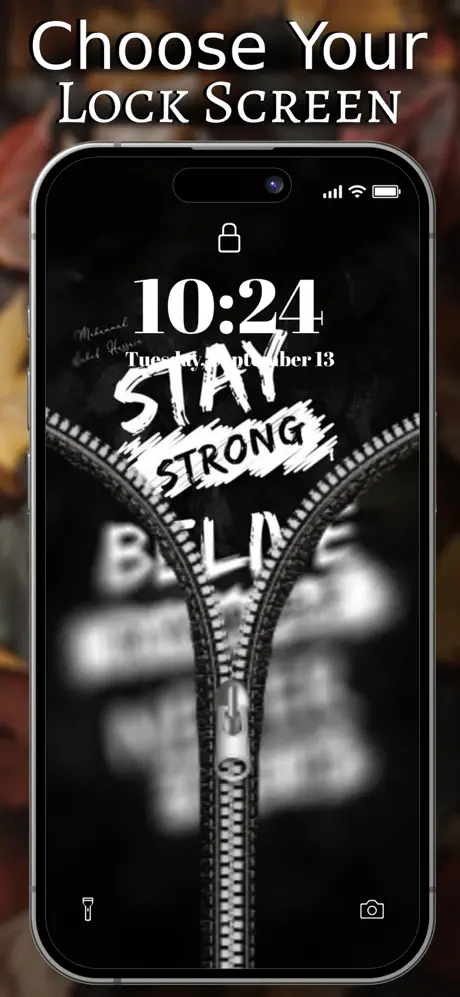
Introducing Zipper Lock Screen Wallpapers
Transform your phone’s lock screen into a unique and stylish experience with the Zipper Lock Screen Wallpaper app! This app offers an extensive collection of stunning zipper-themed wallpapers, allowing you to customize your lock screen with interactive and dynamic designs that are both fun and functional. With a wide variety of zipper designs to choose from or the option to create your own custom look, you can give your phone a fresh, exciting new appearance. Whether you want a sleek metallic zipper or a playful cartoon style, this app empowers you to personalize your device effortlessly.
Key Features of the Zipper Lock Screen Wallpaper App
Interactive Zipper Wallpapers
Experience the novelty of interactive zipper animations that respond to your gestures. The wallpapers feature realistic zipper movements, making unlocking your phone a fun and engaging experience. Drag the zipper down to reveal your home screen, adding a playful twist to everyday device access.
Customizable Themes
Personalization is at the core of this app. You can choose from a variety of zipper styles and designs or customize the zipper style and background to match your mood and aesthetic. Whether you prefer a sleek, modern look or something more playful and colorful, the options are limitless.
Smooth Animation
Enjoy smooth and realistic zipper animations that enhance the unlocking process. The fluidity of these animations makes unlocking your device more enjoyable and less monotonous.
Simple Setup
Applying your favorite zipper wallpaper is quick and easy. With just a few taps, you can set your customized wallpaper as your lock screen background, without any complicated procedures.
High-Quality Images and Multiple Design Options
The app provides a collection of high-resolution wallpapers that look fantastic on all device sizes and resolutions. Additionally, you can select from numerous zipper patterns, colors, and backgrounds to reflect your personal style.
Free and User-Friendly
Best of all, the app is free to download and designed for easy customization. No technical skills are necessary—just install, personalize, and enjoy a fun new look for your lock screen.
Experience the Fun and Functionality
The Zipper Lock Screen Wallpapers app isn’t just about aesthetics; it’s about adding interactive fun elements to your daily device usage. Imagine unzipping your lock screen—a playful, satisfying motion that brings a sense of novelty and personal flair. It’s perfect for users who love customizing their gadgets and want something different from traditional lock screens. With this app, every unlock becomes an occasion to smile as you slide or drag a zipper to reveal the home interface. This innovative approach also serves as a great conversation starter among friends and colleagues, who will notice your lock screen’s unique style. Plus, the ability to upload your own background images offers a level of personal customization that ensures your device reflects your personality. The intuitive user interface guarantees a seamless experience, with minimal lag and straightforward setup. Whether you are tech-savvy or a beginner, you will find this unlocking method both enjoyable and accessible. Plus, the app’s high-quality graphics and versatile design options make it suitable for all tastes and preferences. Overall, Zipper Lock Screen Wallpapers combines style, fun, and practicality into one package. It’s a perfect choice for those who want to add a splash of creativity and interactivity to their mobile experience. Download the app today to give your lock screen a fresh, eye-catching makeover and enjoy a more engaging unlocking process that stands out from the crowd.
Pros
- Highly customizable lock screen
- Offers a wide variety of wallpapers
- User-friendly interface
- Lightweight app with low storage usage
- Supports various zipper styles
Cons
- Ads can be intrusive
- Limited free features
- Some wallpapers are low resolution
- Occasional app crashes
- No advanced security features