

ZArchiver: The Essential Android Archive Management Tool
Managing files on your Android device can sometimes be a challenging task, especially when dealing with different archive formats and the need for quick extraction or compression. Enter ZArchiver, a versatile and user-friendly archive management application designed to simplify your file handling routines. Whether you're creating backups, extracting files, or editing archives, ZArchiver provides a comprehensive solution tailored for both casual users and power users alike.
What is ZArchiver?
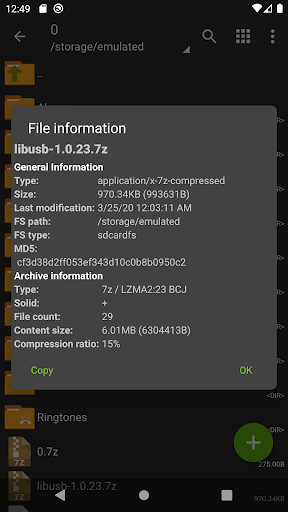
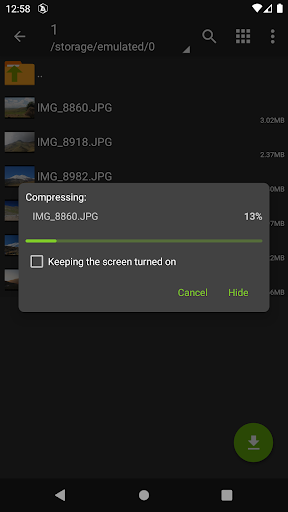
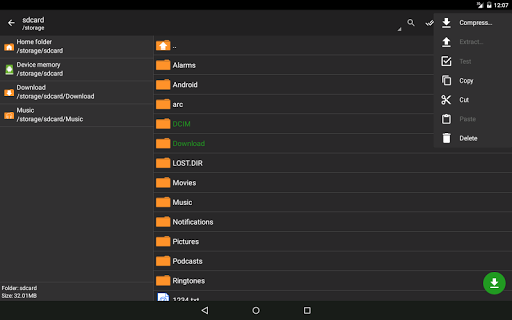
ZArchiver is a powerful archive management app that enables users to create, open, and manage various archive types directly on Android devices. Its intuitive interface offers seamless access to complex file operations, making it one of the most popular tools for archive management on mobile. Its core functions include creating compressed archives like ZIP and 7z, decompressing a wide array of formats such as RAR, TAR, GZIP, ISO, and even more obscure formats like LZH, ARJ, and CPIO. The app also supports creating and decompressing password-protected archives, adding a layer of security to your sensitive files.
Key Features of ZArchiver
Wide Format Support
ZArchiver stands out with its support for an extensive list of archive formats. It can create and extract archives in formats including 7z (7zip), ZIP, BZIP2 (bz2), GZIP (gz), Xz, lz4, tar, and zst (zstd). Additionally, it can decompress less common formats like ISO, ARJ, CAB, LZH, and many others, making it a comprehensive tool for all your archive management needs.
Archive Editing and Multi-part Archives
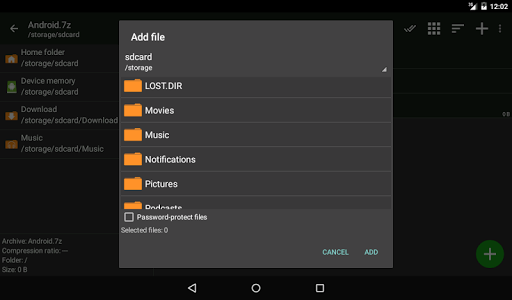
Beyond basic compression and extraction, ZArchiver allows you to edit archives by adding or removing files without recreating the archive entirely. It also supports creating and decompressing multi-part archives in formats like 7z and RAR, which is especially useful for handling large files split into smaller parts.
Password Protection and Partial Decompression
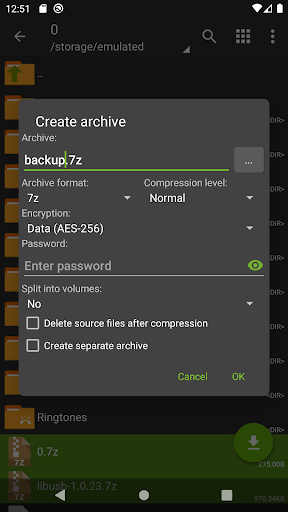
Need to secure your data? ZArchiver lets you create and decompress password-protected archives, ensuring your files stay private. It also offers options for partial archive decompression, enabling you to extract specific files without unpacking the entire archive.
Ease of Use and Performance
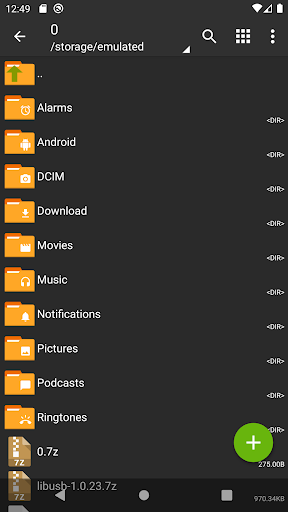
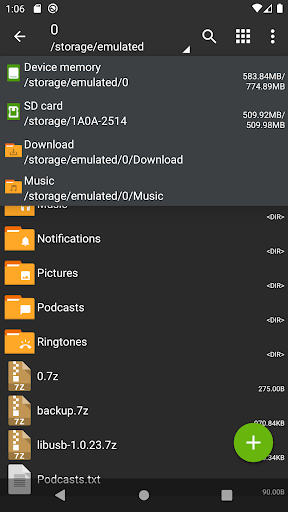
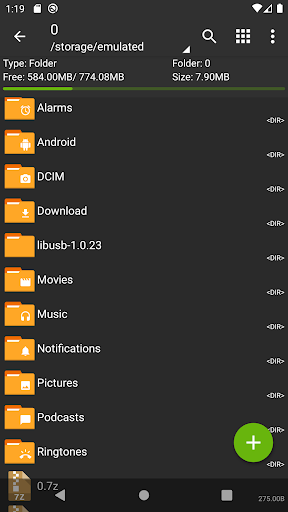
The application's simple and functional interface makes navigating through myriads of files straightforward for both beginners and experienced users. ZArchiver supports multithreading, making use of multicore processors to enhance operation speed. It also supports UTF-8/UTF-16 encodings for filenames, allowing users to work with files containing national symbols effortlessly.
Additional Functionalities
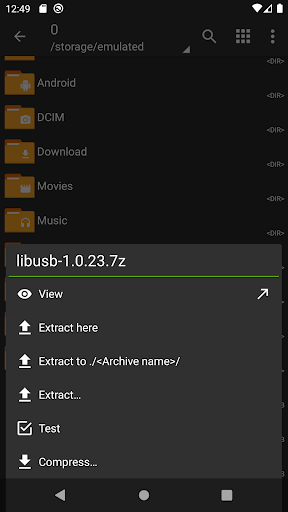
Features such as opening compressed files directly, extracting split archives like zip.001 or part1.rar, and installing APK or OBB files from backups further expand ZArchiver’s versatility. The app is designed to work without internet access, emphasizing its commitment to user privacy and offline functionality.
User Experience and Practical Use
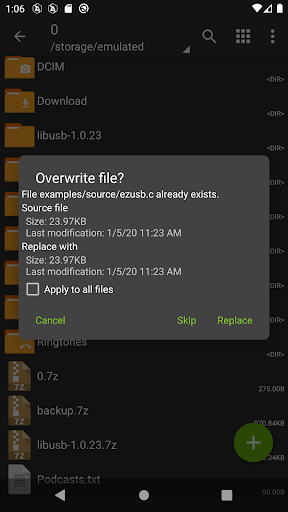
Using ZArchiver feels intuitive and efficient. Its clear layout and swift responsiveness mean you can quickly perform tasks like opening archives, extracting files, or creating new ones without lag. The app integrates smoothly with other apps, allowing seamless sharing and management of files directly from the archive interface. Whether you're compressing files to save space or extracting necessary data, ZArchiver’s robust set of features ensures you can do it all efficiently, even on devices with modest hardware capabilities.
Final Thoughts
In summary, ZArchiver is a reliable and feature-rich archive management tool tailored for Android users who demand versatility and ease of use. Its support for various archive formats, secure password handling, and editing capabilities make it an invaluable app for managing files on the go. Whether you're creating backups, decompressing files from email attachments, or preparing data for transfer, ZArchiver offers a comprehensive solution that works offline and respects your privacy. If you've been looking for an efficient way to handle archive files on Android, give ZArchiver a try—you might find it becomes your go-to file management companion.
Pros
- Fast file compression and extraction
- Supports multiple archive formats
- User-friendly interface
- No advertisements in the free version
- Includes file management features
Cons
- Lacks cloud storage integration
- Limited support for corrupted files
- Archives are not encrypted
- Paid features require additional purchase
- Not optimized for tablet devices











