

Canon PRINT App Overview
Previously known as Canon PRINT Inkjet/SELPHY, Canon PRINT is a versatile companion application tailored for your Canon printer. This powerful app streamlines the printing and scanning process, enabling users to manage their printers effortlessly from their smartphones. Whether you're setting up a new device or performing routine tasks, Canon PRINT offers a range of features designed to enhance your printing experience.
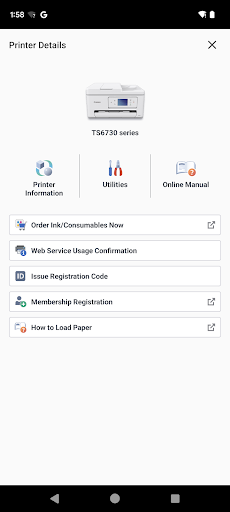
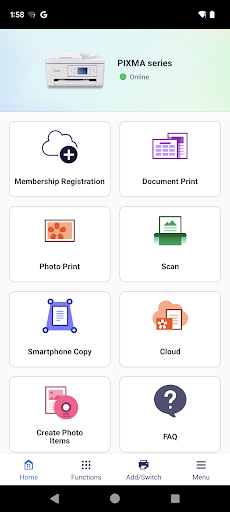
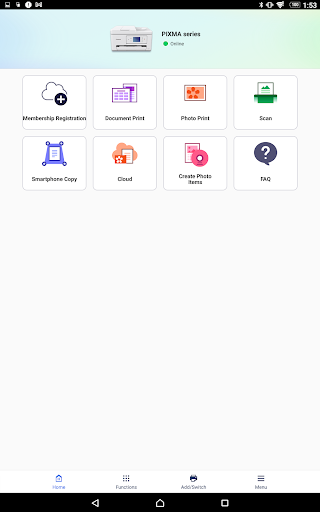
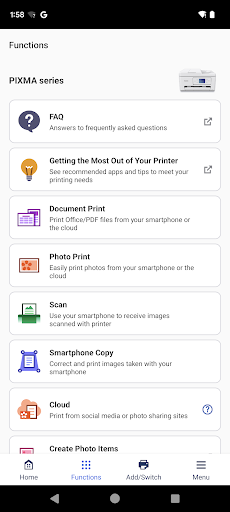
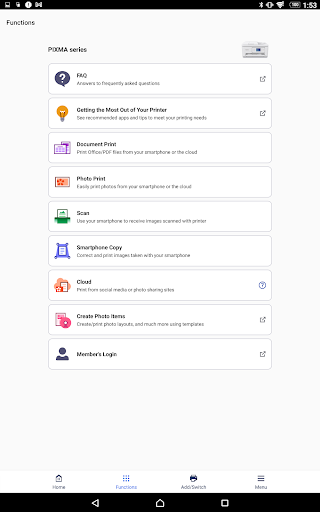
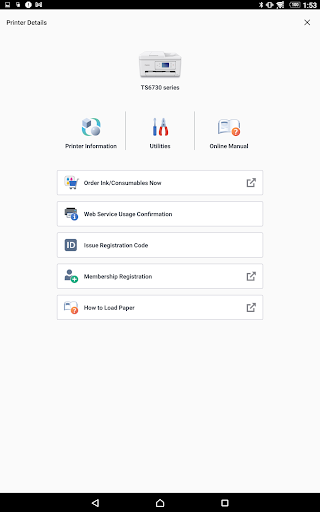
With Canon PRINT, users can easily set up their printers, initiate printing and scanning operations, and access various handy functions such as checking consumable levels and printing via cloud services. The app supports a broad spectrum of Canon printers, including Inkjet series like PIXMA TS, MG, MX, and G series, as well as MAXIFY, imagePROGRAF, and compact photo printers like SELPHY series. It is recommended to use Canon PRINT in conjunction with compatible Canon printers to enjoy seamless operation. However, note that some features may vary based on printer models, regions, or environments.
Supported Printers
- Inkjet Printers: PIXMA TS series, TR series, MG series, MX series, G series, E series, PRO series, MP series, iP series, iX series, MAXIFY MB series, iB series, GX series, imagePROGRAF PRO, TM, TA, TX, TZ, GP, TC series (some models excluded)
- Laser Printers: imageFORCE series, imagePRESS series, imageRUNNER ADVANCE series, Color imageRUNNER series, imageRUNNER series, Satera series, imageCLASS series, imageCLASS X series, i-SENSYS series, i-SENSYS X series
- Compact Photo Printers: SELPHY CP900 series, CP910, CP1200, CP1300, CP1500. Note: CP900 does not support printing in Ad Hoc mode; please use Infrastructure mode.
Features and User Experience of the Canon PRINT App
If you've ever been caught in a situation where you need to print a last-minute boarding pass or an essential document, the Canon PRINT app becomes your reliable partner. Compatible with both Android and iOS, this app simplifies the entire printing process, making it accessible even to users with limited tech experience.
Easy Setup Process
Setting up the Canon PRINT app was surprisingly straightforward. After downloading it from the respective app store, I connected it to my Canon printer with just a few taps. The app provides clear, step-by-step instructions, ensuring an effortless setup experience. Within moments, my printer was configured and ready for use, supporting a wide range of Canon models.
Convenient Features for Everyday Tasks
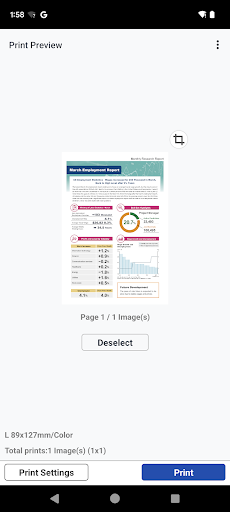
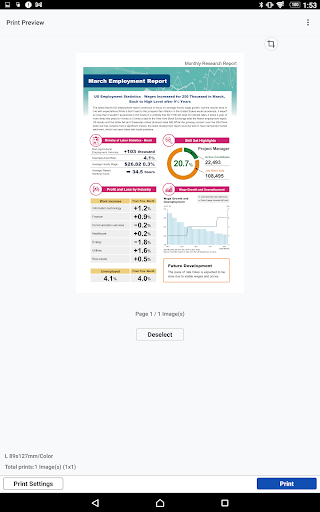
The app's wireless printing capability stands out, eliminating the need for cables and complicated setups. I can easily print photos and documents directly from my mobile device in a matter of seconds, supporting various file formats like PDFs and JPEGs. Additionally, the ability to scan documents directly to my device makes it a versatile tool—perfect for sending signed contracts or digitizing important papers while on the go.
High-Quality Output and Performance
I was genuinely impressed with the quality of printing via the app. Photos retained vibrant colors with remarkable detail, while text documents appeared crisp and clear—almost like professional prints. The app runs smoothly, handling multiple tasks efficiently without lag. Whether I was printing a single document or multiple batches, Canon PRINT managed everything seamlessly, proving to be a reliable tool especially when time is limited.
Overall Benefits
In summary, Canon PRINT is an indispensable application for anyone who regularly uses Canon printers. It simplifies the printing and scanning workflows, offering intuitive controls and high-quality results. The app's ability to connect wirelessly, support multiple file formats, and facilitate quick document digitization makes it a game-changer for both personal and professional use. If you're a Canon printer owner seeking an efficient way to handle your printing needs, giving Canon PRINT a try is highly recommended. It truly transforms your mobile device into a portable, all-in-one printing station, saving you time and effort in everyday tasks.
Pros
- Easy wireless setup for printing
- Supports various file formats
- Intuitive user interface
- Allows remote printing
- Delivers high-quality prints
Cons
- Requires a Canon account to access all features
- Limited integration with cloud services
- Occasional connectivity problems
- App size is relatively large
- Lacks advanced editing tools










