

Amazon Fire TV App: Enhance Your Streaming Experience
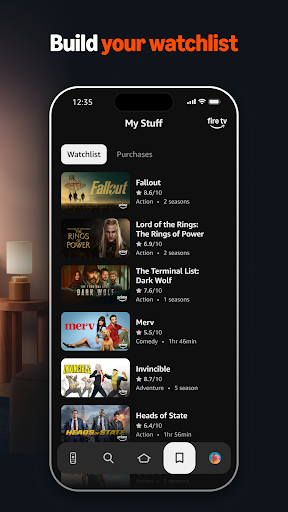
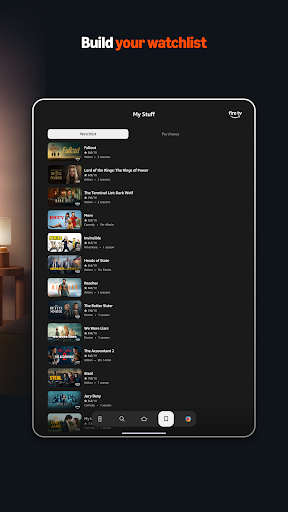
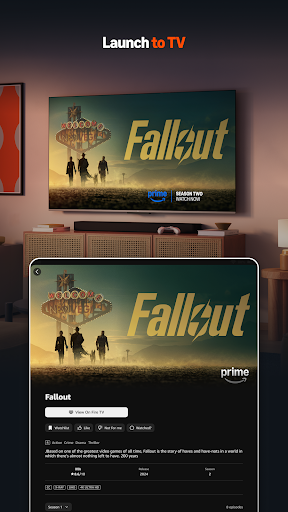
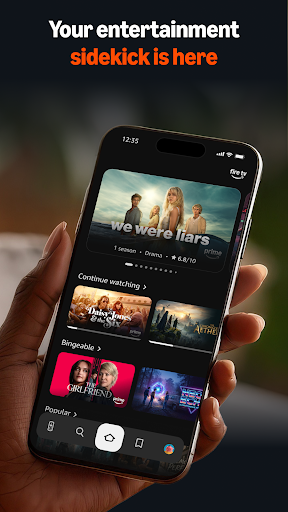
The Amazon Fire TV mobile app for Android is a powerful tool designed to elevate your streaming and entertainment capabilities. It offers a seamless way to control your Fire TV device with simple navigation features, making your entertainment setup more intuitive and enjoyable. Whether you're browsing for your favorite shows or playing games, this free app provides quick access to everything you need, right at your fingertips.
Key Features of the Amazon Fire TV Mobile App
The app comes equipped with an array of useful features aimed at simplifying your media consumption:
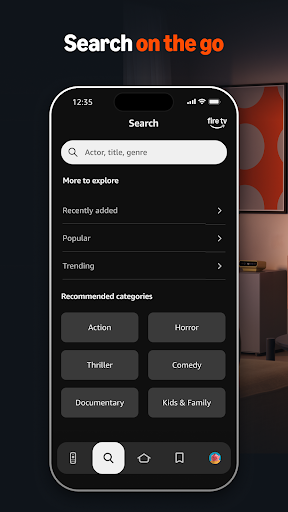
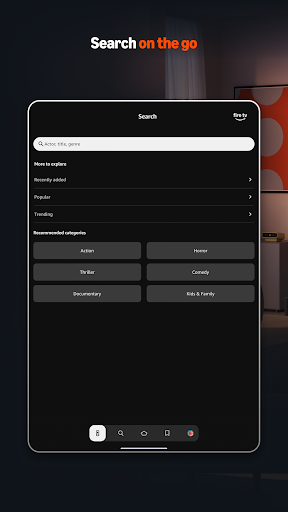
- Voice Search: Easily find your favorite content using voice commands. (Note: voice search availability varies by country.)
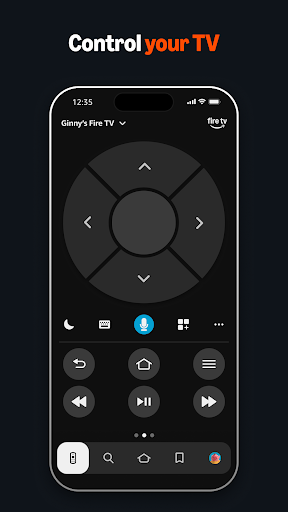
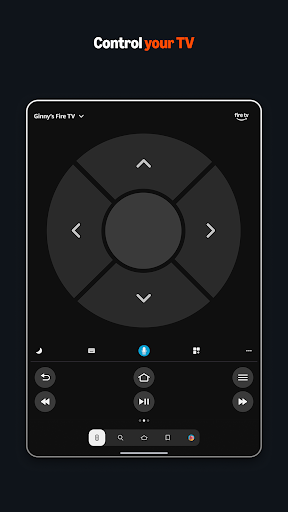
- Simple Navigation: Effortlessly browse through menus and switch between apps or content with an intuitive interface.
- Playback Controls: Pause, play, rewind, or fast-forward your streams without reaching for your remote.
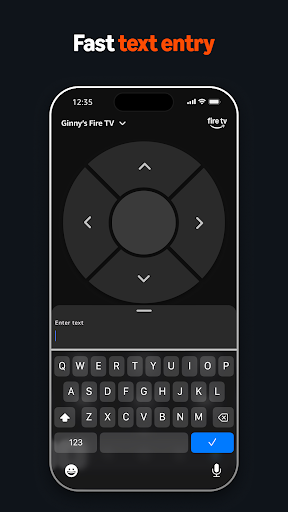
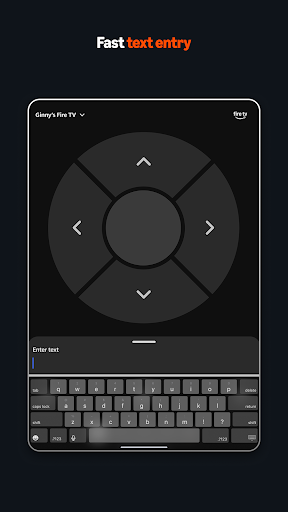
- Keyboard for Text Entry: Replace tedious hunting and pecking with a convenient on-screen keyboard for easy typing, such as entering passwords or search terms.
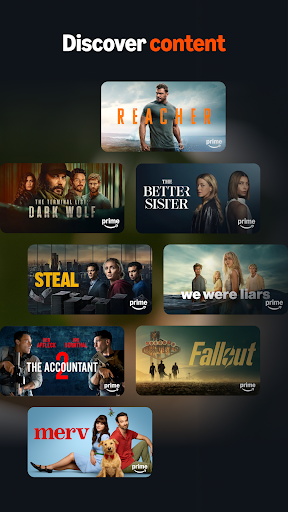
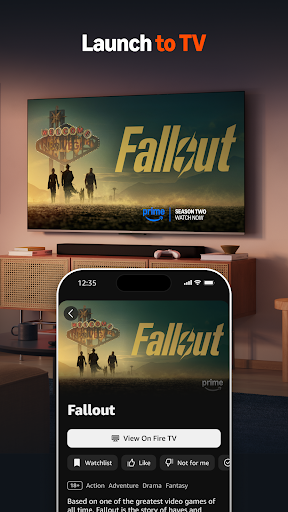
- Quick Access to Apps and Games: Instantly launch your favorite streaming apps like Netflix, Hulu, Amazon Prime Video, or access casual games.
Compatibility and Usage Requirements
To maximize the benefits of the Amazon Fire TV app, ensure your setup meets certain requirements:
- Multicast-enabled router is necessary for efficient streaming.
- Designed specifically for Fire TV streaming media players to enable simple navigation and playback control.
- For gaming, use the remote included with your Fire TV device or consider the optional Amazon Fire TV Game Controller for enhanced gameplay.
Privacy and Terms of Use
By using this app, you agree to Amazon’s Conditions of Use and Privacy Notice.
Transform Your TV with Amazon Fire TV: A Complete Entertainment Hub
If you're dreaming of turning your ordinary television into a smart entertainment center, Amazon Fire TV is the perfect solution. This compact device acts like a magic wand, unlocking a universe of streaming, gaming, and multimedia options right on your screen.
Easy Setup and User-Friendly Design
Setting up the Amazon Fire TV is incredibly straightforward, even for those who aren't tech-savvy. Just plug the device into your TV's HDMI port, connect to Wi-Fi, and you're ready to explore a suite of features. The sleek remote is ergonomically designed for comfortable handling, making navigation smooth and effortless.
Endless Entertainment Options
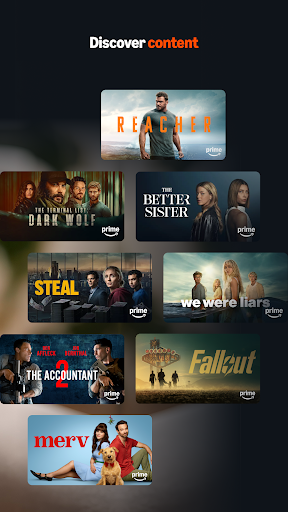
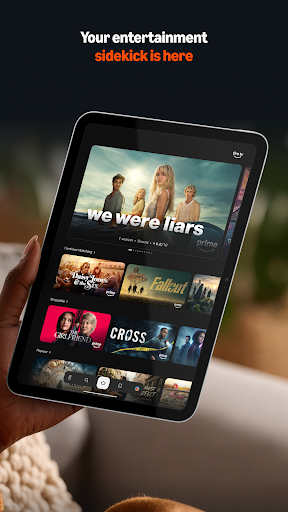
Once up and running, the Fire TV opens up a vast array of entertainment choices. Stream your favorite shows and movies from popular services like Netflix, Hulu, and Amazon Prime Video. Music lovers can enjoy apps such as Spotify and Pandora, turning your TV into a hub for all your multimedia needs. The built-in voice search feature, powered by Alexa, makes finding content quick and effortless—simply ask Alexa to locate a specific show or song.
Gaming on the Big Screen
Beyond streaming, the Amazon Fire TV doubles as a casual gaming console. With access to a changing selection of games available on the Amazon Appstore, you can enjoy light gaming sessions right from your sofa. While it may not replace a dedicated gaming console, it provides convenient fun for family and friends.
Intuitive Interface and Accessibility
The Fire TV boasts a straightforward, intuitive interface that makes swapping between apps seamless. Its clean layout and user-friendly design ensure that even first-time users can navigate confidently. Accessibility features like screen magnification and voice control further enhance usability, making it an inclusive platform for everyone.
The Final Verdict: A Must-Have for Modern Entertainment
After experiencing the versatility of the Amazon Fire TV, it's clear that this device offers excellent value for transforming your TV into a comprehensive entertainment hub. Whether your interest lies in streaming, music, or casual gaming, the Fire TV has you covered. Its easy setup, sleek design, and smart features make it a standout choice for upgrading your home media system. Embrace the future of entertainment with Amazon Fire TV and enjoy a smarter, more connected viewing experience.
Pros
- User-friendly interface for easy navigation
- Extensive selection of streaming applications
- Supports 4K resolution and HDR content
- Integration with Alexa voice control
- Receives regular software updates
Cons
- Limited storage capacity
- Presence of advertisements on the home screen
- Remote control requires AAA batteries
- Occasional connectivity problems
- Lacks access to Google Play Store










