

Overview of the TP-Link Tether App
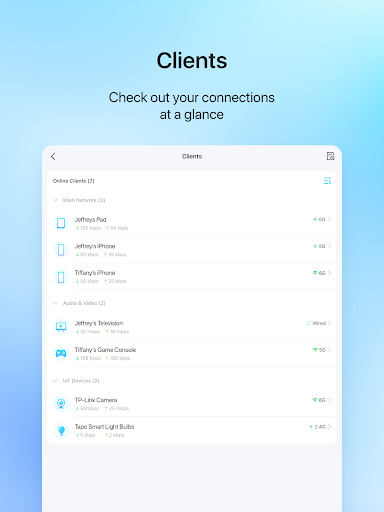
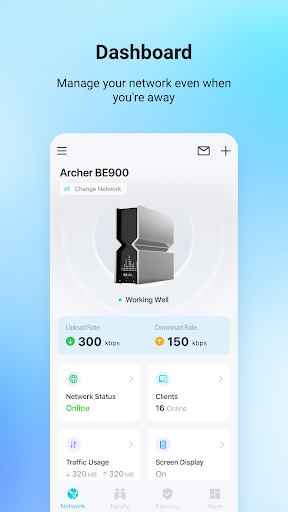
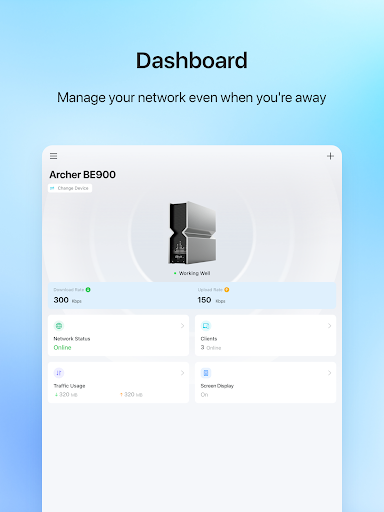
The TP-Link Tether application offers an easy and efficient way to access and manage your TP-Link Router, xDSL Router, or Range Extender directly from your mobile device. Designed with user-friendliness in mind, Tether provides a simple, intuitive interface that allows you to monitor your device status, oversee connected client devices, and customize their privileges effortlessly.
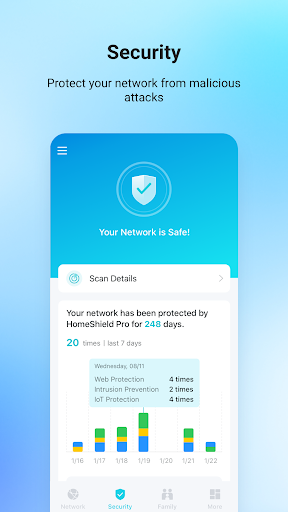
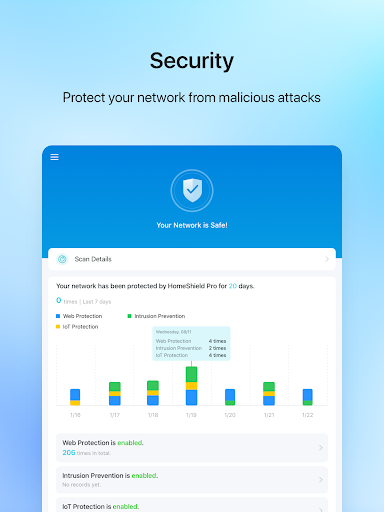
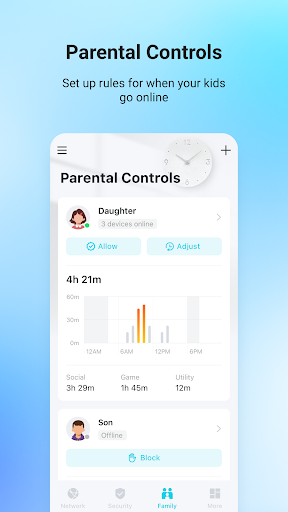
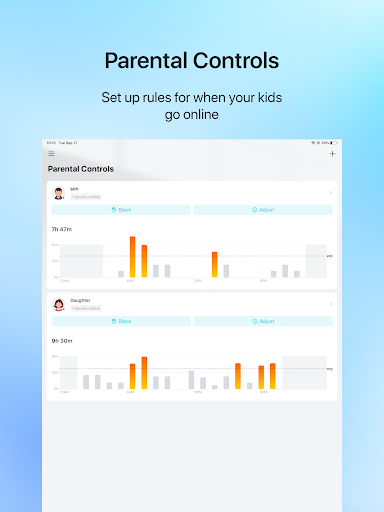
Whether you're setting up your network, managing permissions, or controlling internet access, the TP-Link Tether app makes all these tasks straightforward. It supports configuring SSID, setting passwords, and adjusting Internet or VDSL/ADSL settings for your devices. Additionally, it includes features to block unauthorized users, manage permissions of connected devices, and implement parental controls with scheduling and URL-based internet access restrictions.
Beyond management features, the TP-Link Tether app helps optimize your network placement by locating the best position for your range extender. It also offers convenient options such as scheduling automatic LED light shut-off to reduce disruptions and managing multiple TP-Link devices simultaneously for seamless control. Supporting a broad range of routers, this app is a comprehensive tool for maintaining a well-functioning home or small office network.
For optimal performance, ensure your device's firmware is upgraded to the latest version available on the support page. Note that TP-Link Tether does not operate when connected to a guest network. For additional support or to troubleshoot any issues, visit the TP-Link support page.
Discover more compatible devices by visiting the TP-Link Tether product list. Find out how to identify your device's hardware version here. Stay tuned for upcoming device support updates!
Personal Experience with the TP-Link Tether App
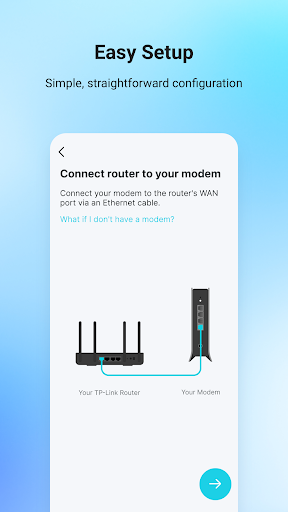
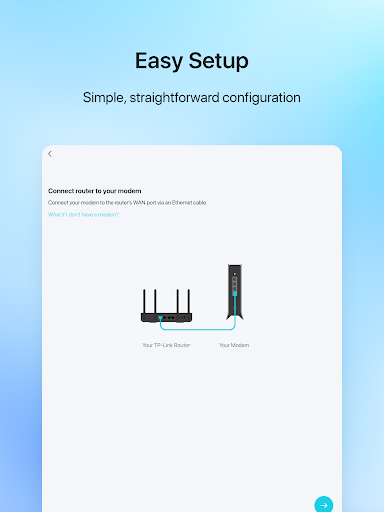
Hey there! If you want to simplify managing your home network, the TP-Link Tether app might just become your new favorite tool. I’ve been testing it out, and I must say, the setup process is remarkably straightforward. Just download it from your app store, and it guides you step-by-step through the entire setup. This is especially handy if you’re not super tech-savvy.
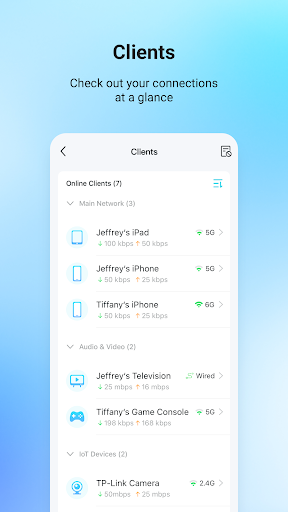
Once installed, the app's clean and user-friendly interface makes it a breeze to navigate. You can quickly access key features like monitoring connected devices, checking network status, and managing internet permissions. One feature I really appreciated was the ability to control multiple devices at once, which is perfect for households with several smart gadgets. Creating guest networks and setting parental controls with schedules and URL filters take just a few taps, making network management flexible and stress-free.
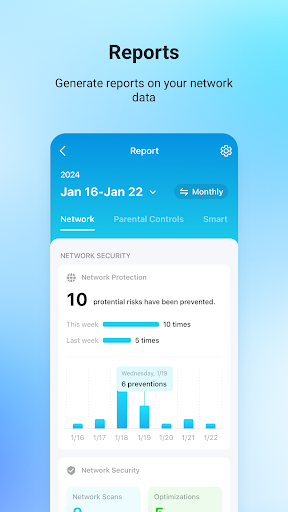
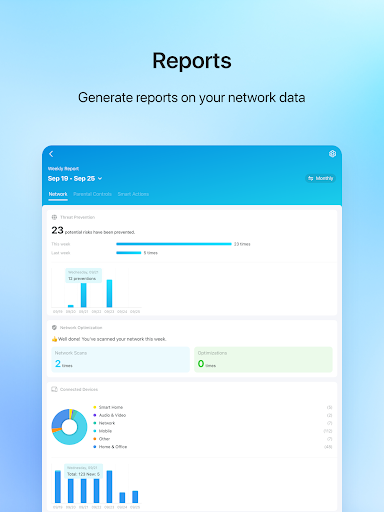
The real-time data monitoring feature allows you to see how much bandwidth each device consumes. As someone mindful of data usage, this helped me identify bandwidth-heavy devices and optimize my network accordingly. The app’s responsiveness is admirable—no lag or crashes—making it reliable for everyday use.
Overall, the TP-Link Tether app is a game-changer for effortless network management. It’s ideal whether you're a beginner or an experienced user, offering all the essential controls in an accessible format. Give it a try, and you'll likely wonder how you ever managed your home Wi-Fi without it!
Pros
- User-friendly interface for simple setup.
- Compatible with various TP-Link devices.
- Provides real-time network management.
- Includes parental controls for safe browsing.
- Enables remote network access.
Cons
- Limited options for advanced configurations.
- Occasional connectivity problems.
- Requires a TP-Link account to operate.
- Advertisements may be disruptive at times.
- Does not support devices from brands other than TP-Link.










