
Discover the Power of the YouTube Studio App
The YouTube Studio app is a versatile and essential tool for content creators who want to stay connected with their community and efficiently manage their channels on the go. Whether you're a seasoned YouTuber or just starting out, this official app provides a comprehensive suite of features designed to improve your workflow, enhance audience engagement, and track your channel’s performance—all from the device you carry everywhere.
Key Features of YouTube Studio
1. Real-Time Channel Overview
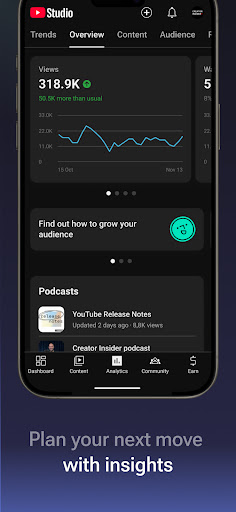
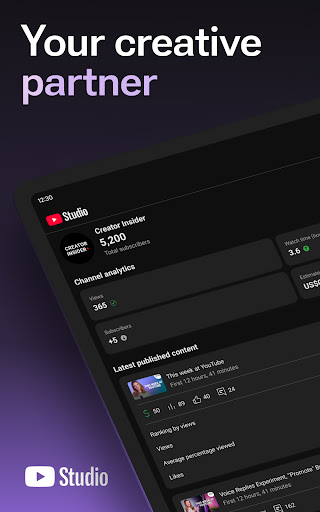
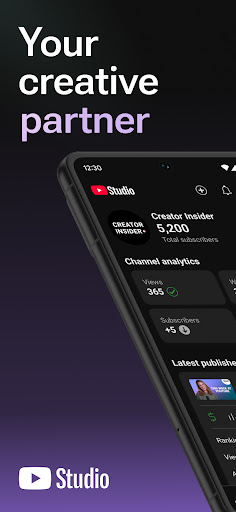
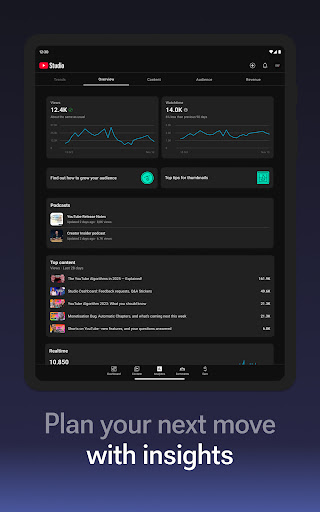
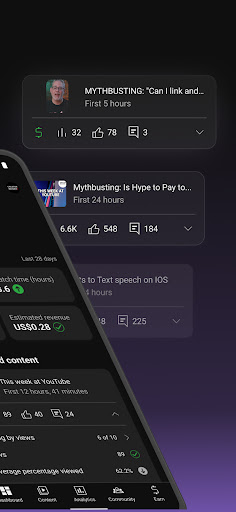
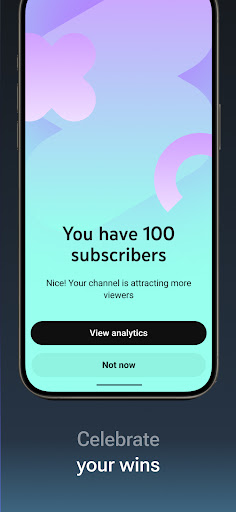
With the Channel Dashboard, you get a quick snapshot of your channel's current status. This includes vital metrics such as views, subscribers, watch time, and engagement levels. The dashboard is intuitively designed to present data clearly, allowing you to grasp how your content is performing at a glance. Whether you're at home or on the move, staying updated on your channel's health has never been easier.
2. Detailed Analytics for Better Insights
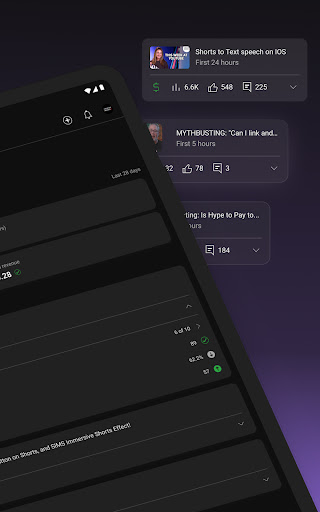
Understanding your audience and content performance is crucial for growth. The app offers Analytics that dive deep into various performance metrics. You can analyze how different types of videos, shorts, or live streams resonate with viewers. With this data, you can tailor your content strategy, optimize your videos for better reach, and ultimately grow your channel more effectively.
3. Audience Engagement Management
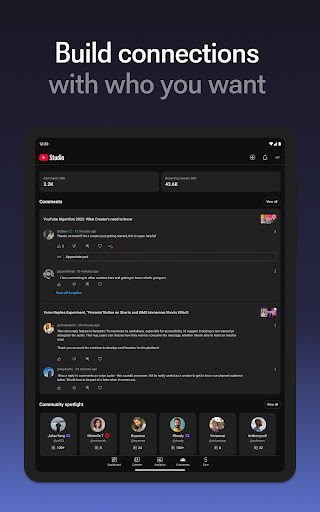
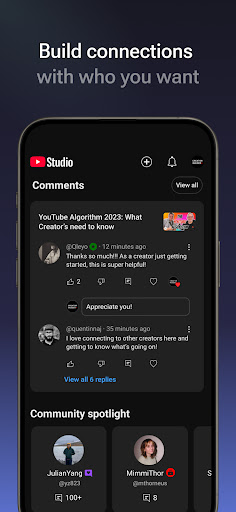
Connecting with your viewers is key to building a loyal community. YouTube Studio allows you to sort and filter comments to identify and prioritize meaningful conversations. Managing comments directly from your mobile device helps you foster a strong relationship with your audience, respond promptly, and keep spam or unwanted messages at bay.
4. Easy Content and Channel Customization
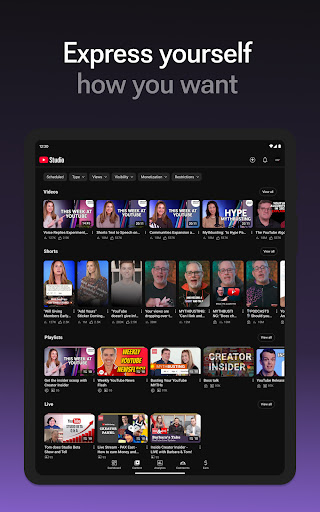
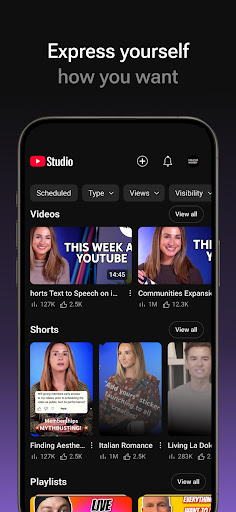
Make your channel uniquely yours by editing its appearance directly from the app. You can update channel art, descriptions, and manage individual videos or streams—adjusting titles, descriptions, and thumbnails to keep your content fresh and engaging. Scheduling uploads and live streams is also straightforward, helping you maintain a consistent posting schedule without needing a desktop.
5. Monetization and Business Opportunities
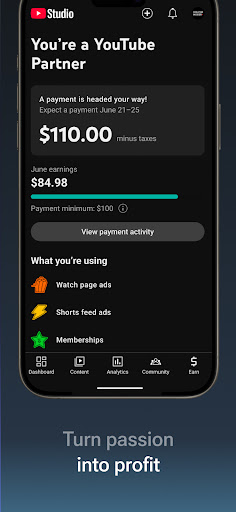
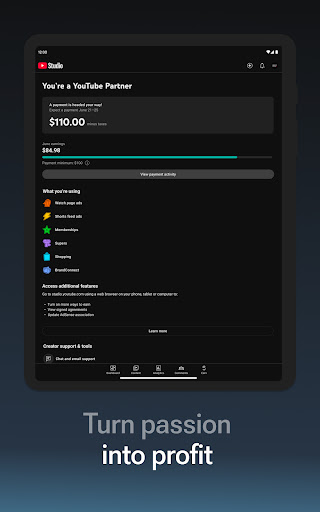
Thinking about turning your passion into a business? YouTube Studio simplifies applying for the YouTube Partner Program. Once accepted, you gain access to monetization features that enable you to earn revenue from your content. Managing your earnings, reviewing policies, and understanding your monetization status are all accessible within the app.
Why YouTube Studio Is a Must-Have for Creators
Managing a YouTube channel involves juggling multiple tasks—tracking analytics, engaging with viewers, editing videos, and more. YouTube Studio consolidates these responsibilities into a user-friendly mobile app, transforming your device into a command center for your content creation journey. Its intuitive interface and robust features empower you to make data-driven decisions, interact with your community, and keep your channel thriving—whether you're sipping coffee at a café or commuting on the bus.
Conclusion
If you're committed to growing your YouTube presence, the YouTube Studio app is an indispensable companion. It streamlines channel management, boosts engagement, and provides valuable insights all in one place. By leveraging this powerful tool, you can stay ahead in the competitive world of content creation and build a vibrant, engaged community around your videos. Download YouTube Studio today and take control of your YouTube journey—anywhere, anytime.
Pros
- User-friendly interface.
- Comprehensive analytics reports.
- Performance monitoring in real-time.
- Simplified video administration.
- Customizable and flexible dashboard.
Cons
- Limited functionalities on mobile devices.
- Requires a Google account for access.
- Occasional synchronization problems.
- Can consume significant data resources.
- Steep learning curve for new users.











