

Description of the "KineMaster - Video Editor" App
KineMaster - Video Editor is a comprehensive mobile application designed to revolutionize your video editing experience. Whether you're a beginner or a seasoned content creator, this app offers an intuitive interface combined with powerful features that make editing videos easy, fast, and fun. From creating engaging social media clips to producing professional-grade videos, KineMaster provides the tools you need right at your fingertips.
Feature-Rich Editing Capabilities
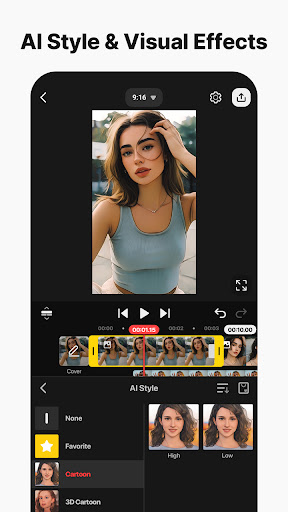
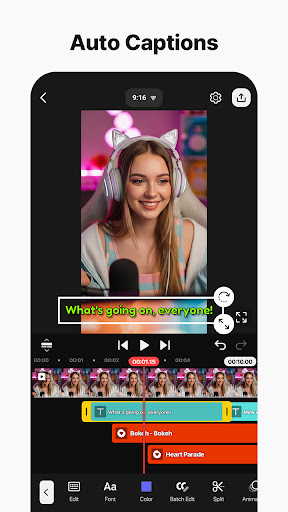
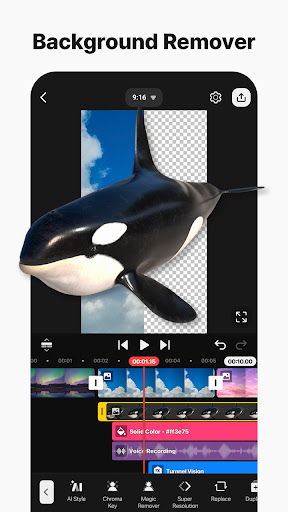
With KineMaster, you can edit everything: movies, vlogs, Reels, and Shorts. The app is equipped with advanced AI tools that simplify complex editing tasks, allowing you to produce stunning videos effortlessly. Notable AI features include AI Auto Captions, which instantly generate subtitles from your video or audio; AI Text-to-Speech, converting text into natural spoken audio with a single tap; and AI Voice that adds unique voiceovers using artificial intelligence. Other impressive AI functionalities comprise AI Music Match for quick song recommendations, AI Magic Removal to easily cut out backgrounds around people and faces, and AI Noise Removal to eliminate distracting sounds in your footage. You can also employ AI Vocal Separator to split a song into vocals and music, and AI Tracking to make text and stickers follow moving objects seamlessly.
Professional-Grade Editing Tools Made Easy
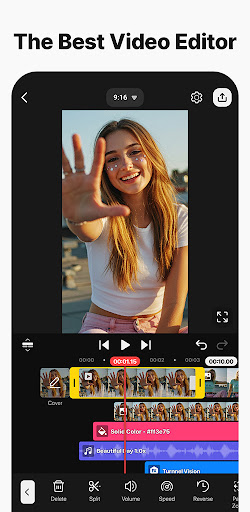
KineMaster transforms complex editing processes into accessible tasks. Its Keyframe Animation feature allows precise control over size, position, and rotation of layers, enabling dynamic animations. The app’s Chroma Key (green screen) support allows for professional background removal and video overlay, perfect for creative projects. You can also control video playback speed with options to reverse, slow down, or create stunning time-lapse effects. The user-friendly interface makes these tools accessible even for newcomers, ensuring smooth workflow and high-quality output.
Jumpstart Your Creativity with Templates and Cloud Support
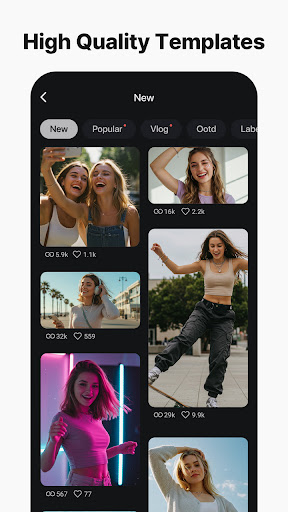
Personalize your projects quickly by choosing from thousands of templates—just replace the placeholder content with your own photos and videos. You can also save your projects as templates and share them with other KineMaster users via the KineCloud platform, enabling seamless collaboration and backup. The app’s cloud storage ensures your creative work is always safe and accessible, allowing you to continue editing across multiple devices.
Extensive Asset Library for Stunning Videos
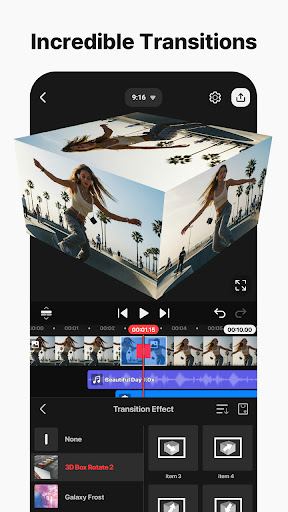
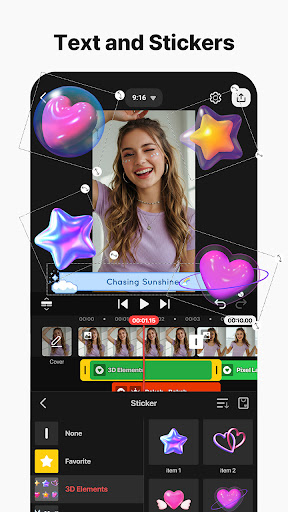
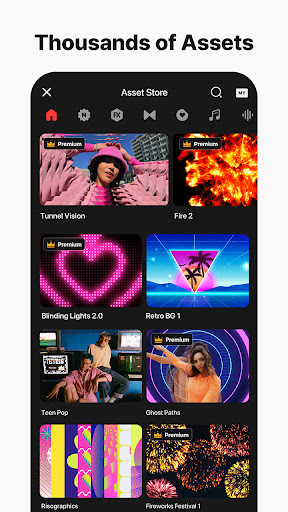
Elevate your videos with the KineMaster Asset Store, which offers over tens of thousands of royalty-free resources. Enhance your projects with professional effects, transitions, stickers, clip graphics, and design-ready fonts. Incorporate high-quality royalty-free music and SFX for soundtracks, or select from a variety of stock videos and images—including green screen effects and free backgrounds. Use a wide array of color filters to fine-tune the aesthetic and give your videos that perfect look.
High-Quality Output & Social Media Optimization
KineMaster allows you to export videos in high resolution, including 4K at 60 FPS, ensuring stunning clarity and smooth playback. You can also optimize videos for social media sharing, making them ideal for YouTube, TikTok, Instagram, and more. The app supports transparent backgrounds, enabling advanced compositing and overlay effects for professional-looking content.
Tools for Precise and Efficient Editing
The app is packed with features that make editing fun and efficient. You can work with multiple layers—adding and stacking photos, videos, and GIFs for complex compositions. An extensive undo/redo system ensures you can experiment without risk, while magnetic guides help align elements perfectly on the timeline. Full-screen previews let you view your edits in detail before finalizing, providing confidence in your creative decisions.
Conclusion
In today’s fast-paced digital world, having a reliable and versatile video editing app like KineMaster is a game-changer for content creators. It combines professional editing tools with an easy-to-navigate interface, making it suitable for users of all experience levels. Whether you're crafting videos for social media, YouTube, or personal projects, KineMaster empowers you to produce high-quality videos with stunning effects, seamless transitions, and crisp audio. Download KineMaster today and elevate your video content to new heights—your perfect editing companion awaits.
Pros
- User-friendly interface for easy editing
- Supports multiple video layers
- Real-time video and audio recording
- Wide range of effects and transitions
- High-quality video exporting options
Cons
- Watermark present in the free version
- Limited features without subscribing
- Occasional crashes of the application
- Requires substantial storage space
- Advanced features may be overwhelming for beginners










