

VivaVideo - Video Cut & Editor: The All-in-One Mobile Video Editing App
When it comes to video editing on your mobile device, VivaVideo stands out as a top choice for creators of all levels. This free and comprehensive app combines powerful AI-driven tools with an intuitive interface, making video production accessible, enjoyable, and highly effective. Whether you're a beginner seeking simple edits or a professional looking for advanced features, VivaVideo provides everything you need to craft stunning videos, reels, and memes directly from your phone.
Unleashing Creativity with Ease
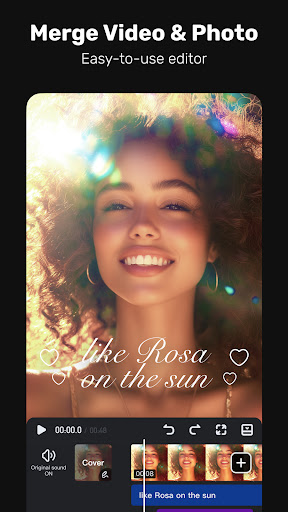
One of VivaVideo’s most attractive qualities is its user-friendly interface. Even if you're new to video editing, you'll appreciate how intuitive and well-organized the layout is. The app's design enables quick navigation through features, helping you focus more on your creativity and less on figuring out how to use the tools. With this app, you can effortlessly trim, split, merge, and add effects to your videos, transforming simple clips into professional-quality content in minutes.
Powerful Features for Every Content Creator
Basic and Advanced Editing Tools
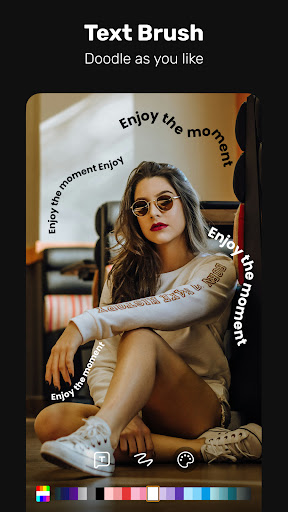
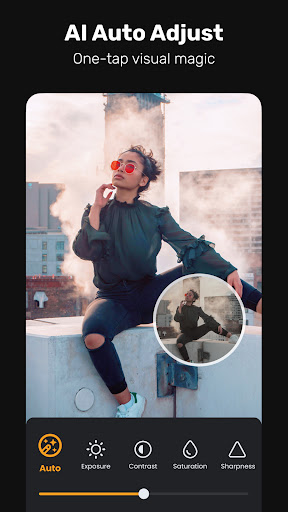
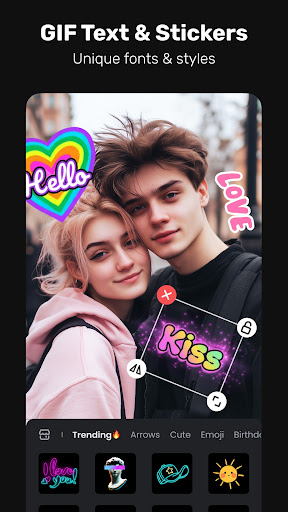
VivaVideo offers a broad spectrum of editing functionalities ranging from essential features like trim, split, and music addition to more advanced options such as multi-layer editing, animated text, and a variety of filters and effects. You can enhance your videos with cinematic transitions, color adjustments, and stickers to truly make your content stand out. The app also supports full HD 1080p and 4K exports, ensuring your final product looks stunning on any platform.
AI-Driven Creative Tools
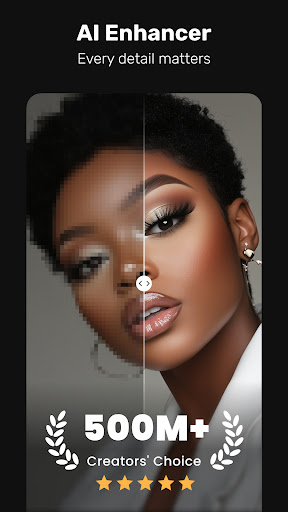
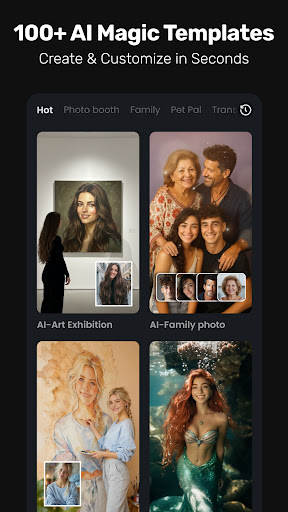
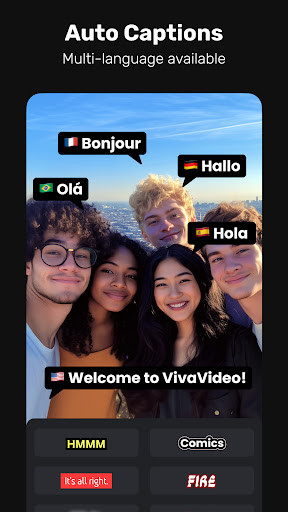
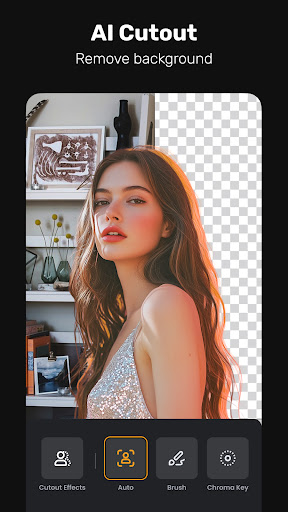
VivaVideo's innovative AI features elevate your editing experience. These include AI styles for artistic effects, auto captions with caption translation for multi-language accessibility, and background removal. Other AI tools like keyframe animation, motion tracking, and AI music generator enable you to create dynamic, visually appealing videos with minimal effort. Plus, you can turn photos into lively videos using AI hug, AI kiss, or AI muscle effects.
Specialty Features
Additional features include a GIF maker for creating shareable animations, a photo slideshow maker for turning your pictures into engaging visual stories, and Mosaic or chromakey effects to add professional graphics and overlays. With smart tracking, you can automatically follow moving objects for precise effects, making your videos more engaging and polished.
Performance and User Experience
Compared to other editing apps, VivaVideo provides a smooth and reliable performance. Even with large files or complex edits, the app runs efficiently without frequent crashes or lag. Its optimization for mobile devices ensures a seamless editing process, allowing you to focus on creativity rather than technical issues. Sharing your masterpieces is equally straightforward—directly upload to social platforms like TikTok, Instagram, YouTube, and Facebook in just a few taps, making it easier than ever to showcase your work to the world.
Enhance Your Content with Trending Effects and Music
VivaVideo offers a diverse collection of trending effects, including Glitch, Fade, Weather, Retro DV, and 3D filters. You can add cinematic color grades or apply unique visual styles that match the vibe of your content. Complement your videos with a vast library of royalty-free music clips and sound effects to heighten the emotional impact. The app even allows audio extraction from your videos for further editing or remixing.
Final Thoughts: Your Ultimate Mobile Video Editing Companion
In a crowded marketplace of video editing apps, VivaVideo truly stands out for its robust features and easy-to-use interface. It offers an impressive suite of tools that cater to both casual content creators and professional videographers. With features like AI background removal, keyframe animation, AI voice cloning, and seamless social sharing options, VivaVideo empowers you to produce high-quality videos and engaging social media content effortlessly. Best of all, it comes free and ad-free, making it a must-have app for anyone looking to elevate their mobile video editing game.
Pros
- Intuitive interface that allows for straightforward navigation.
- A wide range of editing tools suitable for various needs.
- Supports multi-track editing to enhance creative possibilities.
- Provides options for high-quality exports.
- Comes with numerous templates and visual effects.
Cons
- Frequent advertisements in the free version.
- In-app purchases can be costly.
- Limited functionality available in the free version.
- Requires an internet connection to download templates.
- Occasional crashes during editing sessions.










