

Introduction to GoPro Quik: Video Editor
Are you tired of scrolling through hours of raw footage, wondering how to craft a share-worthy video quickly and effortlessly? GoPro Quik: Video Editor is your ultimate mobile video editing solution designed to transform your raw clips into captivating stories with just a few taps. Whether you're an adventure enthusiast, a social media lover, or someone who wants to create memorable videos on the go, this app offers a seamless experience that combines powerful features with user-friendly simplicity. Let's explore what makes GoPro Quik a must-have app for every content creator.
Key Features of GoPro Quik
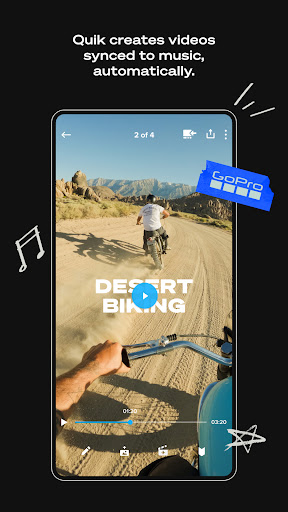
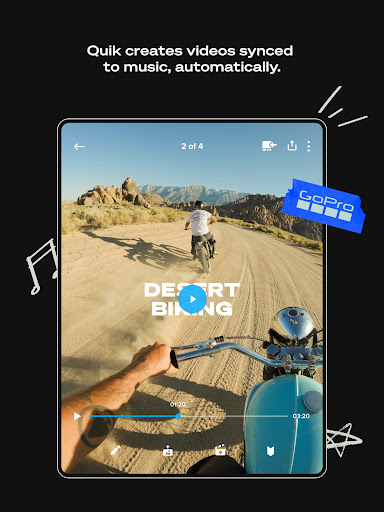
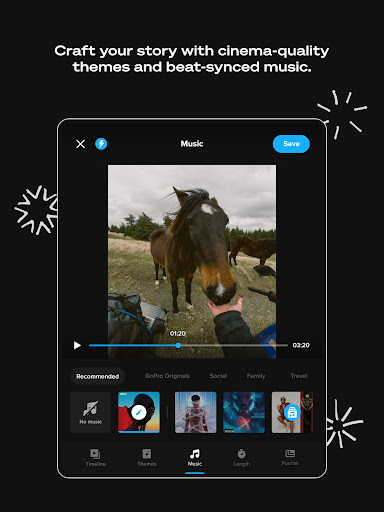
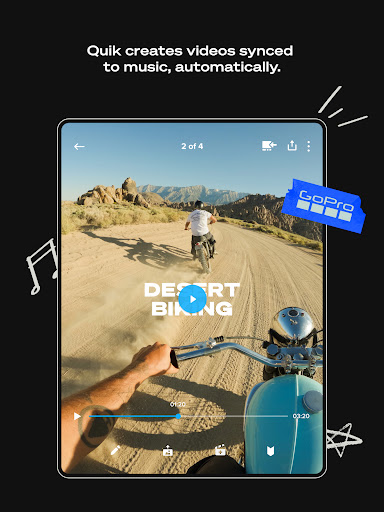
• Automatic Edits: The standout feature of Quik is its ability to automatically select your best shots, sync them to music, and add cinematic transitions to craft a stunning video. This means you can rely on the app to do the heavy lifting, creating professional-looking montages without manual editing skills.
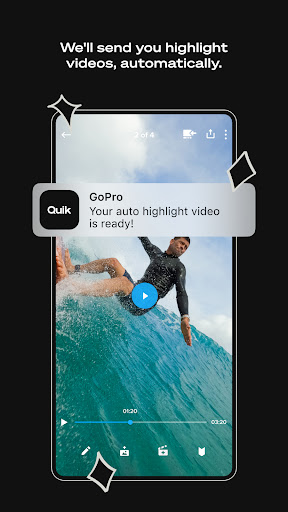
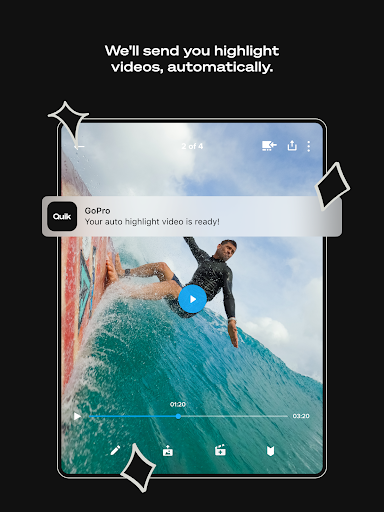
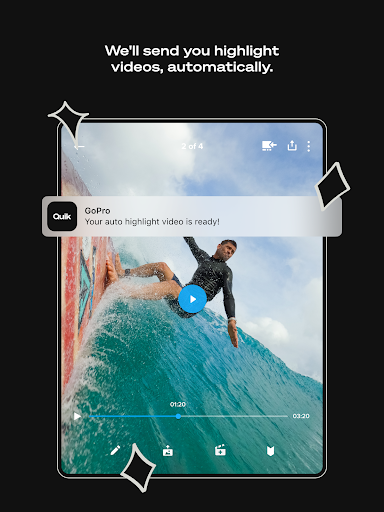
• Highlight Videos Sent to You: With a GoPro subscription, your footage is seamlessly uploaded to the cloud while you charge your camera. Then, a beautifully edited highlight video is automatically generated and sent to you, ready to share across your social platforms.
• Unlimited Backup at 100% Quality: Subscribers can enjoy unlimited high-quality backup of all their media. For GoPro camera users, the app also offers full backup of all media stored within Quik.
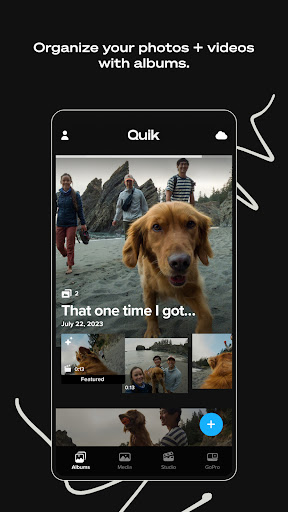
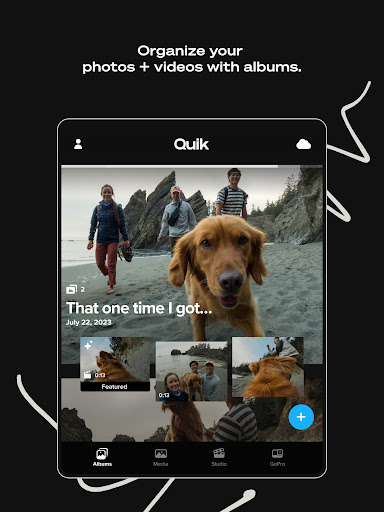
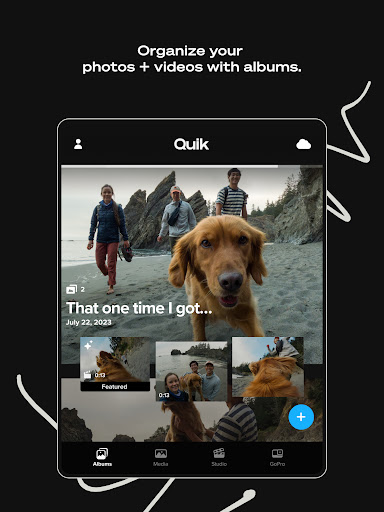
• All Your Favorite Shots in One Spot: Manage your best moments by posting them to your private Mural within the app. This feature prevents your favorite clips from getting lost in your phone’s camera roll.
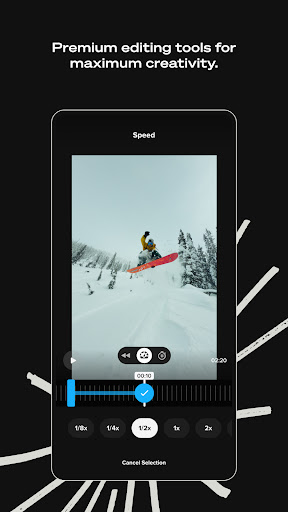
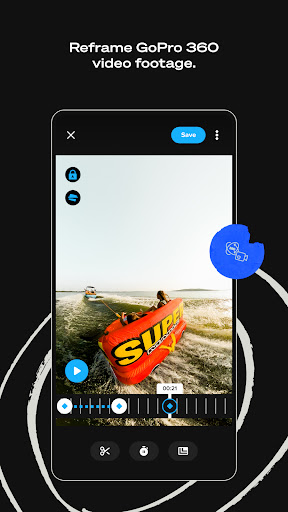
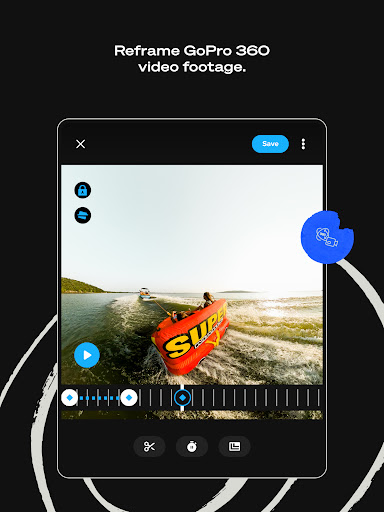
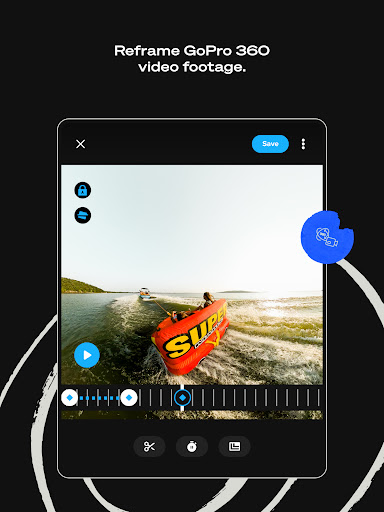
• Powerful Editing Tools: Despite its simplicity, Quik offers manual control with multi-selection timelines, allowing for precise editing.
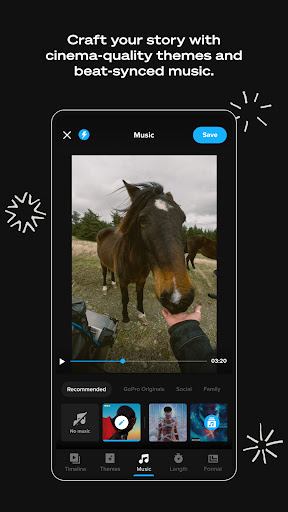
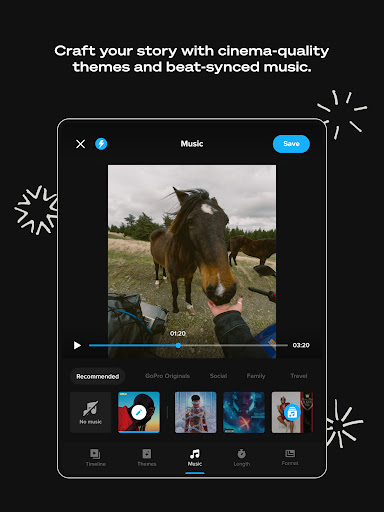
• Beat Sync: Sync clips, transitions, and effects directly to your music's beat or your GoPro music library for a rhythmic, professional feel.
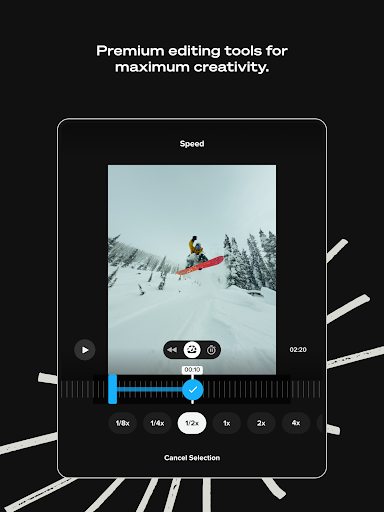
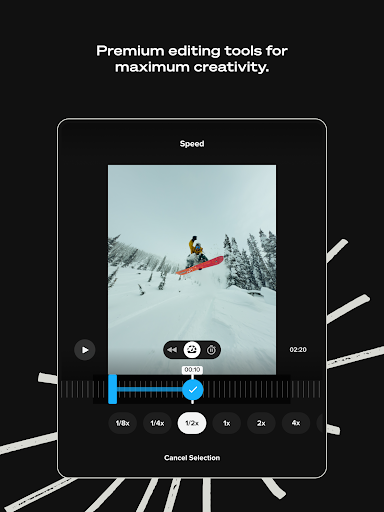
• Speed Tool: Gain full control over your video's speed—create super slow-motion, fast-forward, or freeze segments for dramatic effects.
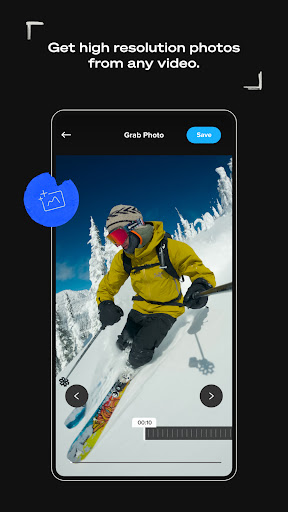
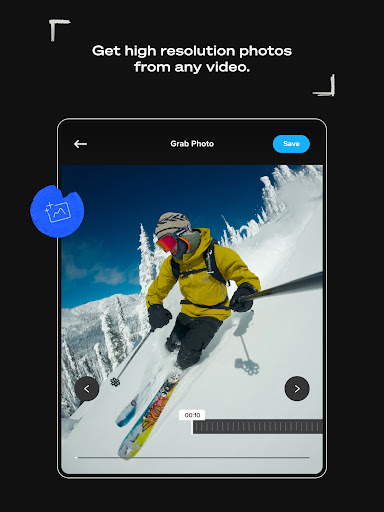
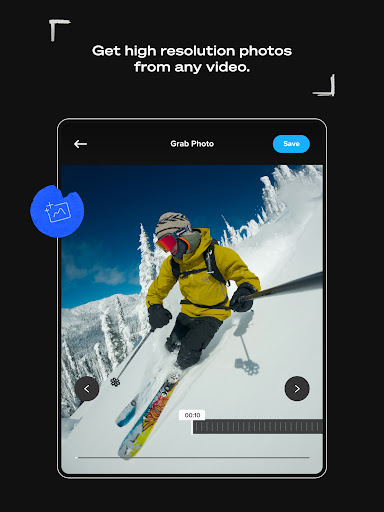
• Frame Grab: Capture high-resolution photos from any video frame, perfect for creating still images from your footage.
• Themes and Filters: Choose from various cinematic themes, filters optimized for specific environments like snow and water, and effects that enhance your story.
• Share to Social: Export your creations directly from Quik to your favorite social media platforms effortlessly.
Features Specific to GoPro Cameras
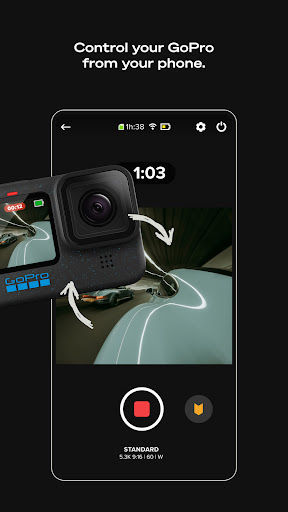
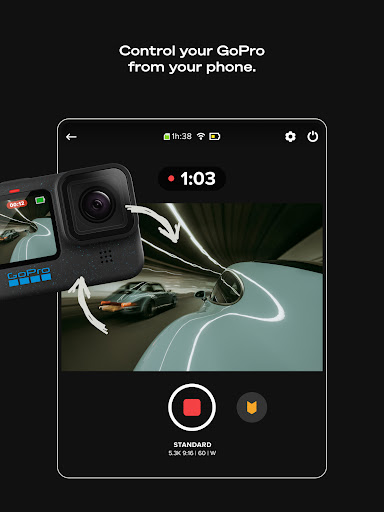
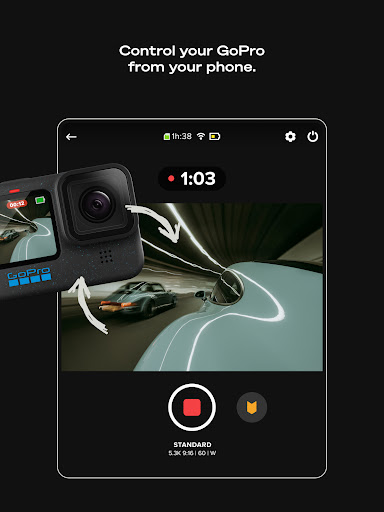
• Camera Remote Control: Use your phone to remotely control your GoPro camera—perfect for framing shots, recording from afar, and adjusting settings without touching the camera.
• Preview & Transfer Content: View your photos and videos on your device before transferring them to the app—even when off the grid.
• Live Streaming: Broadcast your adventures live as they happen, directly from your GoPro.
• Horizon Leveling: Ensure your shots are perfectly leveled with built-in horizon correction.
• Firmware Updates: Easily update your GoPro firmware through the app, keeping your device up-to-date with the latest features.
Why Choose GoPro Quik: The Benefits
Are you seeking a fast, intuitive way to turn your action-packed footage into delightful videos? GoPro Quik does just that by combining automated editing with manual controls and social sharing capabilities. Its cloud backup ensures your memories are safe, and the cross-device functionality lets you start editing on one device and finish on another, making it ideal for busy lifestyles. Whether you're capturing adventures at the ski slopes, underwater explorations, or everyday moments, this app is designed to help you produce visually stunning content in no time.
Final Verdict
If you want a video editor that balances ease of use with powerful features, GoPro Quik is a compelling choice. It’s especially suited for GoPro owners, explorers, and social media enthusiasts who need quick turnaround times without sacrificing quality. With automatic editing, extensive filters, and seamless social sharing, this app might just become your go-to tool for all your video projects. Embrace your creativity and bring your adventures to life with GoPro Quik.
Pros
- User-friendly interface for quick editing.
- Produces high-quality videos.
- Supports a variety of editing tools.
- Seamless compatibility with GoPro cameras.
- Offers cloud storage backup for media.
Cons
- Free version has limited features.
- Users have reported occasional crashes.
- Full features require a subscription.
- App size is large, which may impact device storage.
- Limited support for non-GoPro cameras.










