

Discover the Power of YouTube Create: The Ultimate Video Editing App
Are you passionate about creating engaging videos but find traditional editing tools overwhelming? Look no further than YouTube Create, the official editing application from YouTube designed to simplify the video production process while delivering professional results. Whether you're a seasoned content creator or just starting out, this innovative app offers a suite of easy-to-use features that help you craft captivating videos effortlessly.
Intuitive and User-Friendly Editing Tools
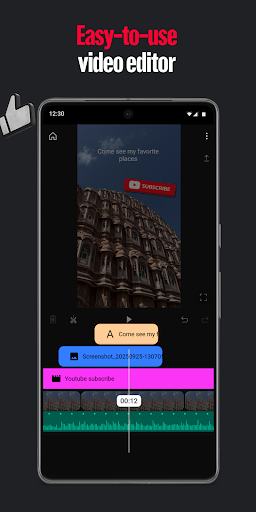
With YouTube Create, editing your videos is as straightforward as a few taps. The app enables you to seamlessly combine videos, photos, and audio within a unified platform. Trim, clip, and crop your clips with precision—no complicated workflows needed. Choose from over 40+ transitions to create smooth scene changes and enhance your storytelling. Want to speed up or slow down a clip to match the rhythm? The app provides easy controls for adjusting video speed, making your content more dynamic and engaging.
Advanced Video Enhancement Features
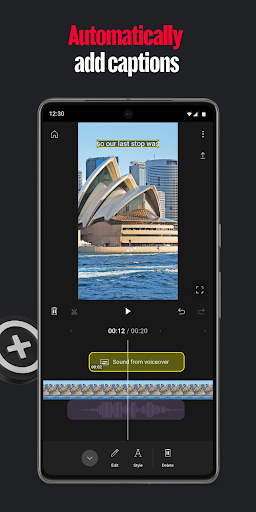
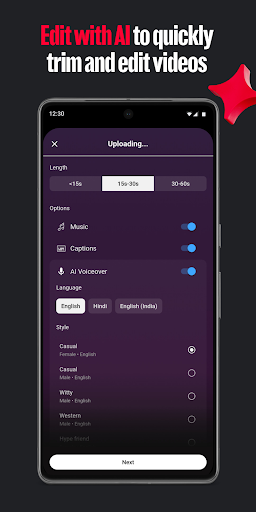
Taking your videos to the next level, YouTube Create offers smart features like automatic subtitles—simply tap to add captions in supported languages, making your content more accessible. The audio clean-up tool helps eliminate background noise, ensuring your audio is clear and professional. Need to alter the background? The cut out effect allows you to remove or replace backgrounds easily, giving your videos a polished appearance.
Rich Music and Sound Options
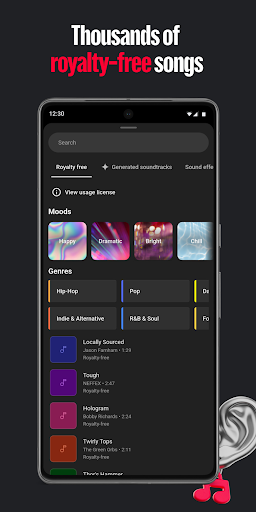
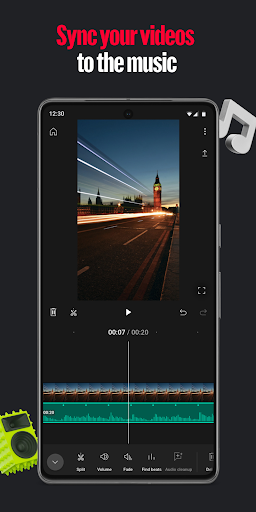
Music is vital for setting the right tone. YouTube Create provides access to thousands of royalty-free music tracks and sound effects, allowing you to add the perfect soundtrack to your videos. The beat matching feature makes it simple to synchronize your video clips with the music's rhythm, creating seamless and captivating visuals. For a personal touch, record voiceovers directly within the app, making narration straightforward and hassle-free.
Creative Filters, Effects, and Text Options
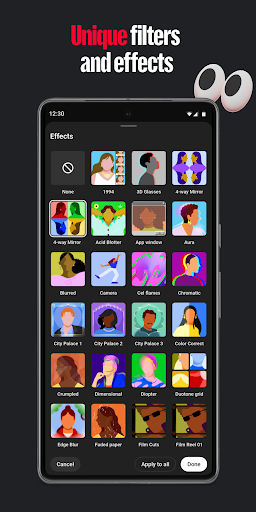
Enhance your video’s visual appeal with a variety of filters and effects. Adjust saturation, brightness, and more to set the mood. Add customizable filters to match your style and make your videos stand out. Enhance storytelling with hundreds of fonts and animated text effects, perfect for titles, captions, or annotations. The extensive library of stickers, GIFs, and emojis helps you infuse personality into your content and connect with your audience on a deeper level.
Designed for Sharing and Collaboration
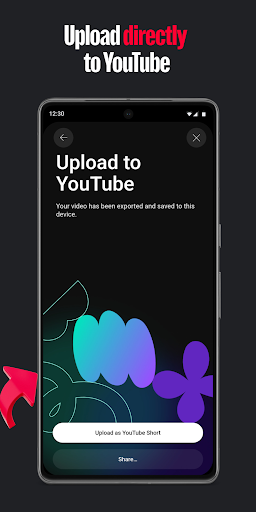
Once your masterpiece is ready, YouTube Create makes sharing seamless. Resize videos to different aspect ratios such as portrait, landscape, or square, optimizing them for various platforms. Upload directly to your YouTube channel with a single tap, enabling you to reach your audience quickly and effortlessly. Whether you’re sharing on social media or embedding on your website, this app streamlines the distribution process.
Why Creators Love YouTube Create
The beauty of YouTube Create lies in its balance of simplicity and powerful features. It’s tailored for creators who want professional results without the steep learning curve of traditional editing software. The intuitive interface, combined with robust editing tools, makes content creation accessible to everyone—from vloggers to educators. The app runs smoothly on both Android and iOS, ensuring a reliable experience every time you craft a new video.
Start Your Creative Journey Today
In a digital landscape where content is king, having the right tools can make all the difference. YouTube Create acts as your personal editing partner, empowering you to produce eye-catching videos that captivate your audience. Whether you’re sharing daily moments, tutorials, or promotional material, this app simplifies the process while delivering results that look professionally made. Download YouTube Create now and elevate your content creation game to new heights!
Pros
- User-friendly video editing suitable for beginners
- Extensive selection of filters and effects
- Ability to upload videos directly to YouTube
- Supports various video formats
- Free to use when linked with a YouTube account
Cons
- Lacks advanced editing features
- Occasional application crashes
- Contains ads in the free version
- Necessitates an internet connection
- Limited to YouTube platform











