









Discover YouCut - Video Editor & Maker: Your Ultimate Video Editing Companion
Are you searching for a versatile, user-friendly video editing app that empowers you to craft stunning videos effortlessly? Look no further than YouCut - Video Editor & Maker. Whether you're a social media enthusiast, a content creator, or someone who simply wants to spice up their personal videos, YouCut offers a comprehensive suite of powerful tools to elevate your video editing experience. This free app stands out among other top video editing apps thanks to its intuitive interface, robust features, and the absence of watermarks or intrusive ads, making it the go-to choice for seamless, high-quality video creation.
Intuitive User Experience and Seamless Editing
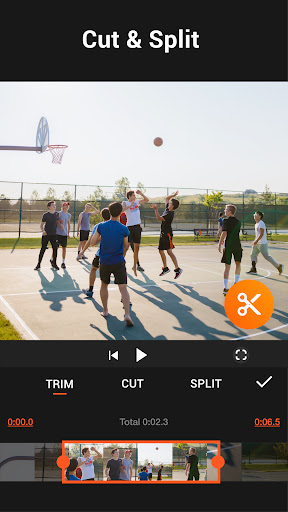
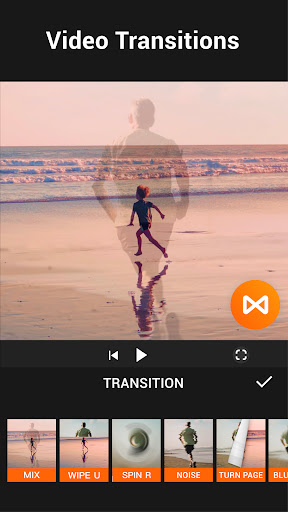
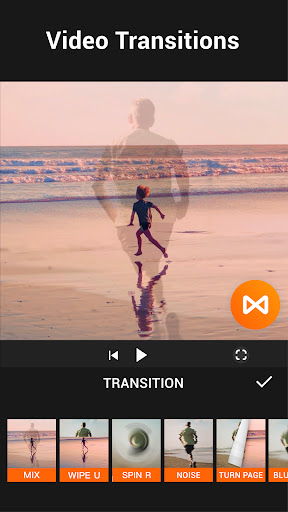
From the moment you launch YouCut, you'll notice its sleek, user-friendly interface designed to cater to both beginners and seasoned editors. The onboarding process is smooth, guiding you effortlessly through essential features such as trimming, cutting, merging, and applying transitions. The app supports all popular video formats, including 4K, ensuring you can work with your original footage without any quality loss. Its simple yet powerful editing tools mean you can create content suitable for YouTube, Instagram, TikTok, or any other platform in just a few taps.
Robust Editing Features for Creative Freedom
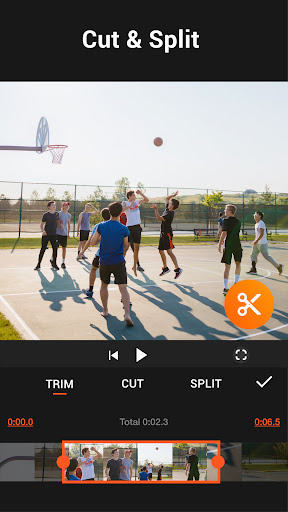
YouCut offers a rich collection of features to bring your creative visions to life. You can easily cut and trim videos to perfect your clips, merge multiple videos into one seamless masterpiece, or split videos to isolate specific segments. The app also allows for quick adjustments of video speed, supporting both slow-motion and fast-motion effects, with speeds adjustable from 0.2× up to 100×. This makes it easy to create dramatic or humorous effects to engage your viewers.
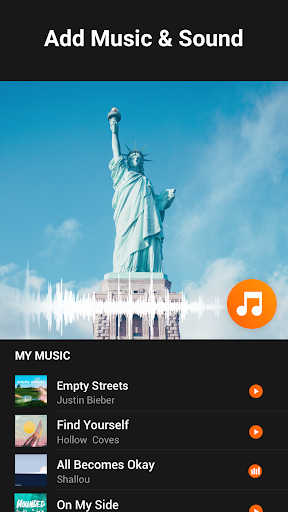
Adding music is a breeze—pick from a library of free featured tracks or import your own. You can also incorporate text overlays, stickers, and FX effects to personalize your videos further. The app’s extensive video filters and mood-enhancing FX effects help you craft cinematic visuals or vintage looks effortlessly. With adjustable brightness, contrast, saturation, and aspect ratios like 1:1, 16:9, or 3:2, you can tailor every detail to match your creative style.
Advanced AI-Powered Editing Tools
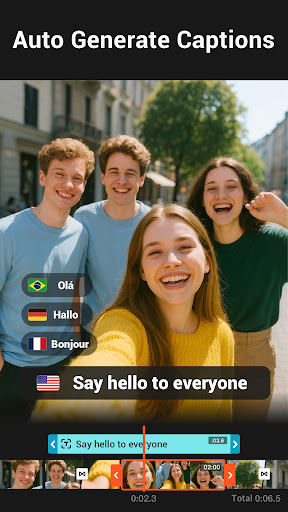
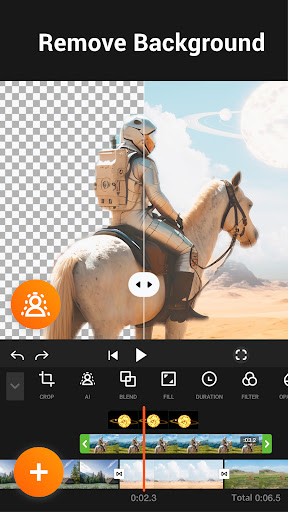
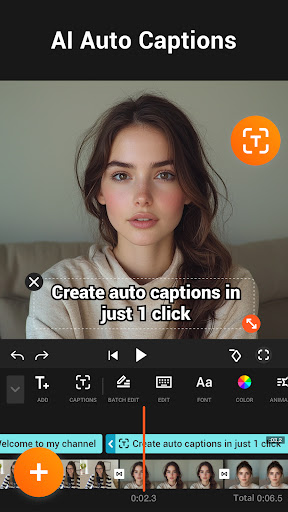
One of the highlights of YouCut is its suite of AI-driven features that simplify complex editing tasks. The AI Video Boost enhances the overall quality of your footage with a single tap. The Auto Captions feature automatically converts speech into text, making your videos more accessible. The Remove Background tool enables you to instantly erase or replace video backgrounds, perfect for creating professional-looking content without expensive equipment.
Experience the magic of AI with smoothing slow-motion videos, background blurring, and video enhancement tools that elevate your content to a professional level—all accessible within a user-friendly interface.
Creative Video Production Made Easy
Beyond editing individual clips, YouCut helps you produce full-length movies and engaging photo slideshows. Its Photo Slideshow Maker feature allows you to merge photos, add music, and create captivating slides in minutes. You can craft eye-catching intros and outros for your YouTube videos or social media stories effortlessly. Plus, the app supports sharing directly to your favorite platforms, ensuring your masterpieces reach the world without hassle.
High-Quality Export without Watermarks
Unlike many free video editors, YouCut ensures that your final videos are free of watermarks and banner ads, giving your content a professional appearance. Export your videos in high resolution, including up to 4K, without compressing or losing quality. Whether for online sharing or professional projects, YouCut's export options guarantee your videos look sharp and polished.
Conclusion: Your All-in-One Video Editing Solution
In today’s digital age, compelling video content is king. With YouCut - Video Editor & Maker, you gain a powerful yet easy-to-use tool that covers all your editing needs—from basic trims and cuts to advanced AI enhancements and creative effects. Its ability to support multiple formats, provide professional-grade editing features, and deliver high-quality exports makes it ideal for both novice content creators and experienced editors. Download YouCut today and start transforming your videos into engaging, professional-quality content that stands out on social media platforms!
Pros
- User-friendly interface suitable for beginners
- Comprehensive set of editing tools available
- Exports videos without watermark
- Supports editing in 4K resolution
- Receives regular updates with new features
Cons
- Includes ads in the free version
- Some features are behind in-app purchases
- Music library is limited
- App may crash occasionally
- Lacks cloud storage integration











