



Introducing Yandex Browser with Protect
Yandex Browser with Protect is a stylish and secure web browser designed to elevate your browsing experience. It combines sleek design with powerful security features, providing users with a safe and efficient way to surf the internet. With functionalities like voice search, data compression, and robust security systems, Yandex Browser with Protect aims to be your go-to browsing companion.
Key Features of Yandex Browser with Protect
Enhanced Security and Privacy
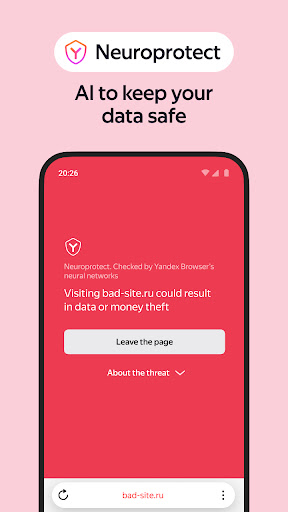
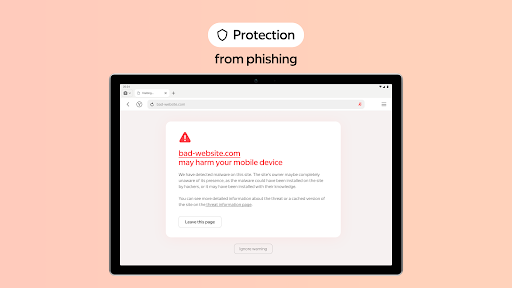
This browser includes an active security system Protect that warns you about dangerous websites and blocks fraudulent pages, shielding your personal data. It also offers Incognito Mode—allowing you to browse privately without saving passwords, search queries, or browsing history. To ensure safe downloads, the Protect feature scans files for viruses, adding an extra layer of security during your online activities.
Ad Blocking and Content Management
Say goodbye to annoying ads by integrating ad blocking capabilities through third-party apps. Additionally, you can hide unrelated interface elements such as ads, site menus, buttons, or widgets with Reader Mode. This mode provides a clean reading environment, displaying only the relevant text and images, enhancing your focus and reducing distractions.
Performance and Speed
Powered by the Blink engine, Yandex Browser ensures fast page loading and smooth browsing. It handles multiple tabs and streaming content effortlessly, without draining your device's resources. For users with slow internet connections, Turbo Mode optimizes data usage by compressing webpage content, helping you browse faster and more efficiently.
Customization and Personalization
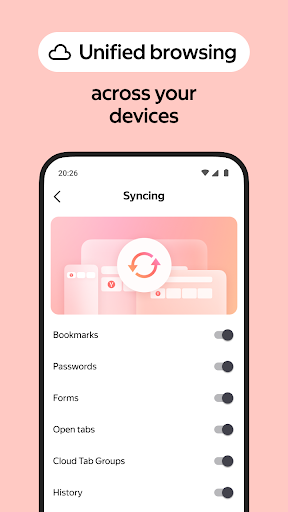
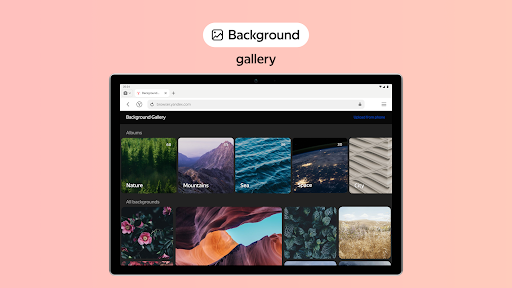
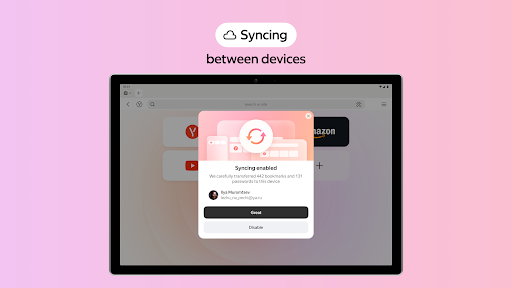
Personalize your browsing environment by choosing from a diverse wallpaper library. The app allows extensive customization, letting you set backgrounds that match your style or mood. Plus, you can easily sync your favorite websites and bookmarks across devices through your Yandex account — ensuring a seamless experience no matter where you are.
Additional Benefits and Ease of Use
User-Friendly Interface
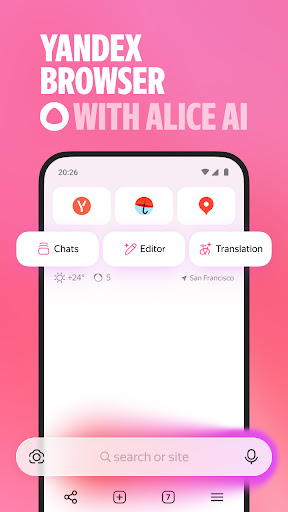
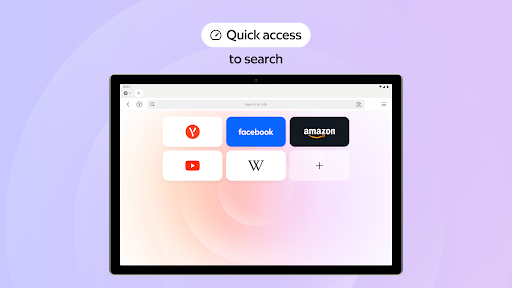
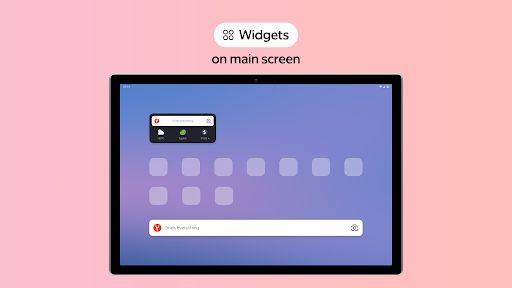
The app welcomes you with a modern and intuitive interface, making navigation simple and straightforward. The customizable start screen helps you quickly access your preferred websites, saving time and effort. Whether you’re a casual user or a power user, the clean layout enhances usability for everyone.
Integration with Yandex Services
If you already use other Yandex services like Yandex Mail or Maps, this browser integrates effortlessly, keeping all your tools within reach. This ecosystem integration is especially beneficial for users seeking a unified online experience.
Accessibility and Support
For questions or feedback, you can directly contact support through the app or visit https://browser.yandex.com/feedback. This ensures you always have help available and can suggest improvements to enhance your browsing experience further.
Conclusion: Why Choose Yandex Browser with Protect?
After exploring Yandex Browser with Protect, it’s clear that this browser offers a secure, fast, and customizable web surfing platform. Its combination of security features, performance optimizations, and user-centric design makes it ideal for anyone wanting a smoother and safer internet journey. Whether you're browsing casually or conducting sensitive activities, Yandex Browser with Protect has the tools you need to browse confidently and comfortably.
Pros
- Fast browsing experience
- Built-in voice search
- Customizable interface
- Efficient ad-blocker
- Secure data protection
Cons
- Limited extension support
- Occasional site compatibility issues
- High battery consumption
- Confusing settings menu
- Privacy concerns regarding data collection











