





Introducing XTranslate - Photo, Voice, PDF
Are you often faced with situations where understanding a foreign language becomes a challenge? Whether it’s deciphering a menu on your travels, reading street signs, or handling international documents, having a reliable translation tool can make all the difference. XTranslate - Photo, Voice, PDF is a comprehensive app designed to eliminate language barriers effortlessly. This intuitive and powerful application offers a wide array of features that enable you to translate text, documents, speech, and images quickly and accurately, making it an essential tool for travelers, professionals, and language enthusiasts alike.
Main Features of XTranslate - Photo, Voice, PDF
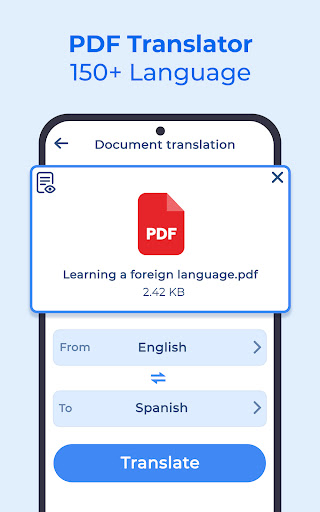
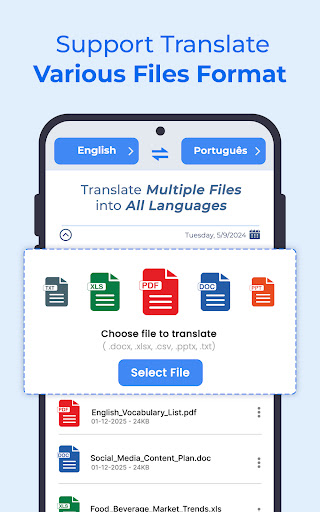
Seamless Document Translation •Document :
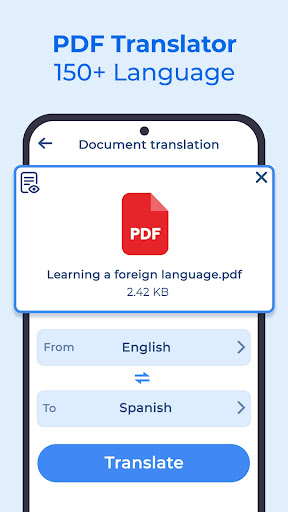
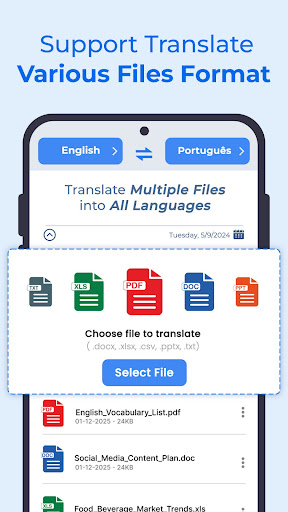
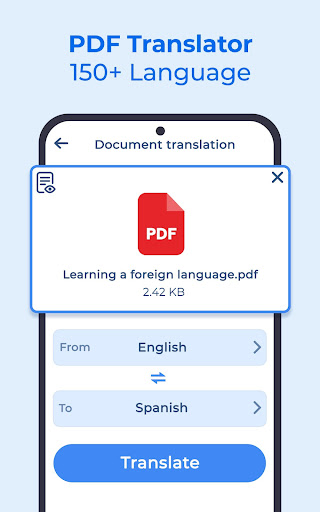
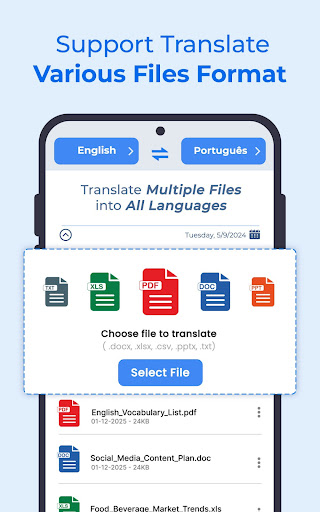
One of the standout capabilities of XTranslate is its ability to translate various document formats while preserving the original layout. Whether you have a PDF file, a Word document, an Excel spreadsheet, or a slide presentation, the app can automatically detect and translate all textual content into your chosen target language. This feature is invaluable for professionals working with international clients, students translating academic resources, or anyone needing quick clarity on foreign documents. The app supports a broad range of file types, including PDF, DOC, XLS, CSV, and images, ensuring versatility for all your translation needs.
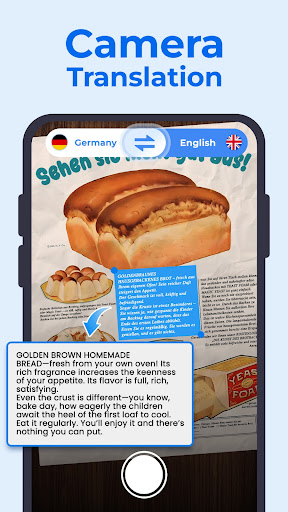
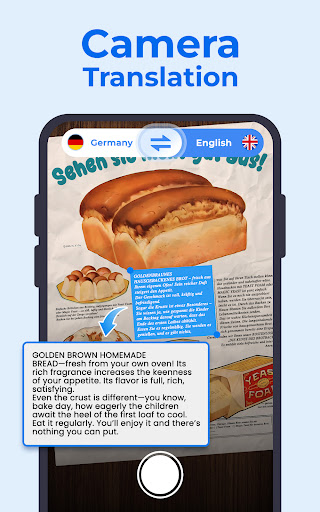
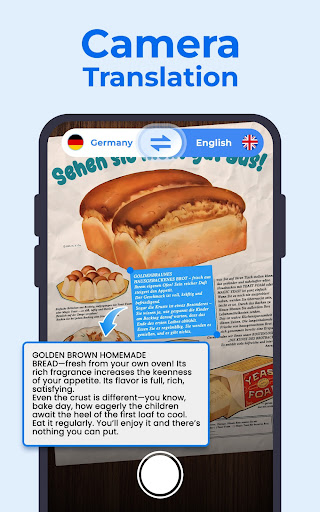
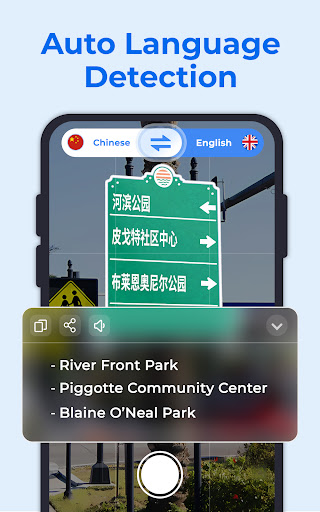
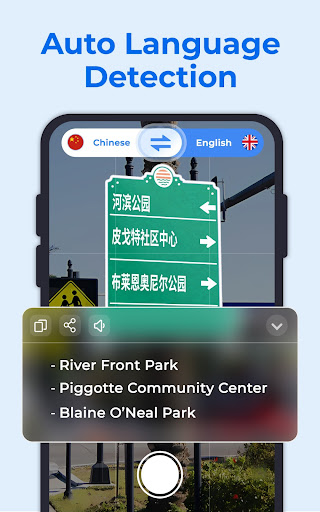
Real-Time Image Text Translation with Camera •Photo :
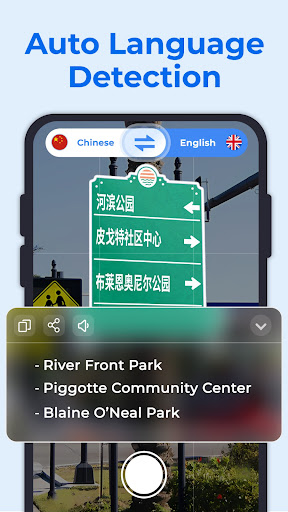
Have you ever struggled to understand a sign, a menu, or any text in a foreign language while on the go? XTranslate makes it effortless: simply point your phone’s camera at the text, tap the translate button, and receive an instant translation in your chosen language. You can also upload existing photos containing text to get quick translations. Whether it’s street signs, product labels, or handwritten notes, this feature turns your device into a portable translator, removing language barriers with ease.
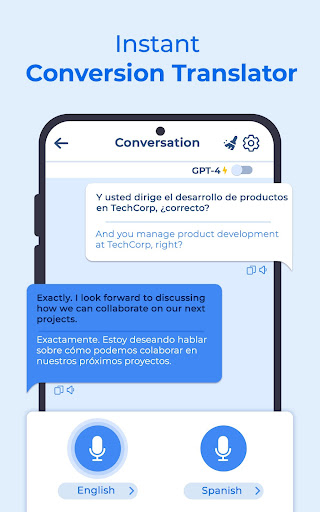
Effortless Voice and Sound Translation •Voice :
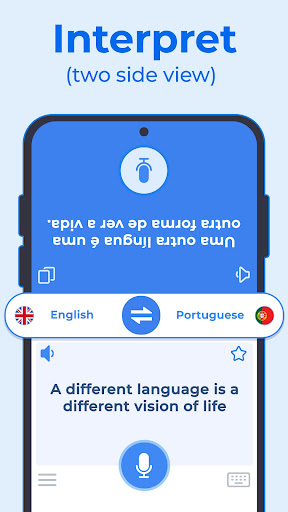
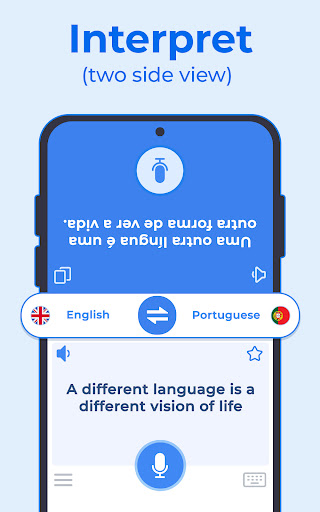
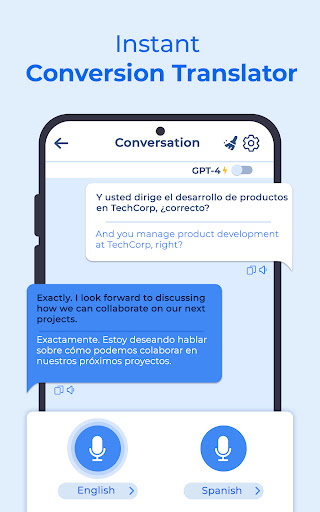
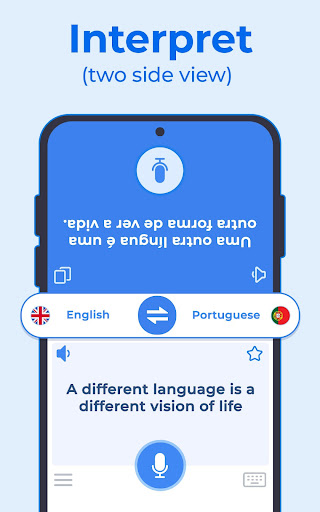
The voice translation feature of XTranslate is a true game-changer for travelers and language learners. Speak into the app, and it will instantly translate your words into the target language. This real-time conversation mode fosters smoother communication when speaking with locals or colleagues who speak different languages. Whether you’re negotiating, asking for directions, or simply socializing, this feature helps you connect more naturally and confidently in foreign environments.
Text Translation on Phone Screen •Screen :
If you encounter texts such as emails, feeds, news, or e-books in languages unfamiliar to you, the screen translation function provides a quick solution. Just select the text or capture your screen, and the app will translate the content into your preferred language. This makes reading foreign content on your device more accessible and efficient, enhancing your overall user experience.
AI Learning and Language Assistance •AI Coach
Beyond simple translation, XTranslate includes learning tools that help you develop your language skills. The AI Coach feature offers speaking practice, pronunciation tips, and language lessons, transforming the app into a comprehensive language learning companion. Whether you’re a beginner or an advanced learner, this feature enhances your language proficiency over time.
Why Choose XTranslate - Photo, Voice, PDF?
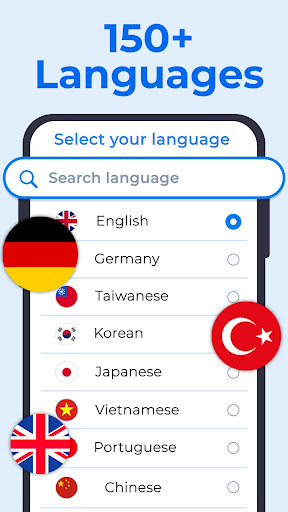
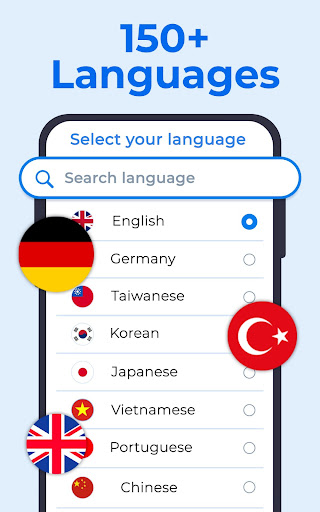
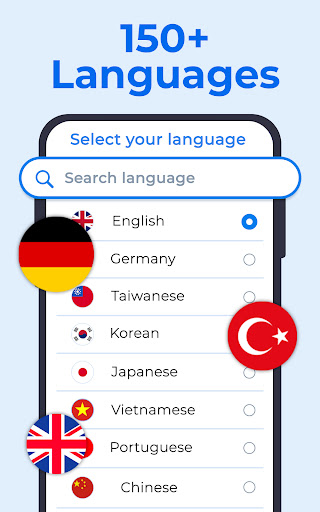
This app stands out because of its high translation accuracy—thanks to advanced AI algorithms that understand context, idioms, and nuanced language. Supporting more than 100 languages including Mandarin, Spanish, Arabic, Russian, French, and many others, it ensures you can translate virtually any language combination needed. The interface is designed for simplicity, making it accessible to users of all technical backgrounds.
Additionally, the app offers rapid, efficient translations without sacrificing quality. Continuous AI learning aids in refining translation precision over time, resulting in ever-improving performance. Whether you're traveling abroad, working with international colleagues, or exploring new languages, XTranslate functions as your portable multilingual assistant, helping you connect with the world on a deeper level.
Pros
- Accurate translations across multiple languages.
- Supports text input.
- Supports voice input.
- Supports photo input.
- User-friendly interface with easy navigation.
- Offline mode available for translation without internet.
- Provides quick response times for translations.
Cons
- Limited free version with optional in-app purchases.
- Occasional errors, especially with complex sentences.
- Requires camera access for photo translation features.
- Voice recognition effectiveness can vary.
- Advertisements in the free version may be intrusive.











