
Wifi Password Show: Master Key icon

Wifi Password Show: Master Key

88.01K
3.1
Installs
0.01B
Version
1.7.2
Advertisement
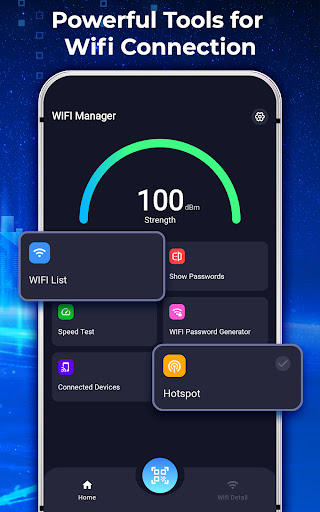
Wifi Password Show: Master Key screenshot
Advertisement

Introduction to Wi-Fi Password Show: Master Key

Are you tired of scrambling to remember your Wi-Fi passwords or hunting through cluttered notes to reconnect to your favorite networks? Wi-Fi Password Show: Master Key is the perfect solution for anyone seeking a simple, effective way to manage and access Wi-Fi credentials effortlessly. Designed with user-friendliness and security in mind, this app acts as your all-in-one Wi-Fi companion, offering features that streamline your wireless connectivity experience. Whether you're a frequent traveler, a tech enthusiast, or just someone who wants quick access to saved networks, this app is built to cater to all your Wi-Fi management needs.

Key Features of Wi-Fi Password Show: Master Key

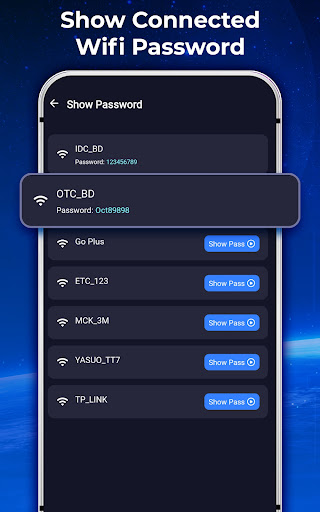
View Saved Passwords

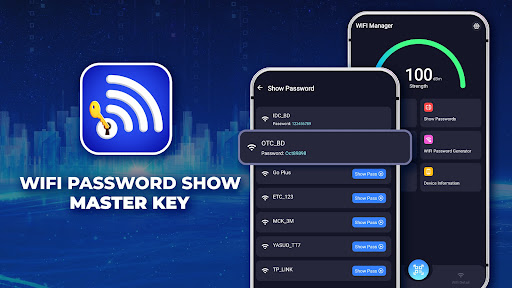
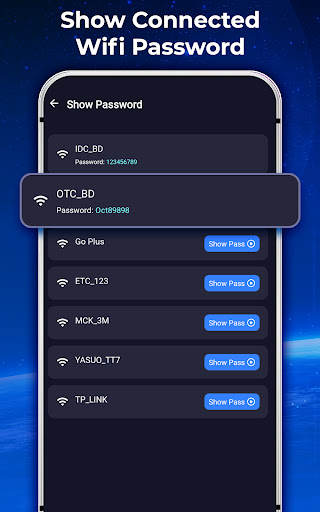
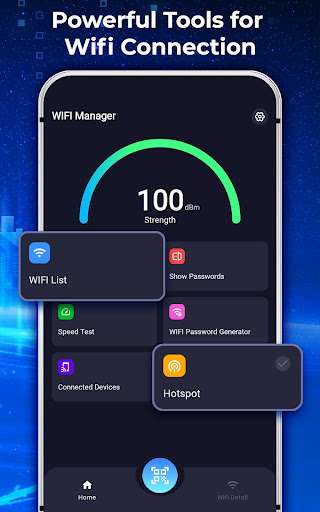
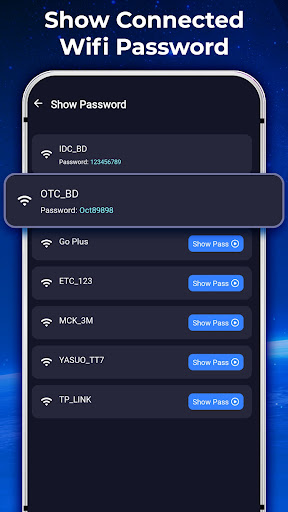
Never waste time guessing or searching for your Wi-Fi passwords again. This app neatly organizes all your previously connected networks, displaying each network's password in a clear list. This quick access makes it hassle-free to reconnect or share passwords with friends and family.

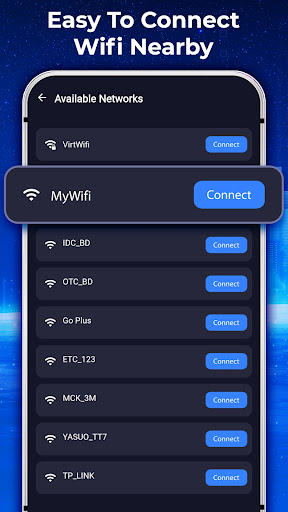
Discover Nearby Wi-Fi Networks

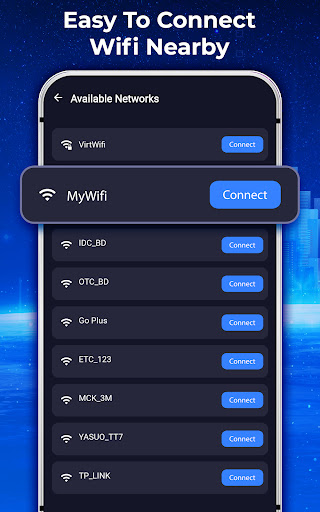
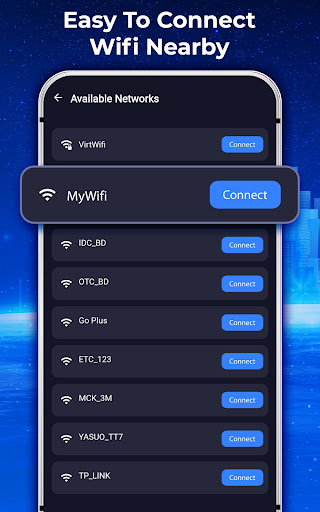
Forget endless scrolling! The built-in Wi-Fi scanner quickly detects all available nearby networks, highlighting the strongest signals so you can connect with ease. This feature is especially handy when you're in a new location and need to find a reliable connection fast.

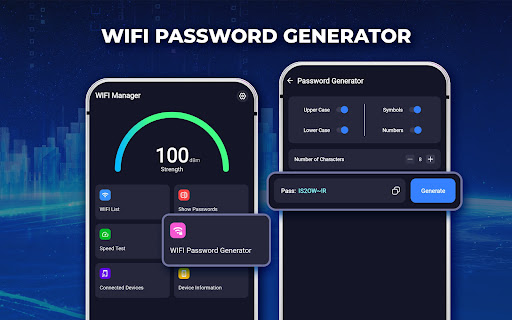
Generate Secure Passwords

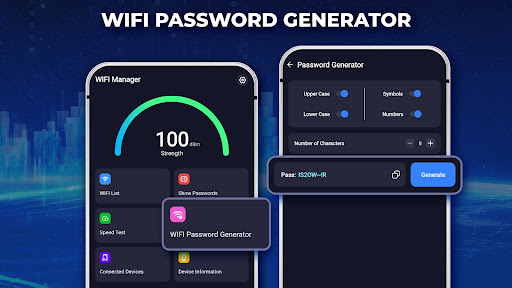
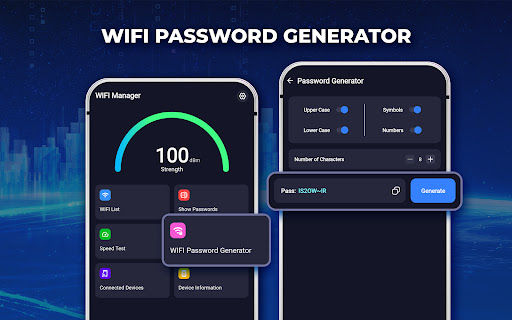
Want to create new, robust Wi-Fi passwords? The app allows you to generate strong, secure passwords in just a tap—perfect for setting up new networks or replacing weaker ones, ensuring your Wi-Fi connections are always protected.

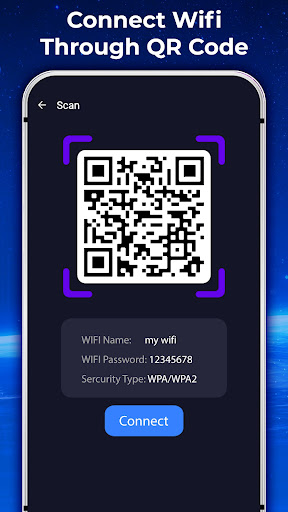
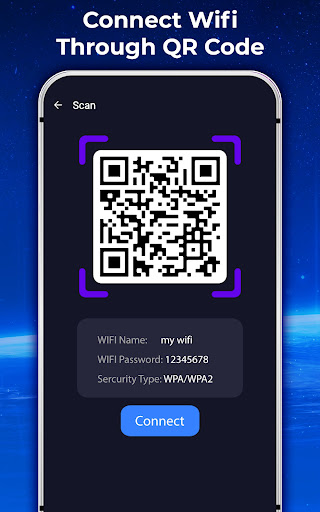
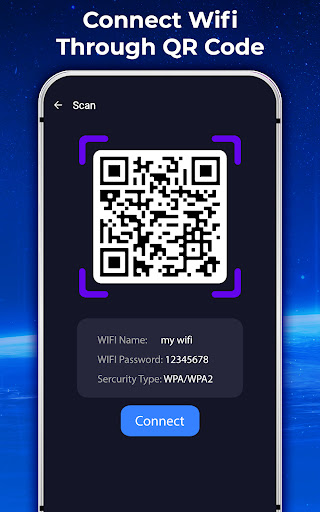
Connect Using QR Codes

Sharing Wi-Fi access has never been easier. Generate QR codes for any saved network and let others join simply by scanning. This seamless method eliminates the need to manually type long passwords, making password sharing quick and safe.

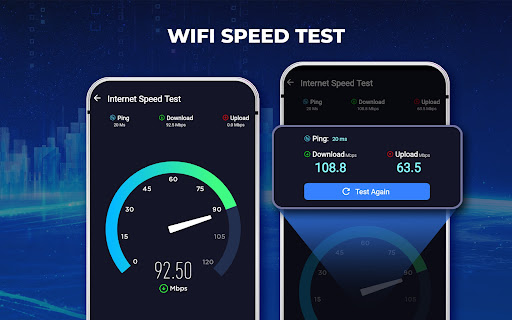
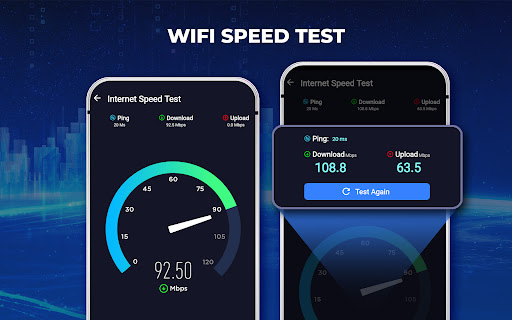
Test Internet Speed

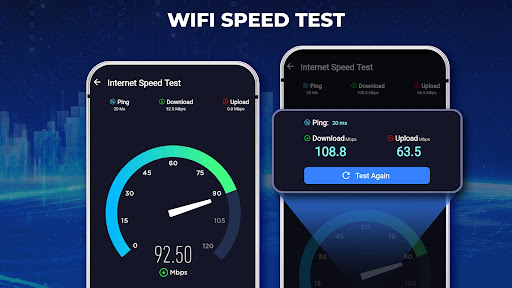
Wondering if your internet connection is performing as expected? Run a quick speed test within the app to check your download and upload speeds, helping you diagnose network issues swiftly.

Additional Features

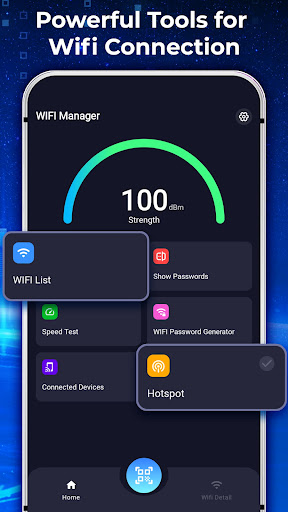
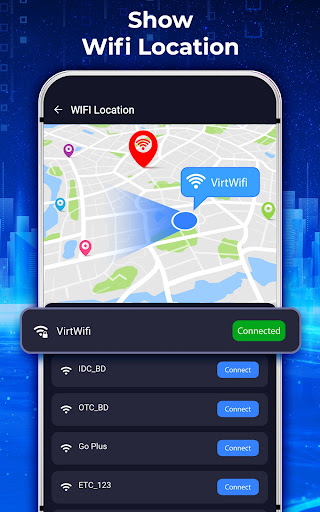
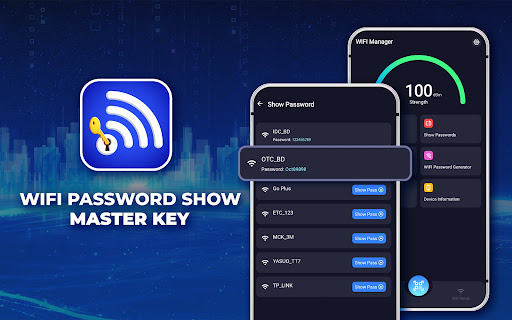
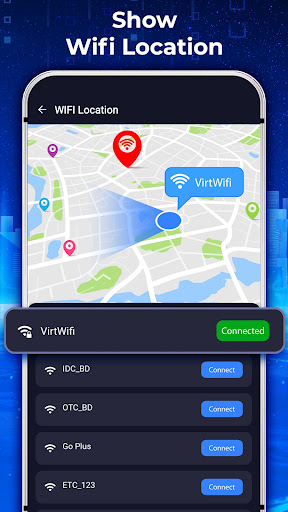
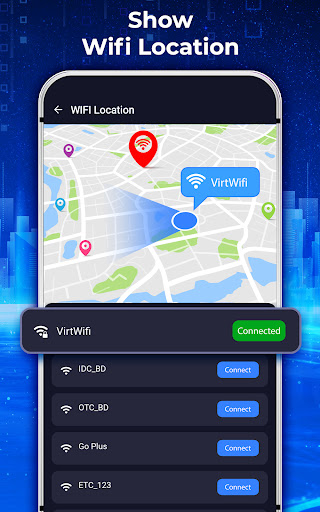
Beyond password management, the app offers a variety of useful functionalities, including connected device management, creating Wi-Fi hotspots, exploring Wi-Fi maps, setting a Wi-Fi timer to automatically disconnect, and even location tracking for network access points.

Why Choose Wi-Fi Password Show: Master Key?

This app stands out because of its simplicity and security. It’s designed to be intuitive—anyone can navigate without hassle—while ensuring your Wi-Fi passwords stay protected. Plus, it consolidates all your Wi-Fi management features into a single lightweight application, making it an essential tool for managing multiple networks.

Ideal For Everyone

If you’re constantly connecting to different networks—whether at cafes, hotels, or friends' houses—Wi-Fi Password Show: Master Key is your perfect companion. It allows you to quickly retrieve and share passwords without diving into complicated router configurations or risking security breaches. The app's straightforward design and powerful features make it easy to keep your Wi-Fi accessible and secure.

Download and Experience Hassle-Free Wi-Fi Management

Don’t let forgotten passwords or slow connections ruin your day. Download Wi-Fi Password Show: Master Key today and enjoy a streamlined, efficient way to manage all your Wi-Fi networks. With features like password viewing, nearby network detection, secure password generation, QR code sharing, and internet speed testing, this app is an indispensable tool for confident Wi-Fi management. Say goodbye to connectivity woes and hello to seamless internet access!

Pros

  • Easily retrieve saved Wi-Fi passwords
  • User-friendly and straightforward interface
  • Lightweight and quick to operate
  • Consumes minimal storage space
  • Does not require root access
  • Supports multiple languages

Cons

  • Needs permission to access saved networks
  • Potential security concerns if misused
  • Limited to Wi-Fi networks only
  • Cannot crack passwords
  • Must be connected to the network to view the password

Download From Google Play
Advertisement

Frequently Asked Questions

What is Wifi Password Show: Master Key and how does it work?

Wifi Password Show: Master Key is an application designed to help users recover and manage saved Wi-Fi passwords on Android devices. It scans the device for previously connected Wi-Fi networks and displays the associated passwords. The app requires root access to operate effectively, so the device must be rooted beforehand. It is especially useful for users who forget their Wi-Fi passwords and need a quick retrieval method.

Is Wifi Password Show: Master Key safe to use on my device?

Yes, Wifi Password Show: Master Key is generally safe if downloaded from trusted sources like Google Play Store. However, since it requires root access, rooting carries inherent risks such as voiding warranties and security vulnerabilities. Users should understand these risks beforehand and consider employing security software to mitigate threats.

Do I need a rooted device to use Wifi Password Show: Master Key?

Yes, the app requires a rooted device to access the stored Wi-Fi passwords on the phone. Rooting grants the app privileged control over the Android system. Without rooting, the app cannot retrieve any passwords. Be aware that rooting can void warranties and expose the device to security risks.

Can Wifi Password Show: Master Key reveal passwords for all Wi-Fi networks?

The app can only display passwords for Wi-Fi networks that the device has previously connected to and stored. It cannot hack or access passwords for networks never connected to the device. The application is intended as a personal recovery tool for managing saved credentials. Use it responsibly and within legal boundaries.

What should I do if Wifi Password Show: Master Key doesn’t display any passwords?

First, verify that your device is rooted, as root access is necessary. If rooted, check that the app has the necessary permissions. Restart the app or your device if needed. If issues persist, consult online forums or the app’s support resources for troubleshooting tips and updates.

You May Like










