
Discover the Ultimate Customization Experience with Icon Changer & Widget Themes
Are you tired of your phone’s home screen looking dull and uninspiring? If so, Icon Changer & Widget Themes is the perfect solution to inject personality and style into your device. This innovative app offers a comprehensive suite of customization features, allowing you to personalize everything from app icons to aesthetic widgets and stunning wallpapers. Whether you prefer minimalist elegance, vibrant designs, or playful themes, this app puts the power of creative customization right in your hands, making your smartphone truly reflect your unique personality and flair.
Endless Customization Options at Your Fingertips
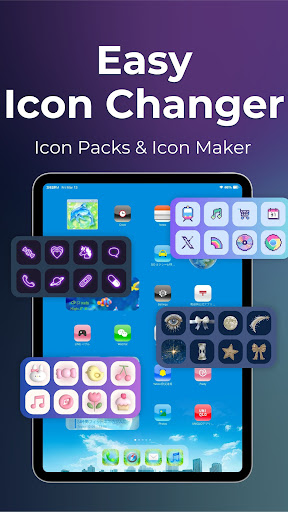
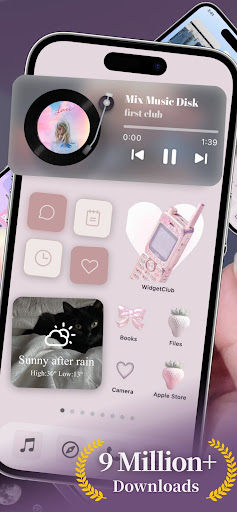
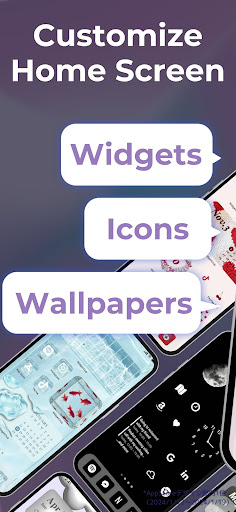
The core strength of Icon Changer & Widget Themes lies in its ability to transform your mundane home screen into a vibrant, personalized space. Imagine effortlessly swapping out default app icons with stylish, thematic icons that match your aesthetic preferences. From sleek minimalistic icons to colorful and eye-catching designs, the app provides a vast library of icon packs. Additionally, you can craft custom app icons by uploading your favorite photos, creating a truly unique look for every app—including social media, games, and utilities.
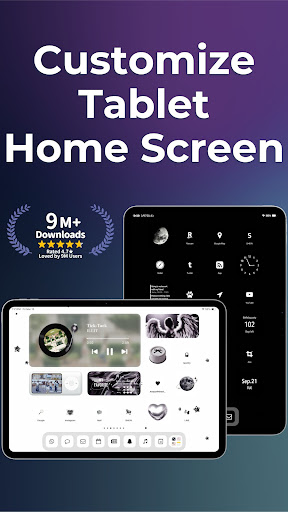
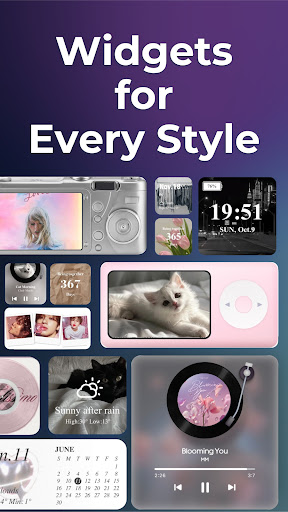
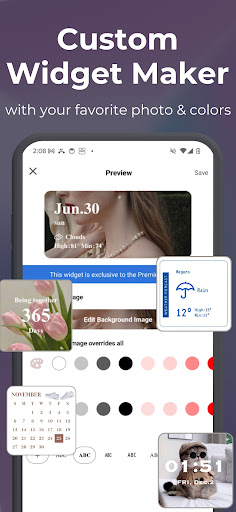
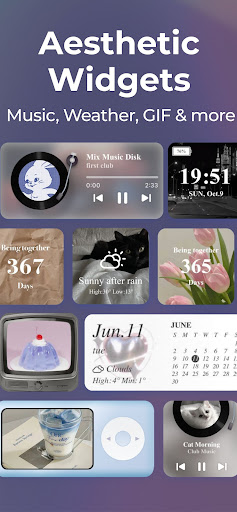
Beyond icons, this app shines by offering an extensive collection of aesthetic widgets. You can customize widgets like weather, clocks, calendars, and more, adjusting fonts, colors, and even adding personal photos. These personalized widgets turn your home screen into a dynamic and engaging interface, elevating the overall user experience and giving your device a cohesive, stylish appearance.
Vibrant Wallpapers and Live Backgrounds
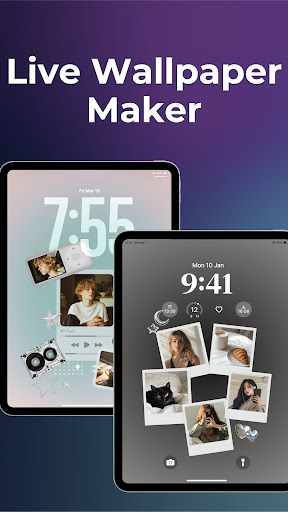
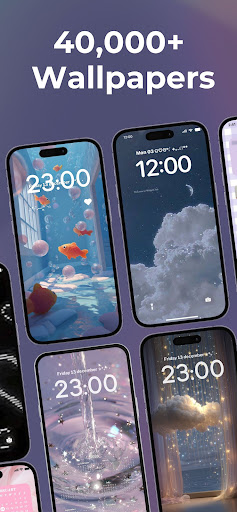
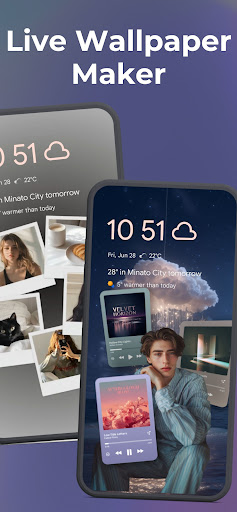
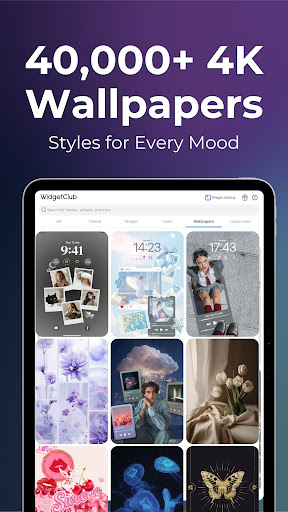
To complement your personalized icons and widgets, Icon Changer & Widget Themes offers a rich selection of high-quality wallpapers including HD and 4K options. Whether you prefer static backgrounds or lively animated live wallpapers, the app has got you covered. You can even turn videos into interactive live wallpapers, creating a dynamic visual environment that makes your phone stand out. These beautiful backgrounds, combined with your customized icons and widgets, craft a harmonious aesthetic experience tailored just for you.
User-Friendly Interface for Seamless Customization
One of the standout features of Icon Changer & Widget Themes is its intuitive, easy-to-navigate interface. Even if you’re not a tech-savvy user, you’ll find it straightforward to explore and apply new themes and styles. The app’s clean design simplifies the customization process, allowing you to experiment freely without frustration. Whether you’re adding a fresh icon pack, tweaking widget styles, or selecting new wallpapers, everything is designed to be accessible and hassle-free.
Wide Range of Styles and Themes
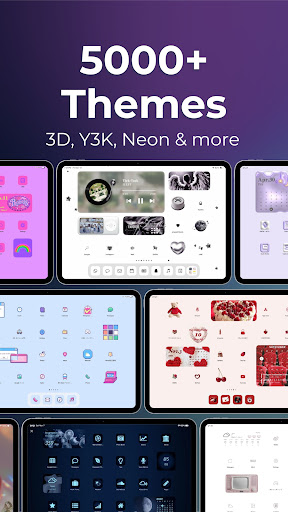
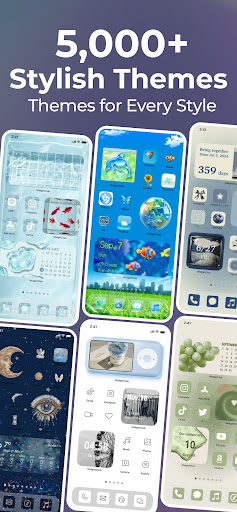
With an extensive library of over 10,000 icon packs and numerous theme options—including Aesthetic Themes, Fancy Themes, Minimalist Themes, Elegant Themes, Y2K Themes, Cute Themes, and more—this app ensures you’ll find the perfect look for your device. The ability to combine different themes and elements means you can craft a personalized visual identity. The app is frequently updated, so your customization options keep expanding, giving you fresh ideas and styles every time you want to refresh your phone’s appearance.
Powerful Icon Editing and Customization Features
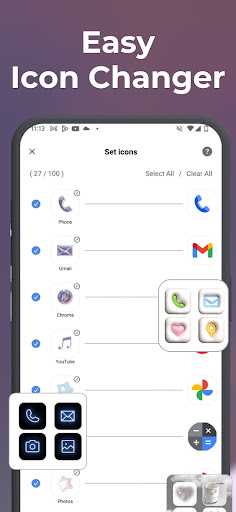
Beyond just choosing pre-made icons, the app offers advanced features like App Icon Maker. You can upload your own photos and create custom icons that uniquely represent your apps. The Icon Themer allows you to quickly change multiple icons at once, saving time and effort while maintaining a cohesive look. These features make it easy to stay creative—perfect for enthusiasts who love detailed customization and want a device that genuinely reflects their style.
High-Quality Wallpapers and Dynamic Live Backgrounds
The collection of 4K high-quality wallpapers provides visually stunning backgrounds to enhance your device's aesthetic. Whether you prefer minimal designs or vibrant, colorful scenes, this app caters to all tastes. Additionally, the dynamic live wallpapers can add motion and life to your home and lock screens, transforming your device into a visual masterpiece. You can even convert your own videos into live wallpapers for a truly personalized touch.
Compatible with Leading Launchers and Devices
This app supports a wide range of launchers and devices, including popular brands like Samsung, Pixel, Xiaomi, Huawei, Motorola, and more. It’s compatible with various Android versions, ensuring that most users can enjoy its rich customization features. Whether you're using a flagship device or an entry-level phone, Icon Changer & Widget Themes is designed to run smoothly and reliably, giving you seamless access to endless personalization options.
Conclusion
If you’re looking to elevate your phone’s appearance without technical hassle, Icon Changer & Widget Themes is the perfect app for you. With its vast library of icon packs, customizable widgets, beautiful wallpapers, and user-friendly interface, it unlocks a world of creative possibilities. Personalize your home screen with stylish themes, high-quality backgrounds, and animated live wallpapers, making your device truly one-of-a-kind. Discover how easy and fun phone customization can be—transform your device today and enjoy a fresh, personalized look that reflects your style and personality.
Pros
- Highly customizable interface.
- Easy to navigate and operate.
- Offers a variety of themes.
- Improves the phone's appearance.
- Receives regular updates with new features.
Cons
- Some features require payment.
- App may crash occasionally.
- Limited availability of free themes.
- Can slow down older devices.
- Includes ads in the free version.











