
Introduction to Web Video Caster Receiver
Web Video Caster Receiver is the essential companion app for anyone who loves streaming videos, music, and photos directly from their mobile device to a big screen TV. As the #1 mobile browser for casting content, this app transforms your device into an effortless media hub, allowing you to easily share your favorite web videos and live streams on your television. To fully enjoy its capabilities, you must first install the Web Video Caster mobile application on your smartphone or tablet, which pairs seamlessly with the receiver app.
How Web Video Caster Receiver Works
Simple Steps to Cast Your Media
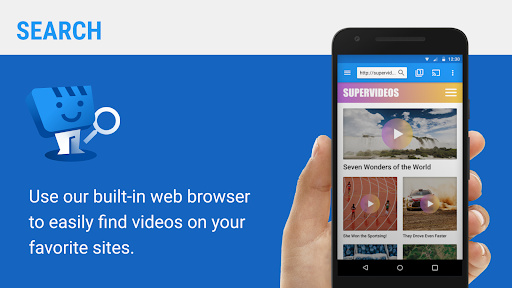
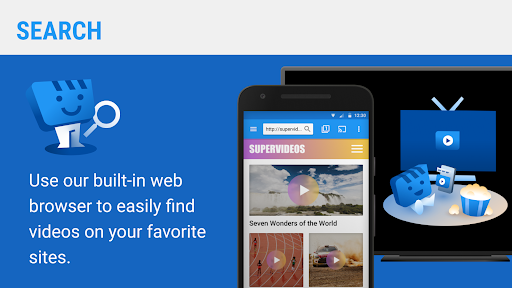
Getting started with Web Video Caster Receiver is straightforward. First, download the Web Video Caster app from your device’s app store: iOS users can get it from this link, while Android users can find it at this link. Once installed, you can browse the web through the app, searching for videos, images, or live streams you wish to enjoy on your TV. With just a few taps, the app enables you to cast your selected media effortlessly, turning any compatible device into a powerful streaming tool.
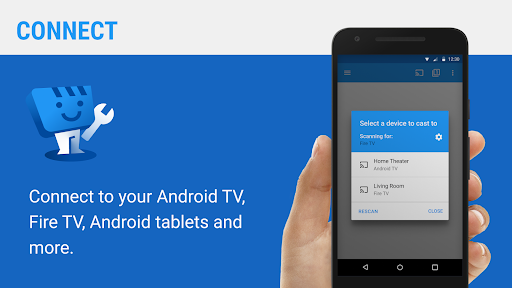
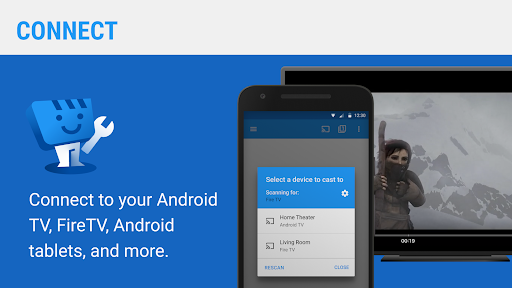
After establishing the connection, simply select your target device—be it a Chromecast, Roku, or other compatible smart TV—and let Web Video Caster Receiver handle the rest. The entire process is designed to be intuitive, fast, and reliable, providing you with a seamless streaming experience from start to finish.
For additional details, visit this website.
Features & Benefits of Web Video Caster Receiver
Seamless Streaming Experience
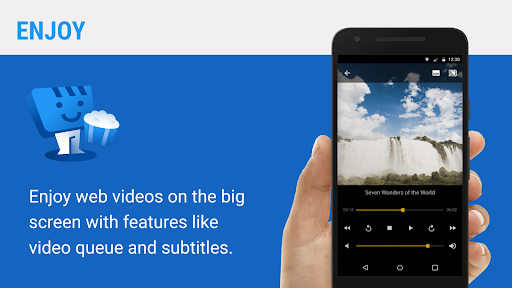
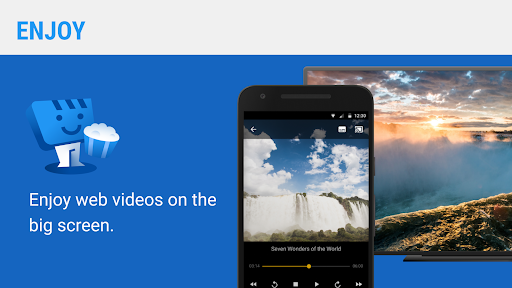
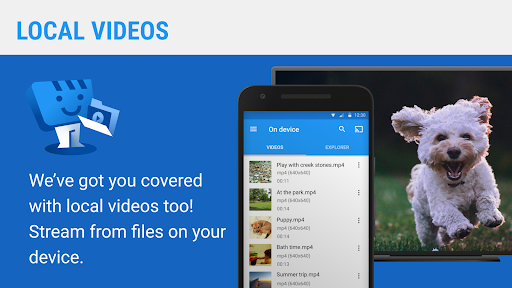
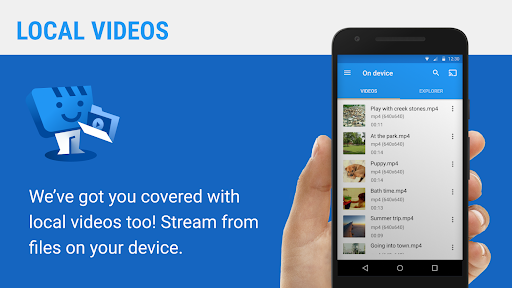
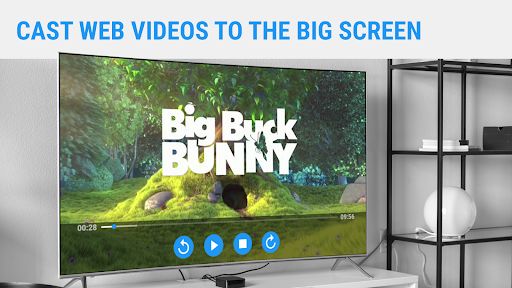
This app functions like a magic wand for your TV, enabling you to cast videos, music, photos, and even live streams directly from your mobile device. Its support for multiple media formats ensures that you don't encounter compatibility issues, making streaming hassle-free without the need for tedious file conversions.
User-Friendly Interface
The design of Web Video Caster Receiver is highly intuitive and easy to navigate. Even those with limited technical skills will find it simple to operate. The layout is clear, with all functions conveniently accessible, providing a smooth user experience that minimizes frustration and maximizes enjoyment.
Compatibility & Connectivity
This app works effortlessly with a variety of devices like Chromecast and Roku. You won’t need complicated setups or configurations—just a few taps, and your device will be ready to cast. Its compatibility ensures that most users can enjoy its benefits regardless of their existing hardware.
High-Quality Video Playback
Quality is a priority for Web Video Caster Receiver. Once streaming begins, you'll notice that video quality remains crisp and clear, with minimal buffering or pixelation. The connection speed is impressively fast, providing a smooth, high-definition viewing experience that is perfect for movie nights or binge-watching your favorite series.
Reliable & Fast Connection
Compared to other casting apps, Web Video Caster Receiver offers lightning-fast connectivity that significantly reduces lag. This means fewer interruptions, making it ideal for hosting movie marathons or sharing live events with family and friends without the frustration of delays or disconnections.
Why Choose Web Video Caster Receiver?
In the crowded world of streaming apps, Web Video Caster Receiver stands out by providing a reliable, fast, and user-friendly solution for casting media content to your TV. Whether you're a movie enthusiast, a casual viewer, or someone who loves sharing media with others, this app offers the versatility and performance you need. Its broad device support, high-quality playback, and simple interface make it a top choice for all streaming needs.
If you’re looking to enhance your home entertainment setup, give Web Video Caster Receiver a try. It’s designed to make streaming easy, enjoyable, and accessible for everyone. Say goodbye to complicated setups and enjoy your favorite content on the big screen with just a few simple taps.
Pros
- Supports streaming from a variety of sources.
- Easy to connect with multiple devices.
- Delivers high-quality video streaming.
- User-friendly and intuitive interface.
- Includes support for subtitles.
Cons
- Requires a stable internet connection.
- Free version may show intrusive ads.
- Limited features without a premium plan.
- Might not support all video formats.
- Occasional connectivity disruptions.











