


Discover the Power of All Video Downloader - Browser
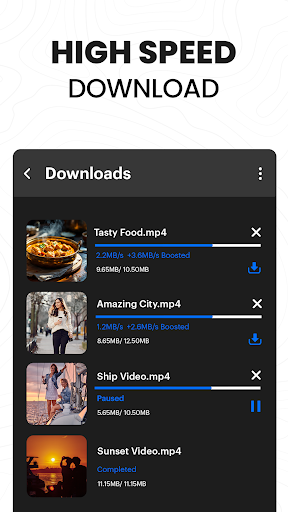
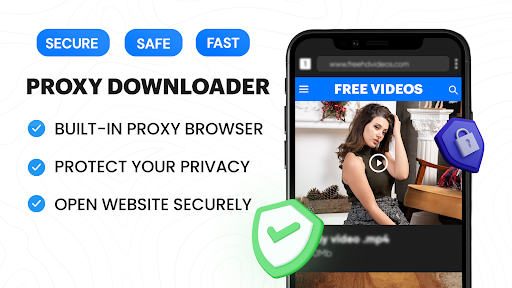
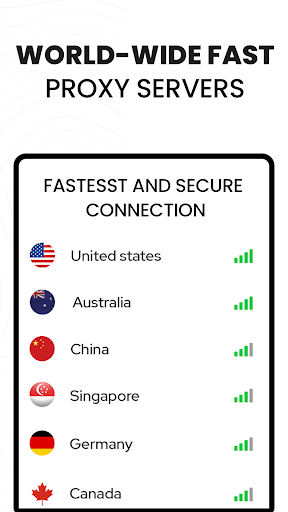
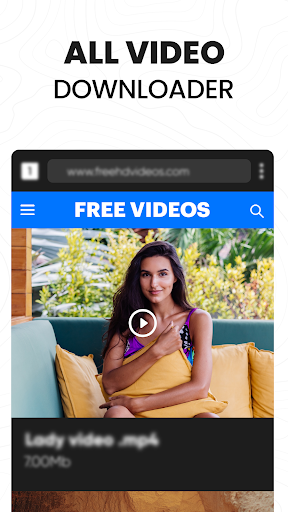
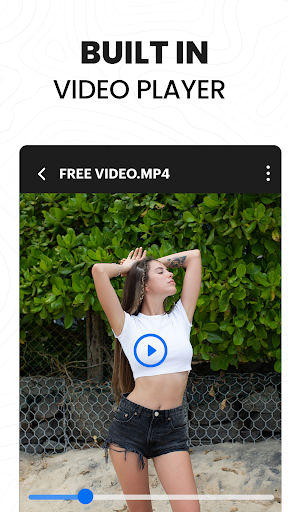
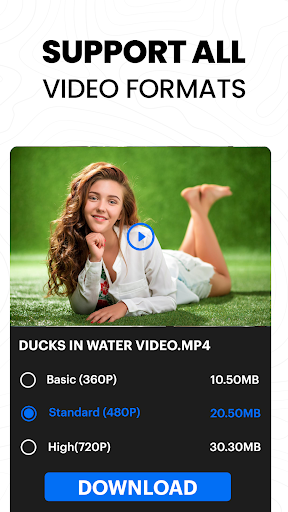
Are you tired of missing out on your favorite videos because you can't access them offline? The All Video Downloader - Browser app is designed to transform your video viewing experience. Combining a high-speed HD video downloader with a built-in proxy browser and an advanced video player, this app offers a comprehensive solution for Android users who want effortless video saving and private browsing.The app stands out with its fast download speeds—up to 4X faster—and a suite of features that prioritize both security and convenience. The secure proxy browser ensures that your online activity remains private, especially when using public WiFi, making browsing safer and more anonymous. Its minimalist and intuitive interface makes navigation a breeze, whether you’re browsing websites or downloading videos.In addition, the app supports a wide array of video formats and resolutions, providing flexibility for users wanting Ultra HD 4K videos or smaller, data-saving options. The built-in video player allows you to preview downloads before saving, and you can effortlessly download videos, reels, stories, and social media clips from popular platforms—all with just a tap. Rapidly save content for offline viewing so you can enjoy your favorite videos anytime, anywhere.One of the notable strengths of this app is its automatic detection capability. While browsing, it instantly detects downloadable videos and displays a download button—no need to copy and paste links manually. Plus, its smart download manager enables multiple simultaneous downloads, background operation, and paused/resumed downloads, ensuring a smooth and efficient user experience.Security remains a core feature; the app provides options to save your downloaded files in password-protected folders and protects your browsing with a built-in ad and tracker blocker, reducing unwanted interruptions and enhancing privacy. Bookmarking favorite websites allows quick access to frequently visited sites, turning your mobile device into a versatile multimedia hub.Using the app is straightforward: just open it, navigate to your preferred video site, and let the app do the work. Whether you choose to paste a video link directly or browse and play videos within the app, downloading is seamless. The app supports videos in formats like MP3, M4A, MP4, M4V, MOV, AVI, and documents such as PDF, DOC, XLS, TXT. It’s compatible with most popular sites, though it’s important to respect copyright laws and terms of service—particularly noting that downloading videos from platforms like YouTube may violate their policies.In conclusion, All Video Downloader - Browser is a reliable, fast, and secure tool tailored for users seeking convenient offline access to videos and a private browsing experience. Whether you're saving videos for travel, offline viewing, or just want a handy app to manage your multimedia collection, this application offers everything you need in one package—speed, security, and simplicity all combined.If you’re looking to enhance your digital media experience, give this app a try. It’s designed to be your go-to downloader and private browser—making online video saving easier and safer than ever before.
Pros
- User-friendly interface
- Supports various video formats
- High-speed downloads
- Integrated browser functionality
- No account required for use
Cons
- Advertisements may be disruptive
- Limited features in the free version
- Lacks support for batch downloads
- Some video formats are not supported
- Occasional application crashes











