

Overview of Volume Styles - Custom control
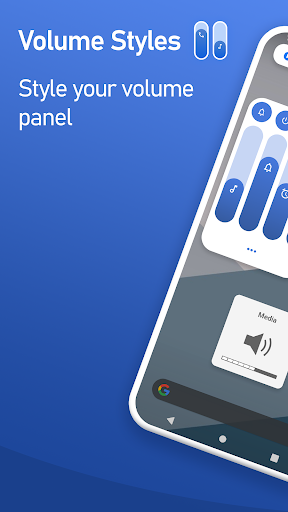
Are you tired of the generic volume control experience on your smartphone? Volume Styles - Custom control emerges as the most advanced and versatile volume app available on the Play Store, offering users full customization over their device's volume sliders and control panels. Whether you want to modify colors, switch between different styles, or add quick access shortcuts, this app provides everything you need to personalize your audio experience like never before.
Powerful Theming and Style Options
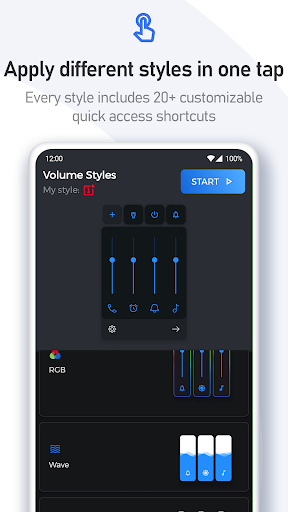
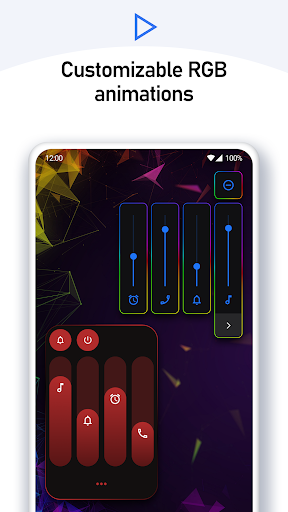
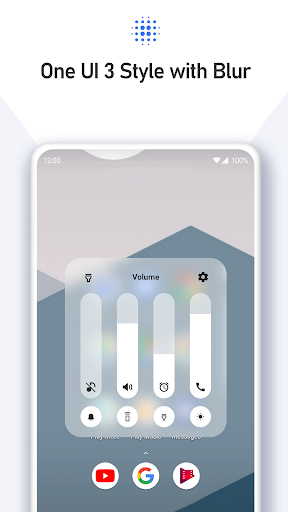
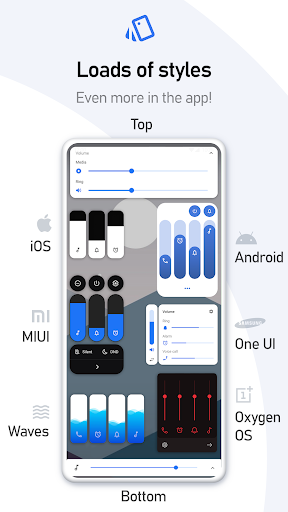
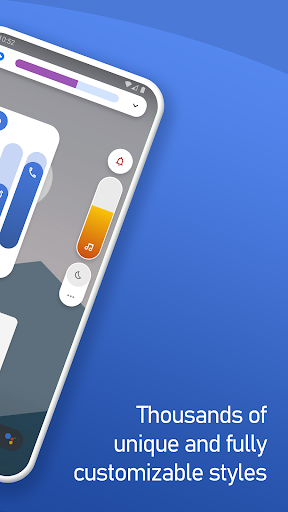
The core strength of Volume Styles lies in its extensive style library, which includes a variety of themes to suit every mood and device aesthetic. With a simple tap, you can instantly apply primary styles such as • Android 10, • iOS 13, • Xiaomi MIUI, • Samsung One UI, • Android Oreo horizontal sliders, and even • Windows 10. Need a more unique look? The app supports styles inspired by • RGB, • Color OS, • Paranoid Android, • Vivo Funtouch OS, • Realme UI, and a host of others—including • iOS 12, • Windows Phone, and a distinct • volume knob style. There are thousands of styles to explore, with a custom Style Creator feature that allows you to craft your perfect theme from scratch.
Customizable Sliders and Controls
Beyond just visual themes, Volume Styles empowers you to decide which volume sliders are visible on your control panel. You can display sliders for • Media volume, • Ring volume, • Notification volume, • Alarm volume, • Voice call volume, and more. Moreover, a popular feature is the ability to add a brightness slider directly into the panel, making it easier than ever to adjust screen brightness along with volume controls.
Personalize Your Volume Panel
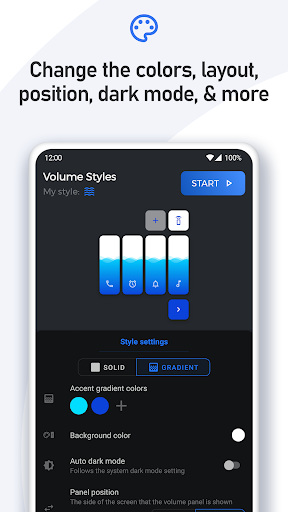
The app allows users to fine-tune the appearance and behavior of the volume control panel. Customize options include choosing your preferred colors, enabling an auto dark mode, adjusting the corner radius for a sleek look, setting the position on the screen, and defining how long the panel remains visible. These personal touches ensure your volume panel complements your device’s overall aesthetic seamlessly.
Quick Access Shortcuts for Enhanced Efficiency
An outstanding feature of Volume Styles is the ability to add shortcuts to frequently used functions directly in the volume panel. You can create quick toggles for • Live Caption, • rotation lock, • flashlight / torch, • screenshots, • split screen, • sound settings, and even toggle between silent / vibrate / ring modes. Additional shortcuts include • Do Not Disturb, • auto brightness, • media control, • notification control, and more—making device management faster and more intuitive.
Seamless Integration and User Experience
Built using Accessibility Services, Volume Styles seamlessly overrides the default volume button behavior, giving users a more dynamic and flexible control experience. The app’s interface is sleek, responsive, and designed for ease of use—no unnecessary tutorials, just straightforward customization. It works efficiently without draining your battery, maintaining smooth transitions when switching between styles or adjusting sliders. Compatibility spans various Android versions and device brands, making it a versatile choice for all users.
Community and Sharing
What sets Volume Styles apart is its active community, where users can submit custom styles to the Style Feed. You can easily favorite styles or apply them instantly, fostering a collaborative environment for creative customization. The ability to share your unique themes with friends and download styles created by others adds a social element, transforming your device’s volume control into a personalized art piece.
Conclusion
In an era where device personalization is paramount, Volume Styles - Custom control stands out as an essential app for users who seek to elevate their smartphone experience. Its deep customization options—ranging from themes and sliders to shortcuts—combine to create a truly unique and functional control panel. Whether you're a tech enthusiast or a casual user, this app transforms mundane volume controls into a personalized feature that enhances both style and usability. Download it today and enjoy a bespoke sound and control experience tailored precisely to your preferences.
Pros
- Highly customizable user interface
- User-friendly and intuitive design
- Supports multiple volume control panels
- Compatible across most devices
- Consumes minimal battery power
Cons
- Limited features available in the free version
- Occasional presence of bugs
- Advertisements shown in the free version
- Requires certain system permissions
- Not accessible on iOS devices











