
Introducing VLC for Android: Your Ultimate Media Player
VLC for Android is a free, open-source, and versatile multimedia player designed to enhance your mobile entertainment experience. Originally famous as VLC media player on desktops, this app brings the same powerful features to your Android device, making it capable of playing almost all multimedia formats, streaming content from networks, and even handling disk images such as DVD ISOs. Whether you're listening to music, watching high-definition videos, or streaming content from the internet, VLC for Android is your go-to app for seamless media playback.
Key Features of VLC for Android
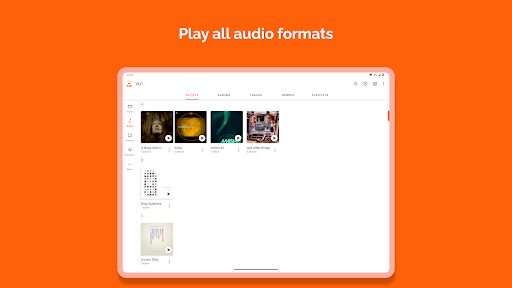
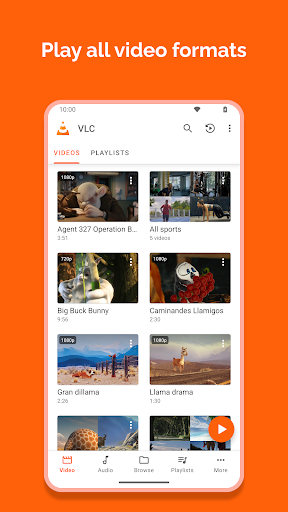
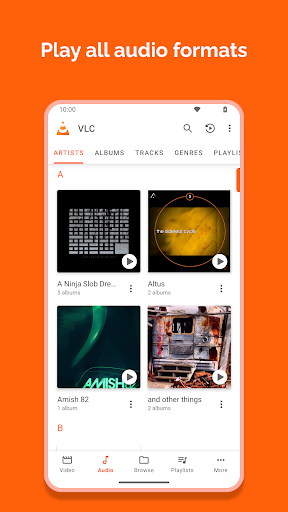
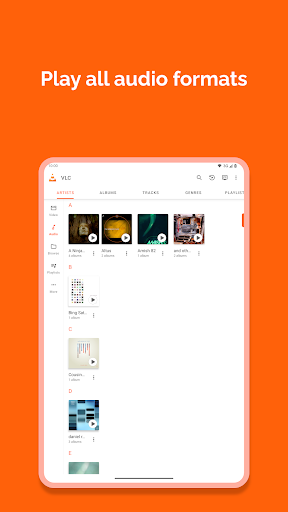
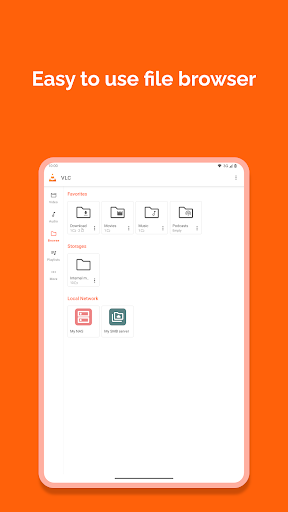
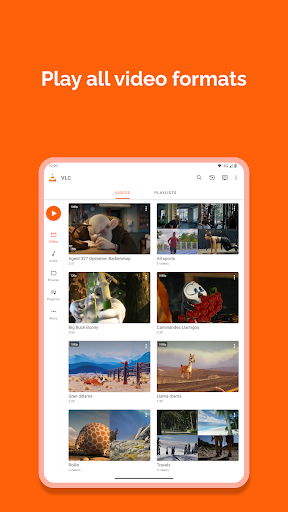
VLC for Android supports a broad range of media formats including popular ones like MKV, MP4, AVI, MOV, Ogg, FLAC, TS, M2TS, Wv, and AAC. All necessary codecs are included, so no additional downloads are required for playback. Its ability to handle network streams, including adaptive streaming protocols, makes it suitable for live broadcasts and online media. The app also supports disk shares, making it easy to access media stored on removable devices or network locations.
Comprehensive Media Library and Subtitle Support
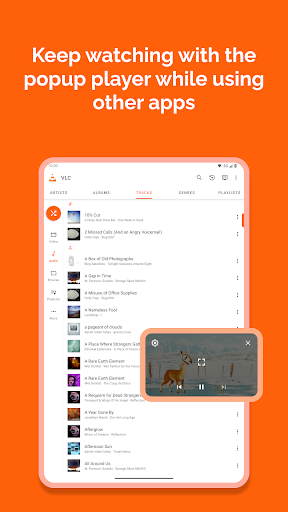
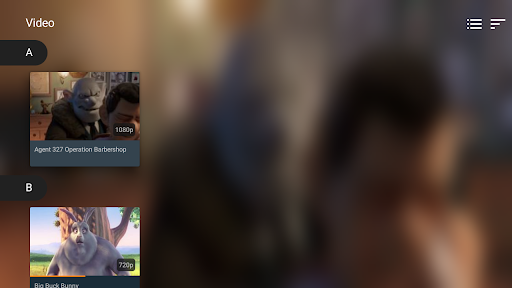
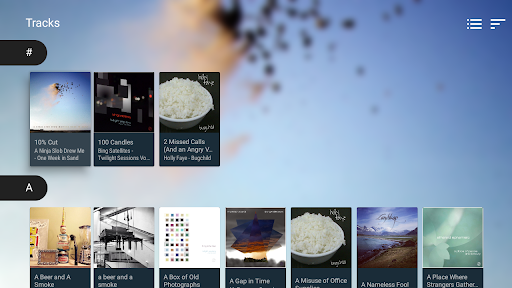
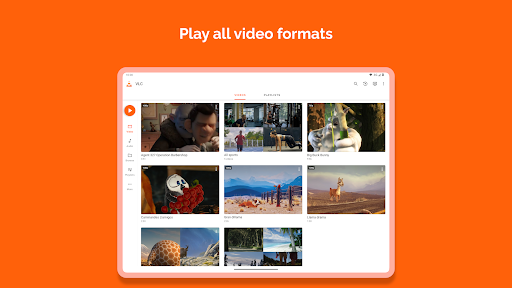
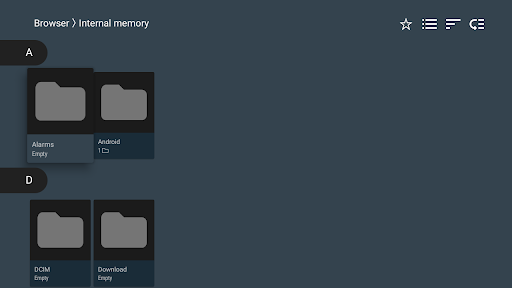
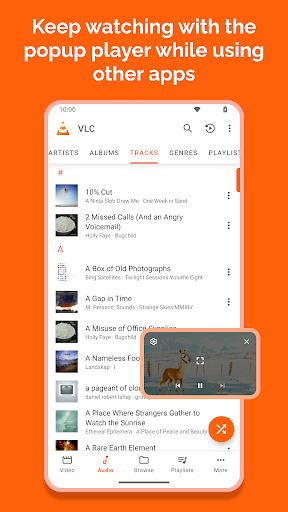
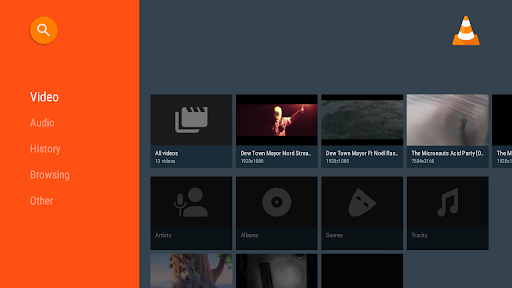
VLC features a robust media library that allows users to browse and organize their audio and video files effortlessly. It supports multi-track audio and subtitles, enabling users to choose preferred language tracks or subtitle options while watching videos. Subtitles, Teletext, and Closed Captions are also supported, making VLC ideal for viewing international content or media that relies on captions for accessibility.
Rich User Experience and Customization
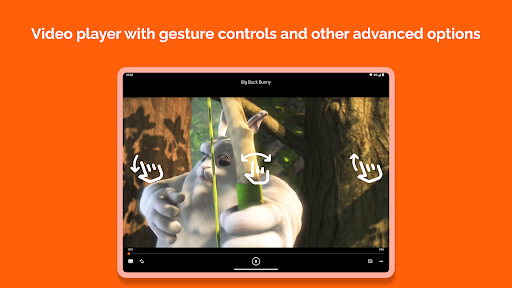
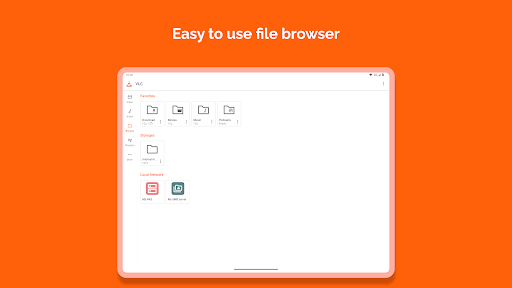
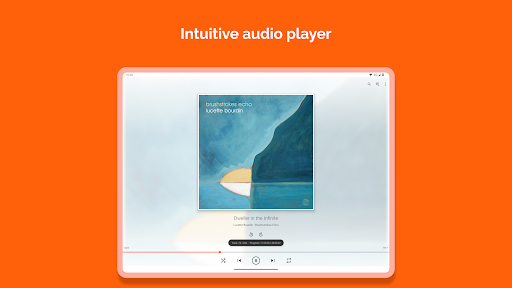
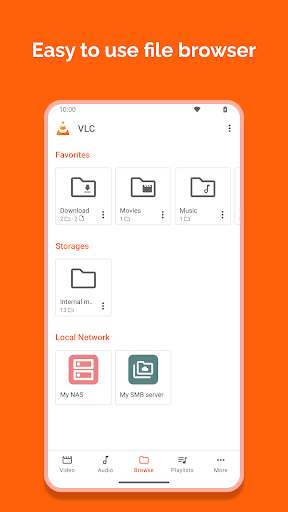
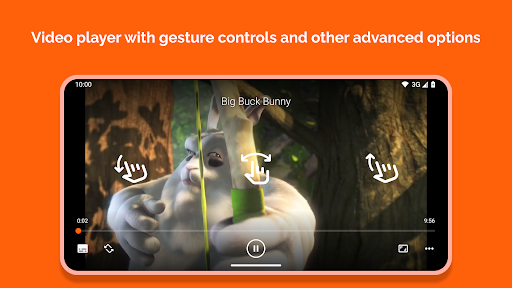
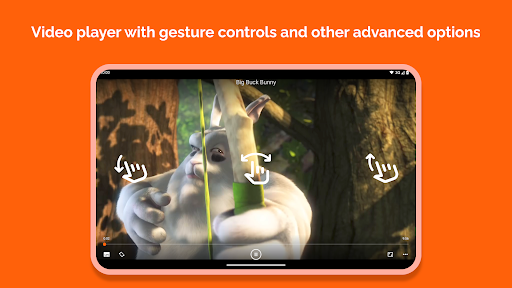
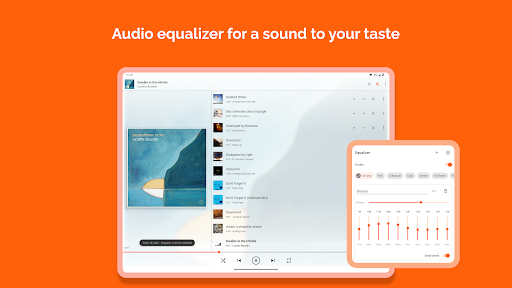
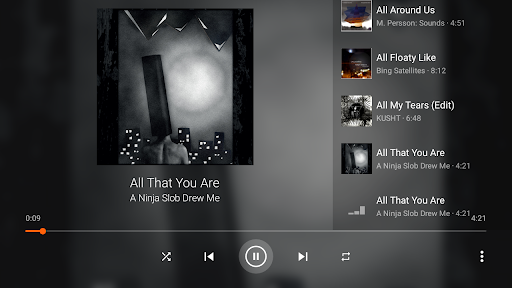
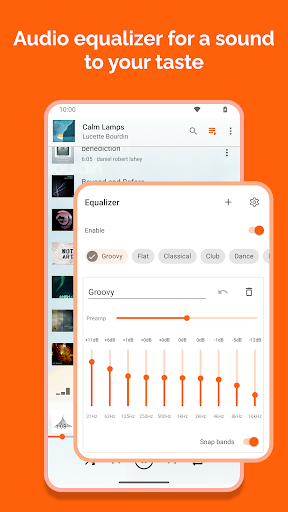
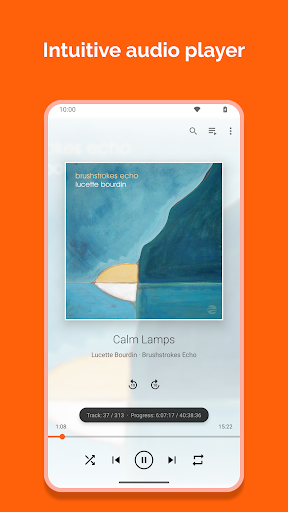
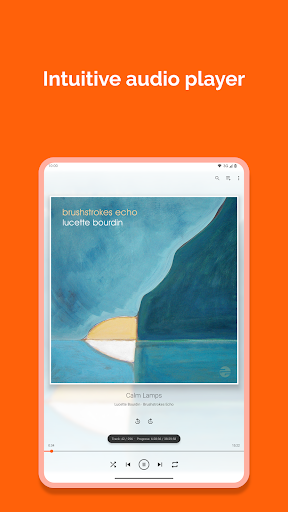
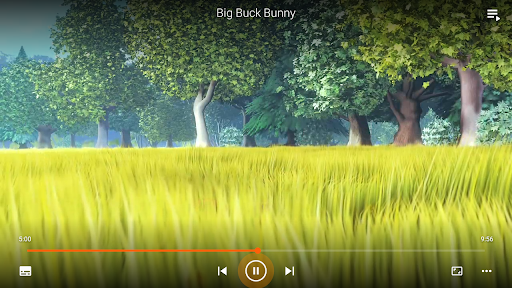
Designed with user friendliness in mind, VLC for Android boasts an intuitive interface with easy navigation. The app supports auto-rotation, aspect ratio adjustments, and gesture controls, allowing you to adjust volume, brightness, and seek through content effortlessly. Additionally, a handy widget offers quick playback controls directly from your home screen, while support for headset controls enhances convenience during media consumption.
Offline Capabilities and Network Streaming
One of VLC’s standout features is its ability to download content for offline viewing, perfect for travelers or those with limited internet connectivity. You can easily store videos or music when connected to Wi-Fi and enjoy them without interruption. Plus, its support for streaming from network shares and services makes it flexible for media consumption without transferring files manually.
Permissions and Privacy
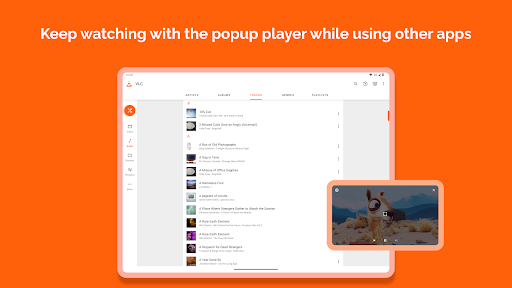
VLC for Android requires permissions such as access to Photos/Media/Files and Storage to read media files from your device or SD card. It also needs network access for streaming purposes, and permissions like "modify system settings" and "draw over other apps" facilitate features like screen overlays and sound adjustments. Importantly, the app is developed by passionate volunteers, with a strong focus on user privacy—VLC is ad-free, free of in-app purchases, and does not spy on users.
Why Choose VLC for Android?
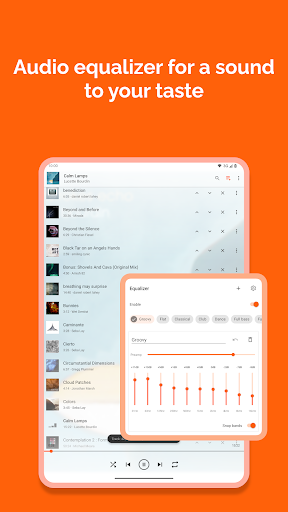
If you’re seeking a reliable, full-featured media player on your Android device, VLC for Android stands out as an excellent choice. Its ability to handle almost any media format, support for network streams, and focus on user privacy make it a standout app. Whether you want to enjoy a movie on your commute, listen to high-quality audio, or stream content from your home network, VLC offers a seamless, customizable experience. Plus, its open-source nature means continuous improvements and a dedicated community backing its development.
Conclusion
In summary, VLC for Android is a powerful, flexible, and user-friendly media player that caters to casual viewers and tech-savvy users alike. Its extensive format support, advanced features like multi-track audio, subtitle support, and network streaming capabilities make it a comprehensive solution for all your multimedia needs. Best of all, it’s completely free, ad-free, and open-source, ensuring your focus remains on enjoying your media without distractions. Download VLC for Android today and transform your mobile entertainment experience into something extraordinary.
Pros
- Supports a wide range of audio and video formats.
- Free to use with no advertisements or in-app purchases.
- Highly customizable interface and controls.
- Enables offline media playback.
- Supports streaming over networks.
Cons
- Advanced features might be overwhelming for new users.
- Lacks built-in media library organization tools.
- Subtitle support may be unreliable at times.
- User interface appears outdated on Android devices.
- May experience occasional performance problems on older hardware.











