

Introduction to Videoleap: AI Video Editor App
Discover the power of Videoleap, an innovative AI-powered video editor designed to elevate your content creation process. Whether you're aiming to produce stunning reels, shorts, or engaging videos, Videoleap offers a comprehensive suite of tools that makes professional-grade editing accessible to everyone. Combining intelligent AI features with an intuitive interface, this app empowers both beginners and seasoned creators to craft scroll-stopping content effortlessly and efficiently.
The Smartest Way to Create Reels, Videos & Clips
With Videoleap, you can generate high-quality videos quickly, making it ideal for social media platforms like Instagram, YouTube, and TikTok. Its AI video generator capabilities allow you to produce engaging content automatically, while the user-friendly video editor provides all the necessary tools to customize your videos. Add background music, enhance visual quality, and apply stunning effects—no prior editing experience is needed to create professional content that captures attention and drives engagement.
Why Choose Videoleap?
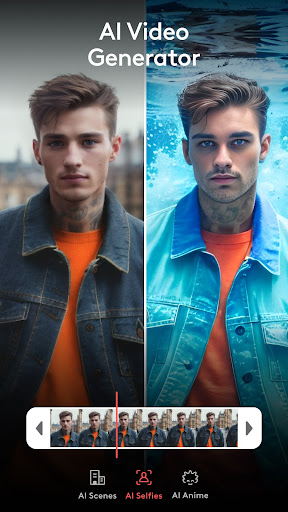
AI Video Generator & AI Video Editor
Let AI technology help you craft breathtaking videos effortlessly. Generate content seamlessly, apply various filters and effects, and bring plain footage to life with advanced enhancements and cinematic touches.
Reel Maker & Video Creator
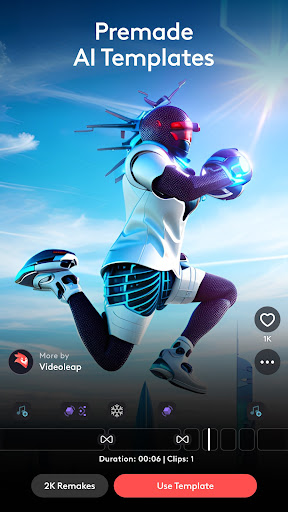
Design compelling reels, shorts, and stories. Utilize a rich library of ready-made templates or customize your own from scratch to produce attention-grabbing content that resonates with your audience.
Enhance Video Quality Instantly
Improve your videos with tools to sharpen details, tweak brightness, contrast, and saturation, or upscale to 4K-quality. These features ensure your final output looks polished and professional, perfect for branding and marketing purposes.
Perfect for Everyone
Whether you're an influencer, small business owner, vlogger, marketer, or casual user, Videoleap is designed to make video creation accessible and enjoyable for all skill levels.
Key Features & Tools
AI-Powered Video Editing
Automatically generate videos or enhance existing footage with AI-driven effects, filters, and adjustments, saving time and effort.
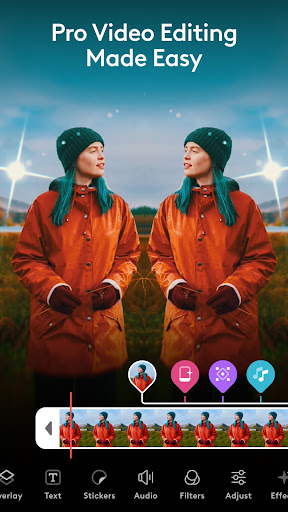
Pro Editing Tools
Perform precise edits including trimming, cropping, splitting, merging, resizing, rotating, and flipping videos. Adjust aspect ratios to fit any social media platform perfectly.
Music, Captions & Intros
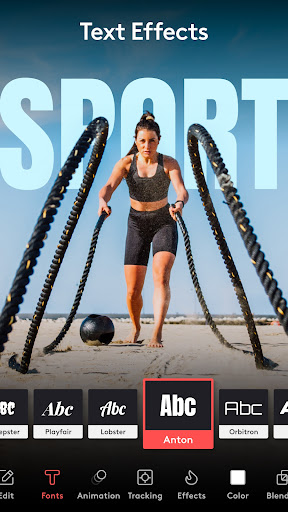
Add music, create custom intros and outros, and personalize captions with stylish fonts, emojis, and blending options for a distinctive look.
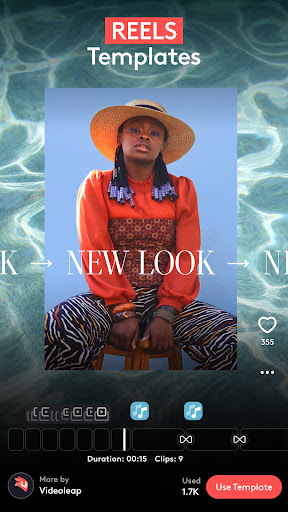
Templates for Reels, Stories & Shorts
Access trending templates optimized for Instagram Reels, TikTok, YouTube Shorts, and more. Quickly customize templates to match your style.
Special Effects & Filters
Apply a variety of cinematic effects like blur, glitch, pixelate, prism, chromatic aberration, and VHS to give your videos a unique, artistic flair.
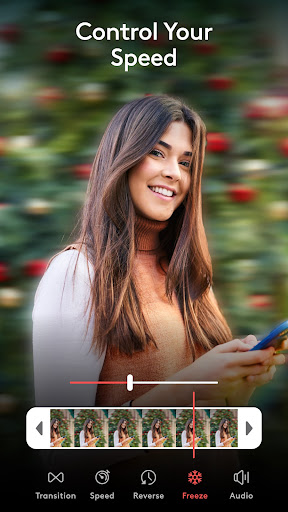
Speed Control & Motion Effects
Control playback speed, create slow-motion or time-lapse clips, and use stop motion effects for dynamic storytelling.
Layer-Based Editing
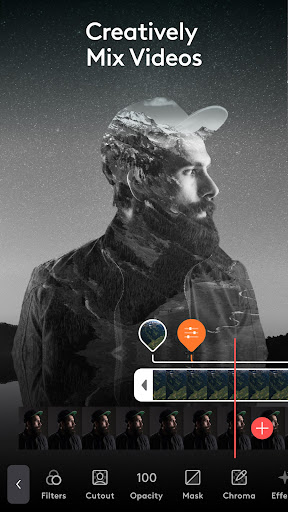
Combine multiple layers of videos, images, effects, and music. Use advanced tools like masking, blending, and transformation to craft complex compositions.
For Business & Social Success
More than just a video editor, Videoleap serves as your partner in creating impactful content marketing. Use the app's AI features to produce promotional videos, social media posts, and professional reels that help you stand out. Whether you're promoting a brand, launching a product, or engaging your audience, Videoleap simplifies the process of creating high-conversion videos that boost your online presence and grow your following.
Who Is Videoleap For?
- Influencers & Content Creators: Produce aesthetic reels, dynamic stories, and engaging YouTube shorts to grow your audience.
- Small Business Owners: Create professional advertisements, product promos, and social media content with ease.
- Vloggers & Casual Users: Turn everyday moments into captivating videos with simple edits.
- Marketers: Design impactful marketing campaigns using ready-made templates tailored for business needs.
Download Videoleap now and elevate your video content creation. Experience the future of AI-driven video editing, reel making, and video enhancement—all in one powerful app designed to turn your ideas into stunning visual stories.
Pros
- User-friendly interface for straightforward navigation.
- A broad selection of editing features available.
- Supports exporting videos in high resolution.
- Regular updates introducing new functionalities.
- Easy integration with various social media platforms.
Cons
- Premium features require a paid subscription.
- May experience lag on older devices.
- Free version has limited features.
- Videos in the free version include watermarks.
- App size is large and may occupy significant storage.











