
Discover the Power of the Video to MP3 - Video to Audio App
Are you often in situations where you watch a video and wish you could extract the audio to enjoy on the go? The Video to MP3 - Video to Audio app is a versatile and user-friendly tool designed to convert your favorite video files into high-quality MP3 audio tracks effortlessly. From saving space on your device to creating personalized ringtones, this app has become a must-have for anyone who loves converting media formats seamlessly.
Feature Overview of Video to MP3 - Video to Audio
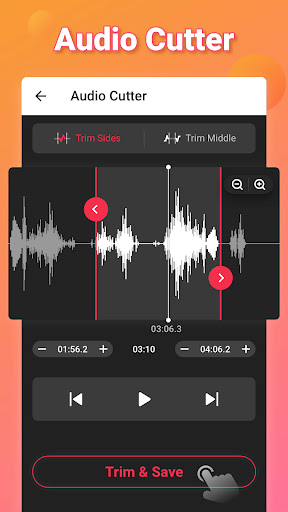
This innovative application simplifies the process of converting mp4 to mp3 and transforming videos into audio files. Its powerful engine enables quick and efficient conversion, allowing you to extract crystal-clear music and audio content from videos with just a few taps. Whether you want to cut, merge, or enhance your audio files, this app supports a broad range of functionalities to meet all your media conversion needs.
Key Capabilities of the App
- Batch Conversion: Convert multiple videos to audio simultaneously, saving you time and effort.
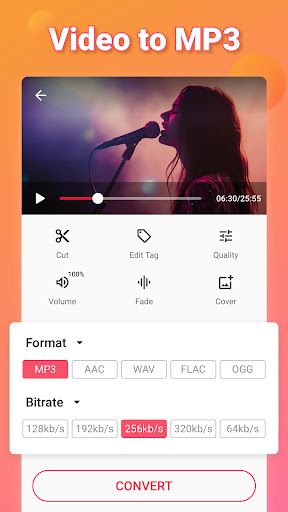
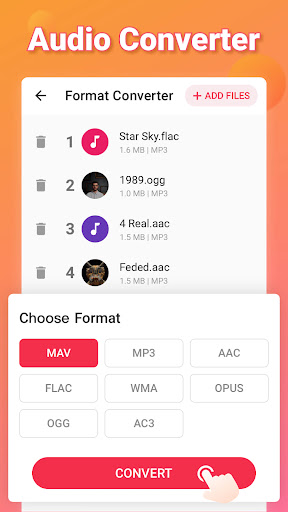
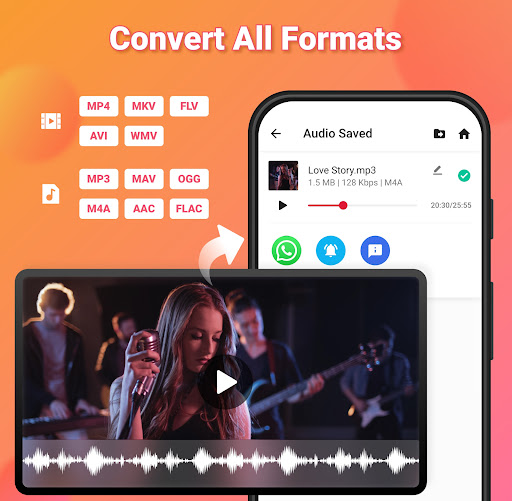
- Format Support: Supports various formats such as MP4, MOV, MKV, AVI for videos, and MP3, WAV, OGG, M4A, FLAC for audio.
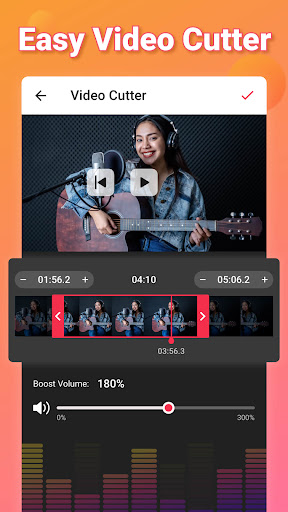
- Video Conversion & Editing: Convert formats like MOV to MP4, MKV to MP4, and more. Easily cut and trim video files to extract specific clips.
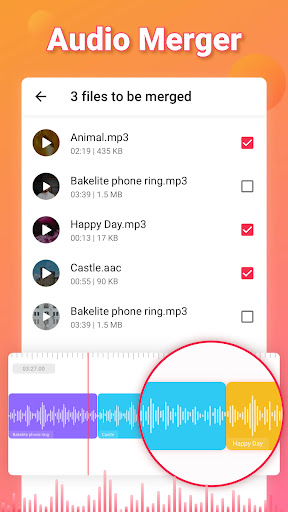
- Audio Editing & Merging: Edit tags, increase volume with Sound Boost, merge audio files, and add music covers for a personalized touch.
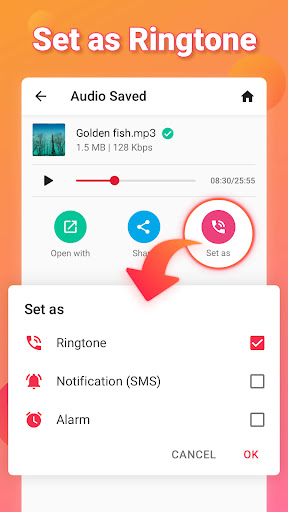
- Ringtone & Notification Maker: Set your created audio files as personalized ringtones, alarms, or notification sounds.
- High-Quality Output & Customization: Choose bitrate options like 128kb/s, 256kb/s, 320kb/s, and apply fade-in/out effects for a professional sound.
Why Choose Video to MP3 - Video to Audio?
The app stands out with its simplicity and efficiency. It’s designed for users of all skill levels, providing a clean, intuitive interface that makes media conversion an effortless task. Whether you're extracting music from a video for a workout playlist or creating a new ringtone for your phone, this tool handles it all with speed and precision. Its support for various formats means you'll never encounter compatibility issues, making it an essential media converter for personal and professional use.
Advanced Features for Enhanced Media Management
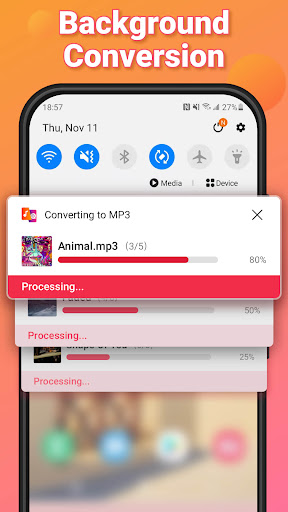
This all-in-one media converter doesn’t just stop at basic conversion. It empowers users with features like background conversion, batch processing, and support for multiple audio formats such as MP3, AAC, and M4A. Plus, the ability to add album art, edit song tags, and set bitrate ensures your audio output is tailored exactly to your preferences. The quality remains uncompromised whether you’re converting a single video or multiple files at once.
Conclusion: The Ultimate Media Conversion Tool
If you're seeking a reliable, fast, and versatile media converter, Video to MP3 - Video to Audio should be on your list. Its powerful features make it easy to extract high-quality MP3s from videos, edit and merge audio files, and create personalized ringtones—all for free! With its support for a wide range of formats and user-friendly interface, this app is perfect for anyone looking to enhance their media experience. So why wait? Download and discover how effortlessly you can convert your videos into crisp, portable audio tracks today!
Pros
- Supports various video formats.
- Fast conversion speed.
- High-quality audio output.
- User-friendly interface.
- Batch conversion available.
Cons
- Limited editing features.
- Ads in free version.
- Requires internet for some features.
- No cloud save option.
- Limited audio format output.











