


Introduction to Video Player All Format
Video Player All Format is a professional and versatile video playback application designed to elevate your viewing experience on Android devices. Whether you own an Android phone or tablet, this media player supports a wide range of video formats, including 4K Ultra HD files, ensuring seamless playback without the need for additional conversions. Its robust features make it one of the best HD video players available for Android, catering to both casual viewers and serious video enthusiasts.
Key Features of Video Player All Format
Security & Privacy
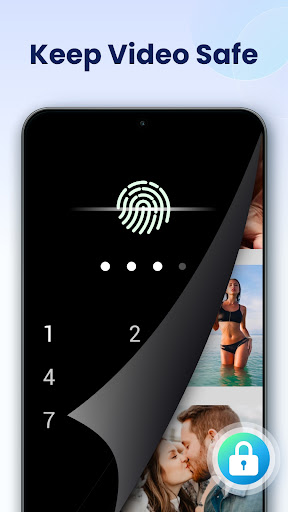
Protect your private videos with a dedicated password feature. The app allows you to set passwords for your private albums, safeguarding your videos from being viewed or deleted by others. Additionally, you can use the private folder to keep sensitive media secure and easily accessible only to you.
Format Compatibility & High-Definition Playback
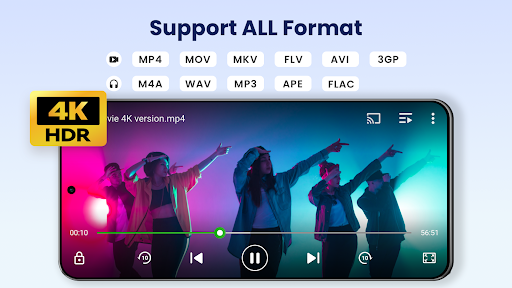
Supporting ALL video formats including MKV, MP4, M4V, AVI, MOV, 3GP, FLV, WMV, RMVB, TS and more, this multimedia player ensures that you can play virtually any video file. It offers ultra HD and 4K support, providing crisp and clear visuals with smooth playback and hardware acceleration technologies that optimize performance even on resource-limited devices.
Advanced Viewing Options
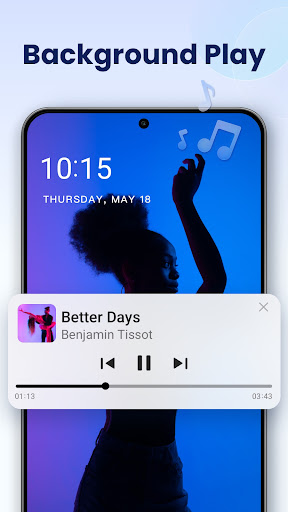
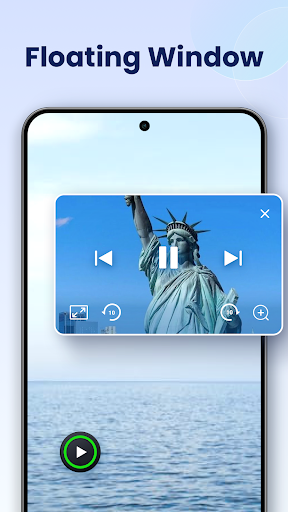
Experience flexible viewing with features like playing videos in a pop-up window, in split-screen, or in the background. The app also offers a floating video player that enables multitasking, allowing you to watch videos while interacting with other apps seamlessly. The background playback feature lets you listen to videos like music, ideal for audiobooks or listening to videos while doing other tasks.
Streaming & Casting
Cast your videos to a TV effortlessly using built-in support for Chromecast. Whether you want to enjoy movies on a large screen or share videos during a gathering, this feature makes it easy to project your media content with minimal setup.
Control & Customization
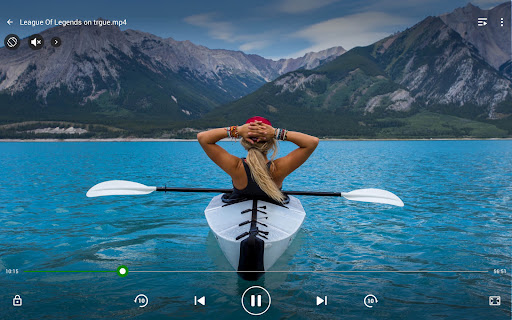
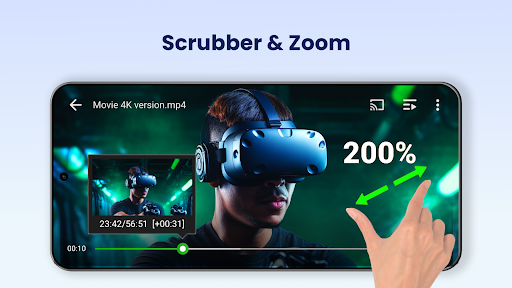
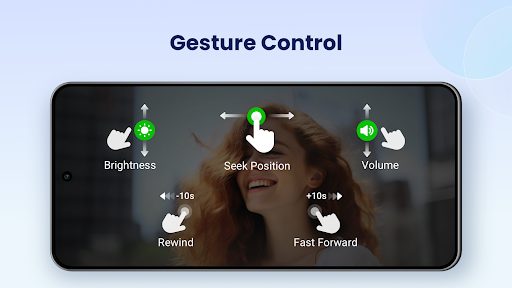
Easily control volume, brightness, and playback progress by sliding on the screen. The app supports various playback options, including auto-rotation, aspect ratio, and screen lock. It also provides a quick mute function, night mode, and playback speed control, allowing full customization of your viewing experience.
Additional Features
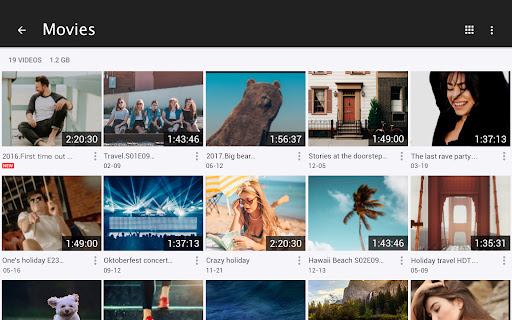
The media player automatically detects all video files stored on your device and SD card, simplifying the management and sharing of videos. It offers support for subtitle downloader for foreign films or series, and provides easy-to-use controls for managing media playback including slow motion and fast motion options, with speed adjustment from 0.5x to 2.0x.
Performance and User Experience
Users consistently praise Video Player All Format for its reliable performance and quick loading times. The app is optimized for efficient use of battery life and doesn't cause significant drain even during extended viewing. Its intuitive interface and user-friendly controls make it accessible for all users, regardless of tech expertise. The sleek design ensures smooth navigation, allowing you to browse, play, and manage videos effortlessly.
Conclusion
In summary, Video Player All Format stands out as a comprehensive media player for Android devices, supporting a vast array of video formats and offering numerous advanced features to enhance your multimedia experience. Whether you want to enjoy crisp 4K videos, cast content to your TV, or keep your private videos secure, this app covers all bases. Its combination of ease of use, performance reliability, and powerful features make it an essential tool for anyone looking to upgrade their video playback experience. Download it today and discover the ultimate solution for all your video needs.
Pros
- Supports all video formats
- High-definition video playback
- User-friendly interface
- Subtitle support available
- Fast loading and smooth playback
Cons
- Contains ads in the free version
- Limited advanced features
- No cloud integration
- Requires in-app purchases for premium access
- Can drain battery quickly











