

Introduction to the Video Maker & Photo Music App
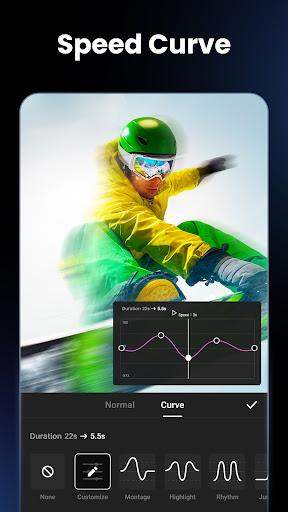
Are you passionate about creating stunning videos and photo slideshows effortlessly? The Video Maker & Photo Music app offers an intuitive platform designed for both beginners and experienced editors. Whether you want to craft memorable slideshows set to music or produce professional-quality videos, this app has got you covered. Its seamless interface and rich feature set make video editing accessible, fun, and extremely rewarding. From adding music and effects to customizing aspect ratios, this versatile tool helps you transform your photos and clips into engaging visual stories perfect for sharing on platforms like TikTok, YouTube, Instagram, and Facebook. Best of all, it delivers these functionalities without watermarks, making your creations look clean and professional.
Key Features of the App
Easy-to-Use Video and Photo Slideshow Maker
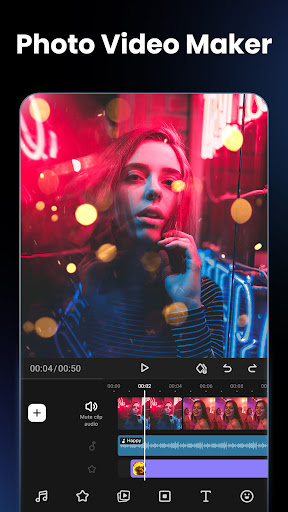
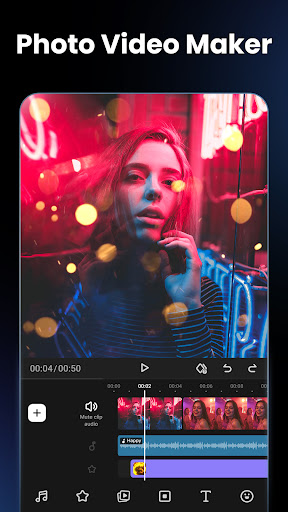
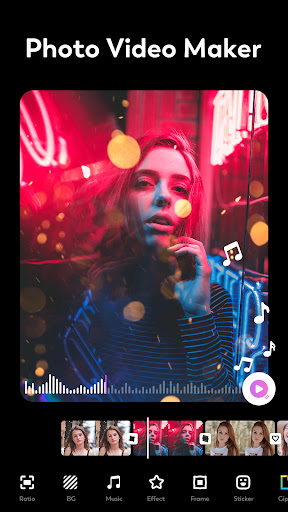
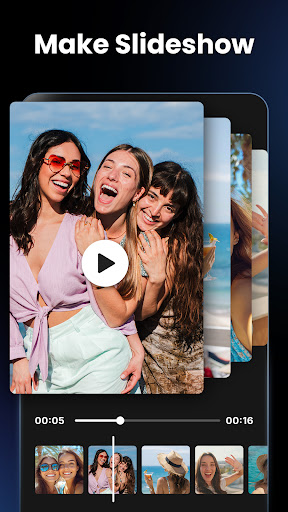
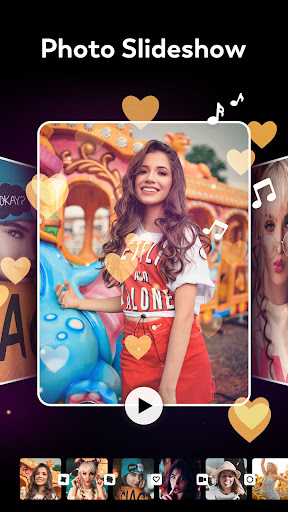
The main attraction of the Video Maker & Photo Music app is its user-friendly interface, enabling you to craft beautiful photo slideshows with just a few taps. Import your photos, add music, and customize with effects — all without complicated steps. Ideal for quick projects or detailed editing, it makes creating slideshows straightforward and enjoyable.
Music Integration and Audio Extraction
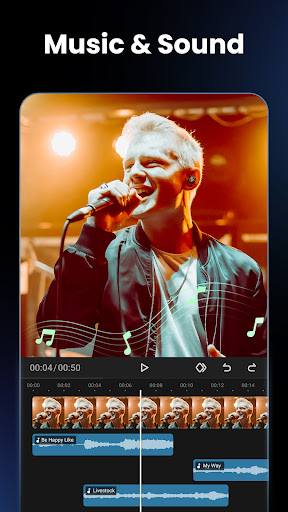
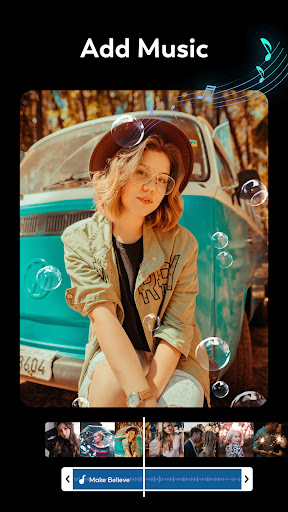
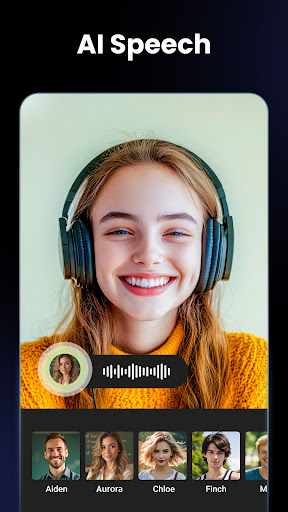
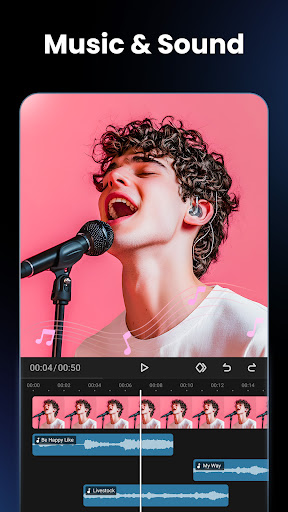
One of the standout features is rich music options. Choose from a variety of free tracks or import your own background music to match your theme. The app provides smooth fade-in and fade-out transitions for seamless audio blending. Additionally, you can extract audio from any video in seconds or convert videos to audio, giving you the flexibility to customize soundtracks and add personal voiceovers.
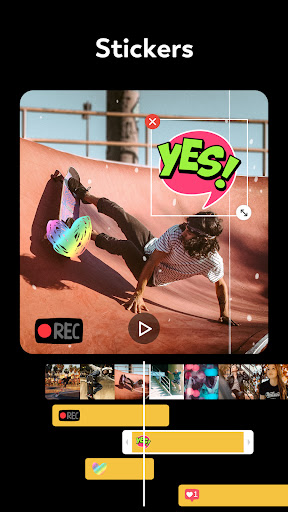
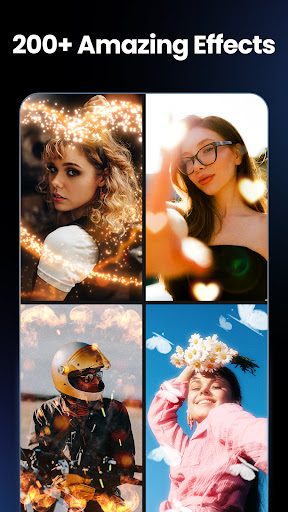
Creative Video Effects and Stickers
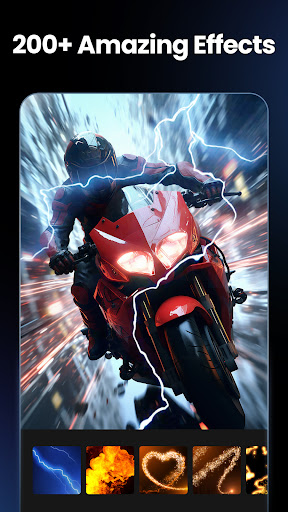
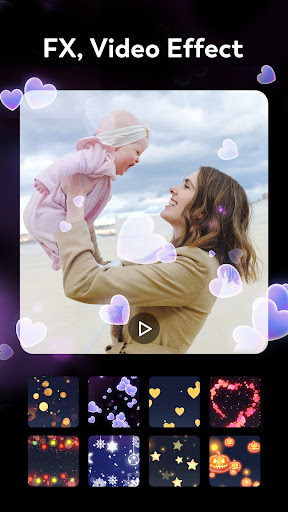
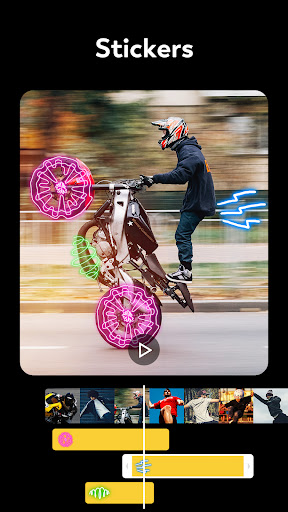
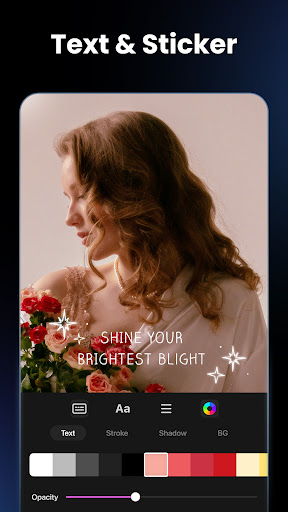
Enhance your videos with beautiful movie-style effects using a simple tap. The app also supports animated emoji stickers and colorful text overlays, allowing you to add lively animations that make your content more engaging. Whether it's a heartfelt message or a fun quote, these features bring your videos to life.
Aspect Ratio Support and Export Quality
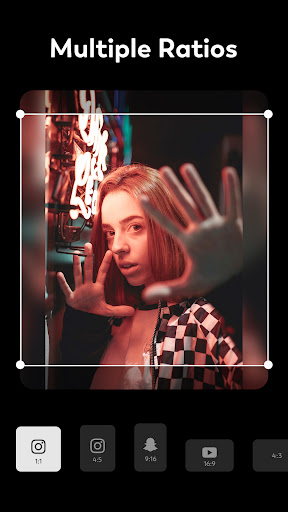
Adjust your project to fit various platforms with support for multiple aspect ratios. Whether you need a 16:9 format for YouTube or a 9:16 vertical layout for TikTok, the app has you covered. It also offers high-resolution exports, ensuring your final videos look sharp and professional.
Additional Editing Tools
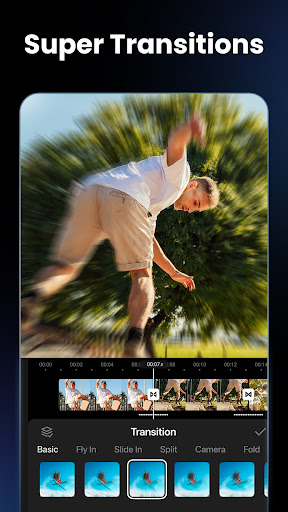
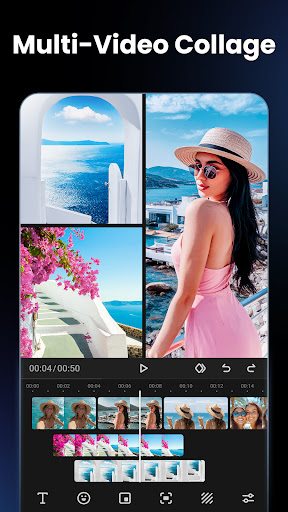
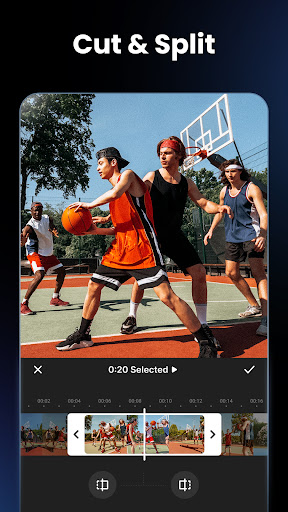
Beyond basic editing, the app features tools like video flip, rotation, and a blur tool to create custom backgrounds. You can also merge multiple videos into one cohesive project, making it ideal for compiling clips or creating more complex stories.
Sharing and Publishing Made Easy
Once your masterpiece is ready, directly upload it to social media platforms with optimized settings for each. This seamless sharing experience saves time and effort, letting you showcase your creativity effortlessly.
Why Choose Video Maker & Photo Music?
Designed for both casual users and content creators, this app combines powerful features with an easy-to-navigate interface. Its capabilities include adding music, video effects, animation stickers, and supports various video formats. The ability to extract audio from videos and create personalized voiceovers further adds to its versatility. Whether you're making a birthday slideshow, a wedding video, or a fun clip for social media, this app ensures your videos not only look great but also convey your unique style.
Additional Benefits and Compatibility
The app is totally free, with no watermarks, which is a huge plus for creators aiming for professional-quality output. Its features are optimized for various devices and platforms, making sharing your content a hassle-free experience. Plus, with tools like the blur background effect, you can give your videos a professional touch easily. Popular music from FUGUE Music and other sources enhances your editing experience, adding a soundtrack that matches your mood.
Summary
In summary, the Video Maker & Photo Music app is a comprehensive, user-friendly solution for creating captivating videos and photo slideshows. Its extensive feature set, including music addition, video effects, animation stickers, and support for multiple aspect ratios, empowers anyone to produce professional-looking content. Whether you're creating content for social media, personal memories, or marketing, this app simplifies the process while delivering high-quality results. Dive into the world of creative video editing today and bring your visual stories to life with ease and style.
Pros
- User-friendly interface that simplifies video editing.
- Extensive selection of music options for customization.
- Supports high-quality export options suitable for professionals.
- Compatible with various video formats for greater flexibility.
- Regular updates introducing new features.
Cons
- Some features are behind in-app purchase walls.
- Exports may occasionally crash during the process.
- Limited free music library available to users.
- Demands considerable storage space on device.
- Advertisements can disrupt the editing experience.











