
Discover the Power of Video Editor&Maker - VideoCook: Your Ultimate Video Creation Tool
Are you searching for a versatile and easy-to-use app to elevate your video editing game? Look no further than Video Editor&Maker - VideoCook. This innovative app is designed to cater to both beginners and experienced content creators, offering a wide range of features that simplify the editing process while delivering professional-quality results. Whether you're crafting engaging social media posts, vlogs, or special memories, VideoCook provides an all-in-one solution packed with creative tools, effects, and seamless sharing options.
Unleash Your Creativity with Extensive Editing Features
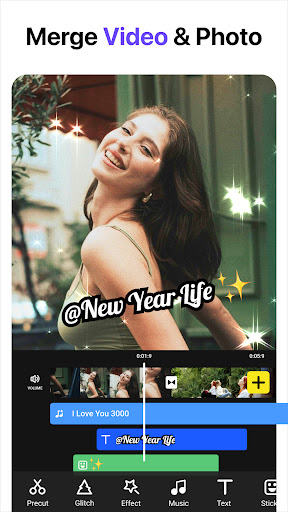
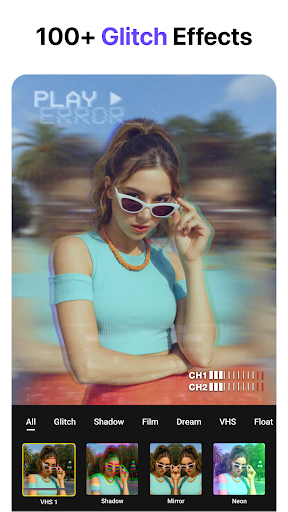
VideoCook stands out with its user-friendly interface, allowing users to navigate effortlessly through its multitude of editing options. The app supports basic editing actions such as cut, trim, and merge videos with just a few taps. Want to add a cinematic touch? The app includes a variety of artistic filters, inspired by vintage aesthetics like VHS, chrome, and glitch effects, perfect for creating nostalgic or trendy content.
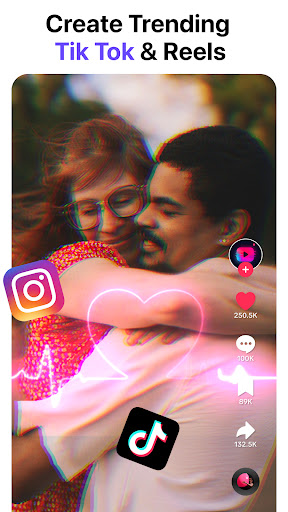
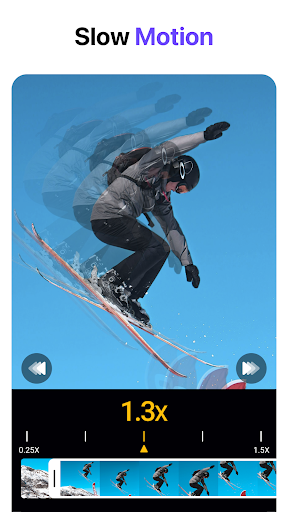
Enhance your videos further by adjusting the speed—create stunning slow-motion scenes or energetic fast cuts. The app also offers a rich selection of effects—from RGB shifts to glitch overlays—that will make your videos stand out on platforms like TikTok, Instagram, or YouTube.
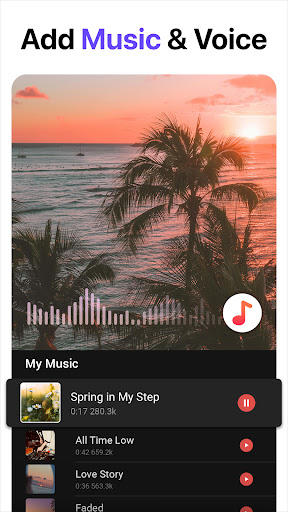
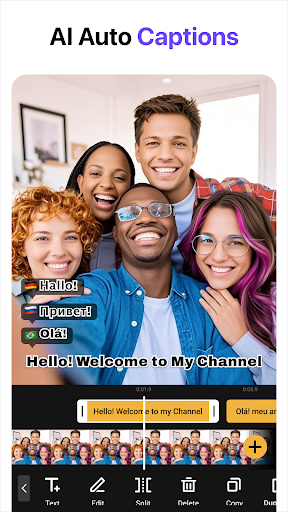
Adding your favorite tunes is effortless. You can import music from your device or choose from an extensive built-in music library, with options to adjust volume or add effects like fade in/out, giving your videos a polished soundtrack. The inclusion of auto captioning powered by AI makes it simple to generate accurate subtitles, perfect for engaging viewers or making your content more accessible.
Special Effects and Creative Tools
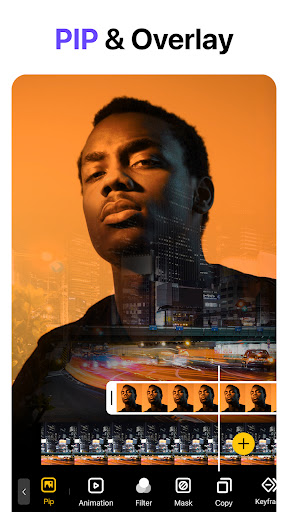
One of the app’s highlights is its impressive collection of more than 100 effects, enabling you to craft visually stunning videos with unique styles. Whether you're aiming for a retro VHS, neon, or cyber look, these effects can be applied easily for an eye-catching finish. Additionally, the app features a variety of transitions like fade, slide, and blur that help you create smooth, professional-looking slideshows or montage videos.
For those who enjoy a vintage vibe, the Retro VHS Camcorder mode allows real-time shooting with authentic glitch and vintage filters, giving your footage a nostalgic flair reminiscent of the 80s and 90s. Layer your projects with more than 1500 stickers, emojis, and fonts—including animated GIFs—to personalize and elevate your videos.
Seamless Creation and Sharing Experience
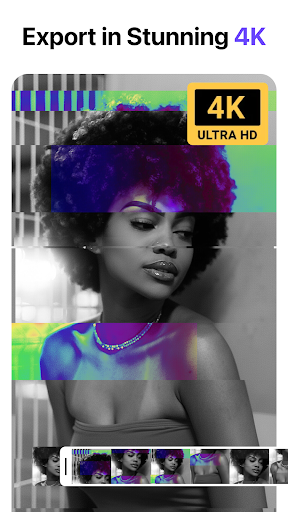
Editing is made intuitive with features like unlimited undo/redo and a real-time preview, so you can experiment confidently without fear of losing progress. Save drafts to continue editing later, or export your masterpiece in high resolution to share directly across multiple social media platforms such as Instagram, Facebook, TikTok, and more. The app also supports various aspect ratios (e.g., 1:1, 16:9) making it compatible with any media format.
What’s more, VideoCook is completely free — with no watermarks or intrusive ads — ensuring a seamless editing experience. Its intelligent compression technology maintains high video quality while reducing file size, perfect for quick uploads and sharing.
Ideal for Vlogs, Shorts, and Viral Content
Whether you're a professional YouTuber or a casual creator, VideoCook provides tools to make your videos pop. Its speed adjustment features, combined with a robust effects library and user-friendly interface, let you craft engaging content that captures attention. From crafting attractive slideshows with fun transitions to producing chromakey videos, this app empowers you to produce high-quality content effortlessly.
Perfect for social media enthusiasts, VideoCook is equipped with trendy glitch and vaporwave effects that keep your videos fresh and in vogue. Its comprehensive suite of editing tools ensures you spend less time figuring out how to edit and more time creating what truly matters—your story.
Final Thoughts
In summary, Video Editor&Maker - VideoCook is a powerful, versatile, and accessible app that simplifies the process of creating stunning videos. With a plethora of effects, filters, editing tools, and social media-ready exports, it is an essential tool for aspiring influencers, casual users, or anyone looking to add professional flair to their videos. Download VideoCook today and unlock your creative potential—your next viral video could be just a tap away!
Pros
- Intuitive interface for straightforward editing.
- A wide range of filters and effects available.
- Supports editing 4K videos.
- Comes with a music library for soundtrack options.
- Quick rendering and export functions.
Cons
- Contains in-app advertisements that may be distracting.
- Free version has limited features.
- May crash occasionally on older devices.
- Needs an internet connection for certain functionalities.
- Some features require additional in-app purchases.











