

Video Downloader icon

Video Downloader

2.63M
4.7
Installs
0.10B
Version
2.5.9
Advertisement
Video Downloader screenshot
Advertisement

Overview of the Video Downloader App

The Video Downloader app is your ultimate solution for effortlessly saving videos, music, and images directly from the internet onto your device. Whether you're looking to keep your favorite clips for offline viewing or want to compile a personal library, this app supports all formats including mp3, mp4, avi, and more. It’s completely free, making it accessible to everyone who wants a seamless downloading experience.

Key Features of the Video Downloader

Easy Download Process

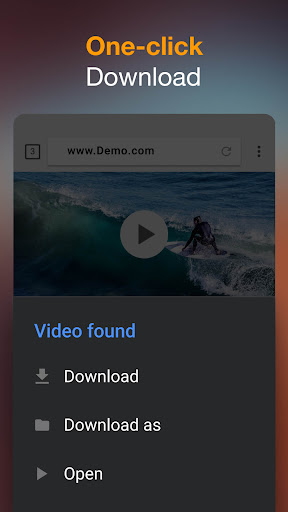
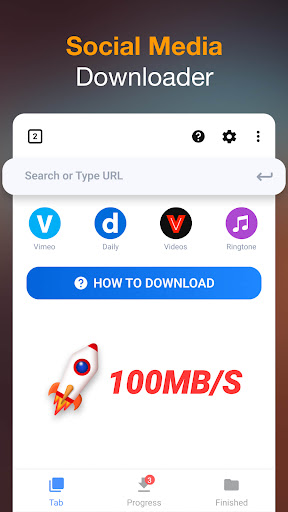
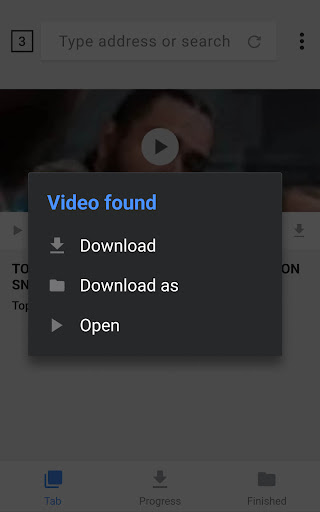
With the auto detection feature, the app identifies videos on the webpage automatically, allowing you to download with just a single tap. Simply paste the video URL, tap the download button, and your preferred video or music will start downloading instantly. The user-friendly interface ensures anyone can navigate the app without prior technical knowledge.

Wide Compatibility and Format Support

This downloader is compatible with numerous video formats such as MP4, MKV, MOV, and audio formats like MP3 and M4A. No matter your file type, this app has you covered, enabling fast and straightforward downloads without the hassle of conversions afterward.

Robust Download Manager

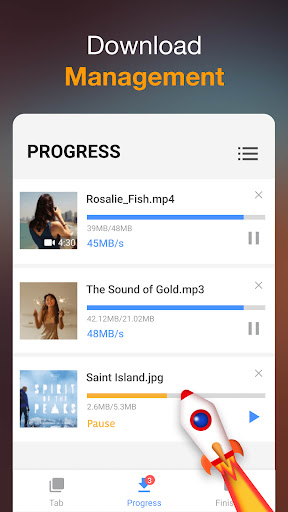
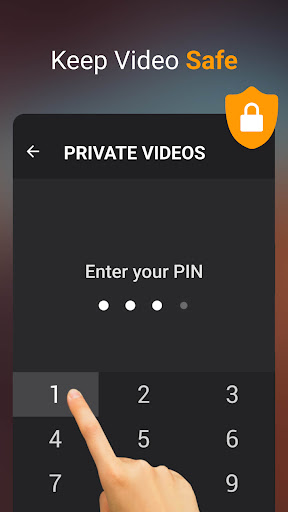
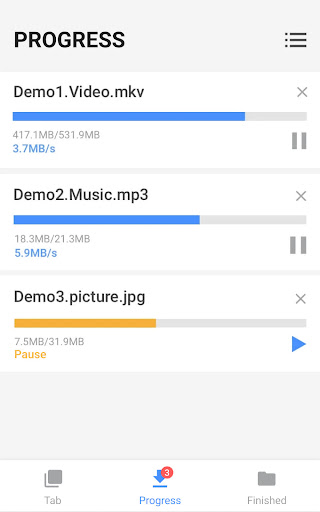
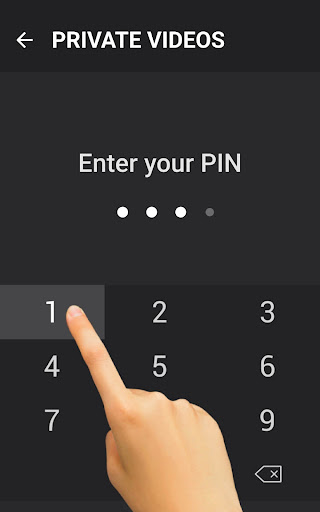
The included download manager is equipped with advanced capabilities like pausing, resuming, and cancelling downloads. It can handle multiple downloads simultaneously, and you can even save files in a password-protected folder for added security. The app also supports background downloads, allowing you to browse other content while videos download in the background. Additionally, it supports resume failed downloads and provides real-time progress updates through an intuitive download bar.

Additional Functionalities

  • Preview videos before downloading
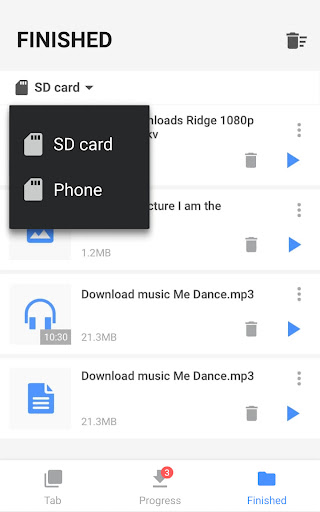
  • Play downloaded videos offline within the app
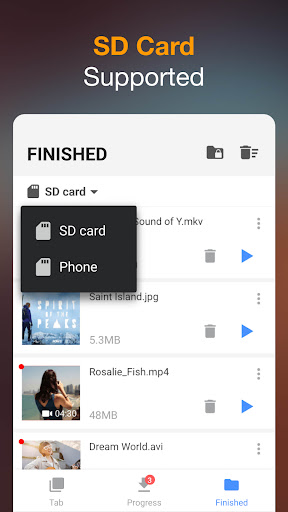
  • Save files directly to an SD card
  • Support for HD video downloads and large files
  • Download images and documents like PDF, Excel, and Word files
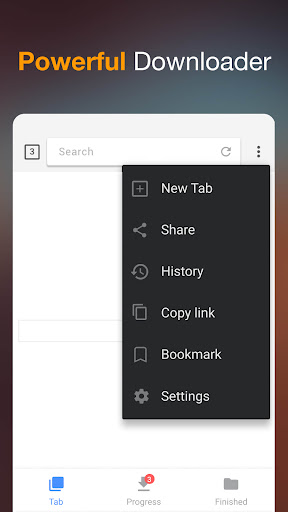
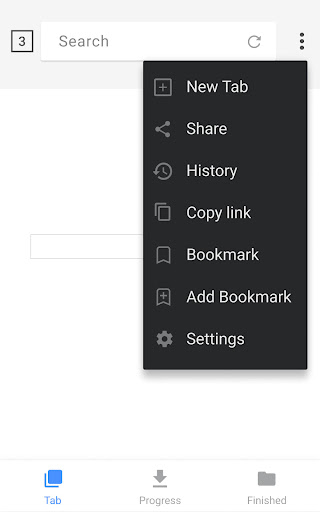
  • Bookmark favorite websites for quick access

How to Use the Video Downloader App

Getting started is simple:

  1. Open the built-in browser in the app and navigate to your desired website or platform.
  2. The app will automatically detect videos on the page.
  3. Tap the download button that appears once a video is detected.
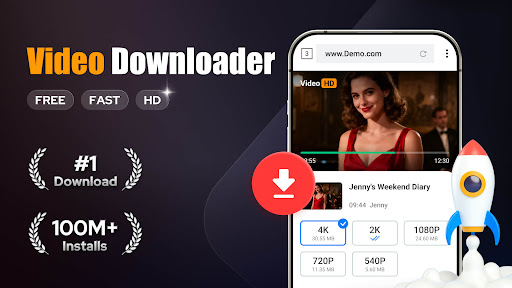
  4. Choose your preferred quality or format, then hit Download.
  5. Enjoy your video offline anytime, without an internet connection.

Enhanced User Experience and Security

The interface is designed for simplicity, enabling users to browse, detect, and download videos easily without intrusive ads or complicated settings. Security is a top priority; the app incorporates strong security measures to keep your data safe, ensuring peace of mind while downloading content from various online sources.

Why Choose the Video Downloader App?

Imagine having your favorite videos, music, and images stored locally on your device — ready to access anytime without internet restrictions. This app makes that possible with its fast download speeds and support for multiple files. Whether you're a casual user or a content creator, the Video Downloader offers a reliable, secure, and highly functional solution for all your downloading needs.

Final Thoughts

In conclusion, the Video Downloader app is an essential tool for anyone looking to save online videos and multimedia content swiftly and securely. Its straightforward interface, fast processing, and comprehensive features make it stand out in the market. Download this versatile app today and take control of your multimedia library — enjoy your favorite content offline anytime and anywhere!

Pros

  • Supports multiple video formats.
  • Fast download speeds.
  • Easy-to-use interface.
  • Allows batch downloading.
  • Supports background downloads.

Cons

  • May contain advertisements.
  • Limited features in the free version.
  • Requires an internet connection.
  • Privacy concerns with some videos.
  • Not available on official app stores.

Download From Google Play
Advertisement

Frequently Asked Questions

What is the Video Downloader app used for?

The Video Downloader app helps users easily download videos from various online platforms directly to their device. It allows saving favorite clips from social media, educational videos from learning platforms, or other online visual content for offline viewing.

Is it legal to use the Video Downloader app?

While the app itself is legal, downloading videos depends on the platform's terms of service and local copyright laws. Users should ensure they have permission or that the content is in the public domain or qualifies for fair use to avoid legal issues.

What video formats does the Video Downloader app support?

The app supports various formats including MP4, AVI, MKV, among others. This ensures compatibility with most devices without needing additional conversion tools, though checking the app's specifications for format limitations is recommended.

Does the Video Downloader app require a subscription or payment?

The app offers both free and premium versions. The free version provides basic download functions, while the premium unlocks features like faster downloads, higher quality videos, and an ad-free experience, allowing users to choose based on their needs.

How can I ensure the videos I download are safe from viruses or malware?

To ensure safety, download videos from reputable sources, verify URLs before downloading, keep the app updated, and use in-app security features. Additionally, having a reliable antivirus program installed on your device helps protect against threats.

You May Like










