

Discover the Ultimate Video Downloader - Story Saver App
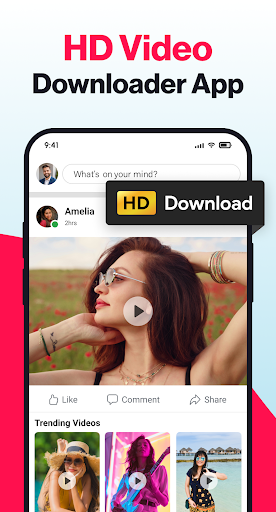
If you're looking for a powerful yet user-friendly solution to download your favorite videos, stories, reels, and images from social media platforms, Video Downloader - Story Saver is the perfect app for you. This versatile downloader unlocks the full potential of a HD Video Downloader with advanced features that allow you to save content in high quality formats like UHD, 4K, and 1080P. Whether it’s for offline viewing, reposting, or creating a digital collection, this app simplifies the process, making it accessible to everyone.
Key Features of Video Downloader - Story Saver
Multimedia Download Capabilities
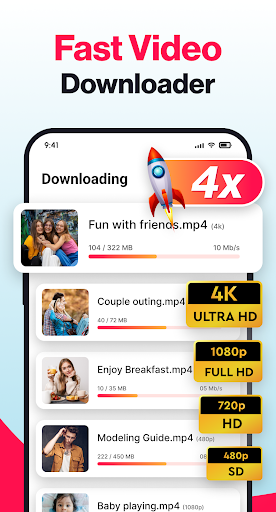
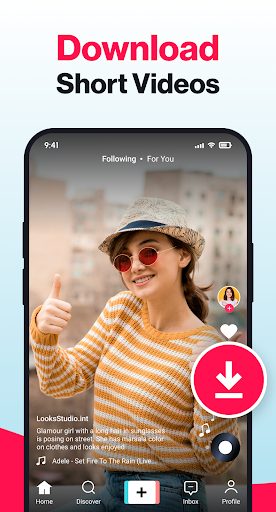
One of the standout features is the ability to download videos from any social media platform. It supports a wide range of formats, ensuring that not only videos but also pictures and images can be saved directly to your device. From reels and stories to status updates, this app covers all your media saving needs with lightning-fast speed.
Seamless User Experience
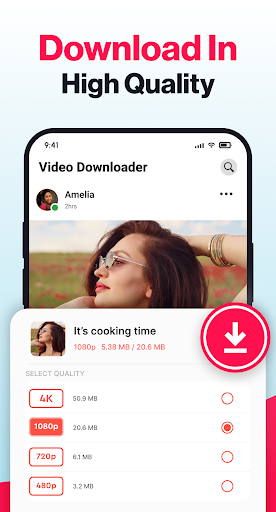
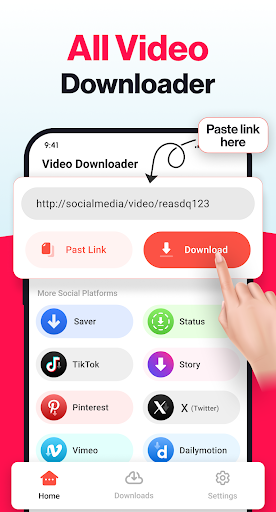
The app features an intuitive, user-friendly interface. Saving media is as simple as copying the link of the desired content, opening the app, and letting it automatically detect the link. You’ll be prompted to select the preferred video quality, including options like HD, 4K, or 1080P. With just a tap, your content begins downloading, with options to pause, resume, or cancel as needed. The speed and simplicity make it a favorite among users.
Enhanced Media Management
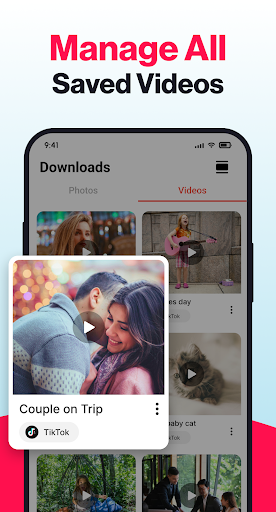
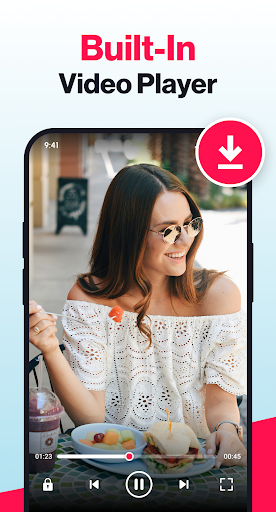
This app isn’t just about downloading — it also features a built-in media player and image viewer. Watch your videos instantly within the app without switching to other applications. Organizing your downloads is straightforward, with separate tabs for images and videos. Easily delete unwanted files to free up space, and manage multiple downloads simultaneously for maximum efficiency.
How to Download Videos with Video Downloader - Story Saver
Downloading videos is effortless with a simple step-by-step process:
- Copy the link of the video, reel, story, or image you want to save.
- Open the Video Downloader - Story Saver app.
- The app automatically detects the copied link and displays a download option.
- Choose your preferred video quality (such as HD, 4K, or standard resolution).
- Tap the download button to start saving the media directly to your device.
- Access and enjoy your saved videos from the dedicated downloaded tab with the built-in player.
Additionally, you can share, send, or repost media directly from the app, streamlining your social media activity.
Additional Benefits of Video Downloader - Story Saver
The app is designed for speed and convenience, offering download in the background so you can continue browsing or using other apps without interruption. Its one-tap download feature simplifies saving media, making it accessible for users of all ages. The organized interface allows for easy management of your media library, distinguishing between images and videos for quick access.
Privacy and security are top priorities—rest assured that the app does not collect personal data, ensuring your downloads remain private and secure. Remember to respect copyright laws and platform terms of service when downloading content.
Why Choose Video Downloader - Story Saver?
If you're tired of missing out on memorable videos, funny clips, or inspiring stories, this app is your go-to tool. Whether you want to keep a digital scrapbook or share content with friends, Video Downloader - Story Saver makes it simple, fast, and reliable. Its support for all social media platforms, high-quality downloads, and easy-to-use features make it an indispensable companion for social media enthusiasts and content creators alike.
Pros
- Downloads videos quickly
- Supports multiple platforms
- User-friendly interface
- Easily saves stories
- Downloads are watermark-free
Cons
- Contains advertisements
- Sometimes encounters download errors
- Limited format options
- Requires an internet connection
- Lacks an integrated video editing tool











