

Introducing Video Downloader Pro
Are you tired of missing out on your favorite videos from social media platforms? Whether it’s that hilarious clip on TikTok, an inspiring Instagram story, or a helpful tutorial on YouTube, saving videos locally can be a game-changer. Video Downloader Pro is a premium app designed to make this process effortless and efficient. Offering an array of powerful features, this application enables users to download static videos, live streams, and more, all while maintaining an easy-to-use interface.
Key Features of Video Downloader Pro
Seamless Video Downloading
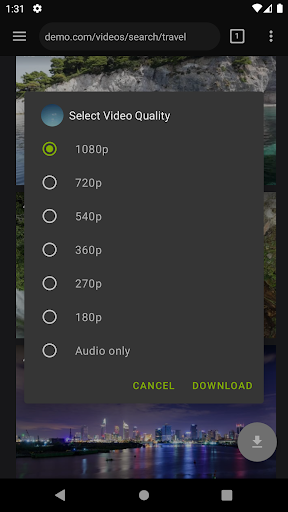
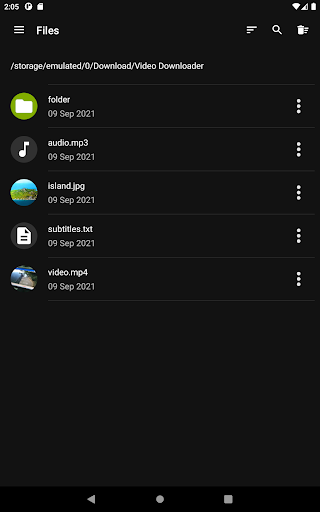
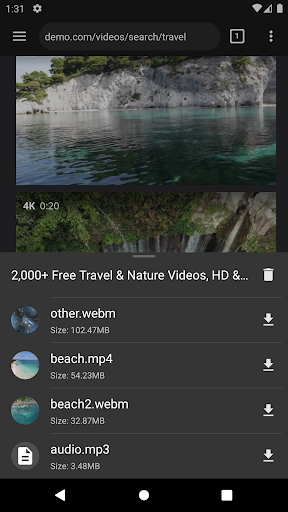
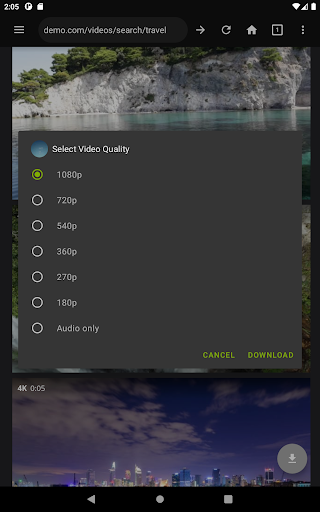
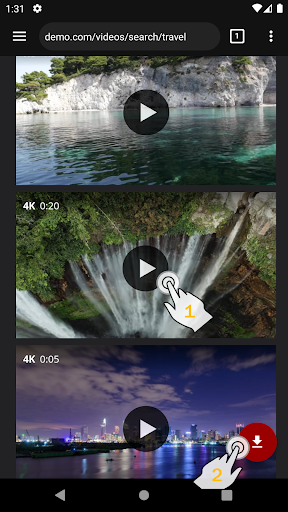
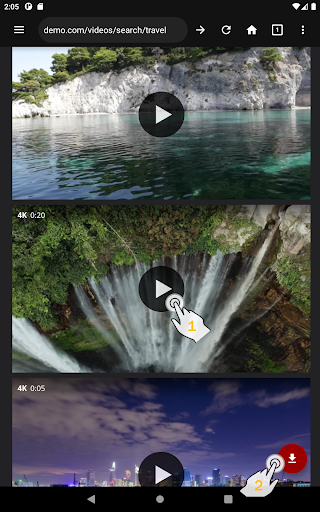
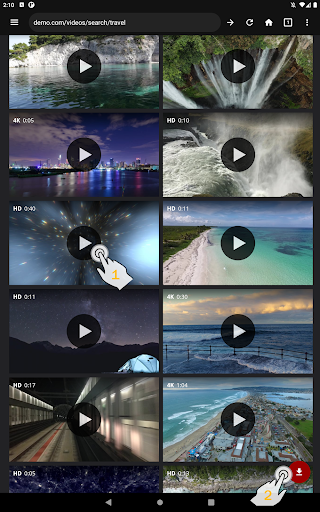
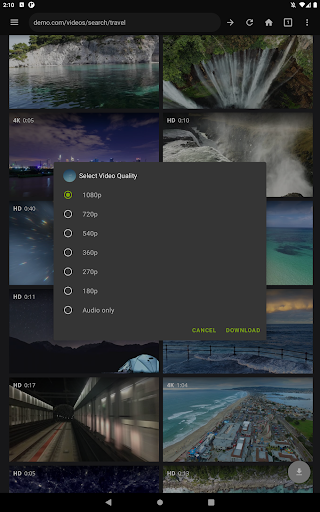
With Video Downloader Pro, saving videos from various platforms is straightforward. Simply enter the website URL, select your desired video quality in the video player, and tap the Play button. Once the video begins to stream, a download button appears—just tap it to save the content directly to your device. This process supports both static videos and live streams, allowing you to watch your favorite content offline at any time.
Advanced Download Management
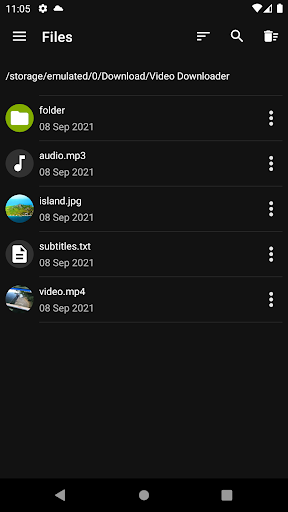
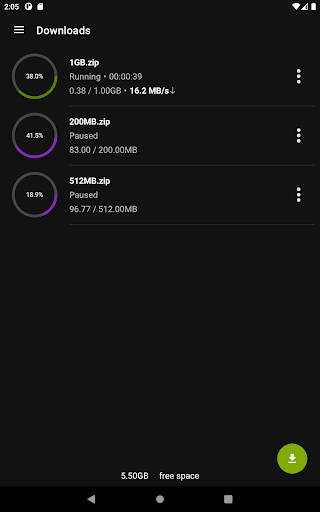
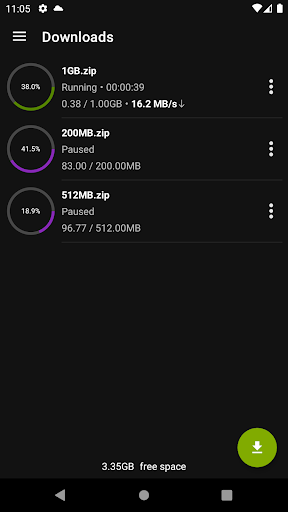
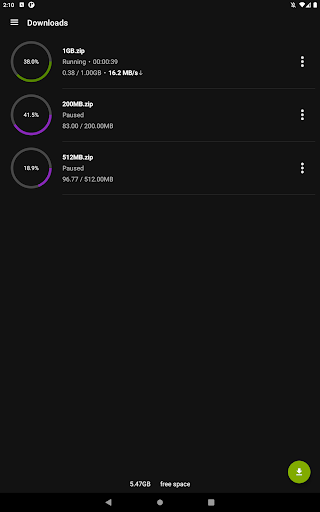
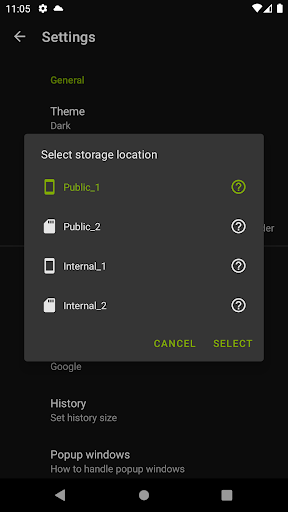
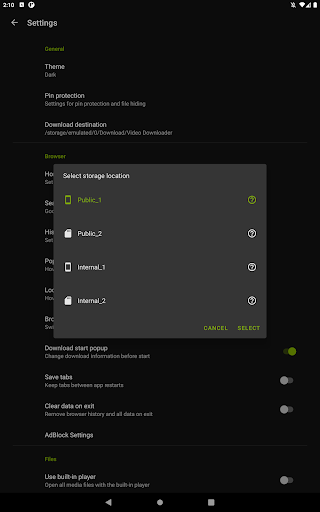
The app features a multi-connection download manager, which significantly accelerates download speeds by utilizing multiple connections. It also supports background downloads, enabling you to continue downloading files even when you're using other apps. Managing multiple files is easy—pause, resume, or remove downloads as needed, and recover from failed downloads without losing progress. Support for files larger than 4GB ensures even high-quality videos can be saved without issue.
Enhanced Privacy & Security
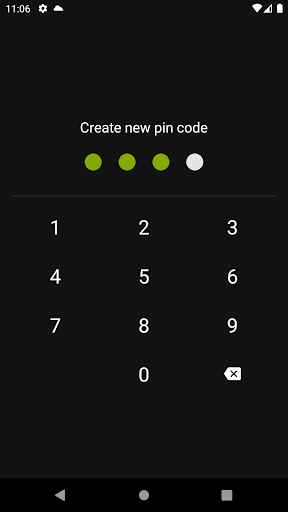
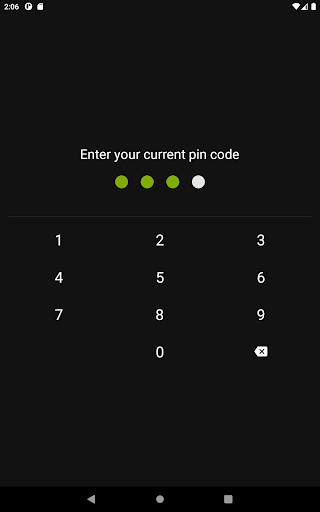
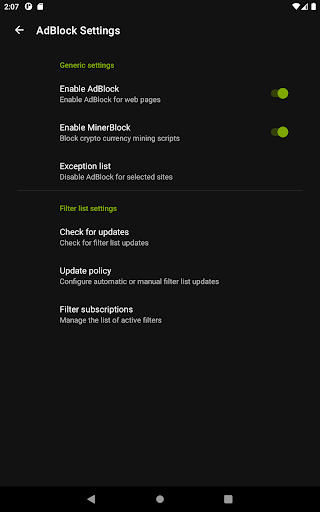
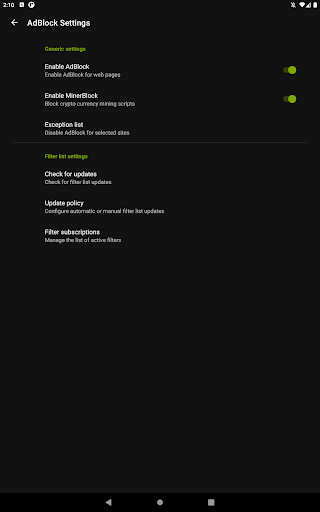
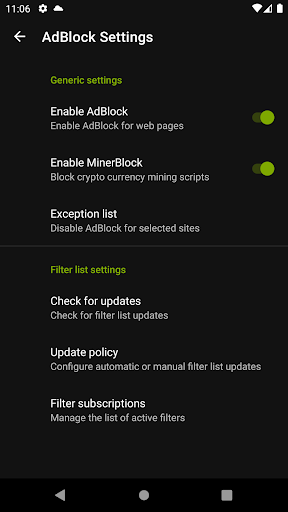
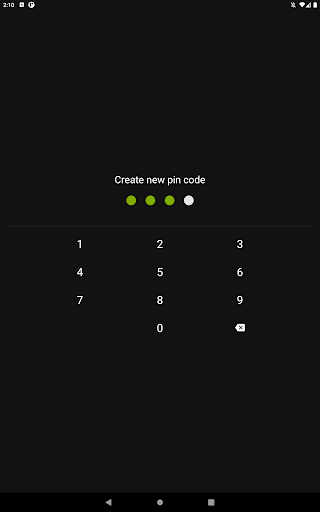
Enjoy a private browsing experience with features like incognito mode and PIN protection. The integrated website AdBlocker lets you use custom filter lists to remove unwanted ads, enhancing your browsing experience. All these features are designed with your privacy and security in mind, making your video downloading safe and reliable.
User-Friendly Interface & Compatibility
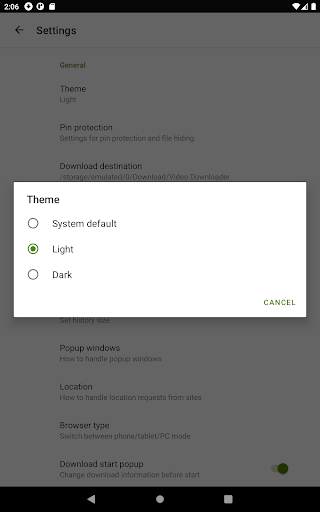
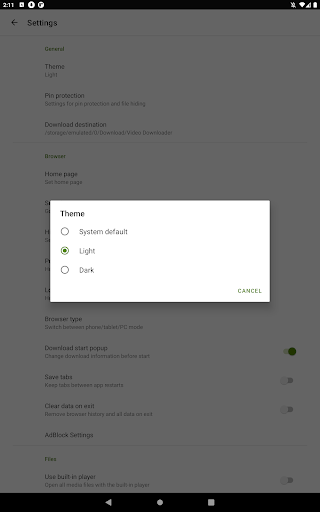
The clean, intuitive interface ensures that even beginners can navigate effortlessly. Copy-paste URLs, select formats like MP4, AVI, or MP3, and enjoy a smooth, lag-free experience. Compatible across Android and iOS devices, Video Downloader Pro is versatile and reliable for all users.
Additional Functionalities
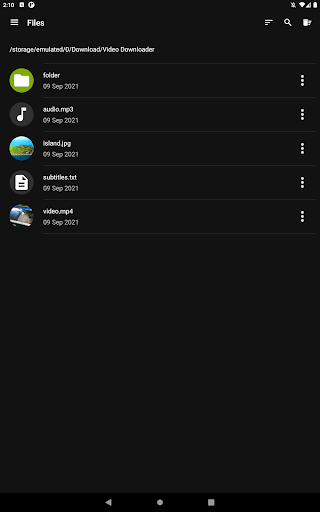
Fans of their favorite websites can save page bookmarks, and import/export them across devices. For power users, the app supports multiple simultaneous downloads, saving time and effort. The ability to pause and resume downloads, along with convenient options to import/export bookmarks, makes managing your downloads seamless and organized.
Premium Benefits & Usage Tips
The premium version offers several advantages over the free variant, including the removal of ads, access to live video streams downloading, and the ability to pay once and use the app on multiple devices. All your devices must be logged into the same Google/GMail account to synchronize your license. Additionally, users receive priority email support and updates at no extra cost.
To ensure ethical use, always have permission from the content owner before downloading videos. The app is designed to support personal use within legal boundaries, and any illegal activity is solely the user’s responsibility.
For peace of mind, Video Downloader Pro also offers a 48-hour money-back guarantee. If you are not satisfied or the app isn’t working as expected, you can request a refund following their policy found here.
Getting Started with Video Downloader Pro
Using Video Downloader Pro is as easy as the click of a button. Enter the URL of the video you wish to download, choose your preferred quality, and play the video. Once the video begins, a download button appears—simply tap it to save the file. You can also utilize features like page bookmarks, manage multiple downloads simultaneously, and customize your filtering experience with the built-in AdBlocker.
Conclusion
If you're someone who loves to keep online videos offline for viewing at your convenience, Video Downloader Pro is an excellent tool to have in your digital arsenal. Its combination of simplicity, powerful features, and cross-platform compatibility makes it suitable for users of all skill levels. Remember to use the app responsibly and within legal boundaries to enjoy a safe and satisfying video downloading experience. Give it a try today and start building your personal collection of favorite videos!
Pros
- Downloads videos in high quality
- Supports multiple video formats
- User-friendly interface
- Fast download speeds
- No ads during download
Cons
- Limited features in the free version
- Occasional failures in downloads
- Requires a stable internet connection
- In-app purchases can be expensive
- Lacks an integrated video player











