

Video Compressor & Converter icon

Video Compressor & Converter

165.70K
4.5
Installs
0.01B
Version
4.0.0
Advertisement
Video Compressor & Converter screenshot
Advertisement

Introduction to Video Compressor & Converter

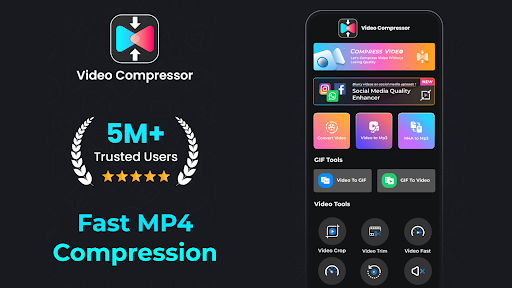
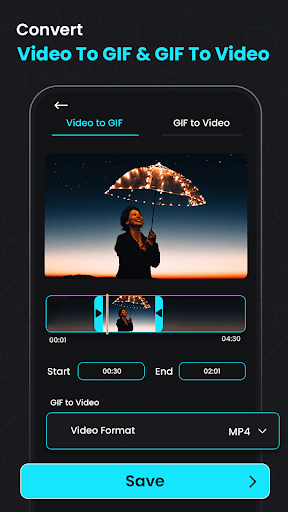
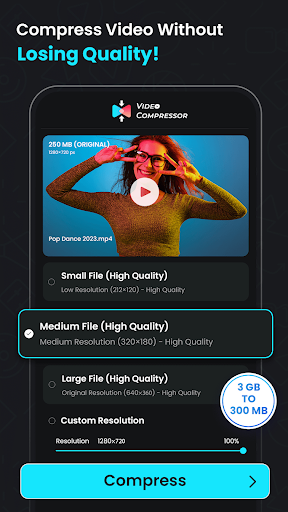
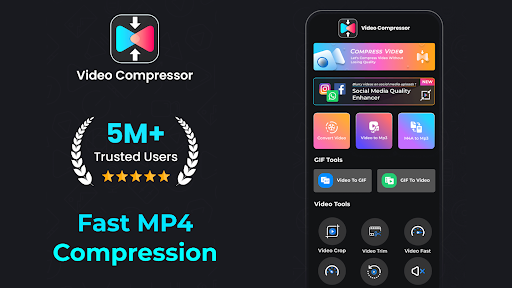
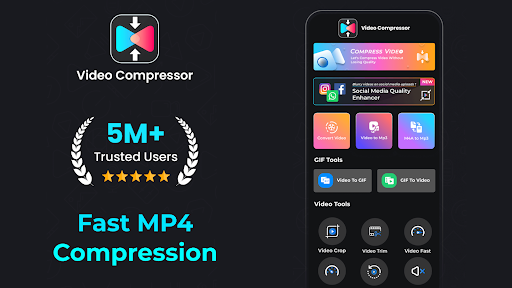
Are you tired of dealing with large video files that are difficult to share or store? Video Compressor & Converter is an all-in-one media management application designed to help you effortlessly compress, convert, and optimize your media files. Whether you're a casual user or a professional content creator, this versatile app offers a wide range of features to enhance your video editing experience. With its intuitive interface and powerful functionality, it simplifies the process of transforming hefty videos into smaller, high-quality files suitable for sharing across various platforms.

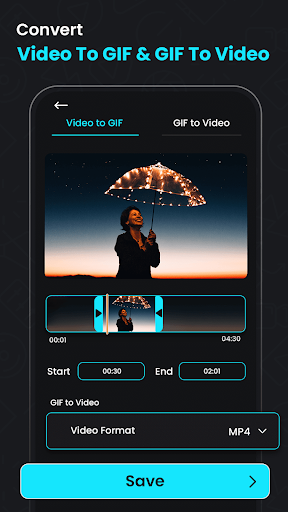
This app not only reduces file sizes effectively but also provides options for format conversion, audio extraction, and video enhancement. Its capabilities make it an essential tool for managing media libraries, creating engaging content, or simply freeing up space on your device. Let's explore some of its key features and the benefits it offers to users seeking efficient media compression and conversion solutions.

Key Features of Video Compressor & Converter

Comprehensive Video Compression & Conversion

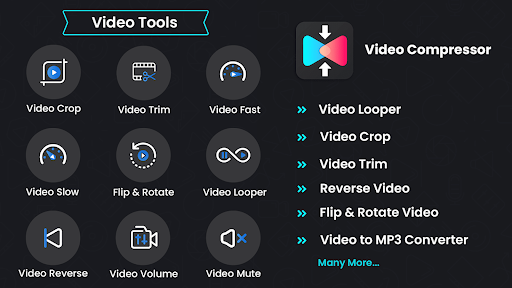
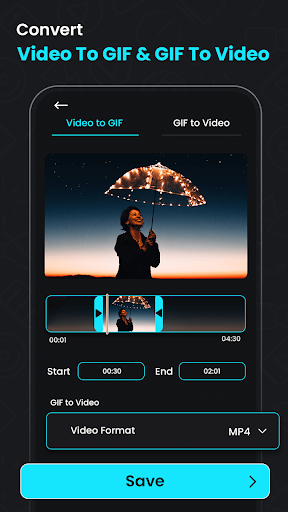
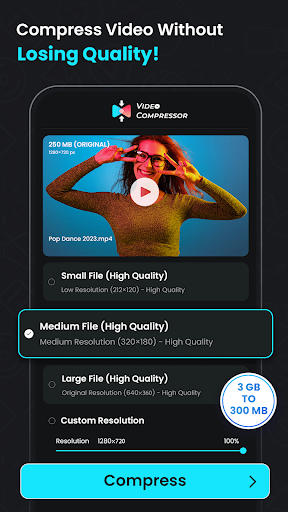
The app excels at compressing videos while maintaining excellent quality. With features like MP4 to MP3 Converter and the ability to extract audio from videos, users can quickly convert lengthy clips into manageable audio files for music production, podcasts, or soundtracks.

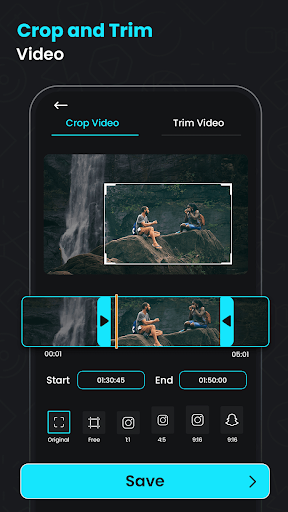
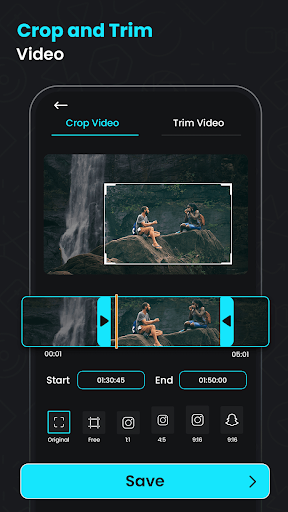
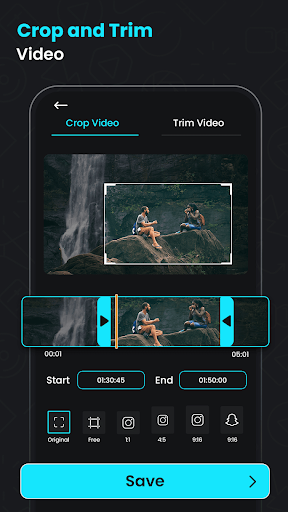
Design your media with options to resize and crop videos to fit specific aspect ratios or dimensions, making your videos perfectly tailored for different platforms or devices. The video quality enhancer ensures visual clarity even after compression, so your footage remains crisp and visually appealing.

Advanced Audio Extraction & Editing

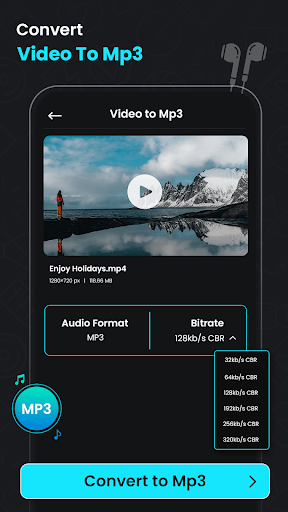
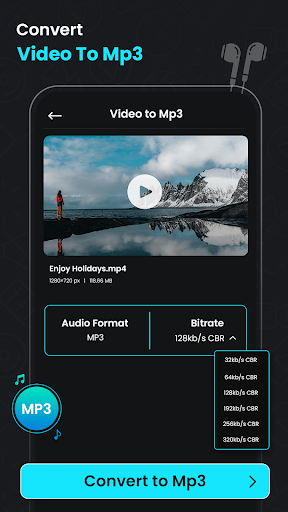
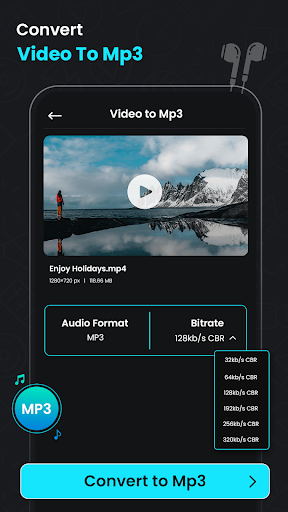
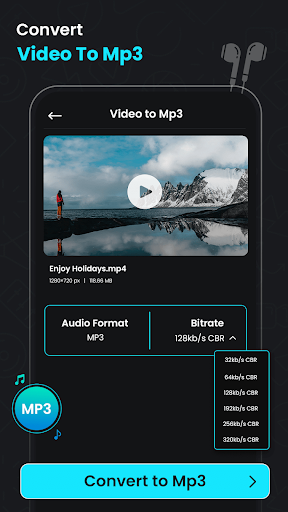
Transform your video clips into audio files effortlessly with the Video to MP3 Converter. Whether it's podcasts, lectures, or music videos, this feature allows easy extraction and conversion to popular audio formats like MP3 and MKV. Also, the app provides tools like mute for removing unwanted sound and trim for cutting videos to precise lengths—ideal for creating short clips or highlights.

Moreover, the crop and rotate features give you extra control over your media, ensuring the orientation and composition are perfect before sharing or archiving.

Unique Video Editing Capabilities

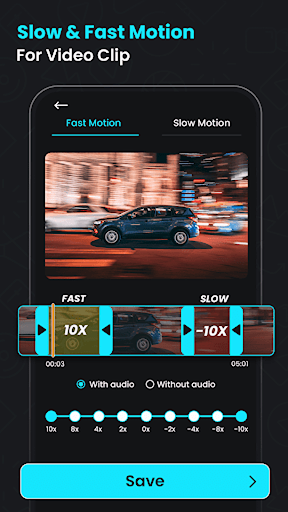
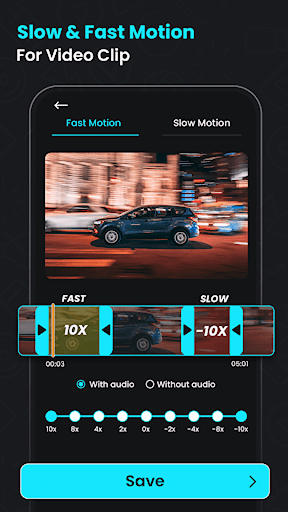
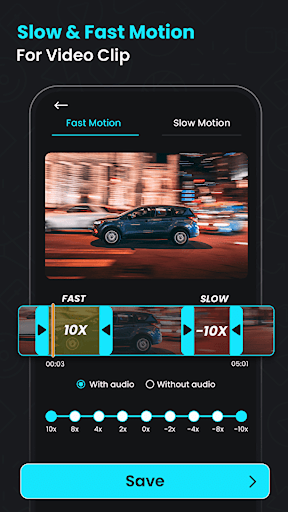
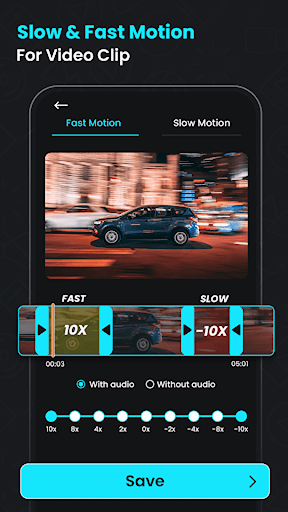
Enhance your creativity with the Reverse Video Editor. This feature allows you to add a unique perspective by reversing your clips, perfect for artistic projects or attention-grabbing social media content.

Additionally, the app supports batch processing, enabling you to compress and convert multiple videos simultaneously—saving significant time and effort, especially when managing large media libraries.

Quality and Usability

Designed for ease of use, Video Compressor & Converter guides users through each step with a straightforward interface. You don’t need to be technically savvy to operate it—simply select your files, choose your preferred settings, and let the app handle the rest.

Its performance is impressive, with fast processing speeds and stable operation, making it reliable for everyday use. Plus, the ability to customize output quality, resolution, and bitrate ensures your files meet specific requirements for sharing or storage.

Why Choose Video Compressor & Converter

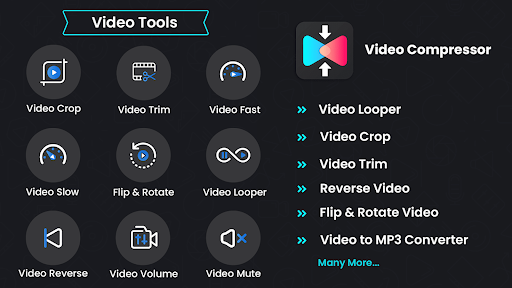
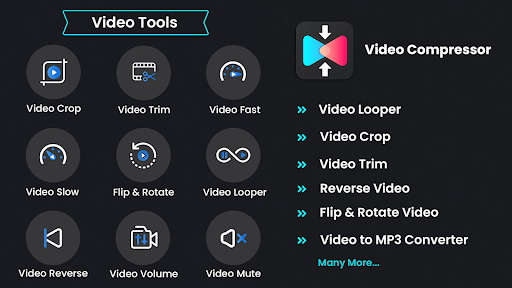
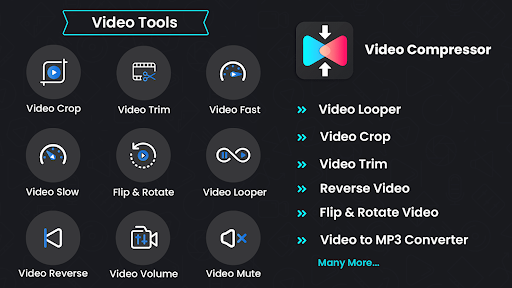
This app is a must-have for anyone needing to optimize media files without sacrificing quality. Its comprehensive range of features—compressing, converting, extracting, trimming, and reversing—provides a one-stop solution for all your video and audio editing needs.

Whether you’re sharing videos on social media, creating playlists, or managing large media libraries, Video Compressor & Converter ensures your files are compact, versatile, and ready for any platform. Its user-friendly design combined with robust functionality makes it an ideal choice for beginners and professionals alike.

In summary, if efficient media management, high-quality output, and ease of use are your priorities, this app offers the perfect blend of powerful features and accessible interface—helping you get the most from your videos and audio files with minimal hassle.

Pros

  • User-friendly interface
  • Easy navigation
  • Supports multiple video formats
  • Produces high-quality compression results
  • Fast processing speed
  • Allows batch processing

Cons

  • Limited features in the free version
  • Occasional crashes on older devices
  • Requires internet connection for some features
  • Contains ads in the free version
  • Has limited editing tools
Download From Google Play
Advertisement

Frequently Asked Questions

What is Video Compressor & Converter and how does it work?

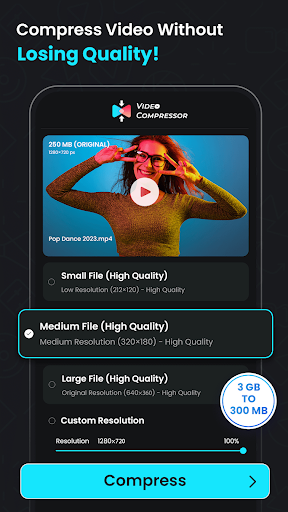
Video Compressor & Converter is an application designed to help users reduce the size of their videos without losing quality. It employs advanced compression algorithms to shrink video files, making them easier to store and share. The app also enables users to convert videos into various formats, ensuring compatibility with different devices and platforms. It is especially useful for users who frequently share videos on social media or need to save storage space.

Is Video Compressor & Converter free to use?

The app offers a free version with basic features, which allows users to compress and convert a limited number of videos daily. To access advanced features such as batch processing, faster speeds, and a wider range of video formats, users may need to subscribe to a premium plan. Pricing details are typically available within the app or on its app store listing.

Can Video Compressor & Converter maintain the original video quality?

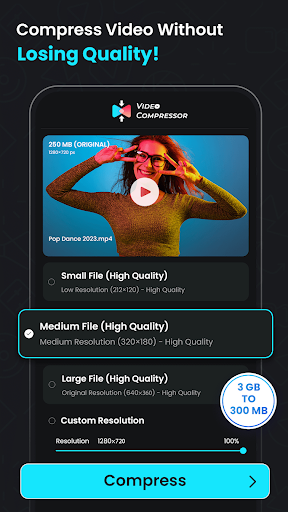
Yes, the app is designed to preserve the highest possible video quality while reducing file size. It uses sophisticated compression techniques that minimize quality loss. Users can choose the compression level, which impacts quality. For optimal results, selecting the highest quality settings is recommended, though this may result in larger output files.

What video formats does Video Compressor & Converter support?

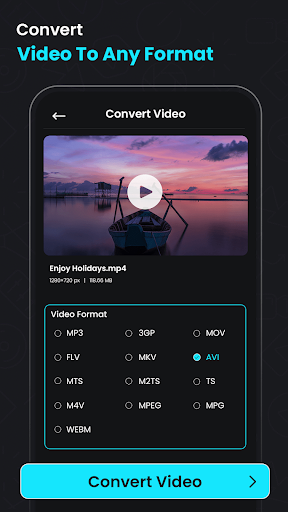
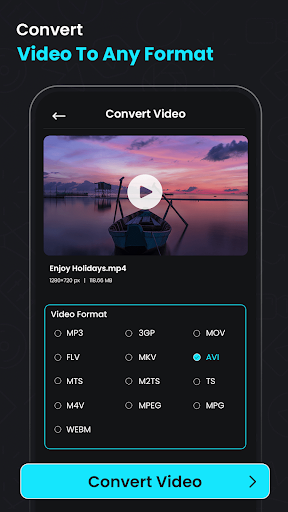
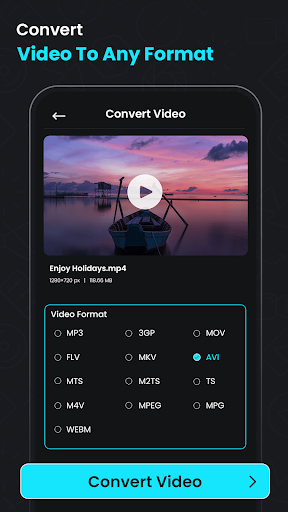
The app supports a broad range of video formats, including popular ones like MP4, AVI, MOV, MKV, and more. It also offers conversion capabilities, allowing users to change videos into different formats to meet their specific needs. This versatility makes it suitable for both personal and professional applications.

How user-friendly is Video Compressor & Converter for beginners?

Designed with ease of use in mind, the app features an intuitive interface with clear instructions to guide users through the compression and conversion processes step-by-step. It provides helpful tips and customer support options for any questions or issues. Overall, even users new to video editing will find the app simple to navigate and operate effectively.

You May Like











