
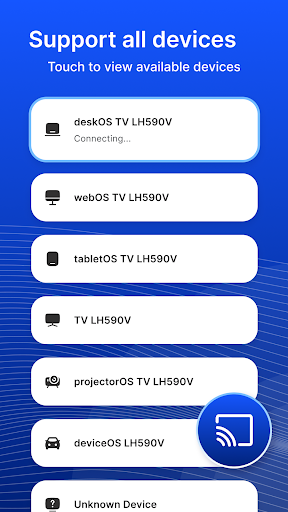
USB Screen Share - Phone to TV: Effortless Big Screen Experience
Are you tired of squinting at your small phone or tablet screen when trying to enjoy videos, photos, or presentations? USB Screen Share - Phone to TV offers a fast and easy solution to mirror your device display onto a larger TV screen. Whether you want to share memorable moments with friends or give a professional presentation, this app transforms your TV into an extension of your mobile device seamlessly.
Seamless Connection Methods
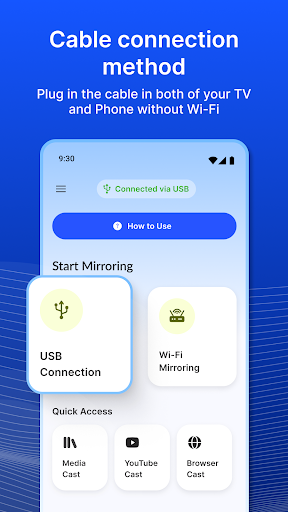
The app provides flexible connection options to suit your setup. You can establish a connection via: • USB or • Wireless.
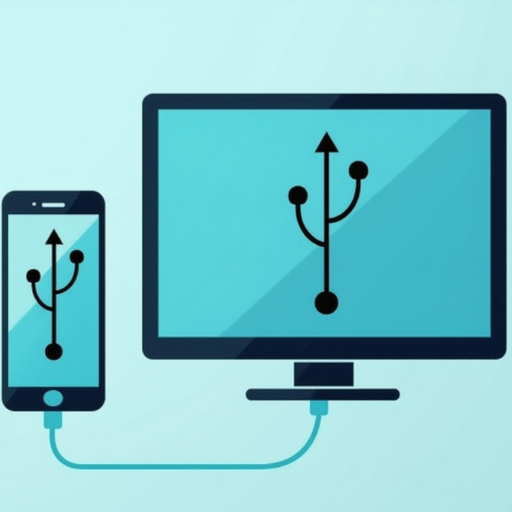
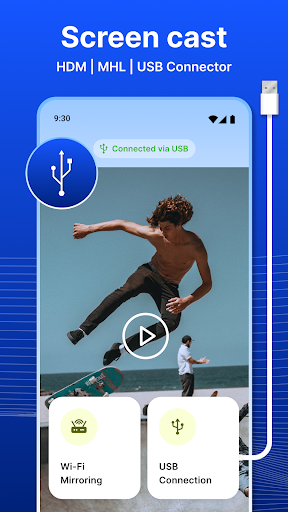
Using a USB cable, you simply connect your phone or tablet directly to the TV. This straightforward method reads USB flash drives and reflects your device screen onto the TV without needing any additional hardware. Alternatively, a wireless connection allows you to mirror your screen over Wi-Fi, offering greater freedom of movement and convenience.
Key Features and Benefits
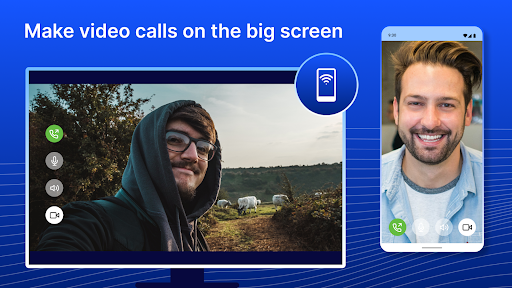
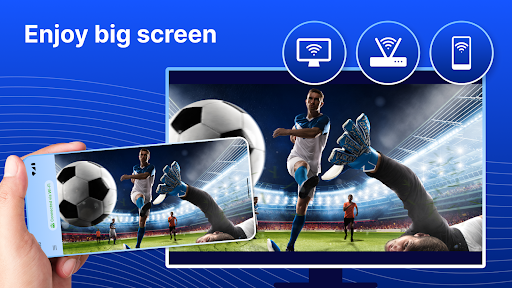
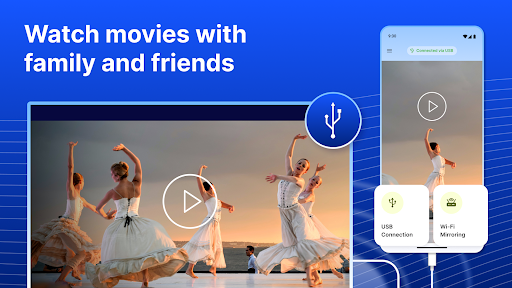
One of the standout features is the app's ability to enable USB screen mirroring. This means your entire device display — whether it’s photos, videos, or app content — is duplicated onto the big screen, making sharing effortless. Users can display their content for group viewing or use the TV as a presentation tool.
The app also functions as a USB connector, supporting the reading and viewing of USB flash drives directly on your TV. This is particularly handy for playing media files without complex setup procedures.
Customization options further enhance your experience. You can easily tweak settings like resolution and aspect ratio to ensure your content looks perfect on the big screen. Plus, the app allows your phone or tablet to serve as a remote control for your TV, providing more convenience during usage.
Compatibility isn’t an issue with this app—it works with a broad range of devices and TV models, ensuring users from tech novices to experts can get connected swiftly and smoothly.
Easy Setup and Reliable Performance
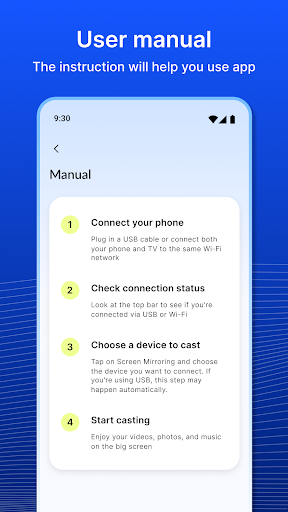
Getting started is surprisingly simple. Just connect your device with a USB cable to a compatible TV, open the app, and you’re ready to go—no complicated configurations or Wi-Fi networks needed. This makes it ideal for quick setups, whether at home, in the office, or on the go.
In terms of performance, the app delivers crisp, clear image quality with minimal lag, ensuring a smooth viewing experience. It handles high-definition videos and photo slideshows effortlessly, providing a high-quality display for both entertainment and professional purposes. Keep in mind, the smoothness may vary depending on your specific device models, but overall, the app offers reliable and responsive screen sharing.
Versatility and User-Friendly Interface
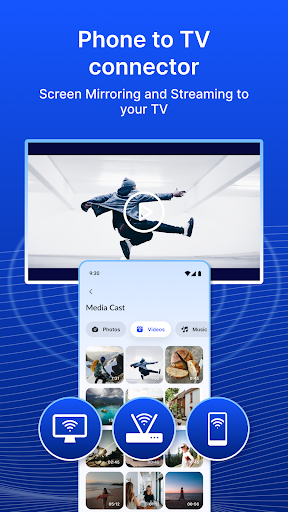
Beyond mirroring, the app supports direct media playback from your device, turning your phone or tablet into a portable media player. This flexibility makes it easy to showcase your media files on the big screen without transferring files or using additional hardware.
The design prioritizes ease of use. Its intuitive interface and straightforward controls make it accessible for users of all skill levels. Whether you want to showcase photos, stream videos, or give presentations, the app guides you step-by-step, reducing the learning curve significantly.
Is It Worth Downloading?
Considering its features, ease of setup, and compatibility, USB Screen Share - Phone to TV is a highly valuable app for anyone seeking to enhance their entertainment or productivity experience. It eliminates the need for expensive hardware options like Chromecast or HDMI adapters, providing a cost-effective and efficient solution for big screen sharing.
If you find yourself regularly wanting to display your device content on a larger screen—be it for movies, photos, gaming, or presentations—this app offers a reliable and user-friendly way to do so. It’s an ideal tool for social gatherings, professional meetings, or casual use at home.
In summary, USB Screen Share - Phone to TV simplifies the process of screen mirroring and content sharing, making your mobile devices more versatile than ever. Try it today and enjoy your favorite media on the big screen with just a few taps!
Pros
- Simple setup process
- Excellent video streaming quality
- Low latency for smooth connections
- Compatible with multiple devices
- Intuitive and user-friendly interface
Cons
- May need additional hardware
- Limited support for older televisions
- Lacks advanced customization options
- Can quickly deplete phone battery
- Occasional disconnections











