
Introduction to the USB Camera App
If you're looking for a versatile solution to turn your smartphone or tablet into a fully functional webcam, the USB Camera app is an excellent choice. Whether you're a content creator aiming to improve your live streaming quality or someone who needs a reliable webcam for video calls, this app provides a seamless experience. It supports both Android and iOS devices, making it accessible to a wide range of users.
Getting Started with USB Camera
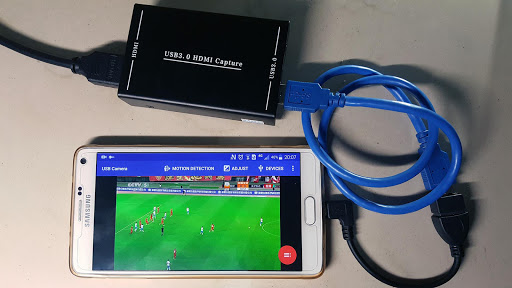
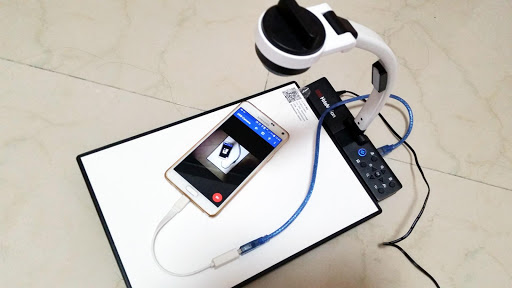
The setup process for the USB Camera app is straightforward. Simply download the app from the respective app stores—Google Play for Android or App Store for iOS—and follow the installation prompts. Connecting your device to a computer is just as easy: all you need is a compatible •USB-OTG cable to establish a connection. Once connected, your device functions as a high-quality webcam, ready for streaming or video calls.
Key Features of the USB Camera App
Versatile Device Compatibility
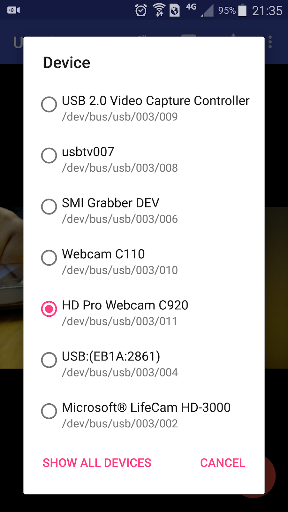
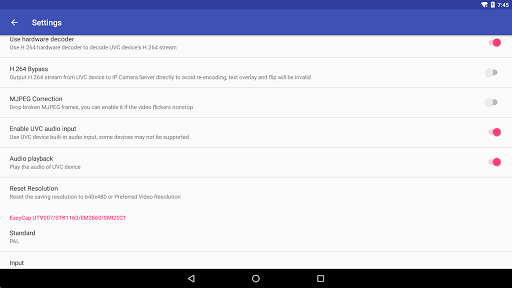
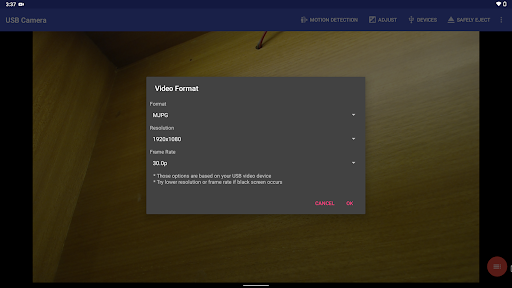
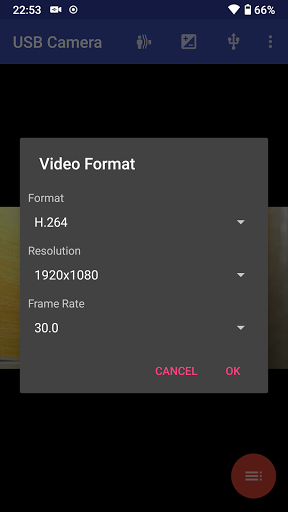
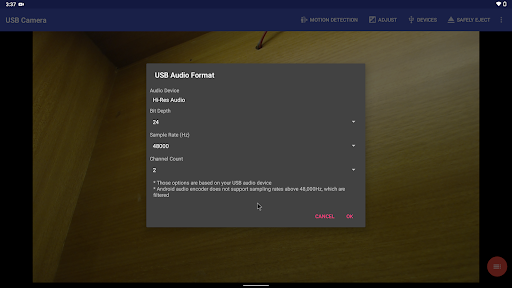
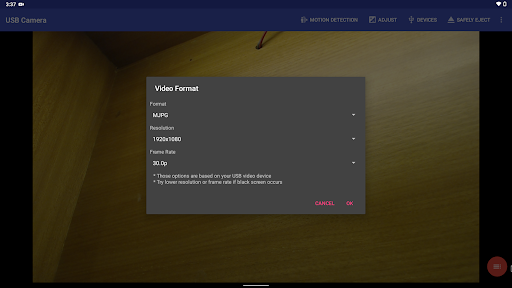
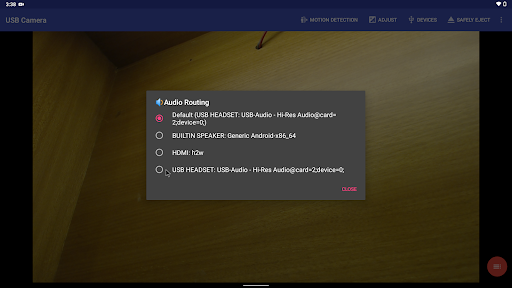
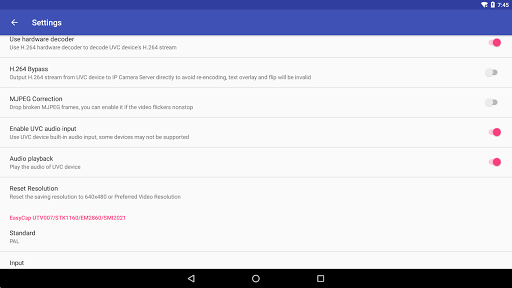
The USB Camera app is compatible with a broad range of devices, ensuring that users can leverage its capabilities regardless of the hardware they own. It works with •UVC WebCam with microphone or external USB Audio input, and supports video grabbers capable of •Up to 4K HDMI input, supporting formats like H.264, H.265, HEVC, MJPG, YUY2, P010, and NV12.
High-Quality Video Recording and Streaming
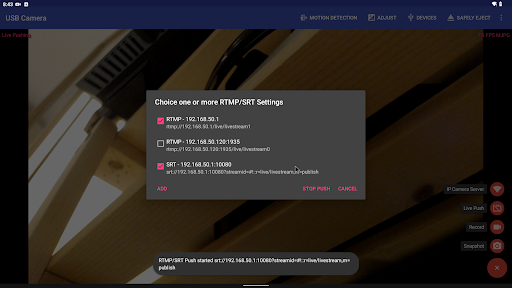
Beyond simply turning your device into a webcam, the app allows for direct •video recording with adjustable resolutions, perfect for capturing high-quality footage. The app also supports various streaming protocols, including •RTSP and •RTMP live streaming, facilitating real-time broadcasts to media servers like YouTube Live, Facebook Live, and others. Advanced features like •Picture In Picture and •VR/FPV View further enhance streaming and viewing experiences, especially for drone and FPV enthusiasts.
Advanced Streaming & Recording Capabilities
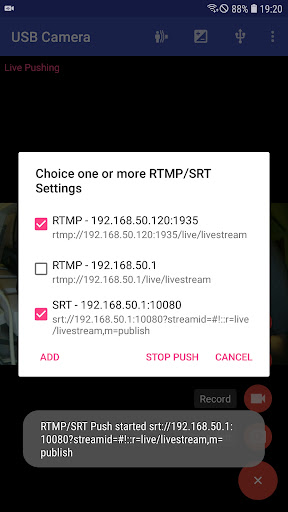
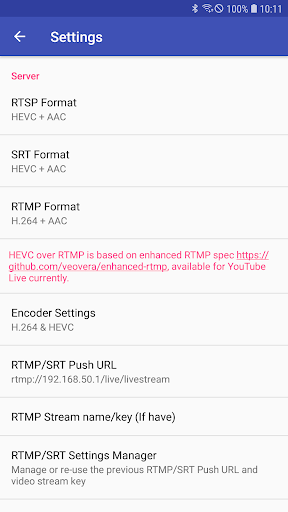
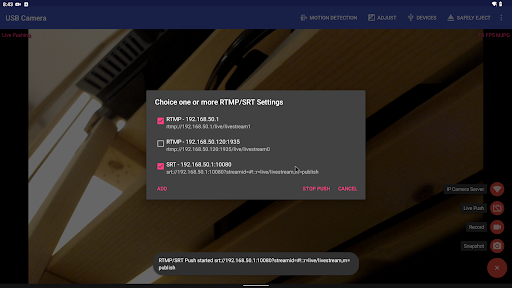
The app can push live video and audio streams to multiple media servers simultaneously using secure protocols like •RTMPS and •SRT. It supports •HEVC and •AV1 codecs for efficient streaming, and is compatible with popular platforms including YouTube Live. Additionally, users can overlay •timestamp, GPS, speed and other metadata onto video frames during recording, making it suitable for security and activity monitoring.
Remote Access & WebCam Features
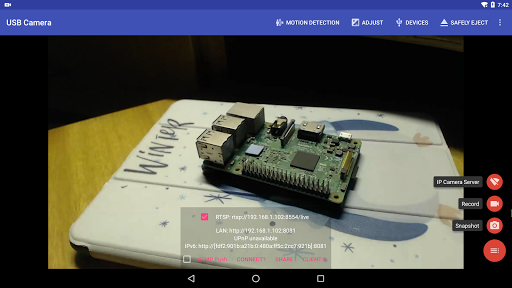
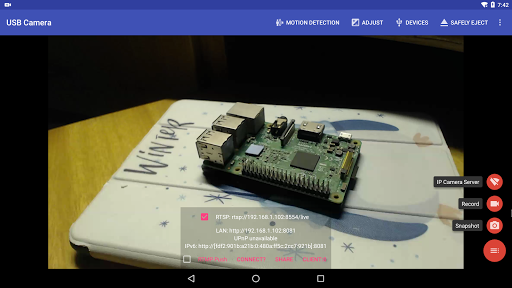
The USB Camera app enables your device to serve as a •wireless IP Camera utilizing built-in •RTSP and •HTTP servers. This feature allows you to monitor your space remotely through a web browser. The app supports seamless •switching between foreground and background recording modes, as well as •loop-recording with automatic segmenting and auto-deletion of old footage when storage is limited. You can also trigger snapshots via a dedicated button, ensuring quick capture for security or documentation purposes.
Enhanced Video Customization & Accessories Support
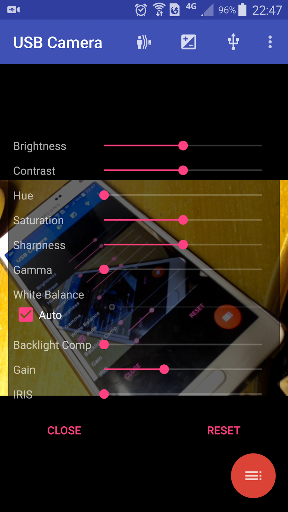
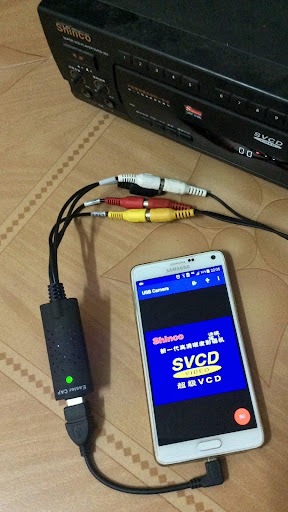
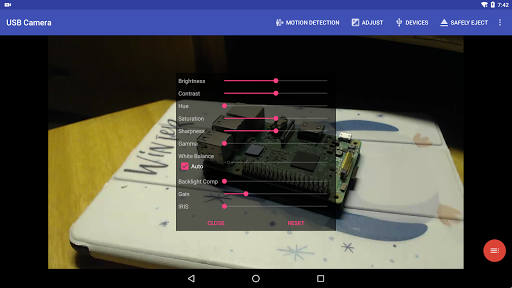
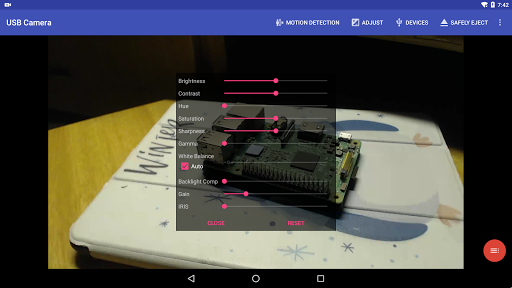
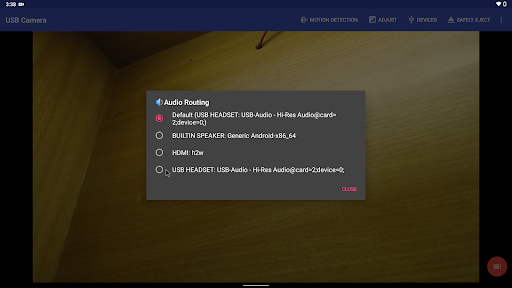
You can customize your video output with options like •adding timestamp, GPS, speed overlays, and adjusting •brightness and contrast. Support for external headsets and Bluetooth devices allows capturing snapshots and recording videos through •built-in microphones. The app also accommodates a wide range of external video sources, including •USB Endoscopes and •EasyCap adapters with various chipsets, making it suitable for specialized applications like inspection, education, and broadcasting.
Using the USB Camera App Effectively
To maximize the benefits of the USB Camera app, ensure you're using quality peripherals like a good •OTG cable and providing sufficient •power supply. Some devices might require bridging a •HUB for proper operation, especially when using devices like •Elgato Cam Link or •ezcap Video Grabber. For tasks requiring •HEVC or •AV1 encoding, your Android device must support these codecs. The app's status as a •userspace driver means it is designed solely for use within the app—note that Android's security limitations prevent kernel-level driver integrations for third-party applications.
Conclusion
The USB Camera app offers a powerful and flexible solution for turning your mobile device into a high-quality webcam. Its broad compatibility, professional streaming features, and ease of use make it an ideal choice for content creators, remote workers, and security enthusiasts alike. With support for various streaming protocols, custom overlays, and external video sources, this app is a comprehensive tool for all your video communication and recording needs. Whether for casual video calls or professional live broadcasts, USB Camera stands out as a reliable and feature-rich application that elevates your camera experience.
Pros
- Supports high-resolution video streaming
- Compatible with various USB cameras
- Easy setup and user-friendly interface
- Low latency for real-time video
- Offers recording and snapshot features
Cons
- May require additional hardware
- Limited to USB camera compatibility
- High battery consumption
- Presence of in-app ads that may interrupt the experience
- Not all devices are supported











