
Introducing USB Camera Pro: Elevate Your Mobile Photography
If you're passionate about capturing high-quality images and videos, USB Camera Pro is the perfect app to transform your mobile device into a professional-grade camera. Designed for both Android and iOS users, this app allows seamless connection to external USB cameras, offering a range of features that cater to enthusiasts and professionals alike. Whether you're capturing breathtaking landscapes, conducting security monitoring, or live streaming content, USB Camera Pro provides versatile tools to enhance your photography and videography experience.
Powerful Features for Creative Control
Support for Multiple Devices and Protocols
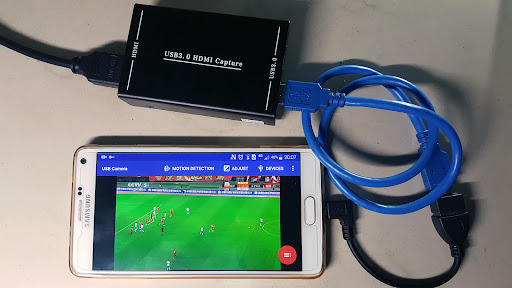
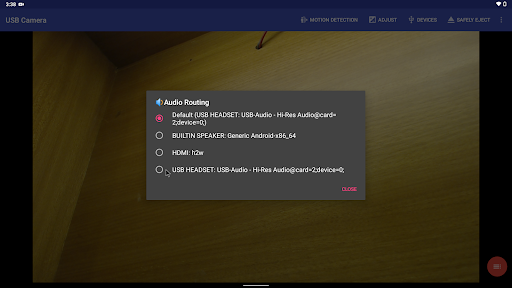
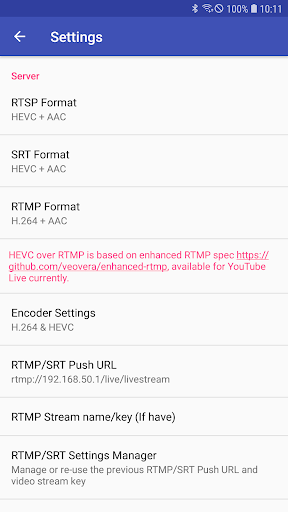
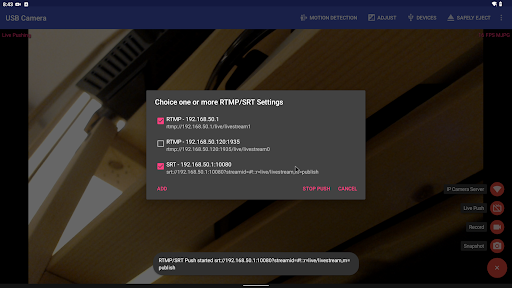
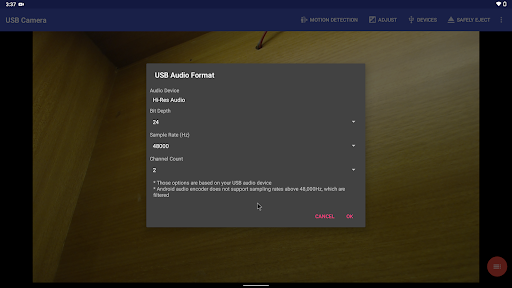
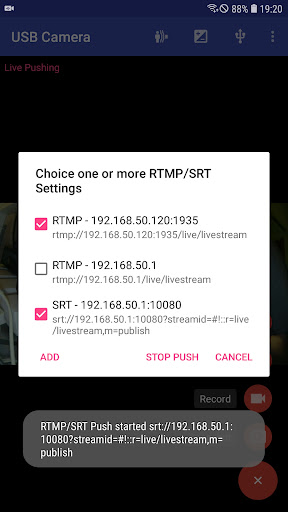
The app supports a wide array of devices including •UVC WebCam with microphone, external USB audio inputs, high-resolution 4K HDMI grabbers, and even non-UVC devices like USB endoscopes. With support for protocols such as RTSP and RTMP for real-time streaming, it enables live broadcasts to popular platforms like YouTube Live, Facebook, and Twitch. You can also push video streams to multiple servers simultaneously for broader reach.
Video Recording and Streaming
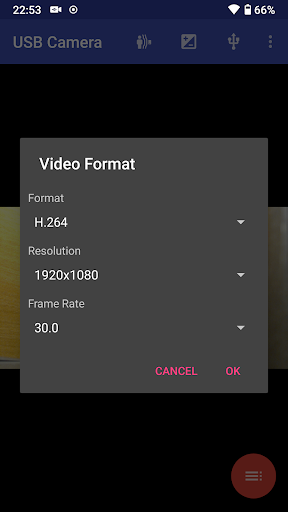
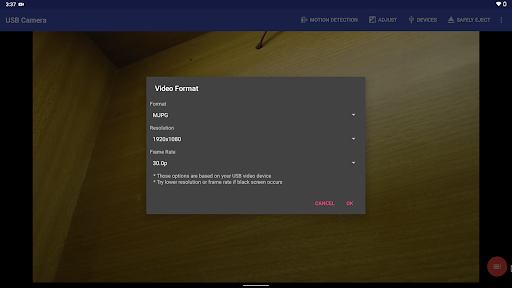
Capture sharp videos with the app’s support for HEVC and AV1 codecs, making recordings efficient without compromising quality. The app also allows you to perform live streaming, utilize advanced features like Picture-in-Picture, and view content in a SBS (Side-by-Side) format, perfect for FPV and VR applications.
Enhanced Shooting Capabilities
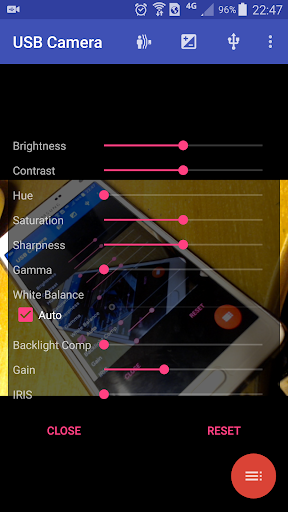
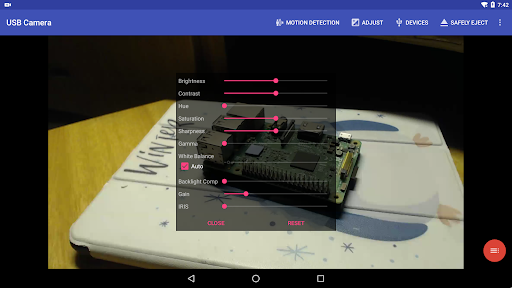
Adjust focus, exposure, and switch seamlessly between foreground and background modes. The app supports loop recording with auto-segmentation, auto-deletion of old recordings, and timestamp overlay—great for dash cams or security setups. Adding GPS, speed data, or other info overlays directly onto videos elevates your documentation process.
Connectivity and Device Compatibility
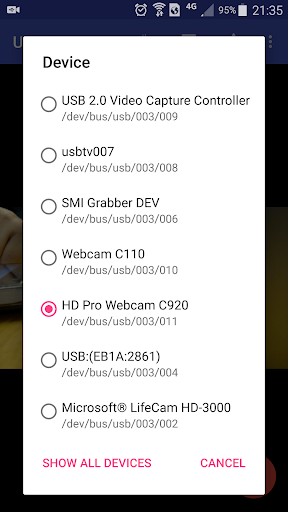
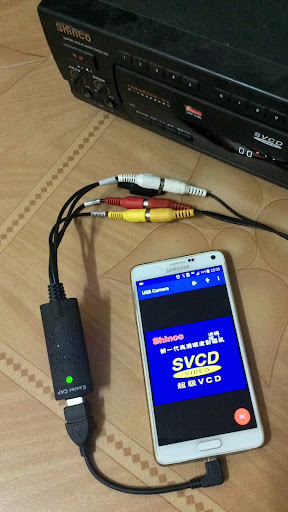
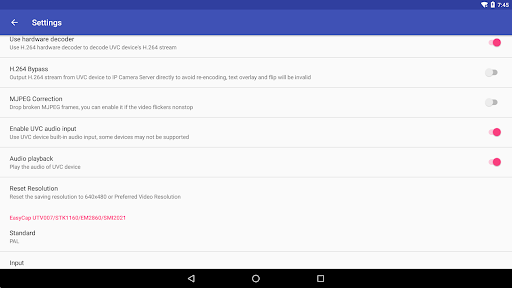
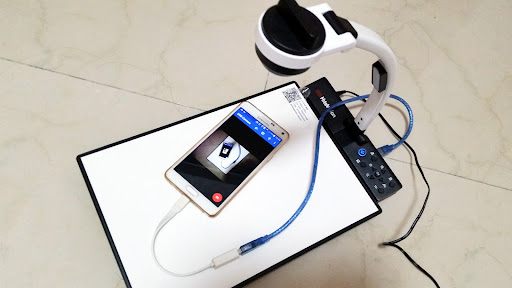
With USB Camera Pro, connecting external cameras is straightforward. Use a high-quality OTG cable and ensure your device has adequate power supply. The app recognizes a broad spectrum of devices, from UVC webcams with built-in microphones to specialized EasyCap devices with various chipsets. If your system encounters detection issues, simply click the USB icon from the toolbar to manually select your device.
Advanced Streaming and Security Features
Leverage RTSP and SRT protocols for secure, low-latency streams. You can also stream directly to popular social media platforms or private servers, supporting RTMPS for encrypted streams. The app’s ability to push media to multiple servers simultaneously makes it ideal for live event broadcasting or security surveillance.
Use Cases and Practical Applications
Mobile Photography and Video Recording
Imagine capturing stunning photos at a scenic location using an external USB camera connected to your device. USB Camera Pro supports manual controls for focus, exposure, and more, giving you DSLR-like capabilities on the go. Capture high-resolution snapshots or record videos in various formats, perfect for bloggers, content creators, or hobbyists.
Security and Monitoring
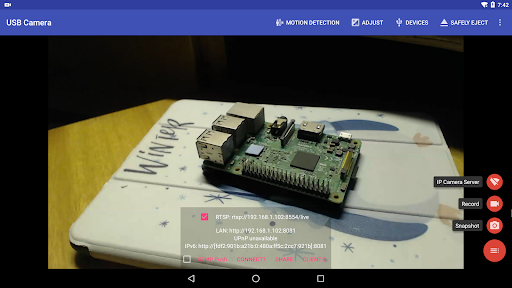
Turn your device into a wireless IP camera equipped with RTSP and HTTP servers. This setup enables real-time security monitoring and remote access. The app also supports motion detection with automatic recording and FTP uploads, making it a reliable tool for surveillance purposes.
Live Streaming and Broadcasting
Stream your gameplay, tutorials, or live events directly from your USB camera to YouTube, Facebook, or custom servers. The app's compatibility with protocols like HEVC and AV1 ensures efficient bandwidth usage and high-quality streams, meeting the demands of professional broadcasters and live streamers.
User Experience and Reliability
Designed with user-friendliness in mind, USB Camera Pro offers an intuitive interface with straightforward controls. Whether you want quick access to device settings, start recording, or begin live streaming, everything is accessible via a simple toolbar. The app is regularly updated to support new devices, codecs, and features, ensuring consistent performance and reliability.
Conclusion
If you're looking to unlock the full potential of your mobile device for photography, videography, or surveillance, USB Camera Pro is your go-to app. Its extensive device support, powerful streaming capabilities, and user-centric design make it a top choice for tech enthusiasts and professional users alike. Download USB Camera Pro today and start capturing, streaming, and monitoring with unprecedented flexibility and quality—turn your device into a versatile multimedia tool and elevate your content creation to new heights.
Pros
- High-quality video streaming available
- Supports various USB cameras seamlessly
- User-friendly interface for easy navigation
- Low latency for real-time viewing
- Offers advanced camera controls
Cons
- Requires USB OTG support on devices
- Not all cameras are fully compatible
- May drain battery quickly
- Limited free features
- Requires purchase
- Occasional app crashes reported











