
Overview of the TVV Christmas 2 Watch Face App
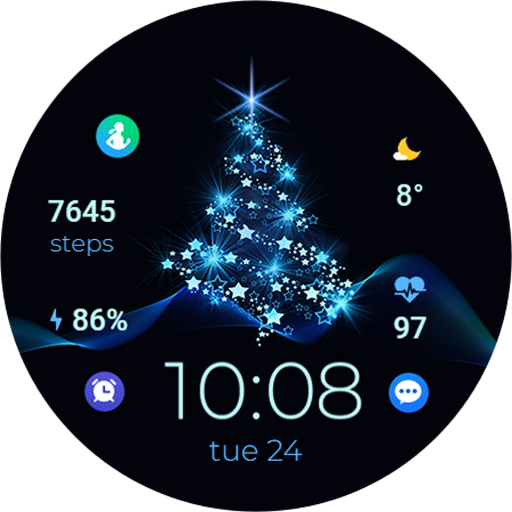
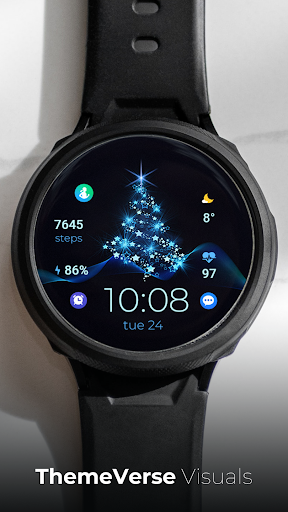
The TVV Christmas 2 Watch Face app is a festive, holiday-themed digital watch face designed to bring Christmas cheer directly to your smartwatch. Compatible with WEAR OS devices with API LEVEL 33+, this app transforms your watch into a cheerful seasonal accessory, perfect for celebrating the holiday spirit. Whether you're looking for colorful displays, customizable features, or dynamic animations, this watch face offers a comprehensive and engaging experience that makes your time-telling more joyful and personalized.
Key Features and Customization Options
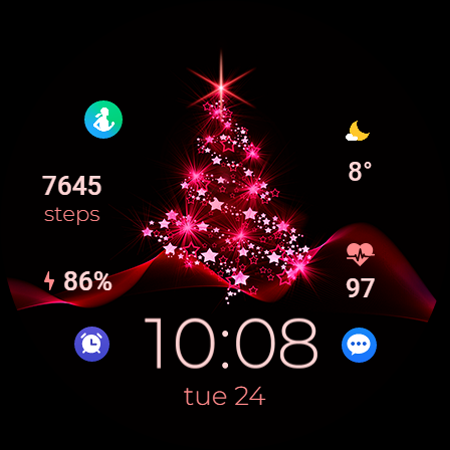
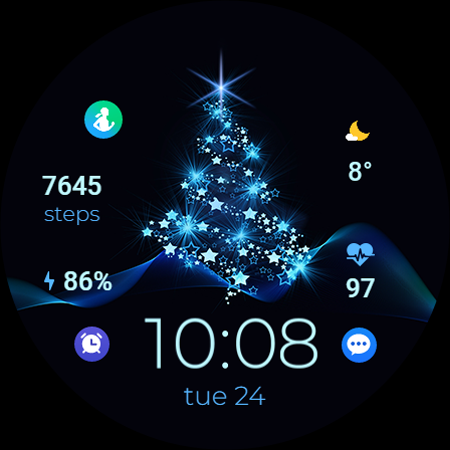
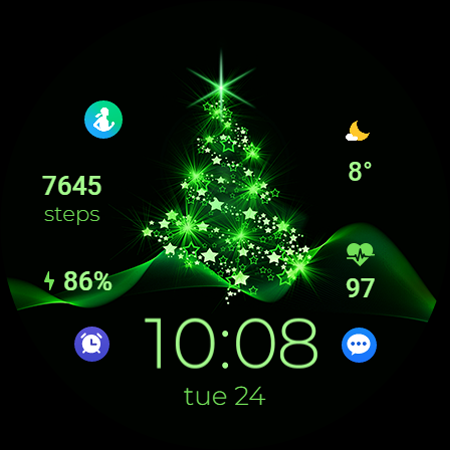
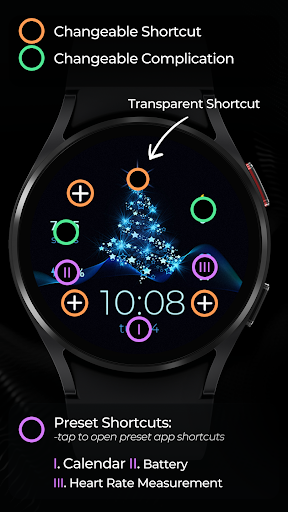
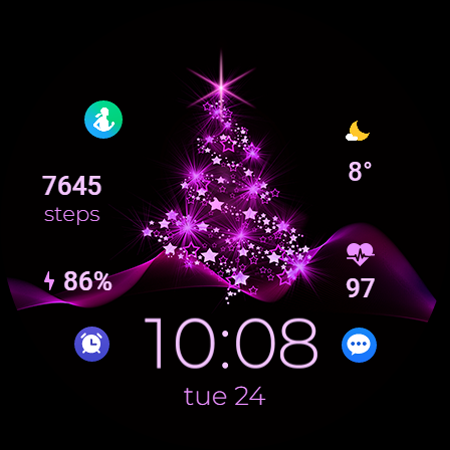
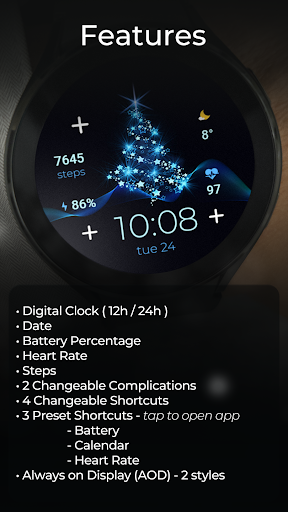
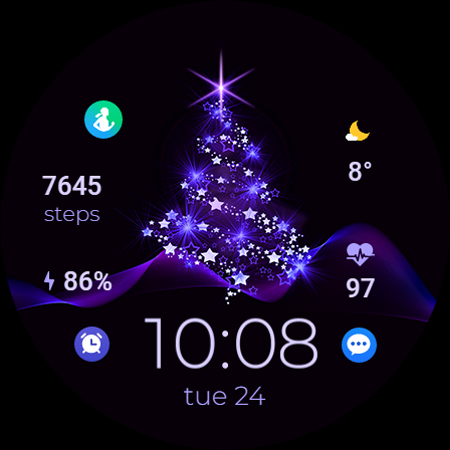
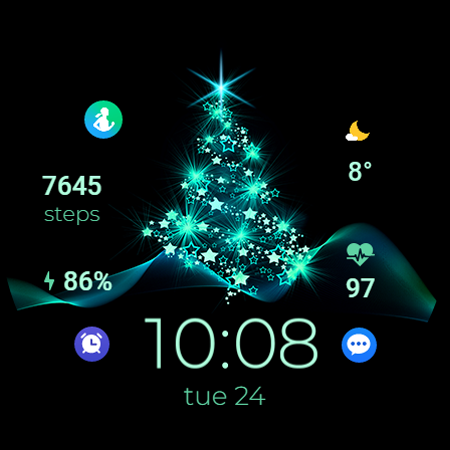
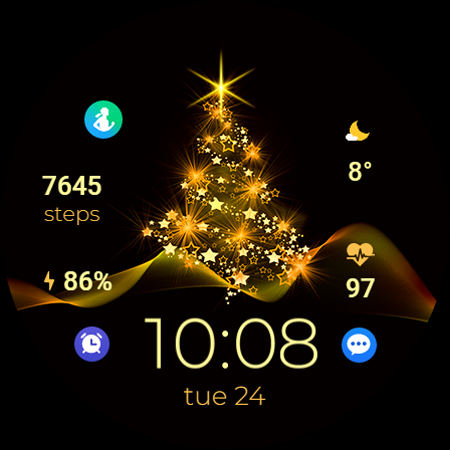
The app provides a wide variety of features to enhance your smartwatch experience during the holiday season. It includes a digital clock with support for 12h/24h formats, synchronized with your phone settings. The display also shows essential information such as the date, battery percentage, heart rate, and steps. Additionally, you can personalize your watch face by adding 2 changeable complications and 4 shortcuts for quick access to your favorite apps.
Complications and Shortcuts
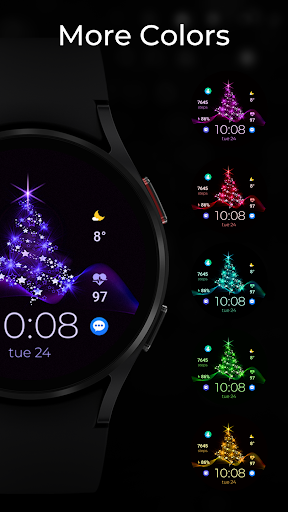
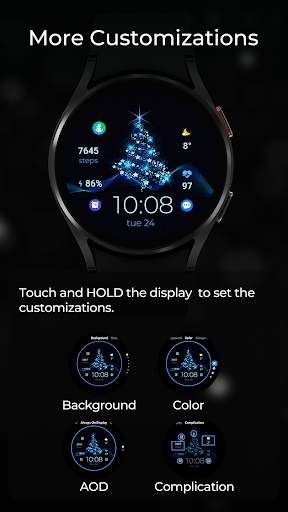
The app allows you to customize shortcuts for speedy access to key functions like Battery, Calendar, and Heart Rate. You can choose from 3 preset shortcuts or create custom ones through an easy setup process. Like most modern watch faces, you can touch and hold the display and then tap on the customize option to personalize colors, complications, and background elements.
Advanced Features
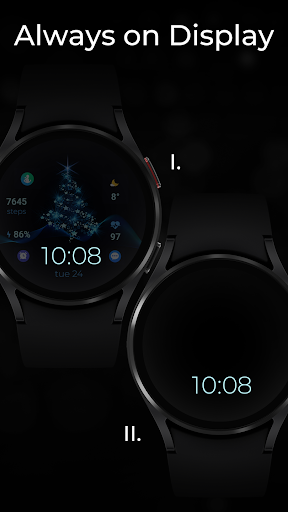
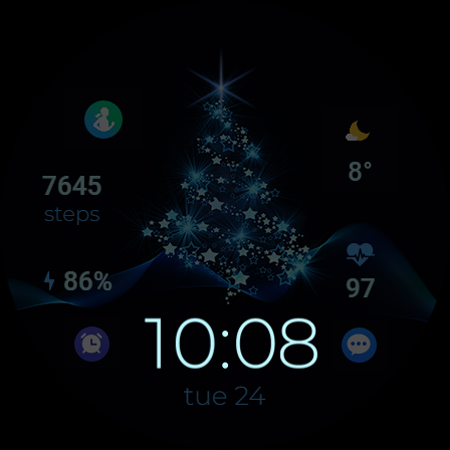
The Always on Display (AOD) feature ensures that your watch face remains visible at all times, providing convenience and constant festive cheer. You can select from 2 styles for the AOD, though these styles are not previewed the same way as backgrounds and colors. The app also measures heart rate automatically every 10 minutes on compatible devices and provides a shortcut for quick access to a heart rate monitoring app (availability varies by device).
Compatibility and Usage Tips
Setting up and using the TVV Christmas 2 Watch Face is straightforward. The user interface is intuitive, allowing even non-tech-savvy users to customize their watch face effortlessly. After installing the app, simply touch and hold the display, then select the customize option to access color schemes, backgrounds, and complications. Keep in mind that some features, such as the Open App action, may not be supported on all devices. The app is optimized to be lightweight, ensuring it does not drain your smartwatch's battery quickly, allowing for extended holiday enjoyment.
The Festive Charm of TVV Christmas 2
As the holiday season nears, there's no better way to spread joy than with a smartwatch that radiates Christmas spirit. The TVV Christmas 2 Watch Face is more than just a functional accessory; it's a fun, decorative piece that infuses your daily routine with festive charm. Featuring beautifully animated snowflakes, Santa illustrations, and seasonal color schemes, this watch face makes every glance at your wrist a delightful experience. The ability to customize colors and add personal photos ensures your watch face feels uniquely yours and captures the essence of holiday cheer.
Why It’s a Top Choice for the Holidays
The beauty of this app lies in its seamless experience and vibrant designs. It’s compatible with both Android and iOS devices, making it accessible to a broad user base. Regular updates introduce new designs, keeping the interface fresh and engaging throughout the season. Whether you prefer traditional Christmas motifs or modern, minimalist styles, there's always a new design waiting to be explored. This app allows users to express their holiday enthusiasm in style, making your smartwatch a perfect accessory for holiday gatherings, parties, or just everyday festive fun.
Conclusion
The TVV Christmas 2 Watch Face app is a delightful holiday addition for your smartwatch. It combines practical features—like date, time, heart rate, and step count—with festive animations and customizable options that let you broadcast your Christmas cheer. Easy to install and user-friendly to navigate, this app is an ideal way to celebrate the season and keep the holiday spirit alive all December long. So, download the app today and let your smartwatch join in the holiday fun!
Pros
- Festive and visually appealing design
- Customizable settings for user preferences
- Battery efficient operation
- Seamless integration with Android Wear
- Regular updates for bug fixes
Cons
- Limited compatibility with non-Android devices
- Some features require in-app purchases
- Occasional minor bugs
- Limited free customization options
- Not suitable for non-festive seasons











