
Enhance Your Streaming Experience with the TV Remote Control for RokuTV App
Are you tired of the constant search for your physical RokuTV remote or struggling with complicated control menus? The TV Remote Control for RokuTV app is here to revolutionize your home entertainment setup. Designed to turn your smartphone into a powerful and versatile RokuTV remote, this app offers a seamless, intuitive, and feature-rich experience—making controlling your Roku device easier than ever before.
Seamless Connectivity and Effortless Setup
Getting started with the TV Remote Control for RokuTV app is a breeze. Simply ensure that your RokuTV and your mobile device are connected to the same Wi-Fi network. The app will automatically detect your device and establish a connection without the need for complicated pairing codes or setup procedures. This instant connection means you can begin controlling your Roku device immediately after download, saving you time and frustration. Whether you use a RokuTV from brands like TCL, Sharp, Insignia, or Hitachi, this app works with all models, offering universal compatibility that fits any home entertainment system.
Full Remote Control Features at Your Fingertips
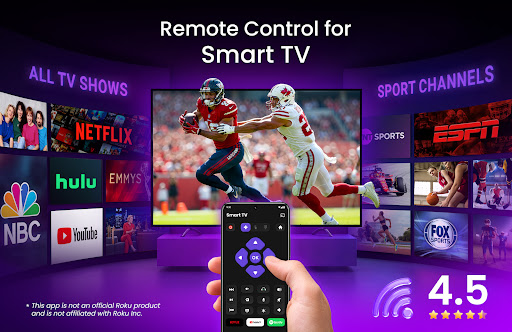
Say goodbye to the limited functionality of traditional remote controls. The TV Remote Control for RokuTV app provides comprehensive remote functionalities—play, pause, fast forward, rewind, adjust volume, change channels, and more—right from your smartphone. Its user-friendly design ensures all features are accessible with just a few taps, giving you complete control over your Roku streaming experience. Whether you want to switch channels quickly or fine-tune your sound settings, this app streamlines the process for a more enjoyable viewing experience.
Intuitive Navigation with Swipe Gestures
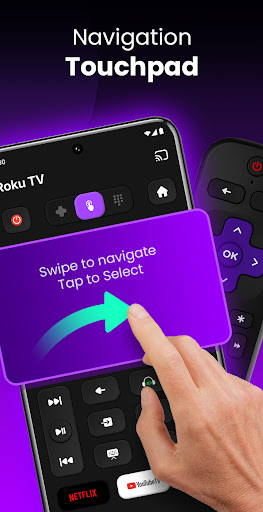
Navigate your Roku interface effortlessly with swipe-based gestures. The app supports smooth and intuitive controls, allowing you to browse menus, select apps, and switch content seamlessly. This natural interaction style makes browsing your favorite channels and content faster and more intuitive, enhancing your overall streaming convenience.
Screen Mirroring and Casting Made Easy
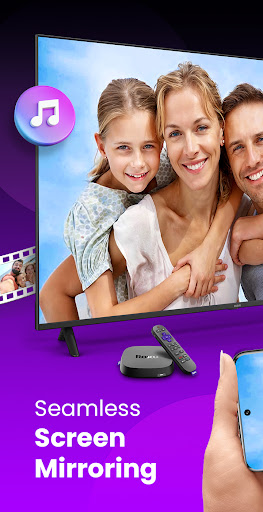
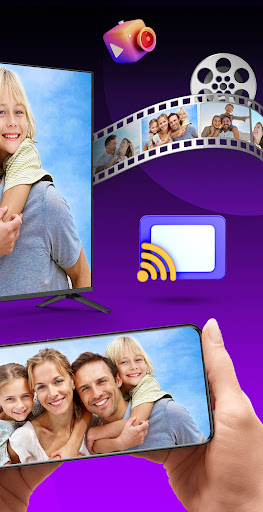
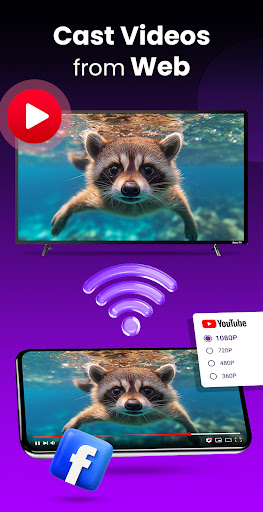
Transform your home viewing by using the app’s built-in screen mirroring and casting features. Easily mirror your phone’s screen on your RokuTV to enjoy larger visuals, share photos, or display videos directly from your device’s gallery. Casting videos, photos, or music to your TV enriches your shared moments and makes your entertainment more interactive and immersive.
Quick Access for Favorite Channels
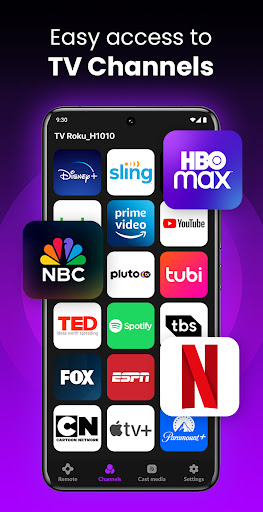
Organize your popular channels and apps in a handy list within the app for faster access. The interface features large icons and a simple layout so you can open your favorite streaming platforms in seconds, avoiding endless scrolling and making your entertainment smoother.
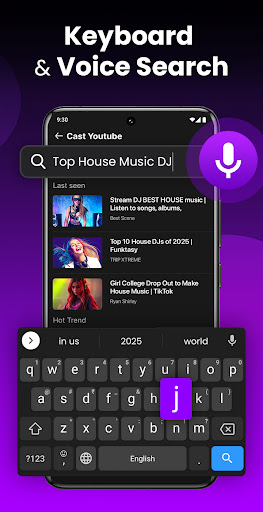
Built-in Keyboard for Effortless Text Input
Typing on a TV remote can be tedious, especially for searches or login credentials. The integrated keyboard in this RokuTV remote app simplifies text entry, allowing you to search for shows, enter passwords, or browse content efficiently. This feature saves you time and reduces frustration, making app navigation a breeze.
Why Choose the TV Remote Control for RokuTV App?
- Compatibility with all RokuTV models and brands
- Automatic connection without complicated setup
- Screen mirroring and casting for a richer visual experience
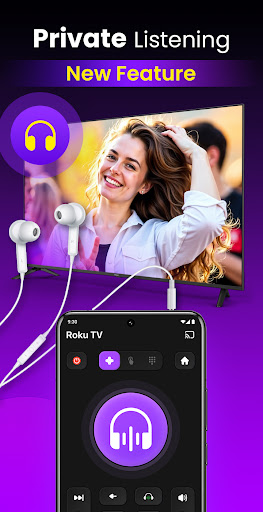
- Intuitive interface with swipe navigation and voice commands
- Customizable channel shortcuts and notification updates
- Built-in keyboard for quick text input
- Automatic connection without complicated setup
- Screen mirroring and casting for a richer visual experience
- Intuitive interface with swipe navigation and voice commands
- Customizable channel shortcuts and notification updates
- Built-in keyboard for quick text input
How to Connect and Use
Ensure your RokuTV and mobile device are on the same Wi-Fi network. Launch the app, select your device from the list, and start controlling your RokuTV immediately—no additional setup required. Experience total control with features like channel switching, volume adjustment, content browsing, and screen casting.
Final Thoughts
The TV Remote Control for RokuTV app offers a comprehensive and user-friendly remote control solution for all Roku streaming device users. It combines ease of use, extensive features, and customization options to elevate your home entertainment. Whether you're enjoying movies, casting videos, or navigating your favorite apps, this app makes controlling your RokuTV simple, fast, and enjoyable. Download it today and transform your Roku streaming experience into something more convenient and fun.
Pros
- Simple to install and connect
- Compatible with all Roku TV models
- Provides a smooth and responsive user interface
- Offers voice search functionality
- Remotely customizable layout
Cons
- Requires a stable Wi-Fi connection
- Contains advertisements in the free version
- Lacks haptic feedback on controls
- Features are limited without a subscription
- May drain battery with extended use











