
Discover the Ultimate TV Remote Control for Roku: Your Guide to Seamless Streaming
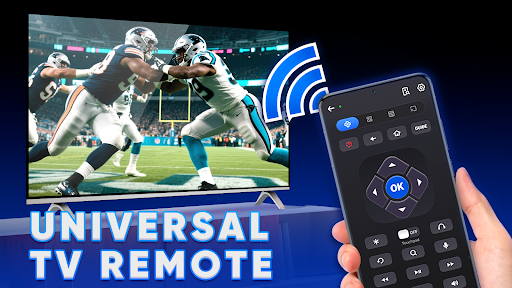
Are you tired of losing your remote or struggling with traditional TV controls? The TV remote control for Roku app offers a smart, convenient solution that transforms your smartphone into a versatile remote. Perfect for Roku TV fans, this app unlocks an array of features that elevate your entertainment experience. Whether you're at home or on the go, having a reliable remote replacement has never been easier or more fun.
Key Features of the Roku Remote Control App
The Roku mobile app for TV is designed to provide users with comprehensive control and access to their favorite content. Some notable features include:
Universal Device Compatibility
The Remote Control for All Devices works seamlessly with various Roku TVs, including brands like TCL, Philips, Hisense, Sharp, and Element. This ensures a broad range of compatibility across different smart TV models.
Access to Streaming Channels and Content
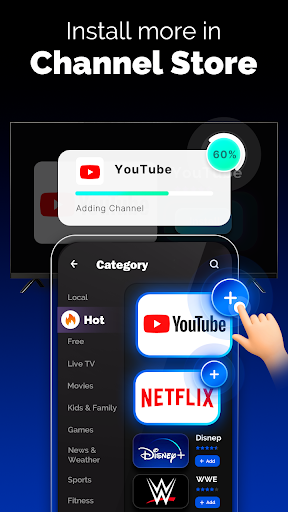
With the app, you can browse and install popular channels directly from the Roku Channel Store. Discover trending streaming platforms such as Netflix, YouTube, Disney+, Plex, Pluto TV, and many others to expand your viewing options.
WiFi & IR Remote Functionality
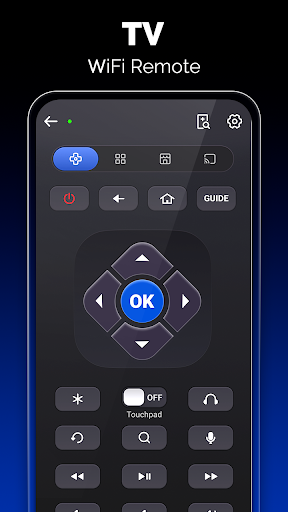
The app supports WiFi mode, allowing you to control your Roku device as long as both are connected to the same WiFi network. For added flexibility, it also supports IR mode, utilizing infrared remote technology if your device has an IR blaster — whether built-in or external.
Enhanced Remote Features
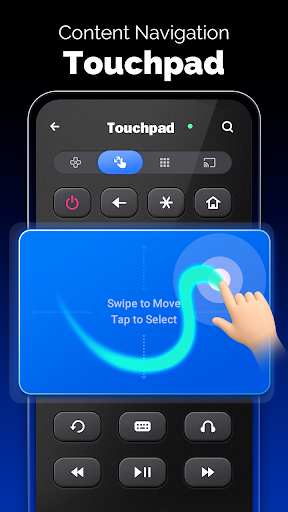
Navigate your Roku TV effortlessly with features like Touchpad and Keyboard input, making searching or entering passwords quick and hassle-free. Additionally, access the Power button and Volume controls directly through the app.
Extra Functionalities
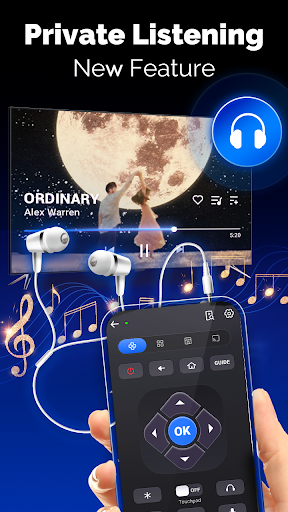
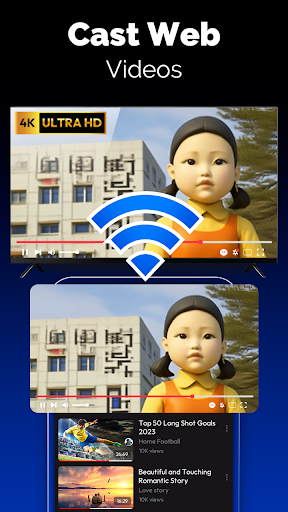
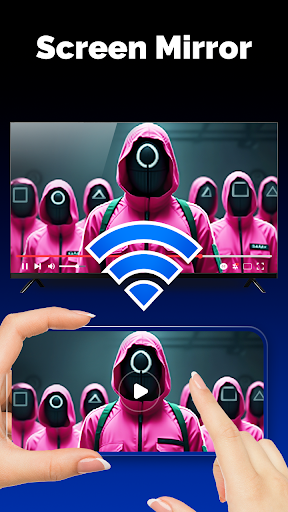
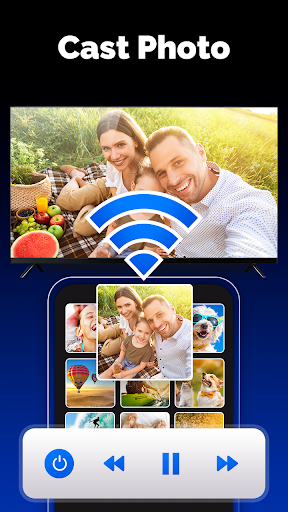
Experience innovative features like Screen Mirroring and TV Cast for sharing content from your device to your TV. Try the new Private Listening mode for a personalized audio experience—perfect for late-night binge-watching without disturbing others.
Why Choose the TV Remote Control for Roku App?
This app significantly enhances your Roku streaming experience, making controlling your TV easier and more intuitive:
Ease of Use
Designed with user-friendliness in mind, the app mimics a traditional remote with intuitive controls and a clean interface. No tech expertise needed; just download, connect, and enjoy.
Convenience and Versatility
Forget about searching under cushions — your smartphone becomes your remote, offering quick access to all your streaming options and settings. Plus, the app supports multiple modes, increasing its utility across different devices.
Seamless Integration
The Roku remote control app integrates smoothly with various Roku devices, including smart TVs from top brands, providing a unified control experience.
Additional Benefits
Enjoy features like volume control, easy channel browsing, and the ability to control multiple Roku devices from one app. It’s a comprehensive remote solution suited for any Roku enthusiast.
Final Thoughts: Your Essential Roku Companion
The TV remote control for Roku app is not just a mere replacement for your physical remote — it’s a powerful tool that enhances your entire viewing experience. With its user-friendly interface, versatile connectivity options (WiFi and IR modes), and rich features like screen mirroring, private listening, and app-based channel browsing, it’s the perfect addition for any Roku user. Whether you’re looking to avoid the hassle of lost remotes or wanting more control at your fingertips, this app is an excellent choice. Download it today and enjoy the convenience of smart TV control right from your pocket.
Pros
- Easy setup process for quick use.
- Compatible with all Roku TV models.
- User-friendly interface design.
- Supports voice commands for convenience.
- Free to download and use.
Cons
- May occasionally lag or disconnect.
- Ads can be intrusive at times.
- Limited features in free version.
- Requires stable internet connection.
- No support for older TV models.











