
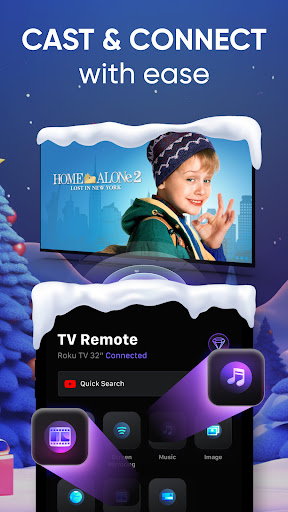
TV Remote Control for Roku TV: Your Ultimate TV Companion
Key Features of the TV Remote Control for Roku TV App
The app offers a comprehensive set of features designed to enhance your viewing pleasure and simplify your interaction with your Roku device:
• Content Casting and Streaming
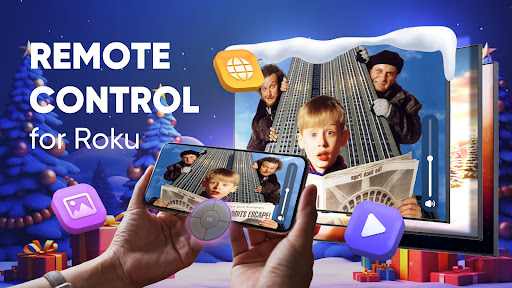
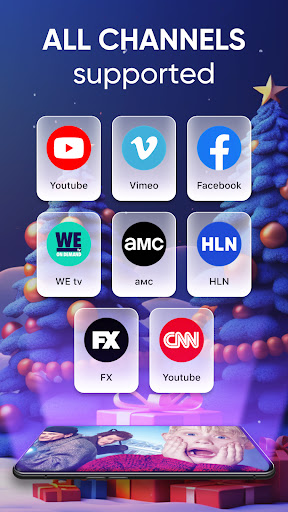
Enjoy full high-definition (HD) and 4K streaming of your favorite videos, movies, IPTV, live TV shows, and web content directly on your big screen. The app supports popular media formats such as mp4, m3u8, and HLS, ensuring smooth playback of all your preferred media. Capture memorable moments stored on your Android device—such as family photos and videos—and effortlessly cast them in stunning quality to your smart TV.
• Remote Control Functionality
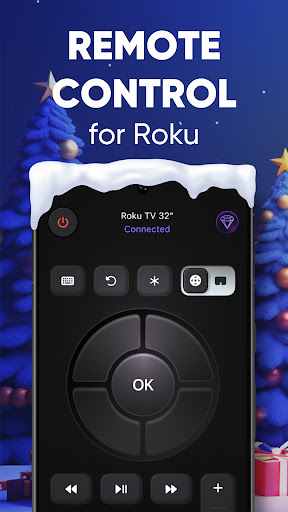
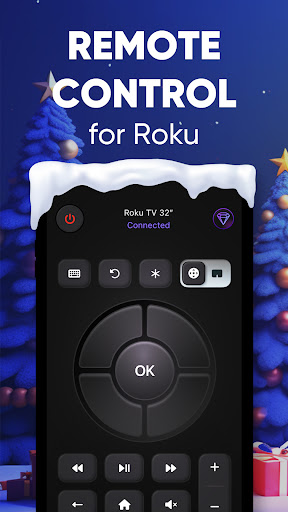
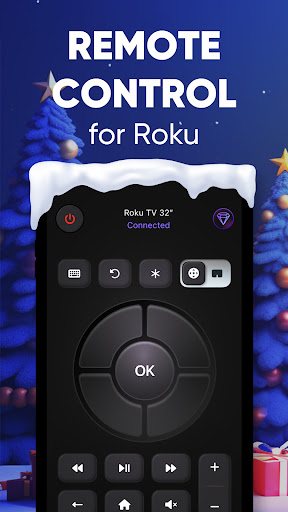
Replace your physical remote with this smart app that lets you control apps, playback, and settings with ease. Navigate menus, select shows, and adjust volume without reaching for your traditional remote. The intuitive interface makes it simple to manage your entertainment setup from your Android device.
• Enhanced User Experience
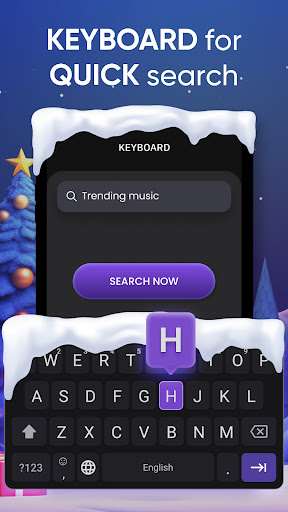
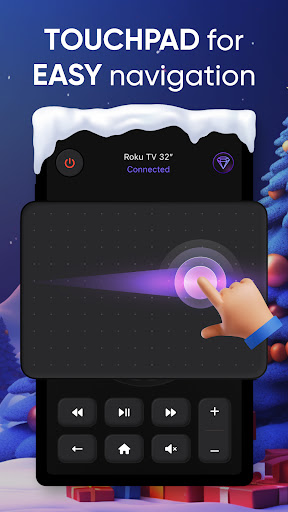
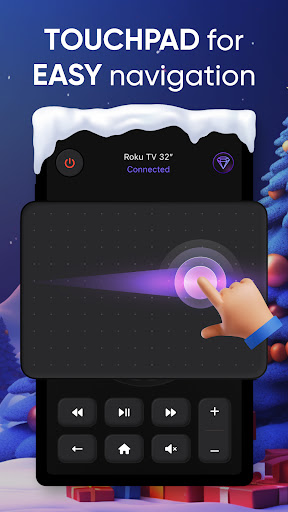
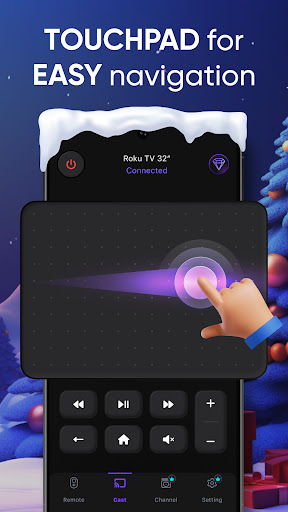
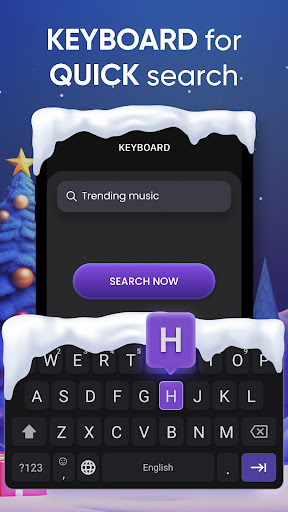
The app includes a responsive touchpad for smooth navigation and a built-in keyboard for quick text input, making searching for content or signing into apps effortless. Additionally, the premium widget allows instant access to remote controls directly from your home screen, providing quick control at your fingertips.
• Easy Casting and Sharing
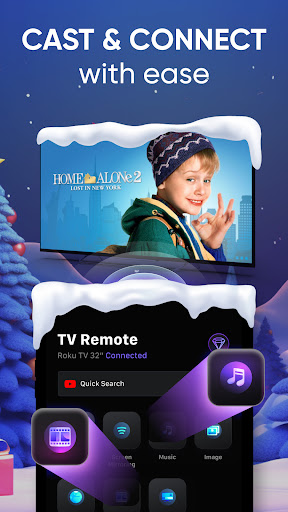
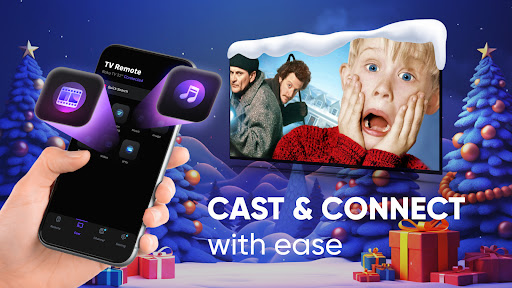
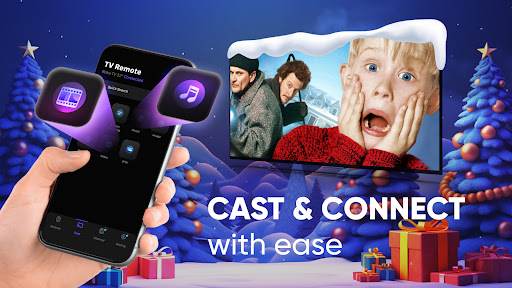
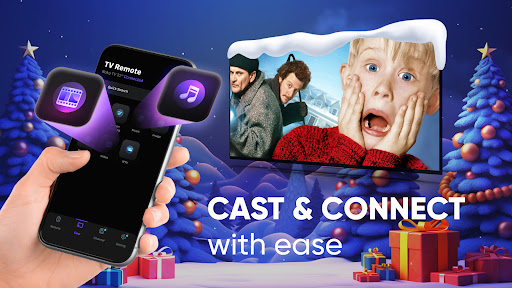
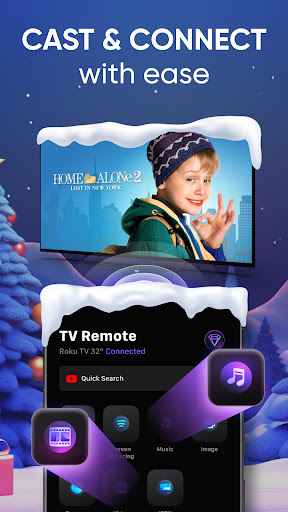
With just a tap, cast videos, music, and photos from your Android device to your Roku TV. The app offers seamless casting for individual media files, enhancing your sharing experience during family gatherings or presentations. It’s perfect for showing off vacation photos or a playlist in a lively group setting.
How to Use the App
- Connect: Tap the "Connect" button and wait for your Roku TV to appear. Ensure both devices are on the same Wi-Fi network. If your TV isn’t detected, restarting the app often helps.
- Find Content: Search for your favorite videos or enter their URL directly to locate your desired media.
- Cast & Control: Select your media or remote control features to start casting or managing playback.
- Enjoy: Sit back and enjoy your content playing on the big screen with excellent quality.
Additional Benefits and Notes
This app is designed to make your entertainment setup more accessible and efficient. It’s important to note that:
- Streaming supports only video content, not entire web pages.
- DRM-protected content from services like Netflix or Amazon Prime Video is not supported.
- For optimal performance, ensure your Roku TV and mobile device are connected to the same Wi-Fi network.
Getting Started Quickly
- Download and Launch: Install the app from the App Store or Google Play. Open it and tap the "Connect" button to detect your Roku TV.
- Select and Cast: Browse or enter URLs to find your content and cast it with a simple tap.
- Enjoy Entertainment: Relax and watch your favorite media in high quality on your Roku device.
Privacy and Support
Our app prioritizes your privacy, requiring minimal permissions and refraining from accessing personal data, contacts, or location information. For assistance, you can contact our support team via email or utilize the app’s report feature for specific issues like video detection problems.
Conclusion
Upgrade your home entertainment with the TV Remote Control for Roku TV app—a versatile, user-friendly solution that combines remote control capabilities, seamless casting, and streaming in one intuitive package. Whether you're binge-watching your favorite series, sharing memorable photos, or simply avoiding the hassle of misplaced remotes, this app is your perfect smart remote companion. Download it today and enjoy smarter, simpler control of your Roku TV from the convenience of your Android device.
Pros
- User-friendly interface for easy navigation
- Compatible with most Roku TV models
- Fast and responsive control commands
- Supports voice commands for hands-free use
- Customizable remote layout
Cons
- Requires stable Wi-Fi connection
- May drain phone battery quickly
- Ads can be intrusive at times
- Limited features in free version
- Occasional lag in response time











