
Overview of the Remote for Roku: TV Remote App
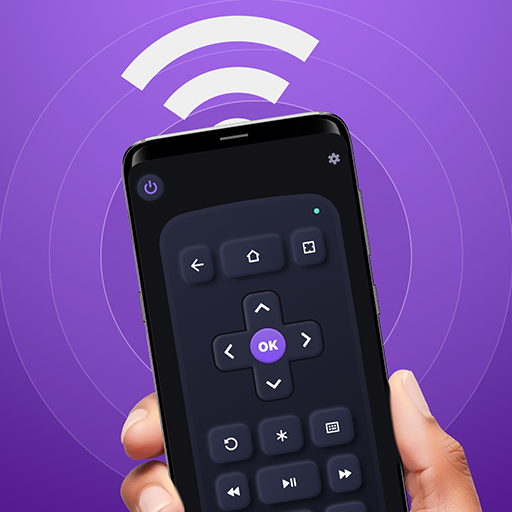
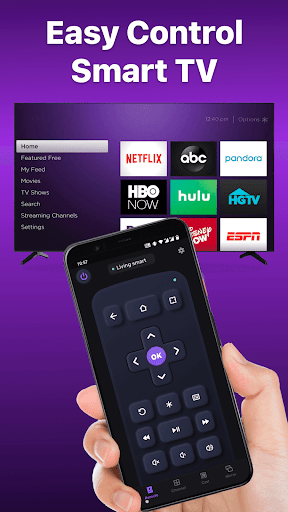
Are you tired of losing your traditional remote control or fumbling around in the dark trying to find it? The Remote for Roku: TV Remote app is a revolutionary mobile solution designed to transform your smartphone into a fully functional remote for your Roku devices and smart TVs. Whether you own a Roku Streaming Stick, Roku Ultra, or popular brands like TCL, Hisense, or Philips, this app provides a seamless and convenient way to control your entertainment setup without the hassle of physical remotes.
Key Features That Enhance Your Roku Experience
The TV remote control app offers a wide array of features that replicate and often surpass the capabilities of a traditional remote control. With simple setup and intuitive design, you can turn your phone into a powerful remote in minutes.
- Easy setup: Download the app, connect it to your Wi-Fi network, and select your Roku device — the connection process is quick and straightforward.
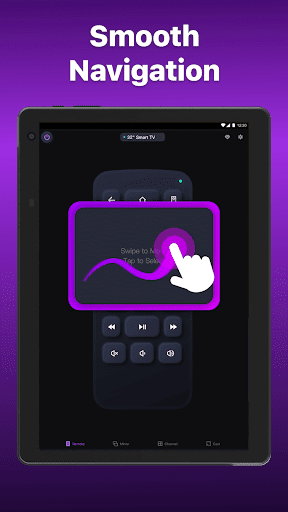
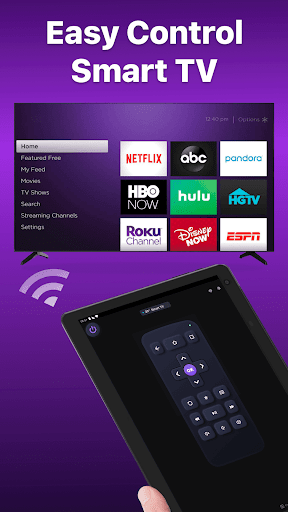
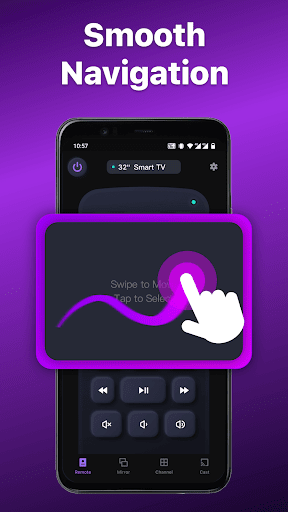
- Simple navigation: Use the touchpad to scroll, swipe, and navigate your TV interface effortlessly, making browsing channels and streaming content more comfortable than ever.
- Playback controls: Play, pause, rewind, fast forward, and adjust volume—all from the convenience of your mobile device.
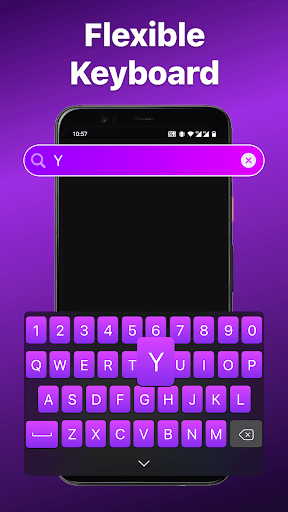
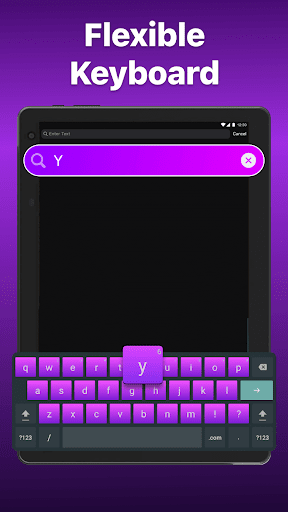
- Keyboard input: Type searches, passwords, or navigate menus using a virtual keyboard for quick and accurate input.
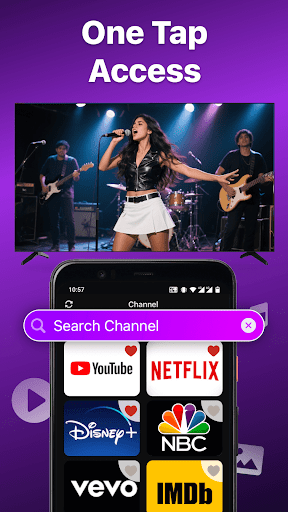
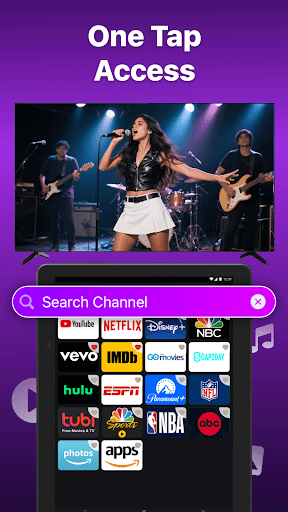
- Channel shortcuts: Save your favorite channels and launch them with a single tap, saving time and effort.
- Power control: Turn your TV on or off with just a tap, eliminating the need for the physical remote.
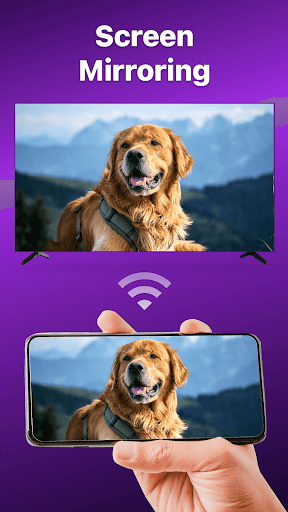
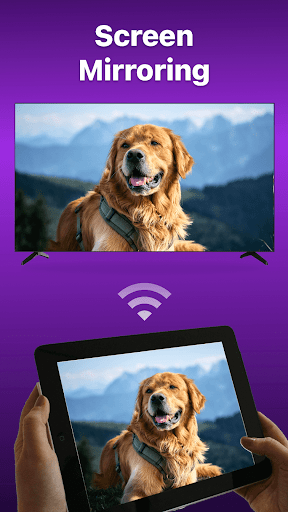
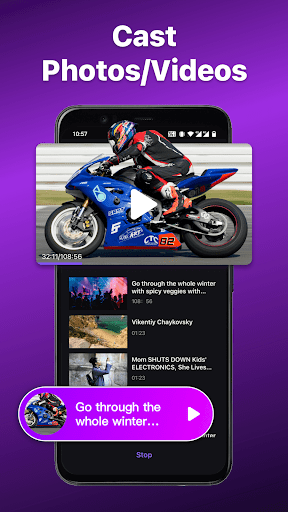
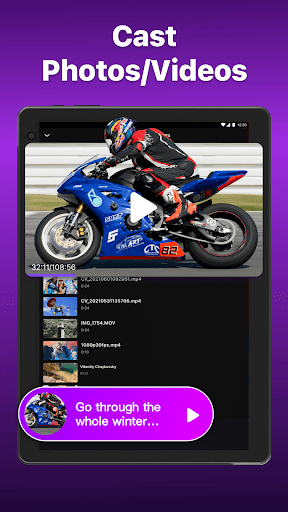
- Screen mirroring and casting: Share your smartphone screen onto your TV or cast local photos and videos, transforming your device into a media hub.
Effortless Connectivity and Compatibility
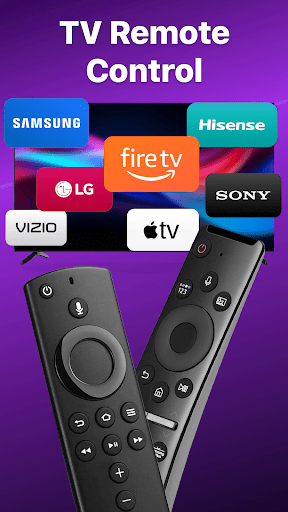
Connecting your smartphone to your Roku device is a breeze. Ensure both devices are connected to the same Wi-Fi network, then launch the app and select your device from the list. The app supports a broad range of Roku models, including Roku Express, Roku Streaming Stick, Roku Premiere, Roku Ultra, and more. It also works seamlessly with various smart TV brands like TCL, Hisense, Philips, and Insignia, providing a universal remote experience that consolidates control in one convenient app.
Additional Benefits and Practical Use
Beyond basic remote functions, this app introduces features like voice search—allowing you to find movies or shows by speaking directly into your phone, which is especially handy when you can't remember exact titles or spellings. With this feature, finding your favorite content becomes faster and more natural. Say goodbye to dead batteries, too—your smartphone is always charged and ready, so you never have to worry about remote batteries running out at crucial moments. Whether you’re binge-watching your favorite series or launching a streaming app, the Remote for Roku app ensures you have total control at your fingertips.
Troubleshooting and Support
Should you encounter connection issues, ensure both your phone and Roku device are on the same Wi-Fi network. Reinstalling the app or rebooting your Roku device often resolves common bugs. The app’s developers also provide comprehensive terms of use and privacy policies to keep your experience safe and enjoyable. For more support or to explore additional features, visit the official website linked in the app’s info section.
Final Verdict: Is It Worth Using?
If you’re seeking a smarter, more convenient way to control your Roku streaming devices and smart TVs, the Remote for Roku: TV Remote app is an excellent choice. It mimics the functionality of a physical remote, adds extra features like voice search and shortcuts, and offers the convenience of controlling your TV from anywhere in your home. Say goodbye to remote hunting and welcome a new era of effortless streaming with this powerful mobile remote control app. Whether you’re a tech beginner or a seasoned streamer, this app enhances your entertainment experience and makes managing your smart TV setup more enjoyable and less stressful.
Pros
- Seamless integration with Roku devices.
- Intuitive interface for straightforward navigation.
- Quick access to favorite channels.
- Supports multiple devices for family use.
- Voice commands improve usability.
Cons
- Occasional delays in remote response.
- Advertisements can sometimes be disruptive.
- Limited features available in the free version.
- Requires a stable Wi-Fi connection.
- Some functionalities require in-app purchases.











