
Discover the Features of TV Cast Pro for Roku
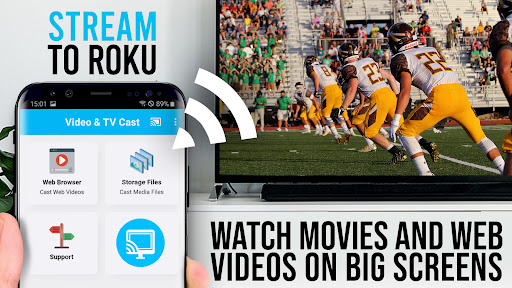
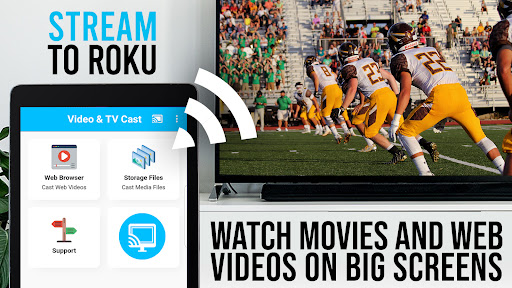
Are you tired of squinting at your phone screen while trying to watch videos on your big TV? Do you wish for a simple and reliable way to stream web videos, movies, or live broadcasts directly onto your larger screen? Look no further than TV Cast Pro for Roku, the leading app designed to elevate your streaming experience. Whether you have a Roku Stick, Roku Box, or Roku TV, this app transforms your device into a powerful web video streamer, allowing seamless casting of your favorite content with ease.
How to Set Up TV Cast Pro for Roku
Getting started with TV Cast Pro for Roku is straightforward—even for those who aren't tech-savvy. After downloading the app, ensure that both your smartphone and Roku device are connected to the same Wi-Fi network. Once connected, a few taps are all it takes to pair your devices. The intuitive interface guides you through the process, making setup quick and hassle-free, so you can jump straight into streaming your favorite videos.
Key Features and Benefits
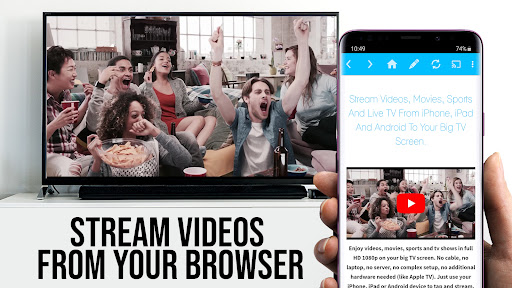
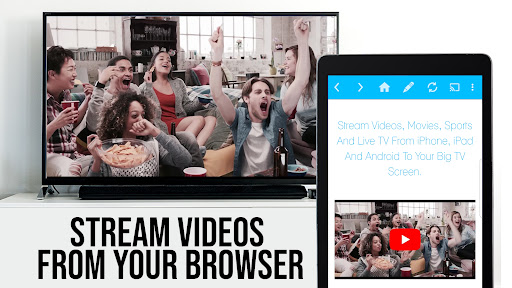
One of the standout advantages of TV Cast Pro for Roku is its broad support for various media formats. You can stream MP4, m3u8, and HLS livestreams, along with videos over HTTPS. Enjoy your web videos in full HD quality, ensuring crisp and clear visuals on your big screen. The app enables you to browse popular websites, select embedded videos, and cast them directly to your Roku device with a single tap.
The user interface is designed for simplicity. As you navigate websites within the app, discovered videos appear below the browser. A quick tap on a video link immediately streams it to your connected Roku, turning your TV into a personal cinema. Want to control playback? The integrated Roku Remote feature lets you pause, rewind, fast-forward, and switch channels effortlessly—all from within the app.
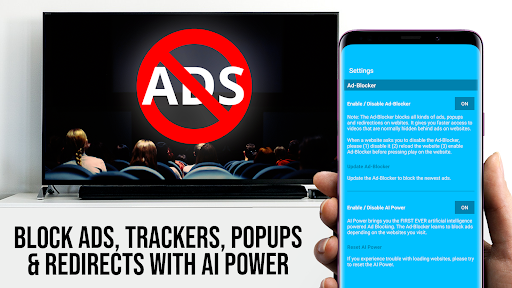
In addition to basic casting, the PRO edition unlocks premium features such as ad-blocking, bookmarks management, desktop mode, and custom homepage settings. Say goodbye to annoying ads and popups, making your streaming smoother and more enjoyable. Plus, you can save your favorite websites and videos for quick access later.
Supported Devices and Compatibility
TV Cast Pro for Roku supports a wide range of Roku players, including Roku TV, Roku Streaming Stick, Roku Express, Roku Premiere, Roku Ultra, and models like Roku 2, 3, and 4. Ensure your device has firmware version 5.1 or later for optimal performance. Please note the app is not compatible with some older or specific models such as Roku classic devices or Now TV Stick & Box.
Important Notes and Limitations
This app does not support DRM-protected content from services like Netflix, Amazon Prime, or Disney+, nor does it mirror your entire Android device screen. Instead, it pushes only the video component from websites to your Roku. To cast MP4 or M3U8 files directly, simply enter the video URL into the browser address bar within the app. Sometimes, videos may need to be played locally on your Android device first before being detected for casting.
Why Choose TV Cast Pro for Roku?
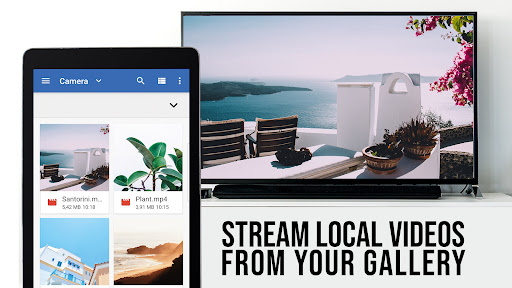
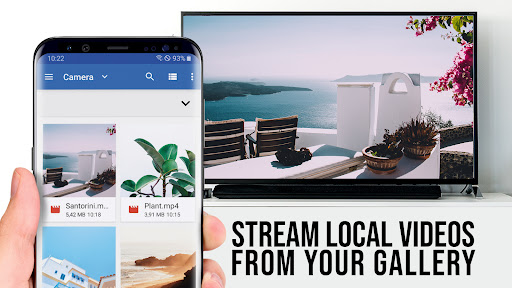
This app offers a seamless, high-quality streaming solution that turns your TV into a hub of entertainment. Whether you're streaming online movies, live TV shows, or sharing personal media files like photos and music from your phone, TV Cast Pro for Roku makes it simple and reliable. Its stable connection, user-friendly design, and powerful features ensure you get the most out of your Roku device.
Final Thoughts
If you're searching for a versatile app to cast web videos and media content from your phone to your Roku device, TV Cast Pro for Roku is an excellent choice. It enhances your streaming experience, supports a wide array of media formats, and delivers high-definition quality without complicated setups. Upgrade your home entertainment setup and enjoy a hassle-free streaming experience—your ultimate media companion for movie nights, live broadcasts, and more.
Pros
- Seamless streaming experience
- User-friendly interface
- Supports multiple video formats
- Reliable casting with no lag
- Ad-free viewing
Cons
- Limited free features
- Requires stable Wi-Fi connection
- Not compatible with all applications
- Lacks offline mode
- Subscription fee











